

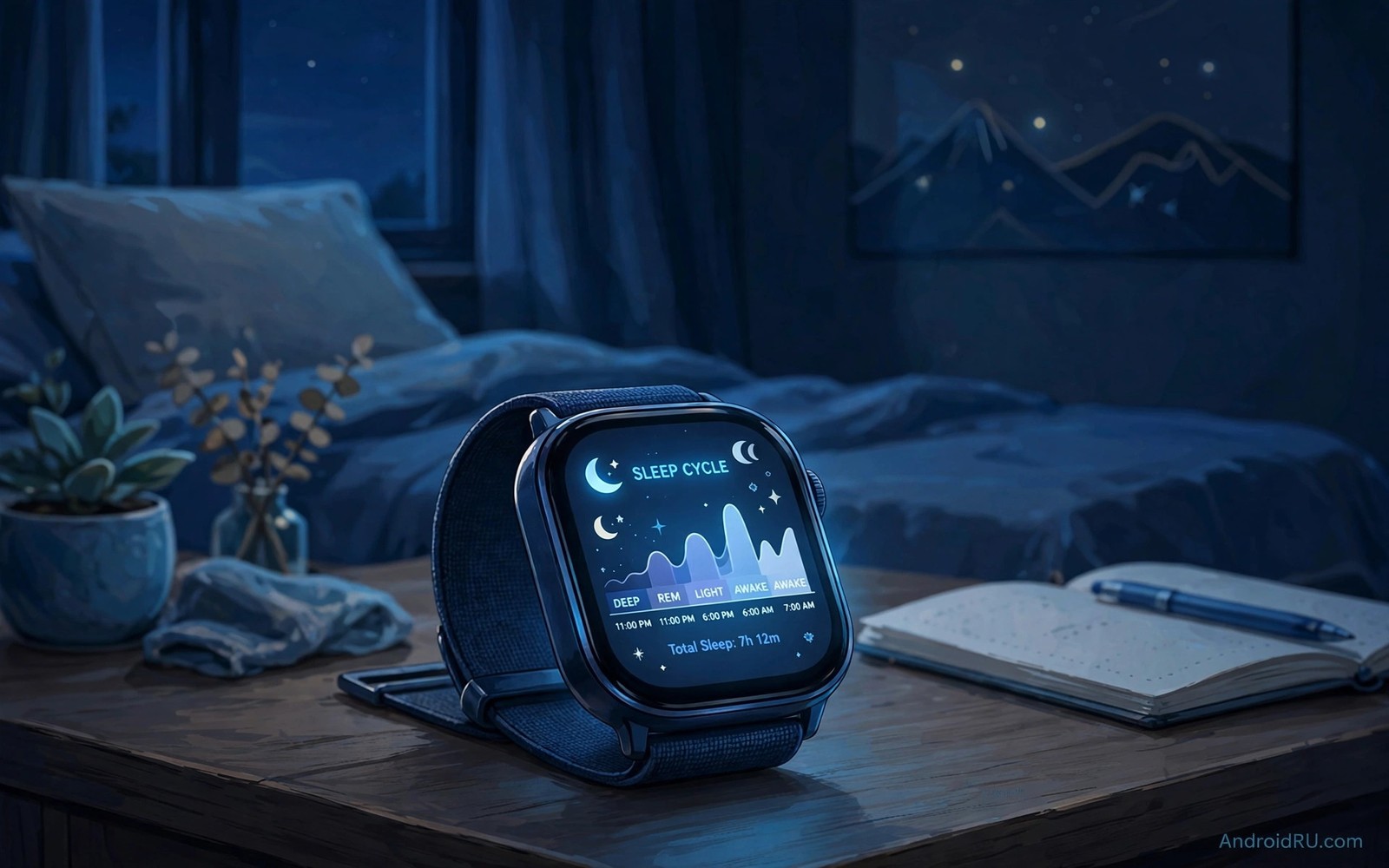
A smartwatch can reveal sleep patterns that a morning feeling alone cannot explain. It tracks movement and heart rate through the night and it groups those signals into sleep stages. Light sleep and deep sleep and REM sleep each play a role in rest and recovery. A watch cannot read the brain directly but its sensors give a useful estimate of those stages. That estimate helps you spot trends across weeks rather than judge a single night.
Accuracy depends on fit and on sensors and on honest bedtime habits. A loose watch misses heart rate signals during movement. A watch with a low battery may stop tracking before morning. A late heavy meal or late caffeine can change the pattern in ways the watch correctly records. Understanding those limits helps you read the data with calm judgement instead of chasing a perfect score every night.
This guide explains how Wear OS watches sense sleep and how that data reaches your health app. You will learn which sensors matter and how to improve tracking without buying a new watch. You will also learn how to read trends and when to seek medical advice. For battery context see Wear OS watch faces for long battery life because night tracking needs power to last until morning. Good data starts with a charged watch.
Sleep data also helps a shift worker who sleeps at different times across a week. A watch record shows how daytime sleep differs from night sleep in length and quality. That comparison helps a shift worker choose a consistent daytime routine. Blackout curtains and a regular wind down can improve daytime sleep measurably. Data turns a vague tired feeling into a testable pattern.
Sensors That Track Sleep Through The Night
An accelerometer senses movement and stillness across the night. Long still periods suggest deep sleep while frequent movement suggests light sleep or wakefulness. A heart rate sensor adds a second signal because heart rate falls and steadies in deep sleep. Some watches add blood oxygen sensing which can flag breathing pauses during sleep. Together those signals let software estimate stages with reasonable accuracy for trends.
Wear the watch snug but comfortable on the wrist bone side away from the hand. A snug fit keeps the heart sensor in contact during turns. A loose fit creates gaps that break the signal and the software must guess more often. Charge the watch before bed so it survives the night even with oxygen sensing on. A watch that dies at 3am cannot tell you anything about the second half of sleep.
How Sleep Stages Are Estimated
Software combines movement and heart rate variability into stage estimates. Deep sleep shows low movement and a slow steady heart rate. REM sleep shows low movement but a more variable heart rate similar to waking. Light sleep sits between those patterns with more movement and change. The software learns from large datasets but it cannot match a clinical sleep lab. Treat stage times as estimates with a margin of error.
# Sleep tracking nightly setup
watch_fit = snug_comfortable
charge_before_bed = yes
bedtime_mode = on
health_sync_app = main_record_only
review_window = two_weeks
The snippet above is an original example written for this guide. It shows generic settings that you can adapt to your own device. It does not copy code from any outside source.
Total sleep time and sleep consistency matter more than a single stage number. A watch that reports seven hours with regular bedtimes gives a stronger signal than one night of perfect deep sleep. Look at a two week average for total sleep and for bedtime variation. If bedtime varies by hours each night then fixing the schedule helps more than any sensor upgrade. Consistency is the foundation that stage data builds upon.
Sync Sleep Data To Health Apps
Wear OS syncs sleep data to a health platform on the phone which then shares it with chosen health apps. Grant health permissions only to apps you trust and review those permissions once a month. Check that the watch and the phone show the same sleep total after a night. If totals differ then open the health app and force a sync before you judge the data. A manual sync often resolves a delay caused by battery optimisation.
Keep one health app as the main record to avoid duplicate entries from several apps. Duplicates can inflate totals or split a night into fragments. Choose the app with the clearest trend charts and the best export options. Export a monthly summary if you want to share data with a clinician. A clean single record is far more useful than scattered fragments across five apps.
Improve Accuracy With Bedtime Habits
Set a regular bedtime and a regular wake time even on weekends when you can. The watch then learns your pattern and its estimates improve over time. Enable bedtime mode on the watch so notifications and screen light do not disturb sleep. Keep the bedroom dark and cool because those conditions support deeper sleep that the watch can record cleanly. Avoid bright screens in the hour before bed because they delay sleep onset.
Record factors that affect sleep in a simple note such as caffeine timing or late exercise. Compare those notes with watch trends after two weeks. You may find that late caffeine shortens deep sleep even when total time looks normal. That insight is more valuable than any single sleep score. Share persistent problems with a clinician rather than trying to fix suspected breathing pauses with a watch alone.
Read Trends Without Chasing Scores
A sleep score can create anxiety when it drops after a single restless night. Scores combine several factors into one number that hides the real cause. Look instead at total sleep time and bedtime consistency over two weeks. Those two measures explain most of the score change. A calm focus on trends leads to better decisions than a daily score chase.
Compare sleep trends with daytime energy in a simple journal. Note energy at midday on a scale you define yourself. After two weeks check whether longer sleep matches higher energy. That personal link matters more than a generic score target. If longer sleep does not help energy then other factors such as stress or illness may matter more. Share that pattern with a clinician if it persists.
Avoid changing several sleep habits at once because you cannot tell which change helped. Change bedtime first and hold it for two weeks. Then change caffeine timing and hold that for two weeks. That slow method builds a clear cause and effect record. Patience in sleep improvement pays off in clearer data.
Use Sleep Data For Health Conversations
A two week sleep summary can help a clinician understand a sleep complaint faster. Export total sleep and bedtime variation and any oxygen alerts the watch recorded. Bring that summary to an appointment rather than relying on memory. A clinician can spot patterns in a summary that a single night report hides. Data supports a conversation but it does not replace professional judgement.
Battery saving for night tracking matters because a watch must survive until morning. The tips in Wear OS power saving tweaks for longer battery help a watch last through the night with sensors on. Charge during dinner and enable bedtime mode before sleep. A charged watch with a calm face gives the most complete night record.
Share sleep data only with people and apps you trust. Sleep patterns reveal daily routines and health clues. Review health permissions quarterly and remove apps that no longer need access. A clean permission list protects privacy while keeping useful trends. Privacy care belongs in every health data habit.
Common Mistakes
The most common mistake is treating a sleep score as a medical diagnosis. A watch estimates stages from wrist signals and it cannot diagnose sleep disorders. Another mistake is wearing the watch too loose which breaks heart sensing and forces the software to guess. A third mistake is syncing sleep to several health apps at once which creates duplicates and confusing totals. Choose one main app and keep the record clean. The same watch sensors serve other tasks and Wear OS watches as remote camera shutters show one creative example.
People also charge the watch overnight instead of before bed and then miss the whole night of data. Build a charging habit during an evening routine such as dinner or a shower. Do not judge sleep from one bad night after travel or illness because those nights skew trends. Look at two week averages and focus on bedtime consistency first. Small steady habits improve both sleep and the data about it.
Owners also wear the watch on the wrong wrist after a band change and then wonder why data looks odd. A watch moved to the other wrist may sit looser or tighter than before. Check fit after every band change and after any size adjustment. A consistent fit gives consistent sensor contact. That small check prevents weeks of confusing data.
Frequently Asked Questions
How accurate is Wear OS sleep stage tracking?
Stage tracking is a useful estimate rather than a clinical measurement. It uses movement and heart rate patterns that correlate with sleep stages but it cannot read brain waves. Total sleep time and bedtime consistency are usually more reliable than exact stage minutes. Use the data for trends over weeks rather than for a single night verdict.
Why is my sleep missing from the health app?
Missing sleep often comes from a dead battery or a sync delay or a revoked health permission. Charge before bed and check that the watch and phone share the same account. Open the health app and force a sync in the morning. If data still misses then check battery optimisation for the health app on the phone.
Should I wear my watch every night?
Wearing it most nights gives the best trend data because gaps break the pattern. Take a break if the watch irritates your skin or if tracking increases anxiety about sleep. A few missed nights matter less than a consistent schedule. Return to tracking when it feels helpful rather than stressful.
Conclusion
Charge your watch before bed tonight and wear it snug with bedtime mode on. Check the sleep total in your main health app tomorrow morning and note your bedtime beside it. Repeat that simple check for two weeks and look at the average rather than one night. That trend will show whether a steadier bedtime helps your rest more than any new device could.
After two weeks of sleep tracking look at bedtime consistency before you judge any stage number. A steady bedtime with a normal total matters more than a single deep sleep figure. If bedtime varies widely then fix the schedule first and watch the trend improve. Share a two week summary with a clinician if low energy persists despite steady sleep. Data plus a steady routine gives the clearest picture.

