

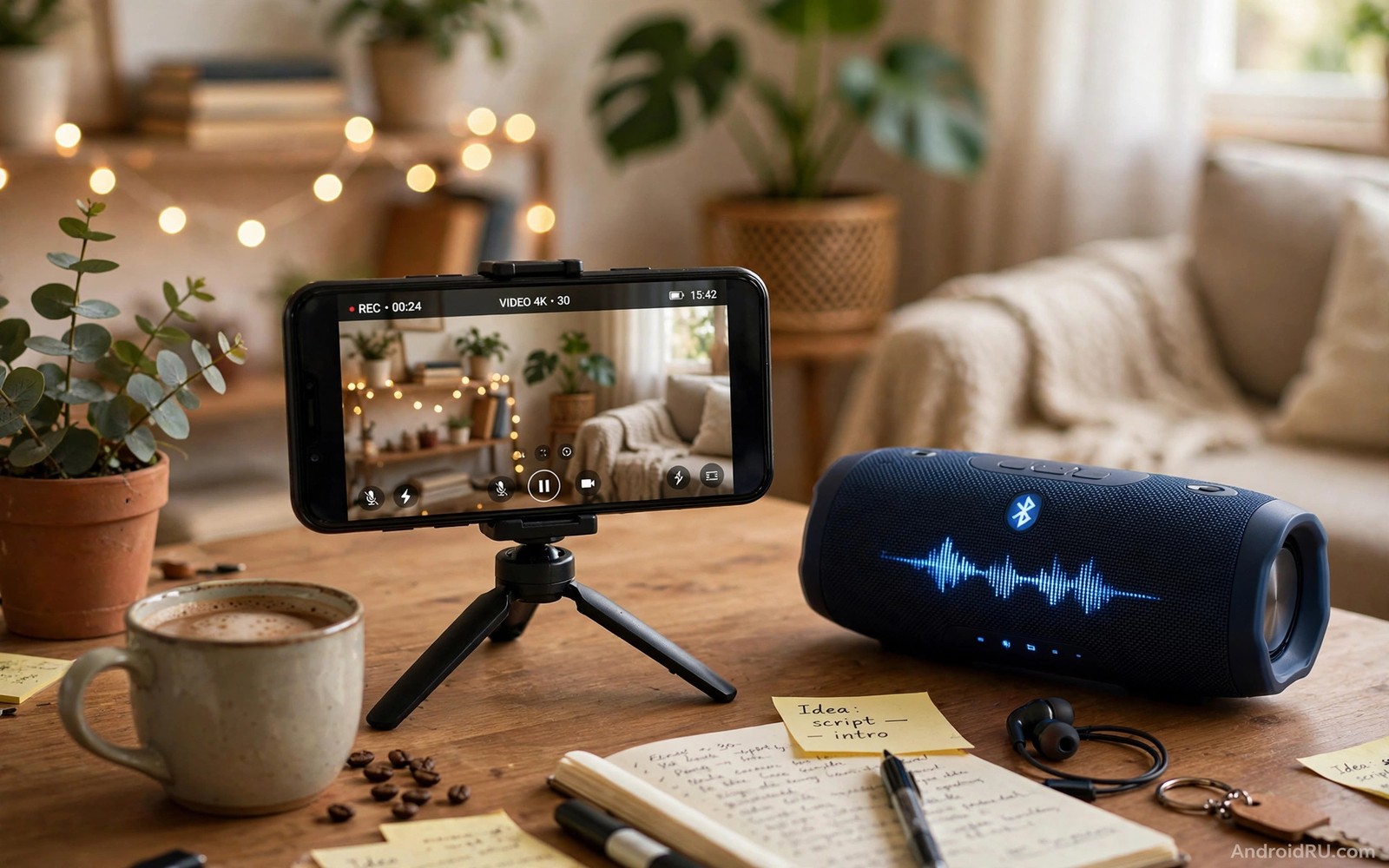
Recording video while music plays sounds simple. Most phones pause music the moment recording starts. The phone treats the camera microphone as the only audio source. Music apps yield to the camera app automatically. The result is a silent clip where a song should play. A few settings and workflow tricks keep music playing. This guide shows the reliable methods for Android phones.
Start by understanding why music pauses. Android audio focus gives the recording app priority. A music app pauses when another app requests audio focus. Camera apps request focus for microphone capture. Some camera apps allow music to continue underneath. Some apps pause music by design. Method choice depends on your phone and camera app. Test methods before an important event.
Decide whether you want music captured through the air or mixed internally. Air capture records music from a speaker through the microphone. It sounds natural but includes room noise. Internal mixing records music cleanly without room noise. Internal mixing needs app support or editing. Air capture needs only a speaker and a quiet room. Choose air capture for casual clips. Choose editing mix for polished clips.
Use A Second Device For Music
Play music from a second device while recording on your phone. A tablet or a speaker or a second phone works well. The recording phone microphone captures the music from the air. The music device never pauses because it is separate. This method works on every phone without settings changes. It is the most reliable method for events.
Place the music device close enough for clear sound. Place it far enough to avoid distortion. Test volume levels with a short clip before the event. Music too loud drowns voices. Music too quiet disappears in the clip. A moderate level balances song and speech. Check the test clip with headphones. Headphones reveal balance problems that phone speakers hide.
Choose a room with low echo for air capture. Hard empty rooms echo music badly. A furnished room absorbs echo naturally. Close windows to reduce traffic noise. Turn off fans and air conditioning when possible. Quiet rooms give clean air captured music. Noisy rooms give messy clips regardless of method. Room choice matters as much as device choice.
Try Camera Settings That Allow Music
Check camera settings for an audio or music option. Some camera apps offer a background audio toggle. Some apps offer a mute microphone option for video. A muted microphone with a separate audio track allows later mixing. Explore settings menus carefully before assuming music must pause. Setting names vary by phone maker. Look under video and audio sections.
Test screen recording as an alternative capture path on some phones. Screen recording sometimes captures internal audio differently. It may not suit normal video framing. It can help for app demos with music. Test screen recording quality before relying on it. A test clip reveals frame rate and audio behaviour. Use screen recording only when normal video fails for music.
Test a third party camera app that supports background audio. Some camera apps are built for creators and musicians. They may keep music playing during recording. Read app descriptions for audio focus behaviour. Test with your exact music app. Compatibility varies between music and camera app pairs. A pair that works on one phone may fail on another. Enabling cinematic 24fps video covers video settings that pair with music workflows.
Record Music And Video Separately Then Mix
Record video muted and record music separately for best quality. Play the song while filming a muted clip. Record the song cleanly on a second device. Mix the clean song under the video in an editor. Align the song start with a visual clap or a beat. A clap gives a clear sync point. Separate recording gives clean audio and clean video together.
Sync separate tracks by matching a visual cue. Clap hands on camera at the start of the take. Align the audio spike with the clap frame in editing. A clap spike is easy to see in a waveform. Without a sync cue alignment becomes guesswork. Guesswork alignment drifts over long clips. A clap at the start prevents drift confusion. Trim the clap out after alignment.
Balance mixed audio levels carefully in editing. Music should support the scene rather than dominate it. Lower music under speech. Raise music during montage sections without speech. Fade music in and out at clip edges. Abrupt music starts feel amateur. Gentle fades feel professional. A balanced mix turns a simple clip into a polished video.
Handle Copyright And Sharing Carefully
Recorded commercial music can limit sharing on some platforms. Platforms may mute or block clips with copyrighted songs. Use original music or licensed tracks for public sharing. Use commercial songs only for private family clips. Private sharing avoids most platform issues. Public sharing needs rights awareness. A great clip blocked for music rights helps nobody.
Credit musicians when you share clips with their music publicly. Credit does not replace a licence. It shows respect and helps viewers find the artist. Check platform music libraries for cleared tracks. Platform libraries offer songs cleared for that platform. Cleared tracks avoid mute and block issues. A cleared track is safer than a commercial track for public posts.
Keep a private version with the original song for personal memory. Keep a public version with cleared music for sharing. Two versions serve two audiences well. A private version preserves the moment exactly. A public version shares safely. Editing two versions takes extra time. That time protects both memory and audience reach. Why you should always record video in 4K explains quality choices for mixed clips.
Test Audio Before Important Moments
Test your chosen music method at home before an event. Record a one minute test with the exact devices and apps. Play the test back on headphones. Check music clarity and voice balance. Check for pauses or dropouts during recording. A home test reveals method failures early. An event test reveals failures too late.
Test in the actual venue type when possible. A quiet home test differs from a noisy hall test. Venue echo and crowd noise change balance. Adjust music volume for venue noise. Louder venues need louder music for audibility. Louder music risks distortion in the microphone. Find the venue balance with a short test. A venue test prevents a ruined event clip.
Prepare a fallback method for every important shoot. A second device method can fail if its battery dies. A settings method can fail after an update. A separate mix method can save a failed live method. Bring a charged second device as backup always. A backup plan turns a failure into a minor delay. No backup turns a failure into a lost moment.
Keep music volume notes for each venue type you film in. A quiet cafe needs a lower music level. A busy hall needs a higher music level. Notes prevent repeated volume guessing at each event. Guessing wastes test time and risks distortion. A short venue note list speeds every future shoot. Update notes after each event with what actually worked.
music_method = second device first
music_test = one minute headphone check
music_balance = song under speech
music_sync = clap at start
music_share = cleared track public
The snippet above is an original music video checklist written for this guide. It lists only standard recording steps for your own Android phone. It does not copy instructions from any outside source.
Label mixed audio files clearly with song and venue information. Clear labels prevent confusion between private and public versions. A public version with cleared music needs a distinct name. A private version with the original song needs a distinct name too. Distinct names prevent accidental public sharing of the wrong version. Label files at export time while details are fresh.
Test music methods with different music apps because behaviour varies by app. One music app may pause while another continues. A method that works with one app may fail with another. Test your actual music app rather than any music app. Actual app testing prevents event surprises. Note which app pair works for future events.
Keep a list of cleared tracks that work well for your video style. A ready list speeds up public sharing decisions. A list built over time reflects your taste accurately. New tracks can be added after each successful share. A curated list prevents last minute music panic. Panic choices often create rights problems later.
Common Mistakes
One common mistake is to assume music will keep playing during recording. Most phones pause music by default. Test your method before an event. Another mistake is to place a speaker too close to the phone. Close speakers distort and drown voices. Test volume balance with headphones.
A third mistake is to share commercial music publicly without checking rights. Platforms may mute or block such clips. Use cleared tracks for public sharing. A fourth mistake is to skip a sync cue for separate tracks. Without a clap alignment drifts. Clap at the start for easy sync. Stabilizing shaky mobile videos for free helps polish music clips after capture.
Frequently Asked Questions
Why does my phone pause music when I open the camera?
Audio focus gives the camera microphone priority. Music apps pause when camera requests focus. Some camera apps allow music to continue. A second device avoids the focus conflict entirely. Test your camera app settings for audio options.
Can I record internal music audio without a speaker?
Internal audio capture depends on app and system support. Some apps support internal mixing. Many phones restrict internal capture for copyright reasons. Separate recording and editing mixing gives reliable clean results. Air capture from a speaker works on all phones.
Will background music affect video quality?
Music itself does not affect video image quality. Loud music can distort microphone audio. Distorted audio makes a clip feel poor overall. Balance music volume carefully. Clean audio plus sharp video gives a professional result.
Conclusion
Test the second device method today with a one minute clip. Play a song from a speaker and record video on your phone. Check balance on headphones and adjust volume until song and voice sit well together. That tested method will let you capture music moments reliably at your next event.

