

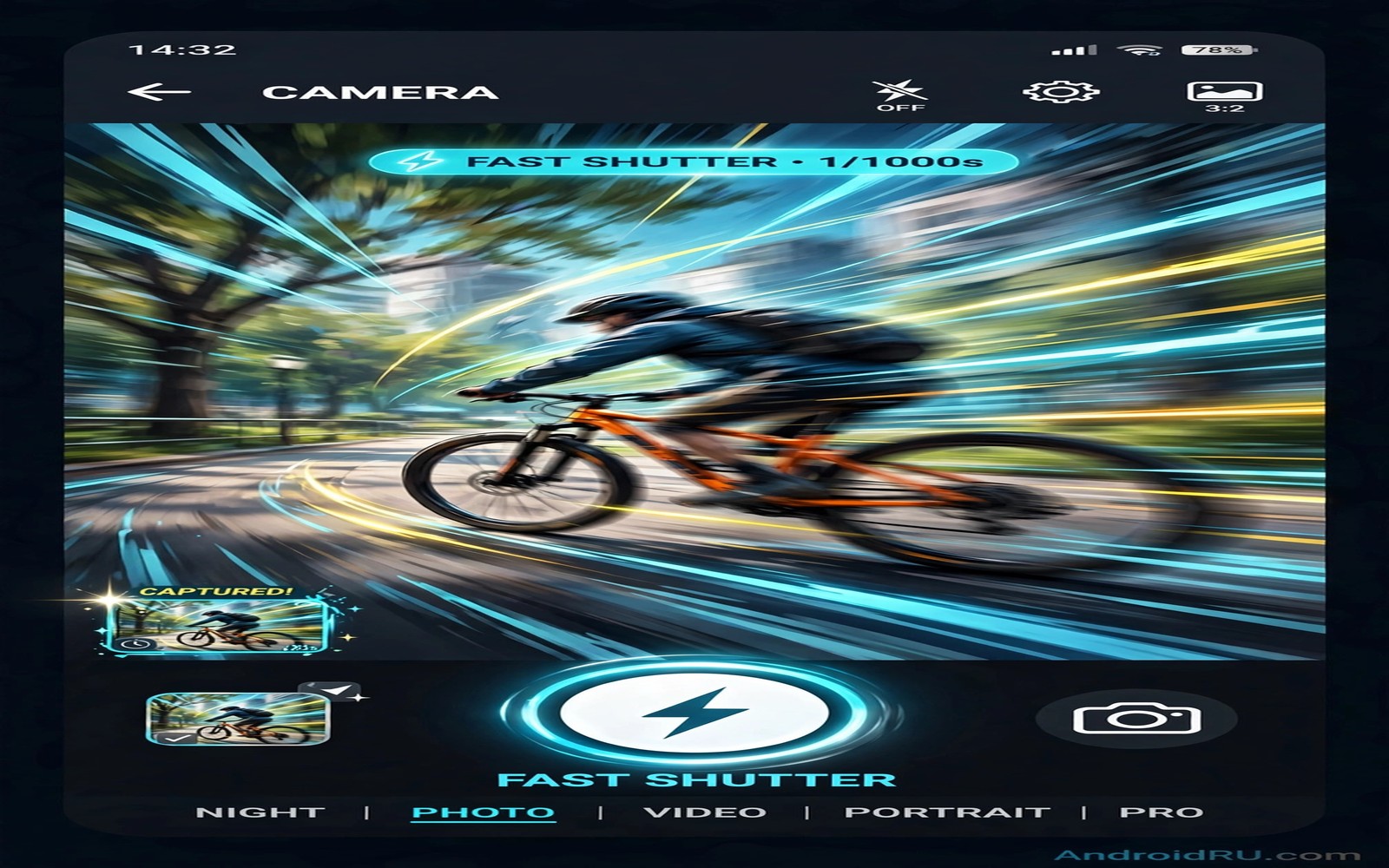
Shutter lag is the delay between your tap and the captured frame. A short delay feels instant. A long delay misses smiles and goals and jumps. Lag comes from focus hunting and exposure calculation and processing queues. It also comes from a phone waking from sleep. Each cause has a fix. This guide removes lag step by step so your phone fires when you tap.
Start by measuring lag honestly in your daily use. Open the camera from a locked phone and time the first shot. Open the camera from an unlocked phone and time a second shot. Compare the two times. Lock screen launch often lags more than in app shooting. Knowing which path lags most tells you where to fix first. A phone that lags only from lock needs a launch fix. A phone that lags in app needs a focus fix.
Keep the camera app ready before a moment matters. Open the camera before a goal kick or a first step. Pre open the app at a birthday candle moment. A ready app fires far faster than a cold app. Photographers call this being ready. Phone photographers need the same habit. Readiness beats any setting tweak for fleeting moments.
Prefocus Before The Moment
Prefocus is the single best lag fix for most phones. Tap the subject area before the action peaks. Hold focus with a focus lock if your app offers it. The phone then skips focus hunting at tap time. It fires almost at once. Prefocus works for sports and pets and children. It works whenever you know where action will happen.
Use continuous autofocus carefully for moving subjects. Continuous focus tracks a moving subject without a tap. It can still hunt when the subject changes speed. Prefocus on a fixed point in the path instead when motion is predictable. A runner will cross a fixed point. A dog will cross a gate point. Fixed point focus gives instant firing at the crossing moment. Tracking focus suits unpredictable motion better.
Turn off focus features that add delay when speed matters. Face detection can hunt across many faces in a crowd. Smile detection waits for a smile before firing. Both features delay capture. Turn them off for action shots. Use plain tap focus or fixed focus instead. Speed settings beat clever detection when a moment lasts one second.
Speed Up Launch And Processing
Launch the camera with a hardware shortcut when your phone offers one. A double press of a side button often opens the camera fast. A lock screen camera icon also opens fast. Learn your phone’s fastest launch path and practise it. A fast launch path saves seconds that no in app setting can recover. Seconds matter for a first step or a goal.
Reduce processing load for speed critical shots. Turn off HDR for action frames. HDR merges several frames and delays the next shot. Turn off high resolution RAW for burst action. RAW files take longer to save and block the next frame. Use compressed JPEG for action sequences. Save RAW for planned stills where speed does not matter. A lighter pipeline fires faster.
Free storage and close heavy apps before an event. A nearly full phone saves photos slowly. A phone with many background apps shares processor time. Close social and map apps before a match. Clear old bursts and videos the night before. A phone with free storage and free processor fires noticeably faster. Capturing action shots without motion blur pairs fast shutter habits with lag fixes.
Use Burst Mode Strategically
Manage burst storage during a long event to avoid a full phone. Review bursts during natural breaks in play. Delete failed bursts before the next period starts. A phone with free storage saves the next burst faster. A phone with a full storage may refuse a burst at the worst moment. Storage management is part of speed management. Treat burst review as a halftime routine rather than a post event chore.
Burst mode fires many frames with one long press. It captures the peak moment even when your tap timing is slightly off. Use burst for jumps and goals and splashes. Review the burst and keep the sharpest peak frame. Delete the rest promptly to save storage. Burst mode turns one chance into twenty chances. That safety net matters for unpredictable action.
Set burst to a sensible frame count for your phone. Very long bursts fill storage and slow review. A two second burst usually covers a jump or a kick. A ten second burst creates a review chore. Learn your burst trigger gesture. Some apps burst on long press of the shutter. Some apps need a separate burst setting. Practise the gesture before an event. A fumbled gesture loses the moment burst should save.
Combine burst with prefocus for best results. Prefocus on the action point first. Start the burst just before the peak. Stop the burst just after the peak. This window captures the full motion arc. Review frames in order to find the peak expression. A peak frame with sharp eyes beats a slightly early sharp frame. Burst plus prefocus gives both sharpness and timing.
Fix Lag From Low Light
Low light increases lag because focus and exposure need more time. The camera gathers more light to judge focus. It also chooses slower shutter speeds that blur motion. Add light when you can. Move near a lamp or a window for indoor action. Use a small LED panel for evening sports. More light lets focus lock faster and shutter fire sooner. Light is a lag fix as much as a quality fix.
Raise ISO manually when your app allows it in low light. Higher ISO lets the camera use a faster shutter speed. Faster shutter speeds freeze motion and reduce blur. Accept some noise for a sharp moment. A noisy sharp photo beats a clean blurred photo. Noise can be reduced in editing. Blur cannot be repaired. Choose noise over blur for action.
Use a faster lens mode when your phone offers one. Some phones offer a night mode that stacks frames slowly. Night mode creates lag and motion ghosting. Turn night mode off for moving subjects. Use normal mode with higher ISO instead. Night mode suits static scenes only. Action needs normal mode speed. Smartphone pro mode ISO shutter and white balance explained shows manual ISO control for low light action.
Test Lag Like A Photographer
Test lag with different apps if your stock app feels slow. A lightweight third party app may fire faster than a heavy stock app. Compare tap to capture averages across apps on the same subject. Keep the faster app for action days. Keep the stock app for everyday quality. Two apps for two purposes beats one slow compromise. Test apps before an event rather than during it.
Test lag with a moving object at home. Drop a ball and try to capture it at the floor. Count how many tries hit the peak bounce. Repeat the test after each setting change. A setting that improves hit rate is a real fix. A setting that feels faster but misses more is not a fix. Objective hit rate beats subjective feeling.
Test launch lag separately from in app lag. Time lock to first frame with a stopwatch app on another device. Time in app tap to capture for ten shots. Average the ten times for a fair number. A single fast shot can mislead. An average reveals true performance. Keep a note of your average after each major update. Updates can change lag behaviour silently.
Test with your real camera app and your real settings. A test in a demo app proves little. Your daily app and daily settings decide real lag. Test in the light you actually shoot in. Bright daylight tests hide low light lag. Test at dusk for honest action performance. Honest tests lead to honest fixes.
shutter_prefocus = tap before action
shutter_hdr = off for action
shutter_format = JPEG for bursts
shutter_mode = burst for peaks
shutter_light = add light first
The snippet above is an original shutter checklist written for this guide. It lists only standard camera steps for your own Android phone. It does not copy instructions from any outside source.
Check shutter lag after every major system update. Updates change camera processing and focus behaviour. A fast phone can become slow after an update. A slow phone can become fast after an update. Retest your average tap to capture time after each update. Adjust settings when the average changes. A quick retest protects your event readiness from silent changes.
Clean the camera lens before an action event to help focus speed. A smeared lens slows focus hunting greatly. A clean lens locks focus in less time. Carry a microfiber cloth in your pocket for events. Wipe the lens when you arrive and after handling food. A clean lens is a free speed upgrade. It also improves sharpness on every frame you capture.
Common Mistakes
One common mistake is to leave HDR on for action shots. HDR delays capture and ghosts moving subjects. Turn HDR off for action. Another mistake is to rely on smile detection for a fast moment. Smile detection waits and misses peaks. Use tap focus and burst instead.
A third mistake is to open the camera only when action starts. A cold camera app lags on launch and focus. Open the camera early and prefocus. A fourth mistake is to use night mode for moving subjects. Night mode stacks frames slowly and blurs motion. Use normal mode with higher ISO for action. Camera hacks that upgrade mobile photos adds speed checks to this routine.
Frequently Asked Questions
Why is my camera slow only from the lock screen?
Lock launch must wake the sensor and load the app. That path takes longer than in app shooting. Use a hardware shortcut for faster launch. Open the camera early for important moments. A ready app removes most lock lag.
Does burst mode reduce photo quality?
Burst frames usually match normal quality on modern phones. Some phones lower resolution in very fast bursts. Check your burst settings for a resolution limit. Use a moderate burst rate for full quality. A sharp burst frame beats a missed single frame.
Can a new camera app fix shutter lag completely?
A good manual app can reduce lag through lighter processing. It cannot remove sensor and focus physics entirely. Hardware limits remain on old phones. Combine a fast app with prefocus and good light. That combination gives the best lag your phone allows.
Conclusion
Turn HDR off for action today and practise prefocus on a moving subject. Time ten shots and note your average tap to capture delay. Then open the camera early at your next event and shoot a burst at the peak moment. That routine will turn missed moments into instant keepers.

