

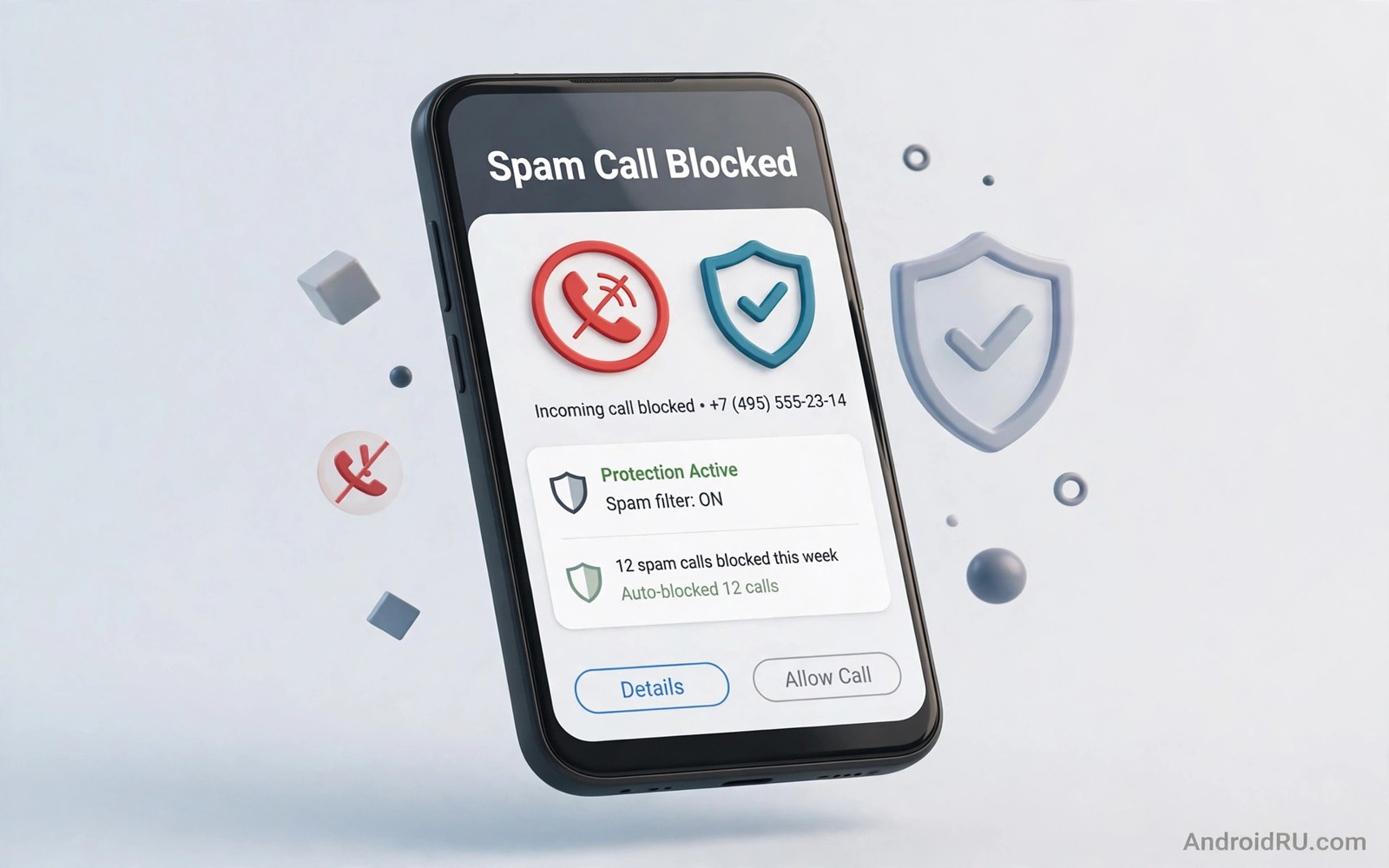
Spam calls waste time and they can lead to scams that cost real money. A call from an unknown number may claim a prize or a tax debt or a delivery problem. The pressure in the voice creates urgency that bypasses careful thinking. Blocking those calls before they ring removes the pressure entirely.
Android phones include spam controls that many users never enable. Caller ID and spam protection can flag or block known spam numbers automatically. Silent unknown caller settings can send unfamiliar numbers to voicemail without ringing. Together those controls cut most spam while keeping calls from real contacts audible.
Start by checking the phone app settings on your device. The exact menu names vary by phone maker yet the core options appear in most dialer apps. Enable spam protection first and then decide how strict the unknown caller rule should be for your daily life. A strict rule suits a user who rarely expects calls from new numbers.
Enable caller ID and spam protection
Open the phone app and then open Settings and then open Caller ID and spam. Turn on the option that identifies business and spam numbers. That service compares incoming numbers with a spam database and labels risky calls before you answer. A label that says suspected spam is a clear signal to let the call go to voicemail.
Some dialer apps also offer a block option for spam numbers. Turn on the block or filter option where available so known spam numbers never ring at all. A blocked spam call still appears in the call history for review. That history lets you check whether a legitimate call was blocked by mistake.
Update the phone app regularly so the spam database stays current. Spammers change numbers often and a stale database misses new numbers. Automatic app updates keep the spam lists fresh without manual work. A phone app left unupdated for months loses much of its spam protection value.
Silence unknown callers safely
Silencing unknown callers is a stronger step that suits many users. Open the phone app settings and look for a block unknown numbers or silence unknown callers option. Calls from numbers not in your contacts will go to voicemail without ringing. You can review voicemail later and return calls that matter.
The risk of this setting is a missed call from a doctor or a delivery driver using a new number. Reduce that risk by telling important services to leave a voicemail with a callback number. Check voicemail twice a day during a period when you expect new contacts. That habit catches legitimate calls without letting spam ring through.
Exceptions can soften the rule where the dialer supports them. Some phones allow repeated calls from the same unknown number to ring through on the second attempt. That exception helps a real caller who tries again while still blocking one off spam attempts. Enable repeated call exceptions when your work depends on new callers. For SMS safety read how to auto filter suspicious SMS phishing scams and apply its filtering habits to call scams as well.
Report spam and manage blocked numbers
Reporting spam helps the database protect other users. After a spam call open the call history and mark the number as spam where the option appears. A report takes seconds and it improves detection for the next user who receives a call from the same number. Reporting is most valuable for numbers that slipped past the automatic filter.
Review the blocked list once a month. A legitimate number blocked by mistake can be unblocked from the same list. A spam number that keeps calling from new variants cannot be stopped by blocking one number alone. The automatic spam filter handles variants better than manual blocking of single numbers.
Never call back a spam number to complain. A callback confirms that your number is active and it can increase future spam. Never press a key to opt out during a robocall because that interaction also confirms activity. Let unknown calls go to voicemail and report them instead.
A simple spam blocking checklist
The checklist below gives a repeatable routine for spam call protection. Work through it in order and test the result with a trusted contact. A test call from a new number should behave exactly as the setting promises. Adjust strictness after a week based on missed legitimate calls.
1. Enable Caller ID and spam protection in phone settings
2. Enable block or filter for known spam numbers
3. Silence unknown callers or send them to voicemail
4. Check voicemail twice daily for legitimate calls
5. Report new spam numbers from call history
6. Review blocked list monthly for mistakes
This checklist follows the standard controls built into Android and it uses only the menus that ship with the system and the phone app. No extra tool is required to complete the six steps. The order matters because automatic filtering comes first and manual reporting closes the list.
Handle spam calls during work hours
Spam calls during work hours disrupt focus and they can reach a work phone that lacks personal blocking settings. A work phone with spam protection off will ring for every spam call during meetings. Enable caller ID and spam protection on work phones as well as personal phones. A work number posted on a company website attracts spam faster than a private number. That public exposure makes work phone blocking even more important than personal phone blocking. A blocked spam call on a work phone protects meeting time and client calls alike.
Set a voicemail greeting that helps legitimate callers leave useful details. A greeting that asks for a name and a callback reason helps you return real calls quickly. A greeting that asks only for a message may receive vague callbacks that waste time. A clear greeting turns voicemail from a spam dumping ground into a useful filter. Legitimate callers will leave details while spam callers rarely leave a coherent message. That difference makes voicemail review fast and reliable.
Share spam numbers with colleagues when a campaign targets a whole company. A spam campaign that calls one employee often calls many employees in the same organisation. A shared internal note about a new spam number helps colleagues block it before it rings. That sharing habit turns individual blocking into team protection. A company wide spam note also helps IT teams update filters for the whole organisation rather than fixing one phone at a time.
Review call history at the end of each week for patterns in spam timing. A campaign that calls every morning at the same time may use a rotating number set that manual blocking cannot stop. A pattern of morning calls points to a need for stricter unknown caller silencing during work hours. A pattern of evening calls points to a different rule for personal time. That timing analysis helps you choose a blocking rule that fits your daily rhythm rather than a generic rule that blocks too much or too little.
Protect older relatives from call scams
Older relatives face higher call scam risk because scammers target them with authority tricks such as fake tax calls and fake bank calls. Help an older relative enable spam protection and unknown caller silencing on their phone. Walk through the settings together in person rather than sending written instructions alone. A live walkthrough ensures that the settings actually change and that the relative understands voicemail review. That hands on help protects a vulnerable user far better than a warning message alone.
Agree on a simple call back rule with older relatives. A rule that every unknown caller gets a voicemail check before a call back prevents rushed responses to scam pressure. A rule that bank calls are verified through the official app prevents a scam caller from gaining trust through a phone voice alone. That agreed rule gives the relative a clear action to take when a scary call arrives. A clear action beats a vague warning because it tells the relative exactly what to do in the moment.
Check in monthly with older relatives about new spam calls they received. A monthly conversation reveals new scam wording that spam filters may miss. A new scam pattern reported early can be blocked for the whole family before it spreads. That monthly check also reassures the relative that asking for help is welcome rather than embarrassing. A family culture where scam calls are discussed openly protects every member better than silence and shame.
Common mistakes
One mistake is answering unknown calls out of curiosity. An answered spam call confirms an active number and it can lead to more calls. Let unknown calls go to voicemail by default. Curiosity is the easiest path for a spammer to exploit.
Another mistake is installing a random call blocker from an ad. Some blocker apps collect call logs and contact data while they claim to protect you. Use the built in dialer controls first and choose a third party blocker only after checking its developer history and privacy policy with care.
A third mistake is sharing your number widely on public forms. A number posted online will attract spam regardless of blocking settings. Use a secondary number or a messaging handle for public listings when possible. For fake app awareness read how to spot fake store apps that steal credentials and avoid blocker apps that mimic trusted brands.
Frequently asked questions
Will spam blocking stop all spam calls?
No and spammers change numbers fast enough to slip past any filter sometimes. Built in blocking cuts most spam yet a few calls will still reach voicemail. Reporting those calls improves the filter over time.
Can I still receive calls from new doctors or delivery drivers?
Yes when you check voicemail regularly and return legitimate calls. A strict unknown caller rule sends new numbers to voicemail rather than deleting them. Voicemail review keeps legitimate calls reachable without letting spam ring.
Should I pay for a spam blocking app?
Built in controls cover most users without a paid app. A paid blocker may add community databases and extra filters. Try built in controls first for a month and pay only when spam remains a daily problem.
Conclusion
Spam call protection is a matter of automatic filtering plus a strict unknown caller rule. Caller ID labels risky calls before you answer. Blocking and silencing stop known spam from ringing. Voicemail review and reporting keep the system accurate over time.
Your concrete next step is to enable caller ID and spam protection today and turn on the unknown caller silence option this week. Check voicemail twice daily for the first week. For wider protection read how to use private DNS to block ads and trackers systemwide and set it up alongside call blocking.

