

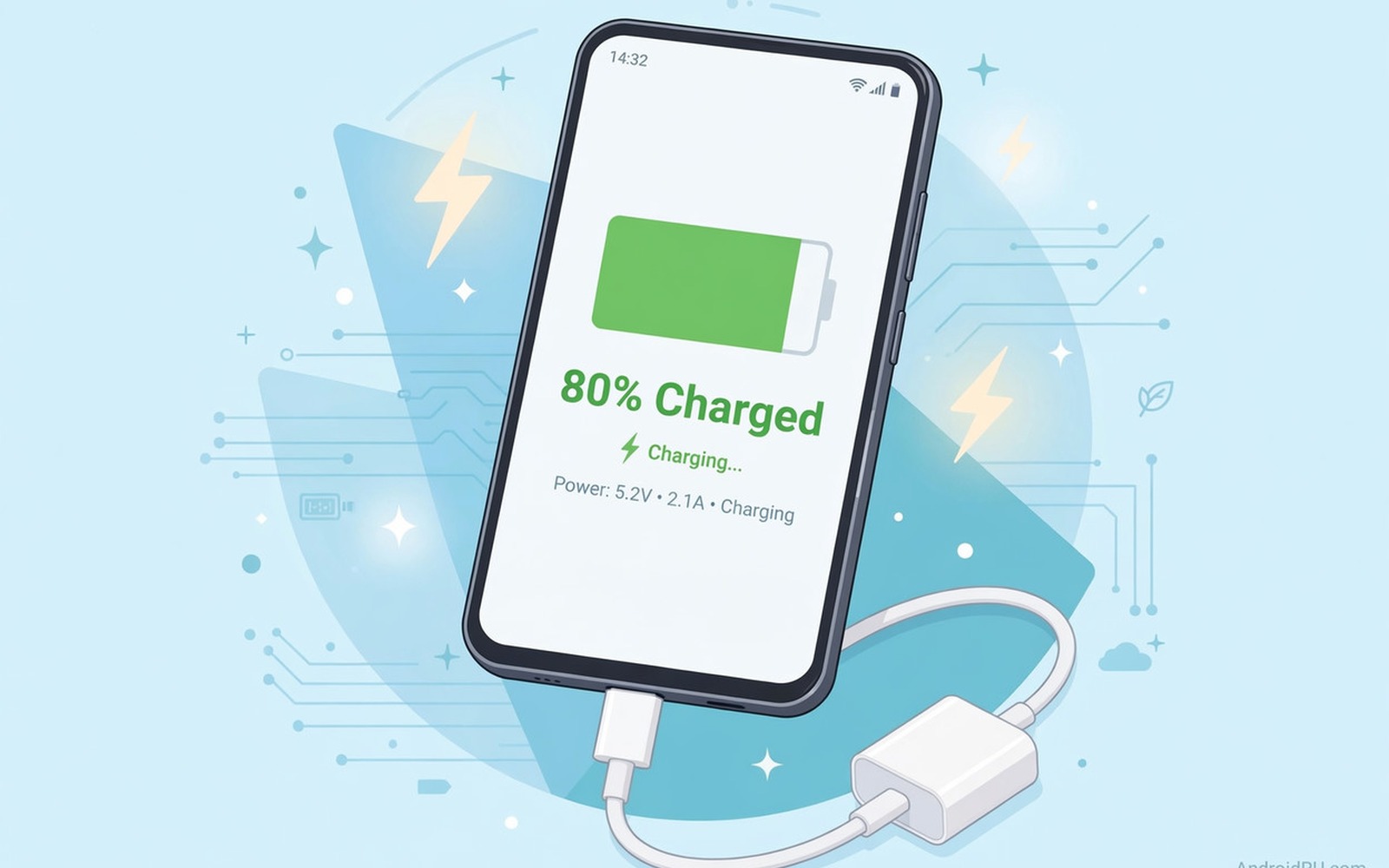
You plug in your phone overnight and it stops at eighty percent every time. You unplug it and plug it back in and it still refuses to go higher. That limit feels like a fault because you expected a full battery in the morning.
Many Android phones now limit charging to eighty percent by design to protect long term battery health. The feature may turn on after an update or when the phone learns your charging routine. A faulty charger or a hot battery can also stop charging at eighty percent for safety. A charge cap is frustrating, but it is a gentler fault than a phone that will not turn on or charge at all, so the steps here are worth trying before the battery is written off.
This guide helps you tell a feature from a fault in minutes. You will check charge protection settings and test in a cool room with a good charger. You will also learn when to keep the limit and when to turn it off.
Check charge protection settings first
Open Settings and then open Battery and then open Battery protection or Charging optimisation. Look for an option that limits charging to eighty percent or uses adaptive charging. Turn it off for a test if you need a full charge today.
Check whether adaptive charging is holding the charge at eighty percent until just before your usual wake time. Adaptive charging learns when you unplug the phone and it finishes the last twenty percent later. That behaviour is normal and it protects the battery.
Look for a schedule or a routine that enables the limit at night. Some phones enable protection automatically when you charge overnight. Disabling the routine for one night will show whether the feature caused the stop.
Rule out heat and charger faults
Charge in a cool room with the case removed for a test. Heat can stop charging at eighty percent because the last part of charging creates more heat. If the phone reaches one hundred percent in a cool room then heat was the limiter.
Try a different cable and charger with the correct wattage for your phone. A weak charger can struggle to finish the last twenty percent when the phone is also in use. Test with the screen off so the phone is not using power while it charges.
Check the charging port for lint that prevents a firm connection. A loose plug can interrupt charging and the phone may report a stuck percentage. Clean the port gently and make sure the plug sits straight.
Check battery health and calibration
Open Battery settings and look for battery health if your phone shows it. A degraded battery can show a false eighty percent when its true capacity is lower. A repair shop can test health more accurately if the settings screen does not show it.
Use the phone until it reaches a low percentage and then charge it fully without interruption for a calibration test. Do this once only because frequent deep discharges stress the battery. A single full cycle can help the meter relearn the true range.
Watch whether the percentage jumps suddenly during charging. A jump from eighty percent to one hundred percent in minutes suggests a meter error. A steady slow rise suggests a real protection limit. If the phone also charges slowly and hot then the steps for fixing slow overheating charging on Android can help you check the charging path.
Decide whether to keep the limit
Keeping an eighty percent limit can extend battery lifespan for daily use. Most users do not need a full charge for a normal day at home or at work. The limit reduces stress on the battery and it can delay replacement by months.
Turn the limit off before a long travel day when you need maximum range. Turn it back on after the trip so daily charging stays gentle. That balance gives you range when you need it and protection the rest of the time.
Seek repair if the phone stops at eighty percent with protection off and in a cool room with a good charger. That pattern points to a battery or charging circuit fault. Take your test results to the repair shop.
adb shell dumpsys battery
adb shell settings get global battery_charging_limit
adb shell cmd battery set-temp 250
The commands above were prepared for this guide and they use only standard tools that ship with Android developer tools. They show battery state for advanced users and the temperature command is for testing only on supported devices.
While you work through these steps it helps to compare symptoms with other fixes in the same area. For example the steps for battery drain after an update show how a related fault behaves differently and the steps for slow overheating charging problems help you rule out a second fault that shares early symptoms.
Common mistakes
One common mistake is replacing the battery for a protection feature. Check settings first because a new battery will show the same limit if protection stays on. Another mistake is charging in a hot car and blaming the battery for stopping at eighty percent.
Another mistake is turning off all protection permanently for a small daily gain. Full charging every day shortens battery life over years. Keep protection on for daily use and disable it only for travel.
A third mistake is using a cheap charger that cannot finish charging reliably. A good charger and cable give a cleaner test than a random charger from a drawer. Test with a known good charger before any repair decision.
A week-long charging limit test that proves the fix
Charge the phone overnight for three nights with protection on and note the morning percentage. Then charge for three nights with protection off in a cool room and note the morning percentage again. A phone that reaches one hundred percent only with protection off confirms the feature caused the eighty percent stop. A phone that stops at eighty percent in both cases points to heat or a battery fault.
Test a daytime charge with the screen off on day five. Daytime charging in a cool room removes the overnight schedule variable. If daytime charging reaches full while overnight charging stops at eighty percent then adaptive scheduling is the cause.
Test with a different charger on day six after the schedule tests settle. A charger change that suddenly allows full charging points to a weak charger struggling at the end of the cycle. A charger change that changes nothing points back to protection or battery health.
Long-term habits that protect battery charging
Leave the eighty percent limit on for daily charging and disable it only for travel days. That habit gives the battery gentle daily treatment and full range when you truly need it. Returning the limit after travel keeps the benefit.
Charge in a cool place as a routine rather than only during tests. A cool charging spot reduces heat stress on every charge. Avoid charging on a bed or in a hot car as a daily habit.
Check battery protection settings after every major update. Updates can turn protection on or off without a clear notice. A quick check after an update prevents surprise limits or surprise full charges.
What to do when charging still stops with protection off
Test charging with the phone powered off completely. A powered-off charge removes all background app load from the test. If the phone charges fully while off but stops while on then an app or system process is consuming power during charging.
Check the charger output with a second phone if you can. A charger that works fully for another phone but stops at eighty percent for yours points to your phone battery or circuit. A charger that stops early for both phones points to the charger itself.
Monitor charging temperature with a simple touch test at eighty percent. A hot phone at eighty percent suggests thermal protection is stopping the charge. A cool phone at eighty percent suggests a meter or circuit fault instead.
Seek a battery health test if powered-off charging also stops at eighty percent. That pattern is strong evidence for a battery or charging circuit fault. A professional test can confirm capacity and voltage behaviour.
Testing the eighty percent limit with a second charger and a second room
Test charging in a second room with different ambient temperature for a day. A cooler room test removes heat as a variable in a clean way. A phone that charges fully in a cool room but stops in a warm room points to thermal protection. A phone that stops in both rooms points to a setting or battery fault.
Test charging with the phone in a case and without a case on separate days. A case test shows how much heat trapping affects the final part of charging. A clear difference between cased and caseless charging points to heat management. No difference points to other causes.
Test charging after a restart with no apps running in the background. A clean restart test removes background load from charging. A phone that charges fully after a restart but stops during normal use points to an app consuming power during charging.
Test charging with a wireless charger versus a wired charger on separate days. A wireless test often runs hotter than a wired test. A wireless stop at eighty percent with a wired full charge points to wireless heat. A stop on both methods points to a setting or battery issue.
Test charging overnight versus daytime charging to separate schedule effects. An overnight schedule can hold charging at eighty percent until morning. A daytime full charge with an overnight stop points to adaptive scheduling. That distinction is important for choosing the right setting.
Record the exact time when charging stops at eighty percent each day. A stop time that matches your usual wake time suggests adaptive charging. A stop time that varies randomly suggests heat or a fault rather than a schedule.
Frequently asked questions
Is eighty percent charging bad for my phone?
No because eighty percent charging is gentler on the battery than full charging. It reduces heat and stress near the top of the charge. Most users will not notice the missing twenty percent on a normal day.
Why did the limit appear after an update?
Updates can enable battery protection by default or turn on adaptive charging. The feature may have been off before and on after the update. Check battery protection settings after any major update.
Can I charge to one hundred percent sometimes?
Yes and you should do so before long trips. Disable the limit for that charge and enable it again afterwards. Occasional full charges do not harm a healthy battery.
Conclusion
Charging stuck at eighty percent is usually protection working as designed. Check battery protection and adaptive charging settings first and test in a cool room with a good charger. Use a full cycle once to check meter accuracy if needed. Keep the limit for daily use and disable it for travel. If protection off and cool charging still stop at eighty percent then book a battery test. Start today by opening battery protection settings and noting whether the limit is on.

