

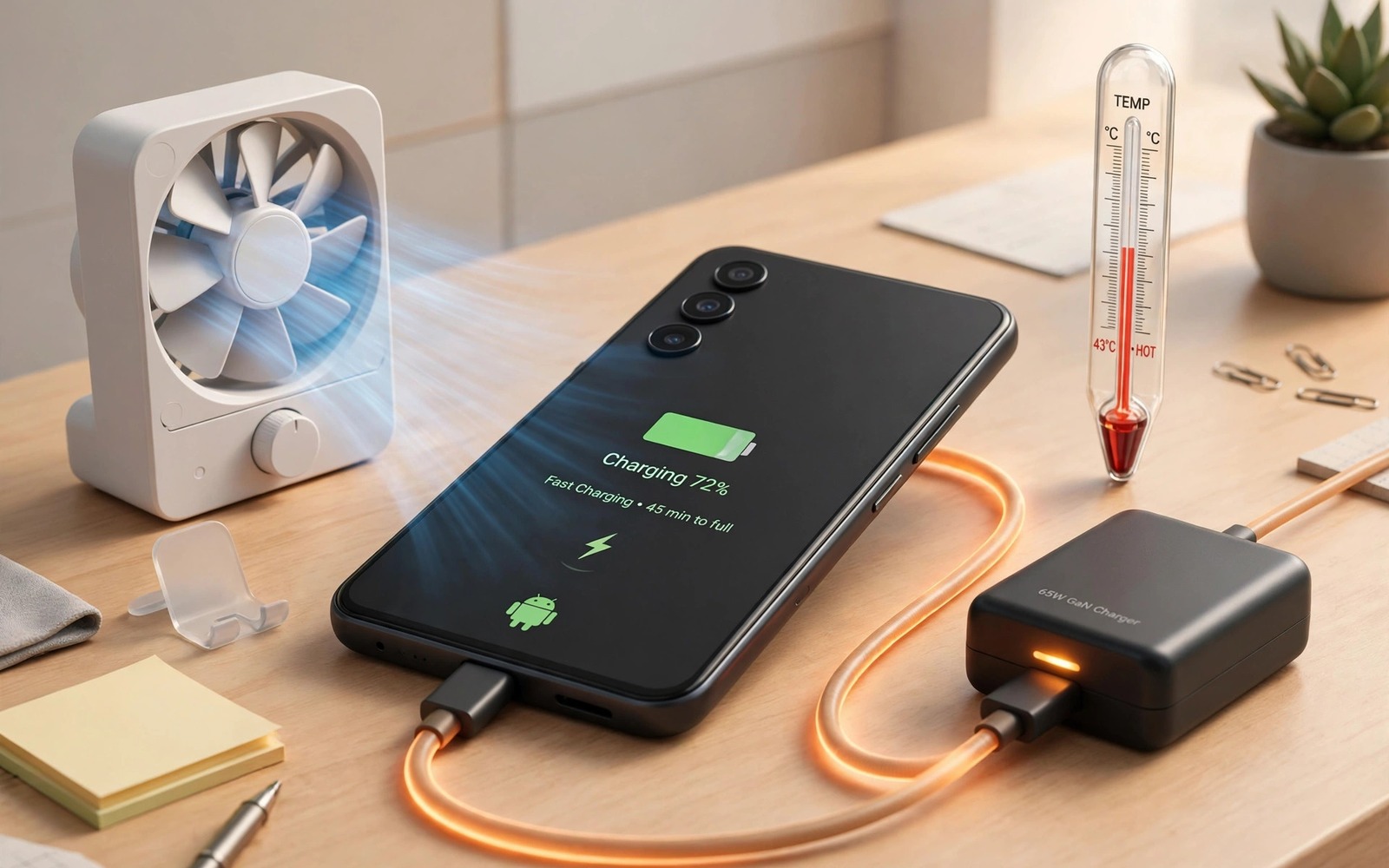
Your phone feels warm in your hand and the battery percentage barely moves after half an hour on the charger. That combination is frustrating because you did everything right and you still end the day with a low battery. Slow charging plus heat usually means the phone is protecting itself by cutting power before the battery gets damaged.
Heat is the main reason a modern Android phone slows its charging speed. Lithium batteries lose capacity faster when they stay hot for a long time. The charging controller therefore lowers the current when the temperature rises past a safe threshold. A phone that charges fast in a cool room can charge slowly in a hot car or under a pillow for the same reason.
This guide walks you through the checks that matter most in order. You will learn how to separate a bad cable from a hot environment and from a hungry app running in the background. You will also learn when to stop and let the phone cool down instead of forcing it to charge faster. The steps use only built-in settings and simple tests that anyone can repeat at home.
Start with heat before you blame the charger
Touch the back of the phone and note where the heat sits. Heat near the top usually points to the processor working hard during a game or a video call. Heat near the charging port can point to a damaged cable or a dirty port. Heat across the whole back after charging in direct sunlight points to the environment rather than a fault inside the phone.
Move the phone to a cool shaded surface and remove a thick case before you test again. A heavy case traps heat during charging and it can keep the phone above the temperature limit for much longer. Charge for fifteen minutes in that cooler setup and watch whether the percentage rises faster. If it does then heat was the main limiter and your charger may be fine.
Do not put the phone in a fridge or a freezer to cool it quickly. Sudden cold can cause condensation inside the device and that moisture can damage circuits later. Room temperature air and a hard flat surface are enough for a safe test. If the phone shows a temperature warning then unplug it and let it rest until the warning clears on its own.
Test the cable and charger in a clean way
Use the charger that came with the phone or a charger with the same wattage rating from a trusted brand. A weak charger cannot deliver enough power for a modern phone and the phone may lose charge while the screen stays on. A charger that is far too powerful does not help either because the phone will only draw what its controller allows.
Try a different cable that you know works well with another device. Cables fail quietly inside the jacket and a damaged wire can cause slow charging without any visible break. Wiggle the cable gently at the phone end and watch whether charging stops and starts again. If it does then replace the cable before you test anything else.
Check the charging port with a torch and look for lint or dust packed around the connector. Lint stops the plug from seating fully and a loose connection creates resistance and heat. Use a wooden toothpick or a soft brush to clear the port and never use a metal pin that can short the contacts. After cleaning the port the plug should sit firm and straight.
Find apps that heat the phone while it charges
Open Settings and then open Battery and then open Battery usage to see which apps used the most power in the last day. A navigation app or a game that keeps running in the background can heat the phone even when the screen is off. Force stop that app for one charging test and see whether the phone stays cooler.
Turn off mobile data or switch on airplane mode for a short test if you suspect a weak signal is heating the phone. A phone that struggles to hold a signal will raise its radio power and that extra power becomes heat. If charging speeds up in airplane mode then signal strength is part of your problem and not the charger alone. You can also read about fixing a mobile data connection that keeps dropping because a dropping signal and a hot phone often appear together on the same device.
Check for a system update that is downloading or installing in the background. Updates use the processor and the radio at the same time and they can make a phone hot for an hour. Let the update finish on Wi-Fi before you judge your charging speed. A phone that is indexing photos after an update can also stay warm for a day and then return to normal.
Use a charging routine that keeps temperatures down
Charge the phone on a hard table rather than on a bed or a sofa where fabric blocks airflow. Keep the screen off during the main charging period and avoid gaming or video calls while the phone charges. Heavy use during charging adds processor heat on top of charging heat and the controller will slow down to protect the battery.
Consider charging to around eighty percent for daily use if your phone offers a charge limit setting. A full charge creates more heat near the end of the cycle and it stresses the battery more than a partial charge. You can still charge to one hundred percent before a long trip when you truly need the extra range.
Wireless charging is convenient but it creates more heat than a wired charger in most cases. If your phone gets hot on a wireless pad then switch to a cable for a week and compare the charging time. Many users find that wired charging is both faster and cooler on the same phone. If the battery itself swells or the back cover lifts then stop using the phone and seek professional repair at once.
adb shell dumpsys battery
adb shell dumpsys thermalservice
adb shell cmd battery reset
The commands above were prepared for this guide and they use only standard tools that ship with Android developer tools. The first command shows the current battery state and the second command shows thermal throttling status on supported devices.
While you work through these steps it helps to compare symptoms with other fixes in the same area. For example the steps for Bluetooth pairing problems show how a related fault behaves differently and the steps for delayed notification problems help you rule out a second fault that shares early symptoms.
Common mistakes
One common mistake is buying a higher wattage charger and expecting the phone to charge faster at any temperature. The phone controls the current and it will ignore extra wattage when it is hot. Another mistake is charging the phone inside a closed car on a sunny day and then blaming the battery for the slow result.
Another mistake is using the phone heavily while it charges and then wondering why the battery percentage falls. A demanding game can use more power than a slow charger supplies. The fix is to pause the game until the phone has charged enough for your next task.
A third mistake is ignoring a swollen battery or a port that smells burnt. Those signs mean you should stop charging and get the device checked. Continuing to charge a damaged battery can create a safety risk that no setting can fix.
A week-long charging test that proves the fix
Charge the phone at the same time each evening for a week and write down the starting percentage and the percentage after thirty minutes. Use the same cable and the same charger and the same room for every test. That consistency turns a vague feeling about slow charging into numbers you can compare. If the thirty minute gain rises steadily after you remove the case and clean the port then those two changes mattered most for your phone.
Test a second charger only on day three after the first routine has settled. Changing the charger on day one and the case on day two hides which change helped. A single change per day gives a clear answer even when progress feels slow. Keep the screen off during each test because screen use can consume a large share of a slow charger output and distort the result.
Record temperature by touch at the start and at the end of each charging session. Warm to the touch is normal during fast charging but hot enough to feel uncomfortable is a warning sign. If the phone stays hot after you switch to a cooler room and a good cable then a battery fault becomes more likely. That record helps a repair shop because it shows a pattern rather than a single hot event.
Long-term habits that protect charging speed
Keep one good cable at home and one good cable for travel and replace cables at the first sign of fraying. A cable that works intermittently can damage the port over time through repeated wiggling. Store cables loosely coiled rather than tightly knotted because tight bends break internal wires quietly.
Clean the charging port once a month if you carry the phone in a pocket with lint. Pocket lint builds up slowly and it can cause a loose connection long before you notice slow charging. A quick brush prevents that gradual decline and it keeps the plug seating firmly.
Review battery usage once a month after any major app update. An update can turn on background activity that heats the phone during charging. Catching that change early prevents weeks of slow charging that you might otherwise blame on the charger.
Frequently asked questions
Why does my phone charge fast at night but slowly during the day?
Temperature and background activity change through the day. A cool night room and fewer apps running can let the phone charge at full speed. A hot afternoon and a navigation app running can slow the same charger by a large amount.
Does fast charging always damage the battery?
Fast charging creates more heat than slow charging but modern phones manage that heat with a controller. The risk rises when fast charging happens in a hot place or with a poor quality cable. Using fast charging in a cool room with a good cable is a reasonable balance for most users.
When should I replace the battery instead of the charger?
Replace the battery when the phone shuts down at twenty percent or when it loses charge very fast even after a clean software test. A new charger cannot fix a battery that has lost most of its capacity. A repair shop can test battery health before you spend money on a replacement.
Conclusion
Slow overheating charging is usually a heat problem that you can diagnose in one afternoon. Test in a cool place with a good cable and a clean port before you buy anything new. Check battery usage for a hungry app and pause heavy use while the phone charges. If heat persists after those tests then a battery or port fault is likely and a professional check is the next step. Start today by charging for fifteen minutes on a cool hard surface with the case removed and note the temperature and the percentage gain.

