

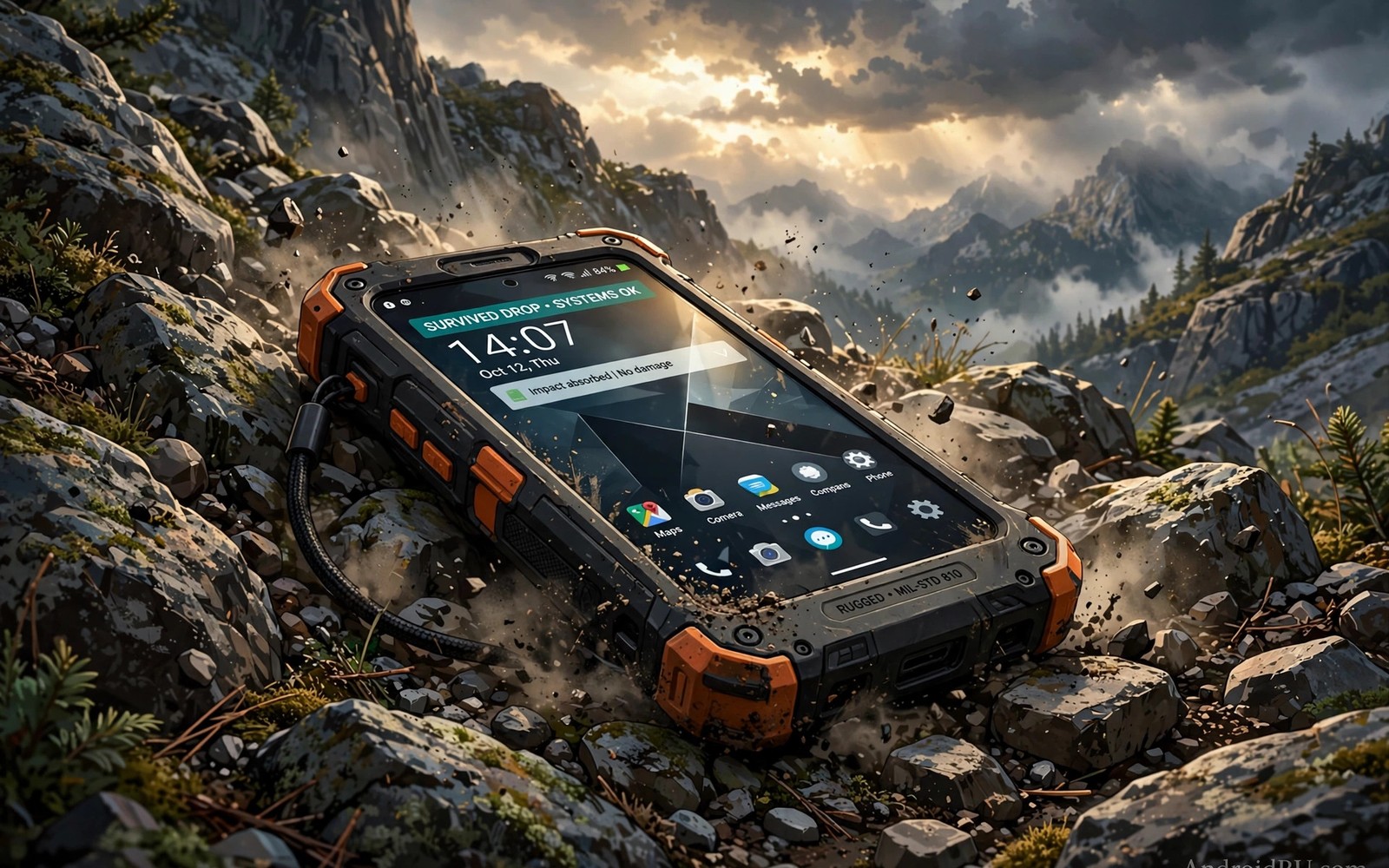
A rugged phone proves its worth not in a showroom but on concrete and gravel and mud when a normal phone would already be cracked and silent.
Worksite users and hikers and anglers need a phone that survives drops and rain and dust without a fragile case ritual. Rugged phones trade slim design for sealed bodies and reinforced corners and screens that tolerate abuse.
This guide explains the ratings that matter and the tests that mislead. It helps you choose a tough phone for your actual work rather than for a marketing video.
Drop Ratings and What They Hide
Military standard claims sound impressive but test conditions vary widely. A phone may pass a drop test onto plywood yet fail onto concrete. Check the drop height and surface and number of drops behind any claim.
Corner protection matters more than flat back strength. Most drops strike a corner first. Reinforced corners and raised screen edges absorb that impact. A phone with a flat glass back and thin frame will crack sooner even when its rating looks strong.
Screen protectors still help on rugged phones. A tempered glass protector sacrifices itself to save the display. Replace a cracked protector promptly because a damaged protector hides new damage underneath.
Water and Dust Protection Explained
Ingress ratings use two digits for dust and water. A high water rating does not guarantee survival in salt water or soapy water or pressurised jets. Fresh water immersion differs from sea water exposure.
Seals age with heat and drops. A phone that survived immersion when new may leak after a year of hard use. Rinse a phone with fresh water after sea exposure and dry ports before charging.
Touchscreen behaviour in rain matters for outdoor work. Some rugged phones offer glove mode and wet touch rejection. Test those modes with wet hands before you rely on them on a job site.
Battery and Usability in the Field
Field work drains batteries through bright screens and weak signal and constant camera use. A large battery matters more than fast charging when you spend a day far from power. A phone that lasts two days reduces the need for power banks.
Physical buttons help when gloves block touchscreens. Programmable buttons for torch or push to talk or camera save time on site. Check button size and placement with your actual gloves on.
Weight deserves honest thought. A heavy rugged phone tires your hand during long calls. Hold the phone for several minutes in a store rather than judging weight from a specification sheet alone.
Camera and Software Trade Offs
Rugged phones often lag behind flagships on camera quality. If you document work with photos then test the camera in low light site conditions. A rugged phone with a poor camera may force you to carry a second device.
Software support varies sharply among rugged brands. Check update promises and security patch history before you buy. A tough phone with abandoned software becomes a security risk long before its body fails.
Accessory support also matters. Mounts and cases and chargers for niche rugged models can be scarce. Confirm that the accessories you need exist before you commit to an unusual model.
adb shell dumpsys battery | grep -E "level|temperature"
adb shell cmd deviceidle whitelist +com.example.fieldapp
The commands above are an original illustration based on standard Android developer tools for checking battery state and exempting a field app from idle restrictions. They show how a worker might keep a critical app running during long shifts.
Worksite Scenarios That Test Toughness
Construction sites expose phones to dust and drops and vibration daily. Dust enters ports and speakers and degrades audio over time. A rugged phone with sealed ports and dust resistant speakers lasts longer in that environment than a normal phone with a case.
Wet work adds another challenge. Rain and mud and splashes test seals constantly. A phone that survives a single immersion test may still leak after months of wet use. Rinse and dry the phone after wet shifts to protect seals.
Extreme temperatures affect batteries and screens. Cold reduces battery performance temporarily while heat accelerates ageing. A rugged phone designed for wide temperature ranges handles site extremes better than a phone designed only for office use.
Vibration from machinery loosens internal components over time in poorly built phones. Rugged designs use reinforced internal mounts to resist vibration. That hidden engineering matters more than external toughness for long term reliability.
Choosing by Job Type
Delivery drivers need strong GPS and bright screens and long battery life. A rugged phone with a good mount and a bright display serves drivers better than a phone with extreme drop ratings but a dim screen. Navigation accuracy matters more than laboratory toughness for drivers.
Field engineers need camera quality for documentation and a reliable torch and a loud speakerphone. A rugged phone with a sharp camera and clear audio saves return visits. Test documentation photos in site lighting before choosing.
Outdoor adventurers need light weight and long battery and reliable emergency features. A heavy rugged phone may burden a hiker over long distances. Balance toughness against weight for hiking and climbing use.
Warehouse workers need barcode scanning and glove usability and drop resistance. A phone with a dedicated scan button and glove mode speeds warehouse work greatly. Test scanning with your actual labels and gloves.
Testing Rugged Claims Before Buying
Test rugged claims by handling the phone with wet hands and with gloves in the store when the seller allows it. Wet touch behaviour reveals itself within seconds while specification sheets hide it completely. A phone that ignores wet touches or registers false touches will frustrate outdoor work daily. That simple test matters more than any laboratory rating for field users.
Drop the phone onto a soft surface from a low height in the store only if the seller permits testing and always respect store rules. Even without a drop test you can inspect corner protection and screen edge height by feel. Raised edges and thick corners signal real drop engineering while flush glass signals style over protection.
Check port covers and seals by opening and closing them several times. Covers that feel loose or flimsy will fail after repeated field use. Tight covers that seal firmly protect ports but may annoy users who open them constantly. Choose cover design for your actual port use frequency.
Software Life on Rugged Phones
Rugged phone makers vary enormously on software support and that variation decides long term value more than toughness alone. A tough phone abandoned after one year becomes a security risk while its body still looks new. Check update history for previous models from the same maker before trusting promises for a new model.
Enterprise support matters for worksite fleets because companies need predictable updates and device management. A rugged brand with enterprise tools and long support suits fleet buyers better than a consumer brand with a tough model. Fleet managers should test management tools before ordering in bulk.
App compatibility also affects rugged phone value because some field apps need recent Android versions. A rugged phone stuck on an old version may lose access to essential field tools over time. Confirm that your critical apps support the phone Android version and its update path.
Daily Care for Rugged Phones
Rinse a rugged phone after muddy or salty work because grit and salt degrade seals over time even on rated phones. Fresh water rinsing removes abrasive particles before they damage seals. Dry the phone fully before charging to protect the port.
Inspect seals monthly by looking for cracks or looseness around port covers and SIM trays. A damaged seal offers no protection regardless of the original rating. Replace damaged covers promptly through the maker or an authorised service centre.
Clean speakers and microphones gently with a soft brush because dust buildup muffles audio gradually. Users often blame network quality for muffled calls that dust actually causes. Regular gentle cleaning restores clarity without tools.
Store a rugged phone away from extreme heat when not in use because heat ages batteries and seals even without active use. A phone left on a vehicle dashboard in summer suffers more than a phone used carefully on site. Shade and ventilation protect any phone.
Update software regularly on rugged phones because updates often improve camera and battery behaviour alongside security. A rugged phone with current software serves longer than a rugged phone abandoned on old software. Schedule updates during off hours to avoid work disruption.
Common mistakes
The biggest mistake is trusting a rugged label without checking the exact rating. Rugged styling without real sealing and drop testing offers no protection. Look for specific ratings and test reports rather than tough looking design alone.
Another mistake is skipping a case because the phone feels tough. A good case adds corner protection for little cost. Even rugged phones benefit from a case on the harshest sites. Travellers who also need network reliability should check the city comparison of whether 5G is really faster than LTE before choosing a field phone.
FAQ
Can a rugged phone survive any drop?
No phone survives every drop. Rugged phones raise the odds greatly but a bad angle onto concrete can still crack any screen. Use a protector and a case for the worst sites.
Are rugged phones waterproof forever?
Water resistance weakens as seals age and after drops. Treat water resistance as protection against accidents rather than permission for underwater use.
Do rugged phones work with gloves?
Many rugged phones offer glove mode but performance varies by glove thickness. Test with your own work gloves before you buy.
Conclusion
Choose a rugged phone by checking real drop conditions and water ratings and battery life and glove usability for your job. Do not buy on looks alone. Your concrete next step is to list your three harshest daily conditions and match each one to a specific rating before you shortlist models. Buyers should also compare the value ranking of smartphone brands ranked from worst to best value and the guide to smartphones for seniors with big displays and easy UI for large readable screens and the review of whether ceramic backs are really scratchproof for material durability.

