

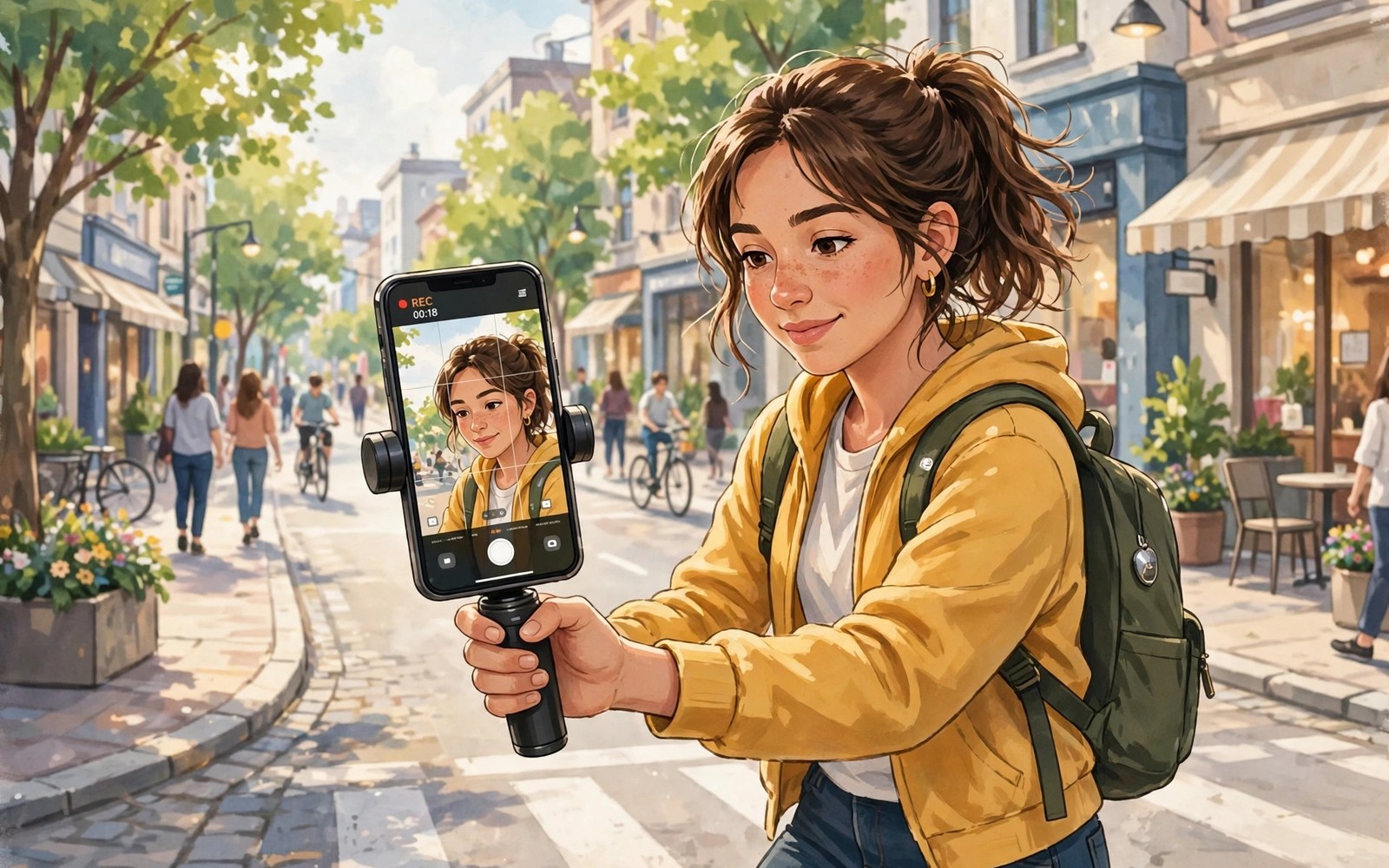
A vlog phone earns its place in your bag only when it keeps your face sharp and your voice clear while you walk and talk and react to a street that never stops moving.
Many phones shoot beautiful still photos yet fail as vlog tools. Their autofocus hunts in low light. Their microphones drown your voice in wind. Their stabilisation crops the frame so hard that your arm and your subject barely fit together. A creator phone must solve all three problems at once.
This guide ranks the qualities that matter most for vlogging and explains how to test them before you commit. It avoids naming a single winner for every creator because a travel vlogger and a studio vlogger need different strengths.
Stabilisation That Survives Real Walking
Walk a full block while talking to the camera and watch the footage on a large screen. Good stabilisation keeps the horizon steady and keeps your face in frame without jerky jumps. Weak stabilisation looks fine on a tiny preview and falls apart on a television.
Check whether stabilisation works at the resolution and frame rate you actually use. Some phones stabilise 1080p well but weaken at 4K. Others stabilise only the main camera and leave the front camera shaky. Your selfie footage deserves the same test as your rear footage.
Test the phone with one hand while you carry a bag in the other hand. That is how vlogging really happens. A phone that needs two hands and a gimbal for every shot is a camera with a phone attached rather than a vlog tool.
Audio Is Half the Video
Viewers forgive a slightly soft image far sooner than they forgive muddy audio. Listen to test clips with headphones and focus on voice clarity in wind and traffic. A phone with strong noise handling keeps your voice forward while traffic stays in the background.
Check for a reliable external microphone option. A wired or wireless lavalier microphone transforms indoor interviews and outdoor walk and talk clips. Confirm that the phone records clean audio through that microphone without delay or level jumps.
Record a clip in a cafe and a clip on a windy street before you decide. Those two settings expose most audio weaknesses within minutes. If your voice disappears in either setting then the phone will frustrate you daily.
Autofocus and Front Camera Quality
Face tracking should lock onto your eyes and stay locked when you turn your head or when a passerby crosses the frame. Test it in a dim room and in bright sunlight. Many phones track well in daylight and lose you the moment light drops.
Front camera resolution alone tells you little. Look at skin detail and colour and dynamic range in mixed light. A front camera that blows out the sky behind you will ruin outdoor vlogs even when your face looks sharp.
Check the field of view as well. A narrow front camera forces you to hold the phone far away. A wider view fits you and the scene together and makes handheld vlogging far less tiring.
Battery and Heat During Long Shoots
4K recording drains a battery fast and heats a phone quickly. A creator phone should record for a long session without dimming the screen or stopping to cool down. Test a continuous twenty minute clip in warm conditions when possible.
Carry a power bank on shoot days regardless of the phone you choose. A phone that supports charging while recording without overheating gives you far more freedom. Check whether the phone throttles video quality after ten minutes of heat.
Storage matters for creators more than for most buyers. Raw clips fill storage quickly. A phone with generous internal storage or expansion saves you from deleting clips in the field. That practical point connects directly to the warning about buying phones without SD expansion because a creator without headroom loses footage.
ffmpeg -i vlog_clip.mp4 -vf "select=eq(n\,0)" -vframes 1 thumbnail.jpg
ffprobe -v error -show_entries stream=width,height,r_frame_rate,codec_name -of default=noprint_wrappers=1 vlog_clip.mp4
The commands above are an original illustration based on standard media tools for checking the resolution and frame rate of a recorded vlog clip. They help you verify that a phone really recorded at the settings you selected.
Testing a Creator Phone in the Store
Store testing should mimic a real shoot rather than a posed photo. Walk the store aisle while talking to the front camera and then watch the clip with sound. Listen for echo and background music interference and watch for focus hunting when you turn. A phone that passes a still photo test can still fail this simple walking test.
Test low light video in a dim corner of the store. Many creator phones look excellent under bright store lights and fall apart in a restaurant or an evening street. Dim light reveals noise and focus weakness quickly. A creator who films evenings needs that test more than any daylight sample.
Check the phone grip during a long handheld clip. A heavy phone with a slippery back tires your wrist within minutes. A slightly lighter phone with a textured case may serve you better for daily vlogging than a heavier flagship with marginally better video.
Bring your own microphone to the test when possible. Plug it in and record a short clip and listen for delay or level problems. Microphone compatibility issues appear only when you test real accessories rather than trusting specification sheets.
Editing and Publishing Workflow
A creator phone should edit as well as it records. Test the built in editor with a two minute clip and several cuts and a title. A phone that stutters during simple edits will frustrate you daily even when its camera excels. Editing smoothness matters as much as recording quality for consistent publishing.
Check export times for a typical vlog length. A phone that takes twenty minutes to export a ten minute clip wastes valuable time. Faster export lets you publish on the same day rather than overnight. That speed advantage compounds across a weekly schedule.
Storage and battery during editing deserve attention too. Editing drains battery and fills temporary storage. A phone with generous storage handles editing projects without constant cleanup. A power bank helps but it cannot fix a phone that overheats during export.
Plan your publishing routine around the phone strengths. A phone with excellent stabilisation suits walk and talk channels. A phone with excellent low light suits evening and food channels. Match the phone to your channel rather than to a generic ranking.
Building a Creator Kit Around the Phone
A creator kit starts with the phone but it succeeds through accessories that solve real shooting problems rather than through gadgets that look impressive in a bag. A small tripod gives you stable static shots and a wireless microphone gives you clean voice in noisy places and a power bank keeps you shooting through a long day. Each accessory should earn its weight by solving a problem you actually faced during recent shoots. A kit built from real frustrations beats a kit built from shopping lists.
Lighting deserves as much attention as the phone camera because even the best sensor struggles in a dim room without help. A compact LED panel transforms indoor vlogs by lifting shadows and warming skin tones without harsh glare. Test lighting positions before recording because light from the side creates depth while light from directly above creates unflattering shadows. A few minutes of lighting practice improves footage more than a phone upgrade.
Audio accessories deserve priority over camera accessories for most new creators because viewers leave videos with bad audio faster than videos with imperfect images. A lavalier microphone clipped close to your mouth captures voice clearly even on a busy street. A wind cover on that microphone reduces outdoor noise dramatically for a tiny cost. Those two small items often matter more than a new phone for channel growth.
Choosing Content Style Before Choosing Hardware
Travel vloggers need weather resistance and long battery and quick startup more than studio features. A phone that powers on fast and records reliably in rain serves travel better than a phone with elaborate manual controls that slow you down. Travel creators should test startup speed and one handed operation before judging any other feature.
Studio creators need consistent colour and clean audio and reliable autofocus under controlled light. A phone that holds focus on a seated presenter for an hour without hunting wins over a phone that excels only outdoors. Studio testing should use your actual lights and background rather than store lighting.
Daily life creators need a phone that disappears into a pocket and emerges ready to record in seconds. Pocketability and durability matter more than extreme zoom for that style. A creator phone that feels like a burden will stay in the pocket during the moments that matter most.
Common mistakes
The most common mistake is buying for photo samples alone. A phone can win photo comparisons and still fail as a vlog phone because video autofocus and audio follow different rules. Always judge a creator phone on video clips recorded by real users.
Another mistake is ignoring the front camera. Many creators spend hours on rear camera tests and then discover that their selfie footage looks flat. Test both cameras in the same light before you pay. Creators who care about image quality should also read the explanation of what really makes a photo crisp before trusting megapixel counts.
FAQ
Do I need a gimbal for phone vlogging?
A gimbal helps for cinematic movement but a good creator phone handles walk and talk footage without one. Start without a gimbal and add one only when your style demands smooth tracking shots.
Is 4K essential for vlogging?
4K gives you cropping freedom and future proof footage. Stable 1080p with clean audio beats shaky 4K with bad audio every time. Choose stability and sound first and resolution second.
How important is a second microphone?
A second microphone matters enormously for interviews and noisy streets. Budget for a small wireless microphone alongside the phone. That accessory often improves your channel more than a pricier phone.
Conclusion
Choose a vlog phone by testing stabilisation and audio and front camera tracking in real streets and real rooms. Do not trust studio samples alone. Your concrete next step is to record a five minute walk and talk clip on any shortlisted phone and listen to it with headphones before you buy. If you want a strong all round camera phone at a lower price then the guide to value phones that deliver pro camera performance is a useful second check and the ranking of smartphone brands ranked from worst to best value will help you compare makers and the notes on which processor handles sustained gaming heat best will warn you about heat during long recording sessions.

