

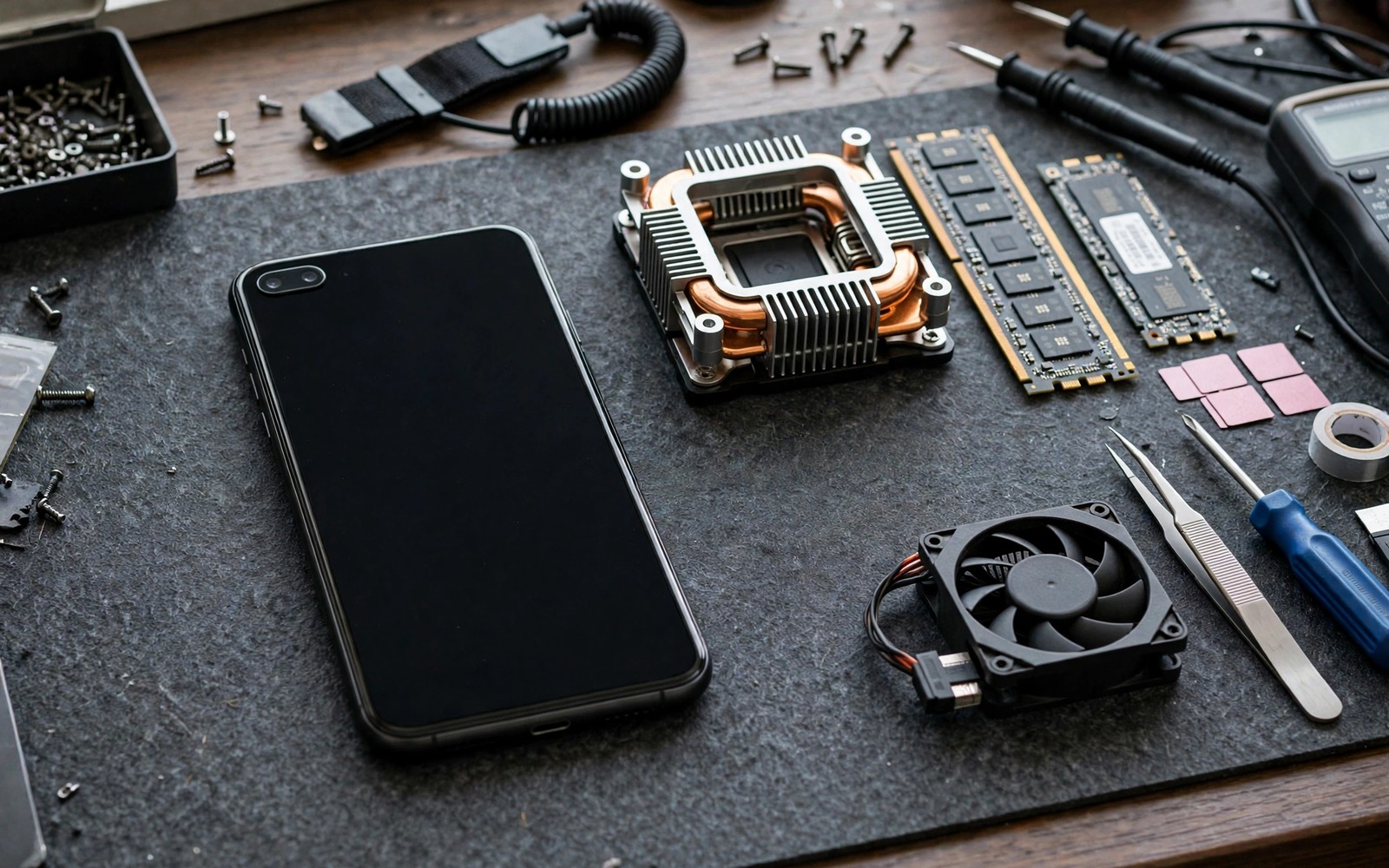
Hardware performance on a phone is rarely limited by the chip alone. Stock software holds the chip back with cautious governors and generous background allowances and thermal rules written for the worst case. Advanced root mods remove those cautious layers one at a time. The result can be a phone that launches apps faster and holds games steadier and multitasks without constant reloads. The result can also be a phone that crashes or overheats when the mods fight each other. This guide orders seven mods by safety and impact so you add power without adding chaos.
Think of the phone as a team where each part needs a different kind of help. The processor needs a faster governor response. The graphics chip needs steadier thermal headroom. Memory needs smarter pressure handling so background apps survive. Storage needs a scheduler that suits flash memory. The battery needs a charging limit that protects long term health while you push performance. A mod that helps one part while hurting another is not an upgrade. It is a trade that you should make with open eyes.
Install mods one at a time and live with each one for a day. That habit sounds slow and it is the fastest way to a stable fast phone. A stack of seven mods installed at once teaches you nothing when the phone misbehaves. The same one at a time discipline drives Magisk hacks that boost benchmark scores instantly because both projects measure real gains instead of collecting modules.
Start with the governor and scheduler mods
The governor mod is the highest impact and lowest risk performance change for most phones. It changes how fast the processor responds to new work and how long it holds high speed. A responsive governor makes the whole phone feel sharper because every tap and scroll benefits. Pair it with a storage scheduler mod that suits flash storage. The scheduler decides the order of read and write requests and a flash friendly scheduler cuts the small stalls that make app launches feel uneven.
Test the pair with daily tasks before you judge them by a benchmark. Launch your five most used apps and time them roughly. Scroll a heavy feed and switch between apps quickly. Note reloads and stutters rather than peak numbers. A governor that feels fast in a benchmark but stutters in a feed is tuned for the test and not for you. Keep the setting that survives a full day of real use.
Add memory and thermal mods next
Memory pressure handling decides whether a background app survives when you switch away. Stock memory management kills background apps aggressively to save battery. A memory mod can tune the kill thresholds so your browser and your music app and your chat app stay alive longer. The gain is invisible in a benchmark and obvious in daily life because apps resume instantly instead of reloading from scratch. Set the thresholds gently. Keeping every app alive forever will starve the foreground app and cause the very lag you wanted to fix.
Thermal mods come next because faster governors create more heat. A thermal mod that softens early throttling lets the chip hold speed longer during games. Keep the final safety limit untouched and test with a full length game session. The right thermal mod holds frames steadier at a safe skin temperature. The wrong one holds frames for ten minutes and then crashes when heat arrives all at once. Long tests reveal the difference and short tests hide it.
Finish with graphics and charging mods
Graphics mods tune the rendering pipeline and the graphics chip behaviour. Some unlock higher frame targets in games that cap the rate by device. Others smooth the frame pacing so motion looks steadier even at the same average rate. Test graphics mods in one game you play often and watch for artefacts and crashes. A graphics mod that adds visual glitches is worse than no mod at all because glitches break immersion far more than a few missing frames.
su
cat /sys/devices/system/cpu/cpu0/cpufreq/scaling_governor
cat /sys/block/sda/queue/scheduler
free -m
cat /sys/class/power_supply/battery/capacity
Attribution: the commands above use the standard shell syntax of the platform toolset and the system inspection files and they are shown here so you can read every step before you run it on your own device.
Use the inspection commands to record a baseline before the first mod and after each new mod. The governor name and the scheduler name and the free memory tell you whether a mod actually changed anything. A mod that claims a gain but changes none of those values deserves doubt. Evidence beats marketing in every tuning project.
Protect the battery while you push performance
Performance mods tempt you to ignore battery health. Resist that temptation with a charging limit mod that stops charging at a healthy percentage during daily use. A battery kept near full charge at high heat ages fastest. Capping the charge during heavy use days preserves capacity over years. The cost is a slightly shorter runtime on capped days and the benefit is a phone that still holds a charge after two years of hard use.
Watch battery temperature during heavy sessions as well. A phone that plays games at high heat while charging degrades faster than a phone that plays the same games on battery. Charge before a session and play on battery when you can. Small habits like that protect the hardware that every performance mod depends on. A fast phone with a dead battery is a slow phone with extra steps.
Common mistakes
The biggest mistake is installing all seven mods in one evening. When the phone crashes you cannot identify the culprit and you lose the whole stack. The second mistake is copying settings from a different chip. A governor tune that suits one processor can destabilise another processor because voltage tables differ. Use settings made for your exact chip and Android version.
The third mistake is judging mods only by peak scores. Peak speed means little when the phone throttles after five minutes or reloads apps constantly. Judge by a full day of use and by heat and by battery life together. Readers who want the benchmark angle should compare notes with Magisk hacks that boost benchmark scores instantly and keep the daily feel as the final judge.
Frequently asked questions
How many performance mods should I run at once?
Run as few as meet your goal. Three well chosen mods often beat seven overlapping mods. Each extra mod adds interaction risk and update risk. Add a mod only when it solves a problem you can name and measure.
Do performance mods void the warranty?
Root itself usually affects warranty status and mods add to that picture. Check the policy for your model before you start. Keep stock images on your computer so you can return the phone to stock if a warranty claim ever requires it.
Will mods survive a system update?
Root mods usually need reinstallation after a system update because the update rewrites the boot image. Keep a list of your mods and their settings so reinstallation takes minutes. Test each mod again after the update because an update can change the code a mod hooks.
Order the seven mods by risk not by hype
Order matters more than enthusiasm when seven mods compete for attention. Install the lowest risk mod first and live with it for a day. Add the next lowest risk mod only when the first one proves stable. That ladder keeps the phone usable at every step and it isolates every failure to the newest change. A ladder built by risk beats a ladder built by download counts because popularity measures excitement and not compatibility with your chip. The graphics clock ladder in overclocking a smartphone graphics chip for ultra high frame rates uses the same small step method because chips punish bold jumps.
Keep a mod journal that records each install date and each setting change and each observed behaviour. Update the journal after every system update and after every crash. A journal turns a vague sense that the phone got slower into a dated link to a specific mod. It also makes post update reinstallation fast because the settings live outside the phone. A journal stored on a computer survives a factory reset that wipes every on device note. That survival is the point.
Retire mods that stop earning their place. A mod that solved a problem on an older Android version may duplicate a new stock feature after an update. A mod that once boosted speed may now cause stutters on a newer kernel. Review the set quarterly and remove anything whose benefit you cannot demonstrate in a day of use. The freed memory guide in the root tweak that instantly frees up reserved RAM shows the same retirement logic because a reservation tweak for hardware you no longer stress is dead weight.
Benchmark your phone in the same room at the same time of day for comparable results across months. Morning cool air and evening warm air change thermal behaviour enough to shift scores by a visible margin. A consistent test environment removes that variable and lets real tuning changes stand out. Record the room condition beside each score so future comparisons account for it. A score without context invites false conclusions about a mod that merely coincided with cooler weather. Consistent conditions turn casual testing into reliable measurement.
Remove one mod per month as an experiment to see whether you still notice its absence. A mod that goes unnoticed after removal was dead weight that added risk without benefit. A mod whose absence you feel immediately earns its place permanently. Monthly removal experiments keep the set lean and honest. They also reveal interactions because removing one mod sometimes fixes a bug blamed on another. A lean set is easier to update and easier to debug and easier to trust on a daily phone.
Conclusion
Seven advanced mods can maximise hardware performance when they are added slowly and measured honestly. Governor and scheduler changes give the broadest daily gain. Memory and thermal mods protect the experience under load. Graphics and charging mods finish the setup without sacrificing long term health.
Your concrete next step is to record your baseline inspection values today and install only the governor mod tomorrow. Live with it for a full day and judge it by app launches and heat and battery life. If it earns its place then add the next mod. For the benchmark view of the same work continue with Magisk hacks that boost benchmark scores instantly as your next read.

