

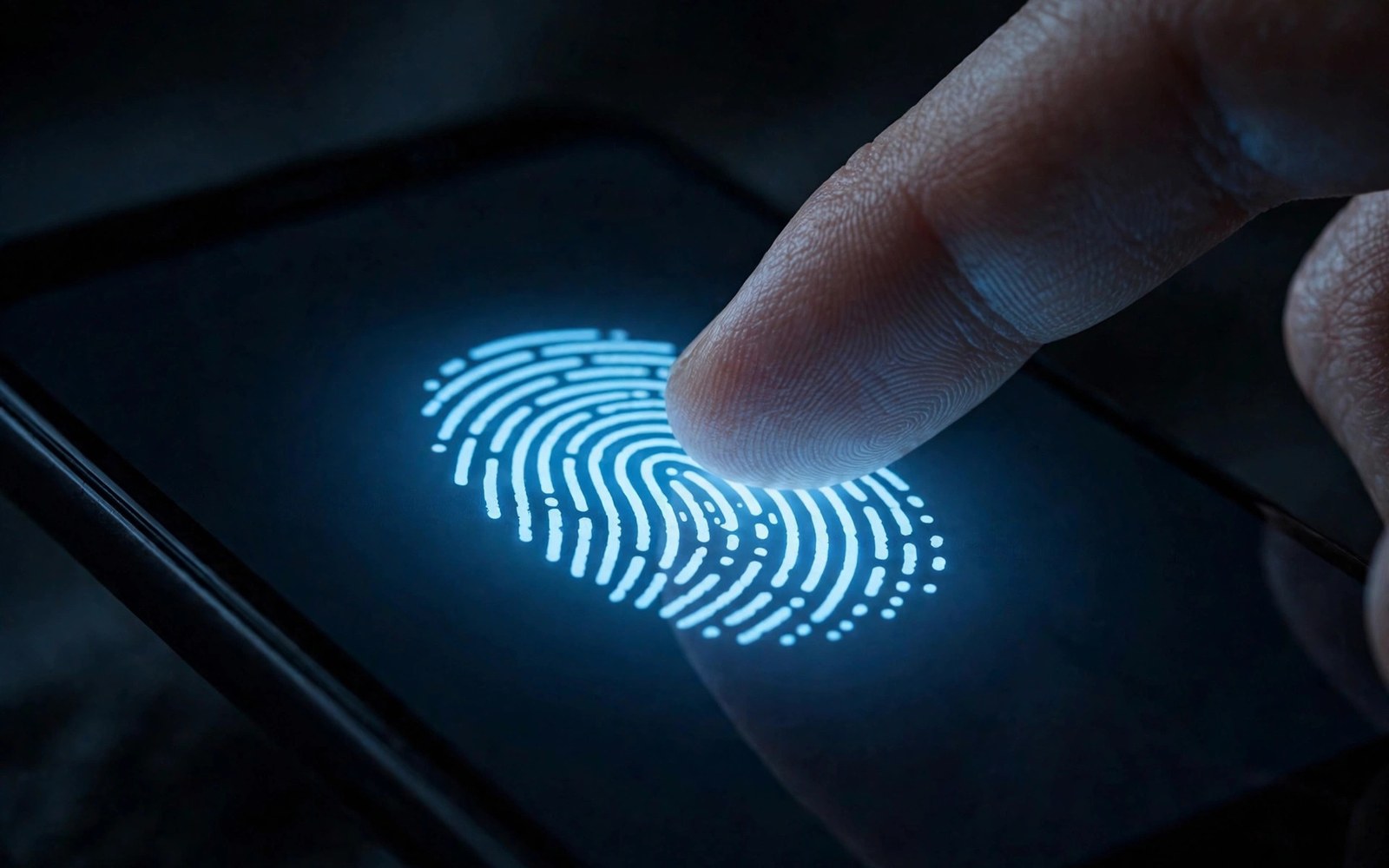
Under-display scanners hide security beneath the screen. Optical scanners photograph fingerprints with light. Ultrasonic scanners map fingerprints with sound waves. Both unlock phones fast in ideal conditions. Real life with wet hands separates them clearly.
This comparison tests speed and accuracy and wet fingers and screen protectors. It helps buyers who unlock phones dozens of times daily. Readers who value screen safety can also see screen shape choices for display trade-offs. Unlock reliability shapes daily frustration more than specs suggest.
How Optical Scanners Work
Optical scanners shine light through the screen onto the finger. A small camera captures the fingerprint image. Software matches ridges against stored templates. Bright light helps capture clear images. Screen brightness affects scan quality slightly.
Optical scanners cost less than ultrasonic rivals. Brands use them widely in mid-range phones. Speed has improved greatly in recent generations. Most users find optical unlocking fast enough. Accuracy drops when fingers are dirty or wet.
How Ultrasonic Scanners Work
Ultrasonic scanners send sound pulses through the screen. Echoes build a detailed three dimensional fingerprint map. Sound waves penetrate moisture and light dirt better than light. Depth data makes spoofing harder than flat images. Ultrasonic sensors cost more to build and tune.
Flagship phones favor ultrasonic scanners for reliability. Unlock speed now rivals optical sensors closely. Accuracy stays strong across varied finger conditions. Screen protectors can interfere if they trap air bubbles. Quality protectors designed for ultrasonic sensors work well.
| Aspect | First Option | Second Option |
|---|---|---|
| Method | Light image capture | Sound wave depth map |
| Wet fingers | Fails often in moisture | Works well in moisture |
| Speed | Very fast when dry | Consistently fast |
| Protectors | Tolerates most types | Needs compatible protectors |
| Security | Good with liveness checks | Stronger depth spoof resistance |
Speed In Daily Unlocking
Unlock speed feels instant on both modern types. Optical sensors sometimes win by milliseconds in dry tests. Ultrasonic sensors win consistency across conditions. Real speed includes screen wake and animation time. Total unlock time differs less than sensor time alone.
Failed unlocks waste more time than sensor speed saves. A sensor that fails twice feels slow regardless of specs. Ultrasonic consistency reduces failed attempts in varied conditions. Optical speed shines for clean dry hands. Daily reliability should outweigh peak speed claims.
Wet And Dirty Fingers
Wet fingers challenge optical scanners hardest. Water scatters light and blurs fingerprint images. Rain and sweat cause frequent optical failures. Ultrasonic sound waves handle moisture far better. Users in humid climates gain most from ultrasonic sensors.
Dirty fingers trouble both sensor types. Grease and dust obscure ridge details for light and sound alike. Cleaning fingers improves both types instantly. Readers who work outdoors should favor ultrasonic strongly. Kitchen and gym users feel the difference daily.
- Register the same finger at varied angles.
- Test unlocking with slightly damp hands.
- Use a protector labeled for your sensor type.
- Re-register prints after changing protectors.
- Set a strong backup PIN for sensor failures.
Screen Protectors And Cases
Screen protectors affect ultrasonic sensors more than optical ones. Thick glass can weaken sound pulses. Air gaps under protectors distort ultrasonic maps. Protectors labeled for ultrasonic use solve most issues. Optical sensors tolerate most protectors easily.
Tempered glass thickness matters for ultrasonic accuracy. Thin quality glass works best. Film protectors rarely trouble either sensor type. Buyers should check protector compatibility before buying. Re-registering fingerprints after protector changes helps accuracy.
adb shell dumpsys fingerprint
adb shell cmd biometric list
# Inspect fingerprint and biometric services
adb shell settings get secure fingerprint_enabled
The commands above come from standard Android developer tooling for biometric inspection. They only read sensor service data and they change no setting on the phone.
Security And Spoof Resistance
Security matters for banking and payment unlocks. Ultrasonic depth maps resist photo spoofs better. Optical images can be fooled by high quality copies in theory. Liveness checks on modern phones reduce spoof risks. Both types meet payment security standards today.
Multiple finger registration improves reliability and security balance. Users should register the same finger twice at varied angles. Strong backup PINs protect against sensor failures. Biometric data stays on device on modern phones. No sensor type stores raw fingerprint images openly.
Face Unlock Versus Fingerprint Daily
Face unlock competes with fingerprint scanners daily. Face unlock works hands free when hands are busy. Fingerprint scanners work better in darkness and with masks. Users often enable both methods for flexibility. Fallback methods matter when primary biometrics fail. Readers comparing unlock options can explore haptic feedback for touch related hardware differences. Biometric choice should match daily routines closely.
Security levels differ between face and fingerprint systems. 3D face systems match fingerprint security closely. 2D face systems can be fooled by photos more easily. Payment apps may require fingerprint for high value transactions. Users should check payment requirements for their banks. Combining methods with strong PINs gives best security balance.
In Display Versus Side Mounted Scanners
Side mounted scanners offer an alternative to under-display sensors. Side sensors unlock during natural pickup motions. They work reliably with wet fingers often. They avoid screen protector complications entirely. Design trade offs include power button placement sensitivity. Users with cases may find side sensors harder to reach.
Under-display scanners keep sides clean and premium looking. They integrate security invisibly into the display. Side scanners feel faster for users who grip phones naturally. Power button sensors can trigger accidental unlocks in pockets. Pocket unlock protection software reduces accidents well. Preference between positions is highly personal and habitual.
Registration Tips For Best Accuracy
Registration quality decides scanner accuracy more than sensor type. Users should register fingers in varied positions. Moisturizing dry hands before registration helps capture. Re-registering after major skin changes improves results. Multiple registrations of the same finger boost recognition. Clean screens before registration capture clearer templates.
Thumb versus index finger registration affects daily comfort. Thumbs suit under-display scanners naturally. Index fingers suit rear or side scanners better. Users should register fingers they use instinctively. Forcing unnatural fingers causes daily frustration. Natural registration habits improve unlock success dramatically.
Scanner Performance In Cold Weather
Cold weather challenges fingerprint scanners noticeably. Dry winter skin cracks and loses ridge detail. Gloves block scanners entirely for most users. Face unlock helps gloved users in winter. Ultrasonic sensors handle dry skin slightly better. Optical sensors struggle most with cracked winter skin.
Moisturizing hands improves winter scanner performance. Hand cream before outdoor use helps ridge capture. Users in cold climates should enable face unlock backup. PIN entry remains reliable in all weather conditions. Winter reliability should influence scanner choice for northern users. Climate factors rarely appear in launch reviews unfortunately.
Future Biometric Trends
Future biometrics may combine multiple methods seamlessly. Under-display cameras could enable face plus fingerprint fusion. Larger scanner areas will ease finger placement. Whole screen fingerprint sensing remains experimental. Ultrasonic costs will fall as manufacturing scales. Optical sensors will keep improving for budget phones.
Privacy regulations shape biometric data handling increasingly. On device storage remains standard for fingerprint templates. Cloud backup of biometrics stays prohibited by good practice. Users should review biometric privacy policies carefully. Future sensors must balance convenience with security. Biometric evolution favors ultrasonic reliability for flagships.
Scanner Speed Versus Security Trade Offs
Scanner speed and security trade off subtly. Faster matching thresholds accept more false positives theoretically. Stricter thresholds reject legitimate fingers more often. Brands balance speed against security carefully. Payment certifications enforce minimum security standards.
Users can adjust security through backup methods. Strong PINs complement biometric convenience. Biometric plus PIN for payments adds protection. Speed focused users accept marginally higher risks. Security focused users prefer stricter matching. Balance should match personal risk tolerance.
Scanner Use With Wet Screen Conditions
Wet screens challenge scanners differently than wet fingers. Water droplets on screens scatter optical light. Ultrasonic waves penetrate thin water layers better. Rainy unlock attempts frustrate optical users most. Drying screens improves both sensor types instantly.
Underwater use remains impractical for fingerprint unlock. Touchscreens respond poorly underwater generally. Face unlock also struggles underwater. PIN entry works best in wet conditions. Wet environment users should enable multiple unlock methods.
Scanner Longevity And Wear
Scanner longevity concerns users keeping phones years. Optical sensors degrade little over time. Ultrasonic sensors maintain accuracy with proper care. Screen replacements can affect scanner calibration. Official repairs recalibrate scanners correctly.
Third party screen repairs sometimes impair scanners. Quality parts preserve scanner performance better. Users should choose reputable repair shops. Scanner failures after repairs warrant warranty checks. Long term scanner reliability favors official repairs.
Biometric Privacy Best Practices
Biometric privacy best practices protect users effectively. Templates should remain on device encrypted always. Users should avoid biometric cloud backups. Strong device encryption protects template data. Lost phones with biometrics need remote wiping promptly.
Law enforcement access rules vary by jurisdiction. PINs enjoy stronger legal protections than biometrics in some regions. Users concerned about compelled unlock should know local laws. Disabling biometrics temporarily helps sensitive situations. Privacy practices matter beyond sensor technology.
Final Verdict
Ultrasonic scanners win for wet hands and consistent reliability. Optical scanners win on cost and protector freedom. Most dry hand users will enjoy either type daily. Outdoor and humid climate users should insist on ultrasonic.
Buyers weighing full phone packages can also read software interfaces for software differences. Unlock tech should match your hands and climate. Choose reliability over headline speed.

