

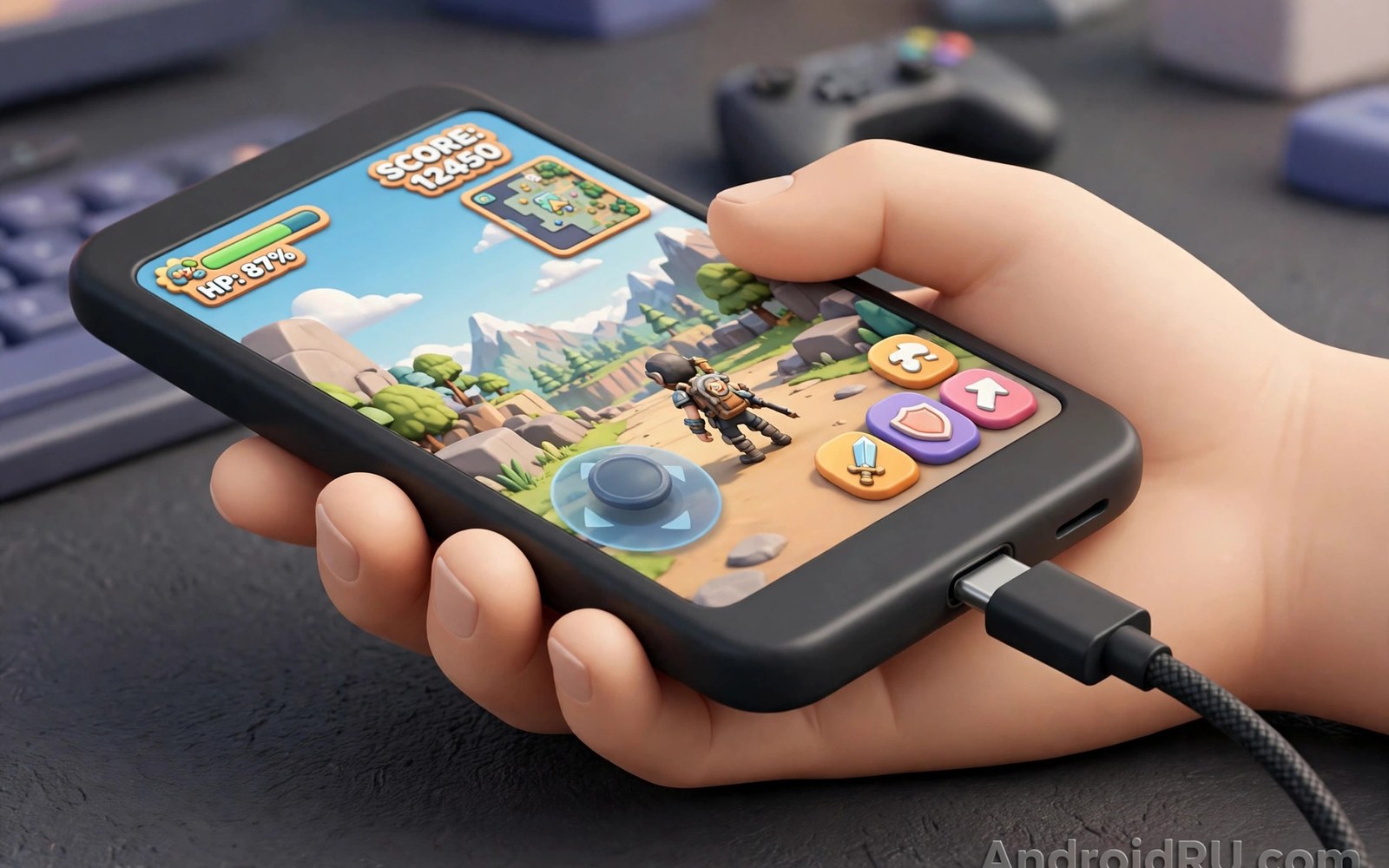
A right angle cable bends at the plug. The cable exits sideways rather than straight out. That small bend changes gaming comfort greatly. A straight cable sticks out from the phone. It presses against the hand during play. It also snags on fingers. A right angle cable lies flat along the phone edge. It stays out of the way. Hands grip the phone naturally. Long sessions feel less tiring. This guide explains the ergonomic benefits. It covers port protection too. It helps gamers pick the right angle direction.
Mobile games demand a stable grip for long periods. A player holds the phone horizontally for most games. The charging port sits on a short edge or a long edge. A straight cable from that port points into the palm. The palm must work around the cable. That workaround causes fatigue. It also causes accidental disconnects. A right angle cable routes the cable along the edge. The palm rests without a cable bulge. The grip feels like an unplugged phone. That natural grip improves control. Better control improves game performance. Comfort and performance link closely here.
How the Angled Plug Changes Grip
The angled plug turns the cable direction by ninety degrees. The cable then runs parallel to the phone edge. It does not poke into the hand. Fingers wrap around the phone without obstruction. Thumbs reach the screen controls freely. The cable weight pulls along the edge rather than outward. That pull feels less distracting. A straight cable pulls outward and twists the plug. Twisting stresses the port. An angled cable pulls along the edge and twists less. The port experiences less leverage. Less leverage means less wear over time. Gamers who charge while playing benefit most.
Hand size affects the benefit. Large hands cover more of the phone edge. A straight cable interferes more with large hands. Small hands may tolerate a straight cable better. Both hand sizes benefit from an angled cable. The benefit simply grows with hand size. Grip style also matters. A claw grip holds the phone by the edges. An angled cable suits claw grip well. A palm grip rests the phone in the palms. An angled cable suits palm grip too. The cable lies flat in either grip. A straight cable disrupts both grips. Test both grips with an angled cable. The improvement should feel immediate.
Heat comfort also improves with an angled cable. A straight cable plug can press against a finger. The plug warms during fast charging. A warm plug against skin feels uncomfortable. An angled plug sits along the edge away from fingers. The warm plug touches less skin. Air flows around it better. That airflow keeps the plug cooler. A cooler plug feels better during long sessions. It also protects the port from heat concentration. Heat at one contact point stresses materials. Spread heat feels less intense. An angled plug naturally spreads contact away from the grip.
Port Protection During Intense Play
Gaming moves the phone constantly. Quick turns and shakes tug the cable. A straight cable acts as a lever on the port. A tug pulls the plug at an angle. That angle stresses the port contacts. Repeated stress loosens the port. A loose port causes intermittent charging. It may need costly repair. An angled cable reduces lever force. A tug pulls along the edge. The plug slides rather than levers. The port experiences less torque. That reduction extends port life. Gamers who play daily will notice the difference over months. A port that stays firm charges reliably.
Accidental drops also affect the port. A phone dropped while charging can land on the plug. A straight plug takes the impact directly. The impact can bend the plug or the port. An angled plug presents a lower profile. It is less likely to take a direct hit. The cable may detach instead of bending. Detachment protects both plug and port. No cable design makes drops safe. An angled design simply reduces one risk. It is a small insurance benefit. It pairs well with a protective case. A case with a raised edge also shields the plug area.
Cable strain near the plug also drops with an angled design. A straight cable bends sharply when the phone rests on a surface. The bend concentrates at the plug. That concentration breaks wires over time. An angled cable bends gently along the edge. The bend spreads over a longer cable section. Gentler bends last longer. A cable that lasts longer saves money. It also avoids mid game charging failures. A charging failure during a ranked match frustrates any player. A durable cable prevents that frustration. Choose an angled cable with a long strain relief for best durability.
Choosing the Correct Angle Direction
Angle direction matters for comfort. Some angled cables turn left. Others turn right. Some turn up. Others turn down. The best direction depends on the phone port location and the grip. A phone with a bottom port suits a cable that turns toward the back. A phone with a side port suits a different turn. Hold the phone as you play. Note where the cable should run. It should run away from the fingers. It should run toward the charger without crossing the screen. A cable that crosses the screen distracts. A cable that runs behind the phone stays hidden. Choose the direction that achieves that path.
Case compatibility affects direction choice too. A thick case may block an angled plug. The plug housing may hit the case edge. A plug that hits the case sits at an angle. An angled seating stresses the port. Check the plug housing size against the case opening. A slim plug housing fits most cases. A bulky plug housing fits only bare phones. Some angled cables ship with a slim housing for case use. Others assume a bare phone. Read the housing dimensions before buying. A test fit on arrival confirms compatibility. Return a plug that cannot seat fully with the case on. A fully seated plug is essential for stable charging.
Some gamers use two angled cables for different games. A landscape game needs one direction. A portrait game needs another. Swapping cables takes seconds. A small collection of angled cables covers both orientations. That collection costs little. It avoids awkward cable routing. A single cable forced into the wrong direction feels uncomfortable. It also stresses the plug. Keep a cable for each common orientation. Label them if they look alike. A labelled set prevents confusion before a match. Preparation before play beats fumbling during play.
Charging Speed and Data with Angled Cables
Angle shape does not change charging speed by itself. The internal wires decide speed. An angled cable can support fast charging fully. It can also support slow charging only. Check the power rating on the listing. Match it to the charger and the phone. A fast angled cable charges as fast as a fast straight cable. A slow angled cable charges slowly regardless of shape. Do not assume angle implies speed. Read the rating carefully. A gamer needs fast charging during play. Play consumes power quickly. A slow cable may lose charge during intense play. A fast cable holds or gains charge.
Data speed follows the same rule. An angled cable may support fast data or slow data. Check the data rating when file transfers matter. Gamers who sideload large games need decent data speed. A slow data cable prolongs game installs. A fast data cable shortens them. Most gamers prioritise charging speed over data speed. Both ratings deserve a check. A cable that does both well costs more. It serves gaming and file work. A cable that does one well suits a single purpose. Choose based on the main job. A charging focused cable is fine for play only.
Length affects gaming comfort strongly. A short cable keeps the phone near the charger. It limits movement. A long cable allows free movement. It also tangles more easily. A medium length suits most gaming setups. A one and a half metre cable gives freedom without excess slack. A two metre cable suits a sofa far from a wall socket. Avoid very long cables for competitive play. Excess cable snags on furniture. A snag can yank the phone mid game. A tidy cable route prevents snags. Route the cable behind the seating area. Keep slack off the floor where feet pass.
Comfort Beyond Gaming
Angled cables help beyond games too. Video watching in landscape benefits similarly. The cable lies flat while the phone rests on a stand. Reading in bed benefits as well. The cable does not poke the hand while holding the phone. Car use benefits when the phone sits in a holder. The cable routes neatly from the holder. Desk use benefits when the phone lies flat. The cable exits sideways and stays tidy. These everyday gains make angled cables versatile. A gamer cable doubles as a daily cable. That versatility justifies the purchase for many users.
Children and elderly users also benefit from angled cables. A cable that lies flat snags less. Less snagging means fewer phone drops. A phone dropped less often lasts longer. A cable that does not poke the hand feels friendlier. Young users may not notice ergonomics consciously. They simply find the phone easier to hold. Elderly users with hand stiffness benefit from less obstruction. A natural grip needs less effort. Less effort means longer comfortable use. Small ergonomic gains matter for long term comfort. They accumulate over daily use.
Travel use also improves with angled cables. A phone charging in a bag faces cable stress. An angled cable lies flat against the phone. It takes less space in a bag pocket. It snags less on other items. A straight cable sticks out and catches on bag fabric. Catching can pull the phone from a pocket. An angled cable reduces that risk. For travel durability see braided nylon cables versus rubber cables for durability and tangle resistance to pair cover with angle. A braided angled cable gives a tough travel combination. It resists tangling and port stress together.
- Choose the angle direction that runs away from your fingers.
- Check plug housing size against your phone case.
- Match power rating to your charger for play while charging.
- Use a medium length to avoid snags during play.
- Route cable slack behind seating to prevent yanks.
Gaming cable checklist:
1. Port location: bottom or side
2. Angle direction: away from fingers
3. Case fit: plug seats fully
4. Power rating: matches charger
5. Length: medium for freedom
6. Strain relief: long and flexible
7. Test: grip phone and play a match
Common Angled Cable Mistakes
Buying the wrong angle direction is the top mistake. A cable that turns toward the fingers feels worse than a straight cable. It presses directly into the grip. Always check direction before ordering. Product photos show the turn direction. Compare the photo with your grip. A photo alone can mislead when the phone orientation differs. Imagine the phone in landscape play position. Trace the cable path in your mind. A path that crosses fingers is wrong. A path that runs along the edge is right. Return a wrong direction cable quickly. Do not force yourself to adapt to it.
Ignoring case fit is another common mistake. A bulky angled plug may not fit a case opening. The plug then sits half seated. A half seated plug charges intermittently. It also wobbles during play. Wobble distracts and stresses the port. Test fit with the case on arrival. Remove the case only as a last resort. A phone without a case risks drop damage. A slim angled plug solves most case issues. Keep the case on and choose a slim plug. That combination protects phone and port together. It also keeps grip consistent.
Choosing a slow angled cable for gaming is a third mistake. A slow cable cannot keep up with gaming power draw. The battery falls even while plugged in. The player must stop to charge. That interruption ruins a session. Check the power rating before buying. Match it to the phone gaming draw. A fast cable holds charge during play. A very fast cable may even gain charge. Test charging during a real game. Note the battery trend over thirty minutes. A rising or stable trend passes. A falling trend fails. Replace a failing cable before a competitive session.
Final Thoughts on Right-Angle Cables
A right angle cable is a small change with a large comfort gain. It clears the grip. It reduces port leverage. It routes cable weight along the edge. It protects the port during intense play. Direction choice decides the benefit. A correct direction feels natural at once. A wrong direction feels worse than straight. Case fit and power rating complete the choice. A slim plug and a fast rating give the best result. A medium length avoids snags.
Readers may also find how cable length affects power delivery and charging speeds useful for a related setup. Readers may also find multi-port hubs that connect keyboards and power to phones useful for a related setup.
Hold your phone as you play and trace the ideal cable path. Choose an angle that follows that path. Test fit with your case on. Test charging during a real game. The steps above follow the approach described in the official developer documentation for accessory ergonomics and safe charging. That approach stresses testing accessories in real use before relying on them. Follow it and your gaming sessions will feel more comfortable and your port will last longer.

