

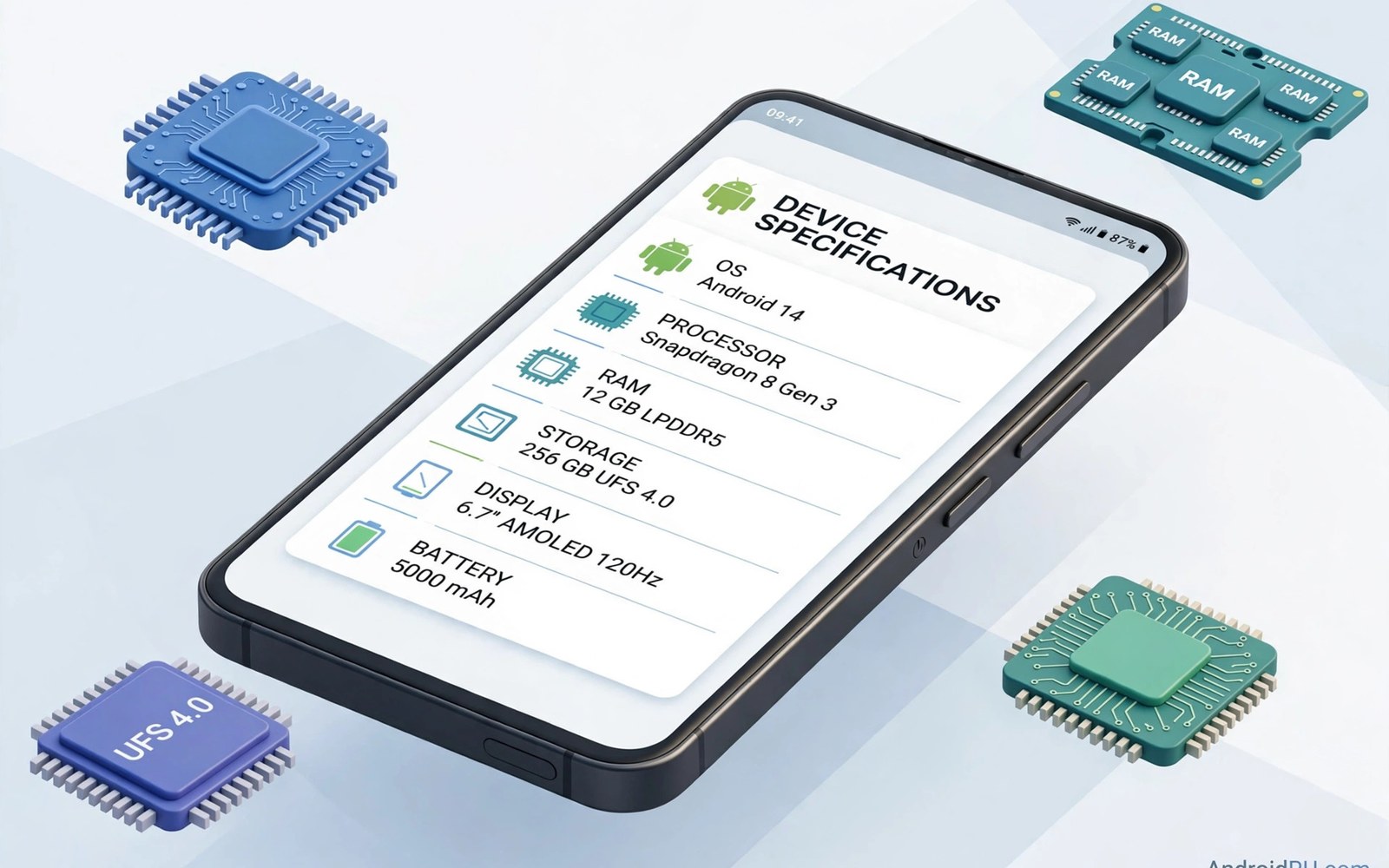
Apps often check device specifications before enabling a feature. They may check the device model or the screen size. They may check the operating system version or the processor type. A spoofing module changes the values that one app sees. The rest of the system keeps its true values. The target app then behaves as if it ran on a different device. This trick can unlock a feature on an older phone. It can help a developer test an app on many virtual models. It can also cause trouble when used carelessly. Understanding which values matter is the first step.
Device specifications live in several places inside Android. Build fields report model and manufacturer and version. Display metrics report screen size and density. System properties report hardware details for native code. Apps read these values through standard APIs. A spoofing module hooks those APIs inside the target app process. It returns crafted values instead of true values. The app logic then follows the branch for the spoofed device. Other apps read true values because they sit outside the scope. That isolation is what makes per app spoofing practical. A system wide change would confuse every app at once.
Common spoofed values include model name and brand and device codename. They also include Android version string and security patch level. Screen width and height and density matter for layout decisions. Some apps check for a specific chipset family before enabling a codec. Others check total memory before enabling a heavy feature. Each value unlocks a different branch in app logic. A module that spoofs only the model may miss a screen check. A complete profile must match the target device across several fields. Inconsistent profiles look suspicious to careful apps. Consistency is a hallmark of a good spoofing setup.
Why Apps Check Device Specifications
Apps check specifications for legitimate engineering reasons. A feature may need a sensor that only newer models carry. A video codec may need hardware support that older chips lack. A layout may need a minimum screen width to remain usable. Checking specifications lets developers degrade gracefully. An app can hide a feature rather than crash on unsupported hardware. Spoofing bypasses that safety logic. It tells the app that support exists when it may not. The feature may then crash or behave oddly. Users should expect that risk when they spoof a value. A hidden feature may be hidden because the hardware truly cannot run it.
Regional and carrier checks also use device values. An app may enable a payment feature only for certain models in a region. It may enable a network feature only for carrier approved devices. Spoofing can bypass those gates in some cases. Bypassing a regional gate may violate service terms. It may also break features that depend on regional servers. A feature that appears may fail when it contacts a server that rejects the spoofed profile. Client side spoofing cannot change server side checks. Users should test the full feature flow rather than just its appearance. Appearance without function is a hollow success.
Developers use spoofing for testing more than for daily use. A tester can simulate many devices on one physical phone. That simulation speeds up compatibility testing greatly. It does not replace testing on real hardware for final release. Real hardware reveals performance and sensor differences that spoofing hides. A responsible tester treats spoofed results as a first pass. Real device testing remains the final gate before release. That discipline keeps spoofing honest and useful.
How Spoofing Hooks Work Inside An App
Spoofing hooks target the APIs that return device information. Build fields are a primary target because many apps read them directly. A hook can return a different model string for the target app. Display metrics are another target for layout decisions. A hook can report a larger screen or a different density. System properties need a different approach because native code reads them. Some modules hook the Java wrapper for properties. Others need deeper handling for native readers. A module that covers only Java fields may miss native checks. Users should check which layers a module claims to cover.
Consistency across fields requires a profile rather than a single value. A good module offers named profiles for known devices. Each profile sets model and brand and screen values together. It sets version and patch values that match that device era. It avoids mixing a new model with an old Android version. Mixed profiles trigger suspicion in apps that validate combinations. A profile from a real device generation looks coherent. A random mix of values looks fabricated. Choose a profile that matches a real device closely. Avoid inventing values that no real device carries.
The hook mechanics behind this work appear in material on system hooking inside LSPosed. That background explains before and after hooks clearly. Spoofing mostly uses after hooks that replace a returned value. The original method runs and the hook swaps its result. That pattern is gentle because side effects still occur. It still carries risk when the app caches the first value it reads. A cached true value may survive a later spoof change. Restart the app after changing a profile to clear such caches.
Setting Up A Spoofed Profile Safely
Start by defining a clear purpose for the spoof. Write down which feature you want to test and why. Choose a target device profile that plausibly supports that feature. Scope the module to the single target app only. Never scope a spoofing module to every app on the phone. A broad spoof confuses system services and other apps. It can break payment checks and safety checks elsewhere. Restart the target app after applying the profile. Open the feature and test it fully rather than admiring its appearance. A feature that opens but fails at use is not a success.
Test with a secondary account or a test environment when possible. Spoofing can trigger account flags on services that validate devices. A test account protects your main account from such flags. Keep the spoof active only for the duration of the test. Remove it when testing ends so normal values return. Long lived spoofs increase the chance of a server side mismatch. A server may record a device profile at login and compare it later. A profile that changes mid session looks like account sharing or fraud. Short scoped tests reduce that risk greatly.
- Define one clear purpose before spoofing any device value.
- Choose a coherent profile from a real device generation.
- Scope the module to the single target app only.
- Restart the target app after applying a new profile.
- Test the full feature flow rather than just its appearance.
- Use a test account when a service validates device profiles.
- Remove the spoof when testing ends to restore true values.
- Keep notes on which profile was used for each test.
Values That Apps Commonly Validate
Model and brand checks are the most common gate. An app may compare the model string against a list of supported devices. A spoofed model that matches the list passes the gate. Manufacturer checks work the same way for brand exclusive features. Device codename checks are stricter because codenames are less visible to users. A module must spoof the codename too when an app checks it. Missing one field in a set can fail the whole gate. Check module documentation for the full field list it covers. A partial field list explains many failed spoof attempts.
Version and patch checks form a second gate family. An app may require a minimum Android version for a feature. Spoofing a higher version can pass that gate on an older system. The underlying system APIs may still be missing on the old device. The feature may then crash when it calls a missing API. Version spoofing is therefore riskier than model spoofing. It promises API support that the system cannot deliver. Use version spoofing only when you know the APIs already exist. Otherwise expect crashes at the first missing call.
Hardware checks form a third gate family. Memory and processor and sensor checks protect performance and function. Spoofing more memory does not add physical memory to the phone. A heavy feature may still run out of memory and crash. Spoofing a sensor does not add that sensor to the hardware. An app that reads the sensor will receive no data or stale data. Hardware spoofing is the least reliable form of spoofing. It changes a label without changing reality. Treat hardware gates as warnings rather than obstacles to bypass.
Risks Terms And Account Safety
Service terms often forbid misrepresenting device identity. A game may ban accounts that spoof device values to gain an advantage. A payment service may flag a spoofed profile as fraud risk. A streaming service may block a device that fails validation. Users should read terms for services they value before spoofing. Losing a main account over a minor feature is a poor trade. Test accounts and local testing avoid most of that risk. They let users learn without endangering a valued account. When a service matters to you do not spoof against it casually.
Security features also depend on true device values. Safety checks use device identity to detect stolen accounts. A spoofed profile can trigger extra verification steps. It can also lock an account until identity is proven again. These outcomes are inconvenient but they protect users overall. Do not treat a security challenge as a module failure. It is the service doing its job with confusing input. Restore true values and complete verification normally. The account will usually return to normal after that step. Repeated spoofing may still leave a lasting flag on the account.
Spoofing safety checklist
Purpose written down before any change
Profile coherent and from a real device
Scope limited to one target app
Test account used for service testing
Full feature flow tested, not just appearance
Spoof removed after testing ends
Notes kept on profile and result
The steps above follow the approach described in the official developer documentation for the framework and its module system. That material explains scope and process loading in general terms. It also describes how modules attach to app processes at startup. Readers who want deeper detail can consult the same documentation directly. The guidance here adds spoofing specific caution and testing order. It does not replace module specific instructions from each author. Always read those instructions before changing device values.
Alternatives To Spoofing Worth Considering
Many feature gates have legitimate alternatives to spoofing. A developer may offer a beta program that enables the feature officially. A vendor may offer a system update that adds the missing support. An app may offer a web version with the same feature unlocked. Check those paths before spoofing a value. Official paths carry no account risk and no maintenance burden. They also receive support when something breaks. Spoofing receives no official support by definition. It is a workaround rather than a solution.
Emulators and test devices offer another alternative for developers. An emulator can present many device profiles officially. A cheap test phone can run the real hardware for a target model. Both options cost time or money but they produce trustworthy results. Spoofing on a daily phone produces quick results with higher risk. Choose the method that matches the stakes of the test. A hobby test tolerates spoofing risk well. A release decision deserves real hardware. That judgment separates careful testers from careless ones.
For related device topics explore mock location at framework level and granular permission tuning with LSPosed. Those topics show neighboring per app tricks with similar scope rules. They also show how a single app view can differ from system truth. Each trick is useful inside its proper boundary. Each becomes risky when its scope grows too wide. Keep every trick scoped and short lived for best results.

