

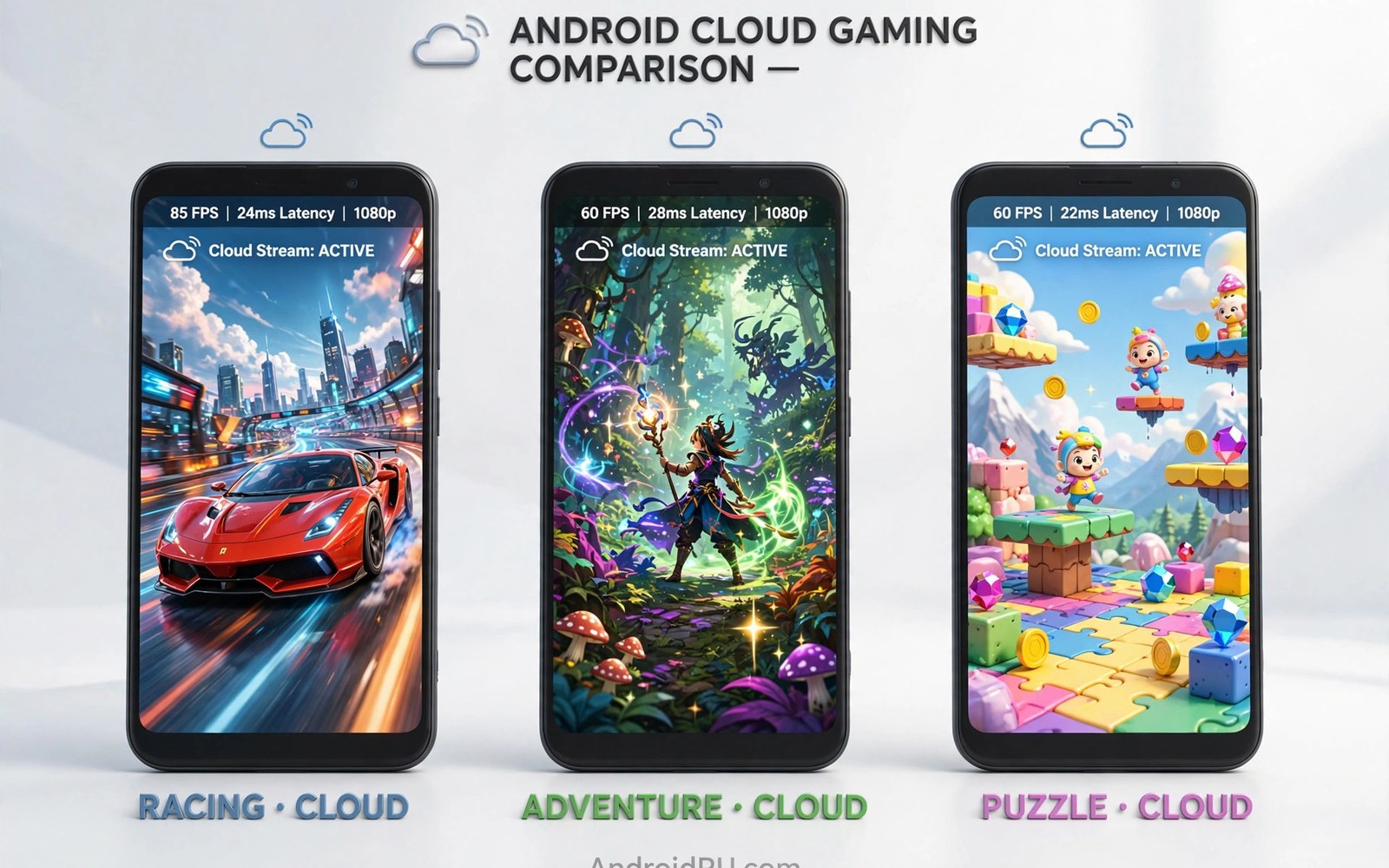
Top cloud gaming services compared side by side helps you avoid paying for the wrong one. Xbox Cloud Gaming and GeForce Now and Amazon Luna each take a different path. One sells a game library. One streams games you already own. One bundles channels of games for a flat fee. Your library and your budget and your taste decide the winner for you.
All three run on Android phones through apps or browsers. All three need a solid link. All three feel great on strong Wi-Fi and rough on weak links. The differences live in libraries and pricing and device support. This comparison covers each service honestly so you can pick with confidence.
Xbox Cloud Gaming strengths and limits
Xbox Cloud Gaming shines for players who want many games for one monthly fee. Game Pass Ultimate includes a rotating library of console and PC titles. New first party releases often join at launch. Saves sync across phone and console and PC. The value is excellent if you play several library games each month.
Limits exist too. You do not own the library games. Titles leave the service over time. The Android app experience is smooth but stream resolution caps below some rivals. Touch controls cover many titles but not all. Competitive shooters feel softer than local play. Casual and story players gain the most here.
Controller support is broad. Most Bluetooth pads work at once. Xbox controllers pair with ease. The service suits players who already live in the Xbox world. It also suits newcomers who want instant variety without buying games one by one.
GeForce Now strengths and limits
GeForce Now shines for players who already own PC games. You link stores like Steam and Epic. You stream your own library from strong servers. No repurchase needed. Paid tiers add better hardware and longer sessions and higher quality. The free tier lets you test before paying.
Limits center on support and queues. Not every owned game joins the service. Publishers opt in title by title. Free tier queues can waste a short break. Session limits on lower tiers force saves at awkward times. Players with small libraries gain less than players with deep collections.
Visual quality on paid tiers can beat rivals. Higher frame rates and sharper streams suit big screens and tablets. Phone screens hide some of that edge. The service suits PC gamers who want their library on a phone. It suits less well players who own no PC games at all.
Amazon Luna strengths and limits
Amazon Luna takes a channel approach. You subscribe to channels of games rather than one giant library. The base channel offers a rotating set of titles. Extra channels add families of games around themes. The model suits players who want simple flat pricing without a huge catalog to browse.
Limits include library size and reach. Luna catalog depth trails Xbox in many regions. Availability varies by country. Some popular titles never appear. Controller options include the Luna controller with a direct cloud link that can cut latency. That controller costs extra and suits dedicated Luna players most.
Luna works well for casual and family play. Its channels keep choices manageable. Kids and casual players may prefer fewer options. Hardcore players with specific favorite titles should check the catalog first. A service without your game is a bad deal at any price.
Price and value in one view
Xbox bundles cloud play with a wide subscription that also covers console and PC perks. The monthly fee looks high alone but the bundle value is strong for multi device players. GeForce Now tiers range from free to premium. You pay for hardware power rather than games. Luna channels cost less per channel but stack up if you add several.
Count your real monthly play before you choose. A player who plays two hours a week gains little from premium tiers. A daily player gains a lot from queue free access and long sessions. Trial periods help. Use free tiers and trials for a full week each. Real use beats spec sheets every time.
For players weighing link needs alongside price, the guide to bandwidth needs for lag free cloud gaming shows what each quality tier demands from your connection. A cheap plan on a weak link wastes money no matter how good the catalog looks.
A script to compare yearly costs
The script below totals one year of each service with your own game spending added. Edit the numbers to match current prices in your region.
services = {
    "Xbox Cloud": 15 * 12,
    "GeForce Now mid": 10 * 12,
    "GeForce Now top": 20 * 12,
    "Luna base": 10 * 12,
}
extra_games = 60
for name, sub in services.items():
    total = sub
    if "GeForce" in name:
        total += extra_games
    print(name, "year total:", total)
print("Add your own game spending for an honest total")
This snippet is an original cost helper written for this comparison. It is included here so you can compare yearly totals with your own prices and game buying habits.
Common mistakes
Many players subscribe before checking game support. Their favorite title may be absent from that service. Search the catalog first. Another mistake is paying for two services at once. One service usually covers your play. Pause the other until you truly need it.
Some players chase the highest tier for phone play. Phone screens hide much of the top tier edge. A middle tier often feels identical on a phone. Save money and upgrade only when you play on a tablet or TV. Others ignore regional availability. A service can look great in reviews yet offer a thin catalog in your country. Check your region first.
A final mistake is judging all services on one bad network day. Test each service on your best Wi-Fi link. A weak link punishes every service equally. Fair tests lead to fair choices.
Trials and switching services
Free trials reveal more than reviews because they test your exact network and taste together. Use a trial for a full week rather than a single evening, and play at your normal hours across different days. Evening congestion changes results, and one good night proves little. Note queue times and stream quality and catalog depth daily during the trial. A short diary of trial days gives you honest evidence when the trial ends. Decisions made from diaries beat decisions made from first impressions.
Switching services costs less than players fear when saves stay inside store accounts. A game owned on a store transfers across services that support that store, though progress may not follow. Finish story games before switching to avoid split progress. Multiplayer groups should switch together or not at all, because split groups cannot play together. Coordinate switches with friends and pick a date that suits everyone. A group switch keeps the social circle intact.
Cancellation habits protect budgets across all subscriptions. Set a calendar reminder two days before each renewal during a trial period. Review actual play hours before the renewal hits. A service unused for two weeks deserves cancellation regardless of catalog quality. You can resubscribe later when a desired title joins. Pausing beats paying for idle months, and most services keep your account data during a pause.
Family sharing and multiple profiles
Family sharing rules differ sharply between cloud services, and misunderstanding them causes billing surprises. Some services allow one subscription to serve several profiles on different devices at different times. Others restrict simultaneous streams to one device per account. Read sharing rules before promising family members access. A plan that blocks simultaneous play frustrates households where two people play at once. Upgrade tiers sometimes unlock extra streams, so compare tier rules rather than headline prices.
Profiles keep progress and recommendations separate within a shared account. Children gain age filtered libraries through kid profiles on services that offer them. Adults keep their own saves and history clean. Set up profiles on day one rather than untangling mixed progress later. Mixed saves cause arguments when one player overwrites another story. Profiles prevent that pain completely and cost nothing to create.
Payment controls matter for family accounts because children may buy games or upgrades inside cloud apps. Enable purchase approval for child profiles wherever the service offers it. Review monthly statements for unexpected charges. A five minute settings check prevents billing disputes that take hours to resolve. Families that set controls early enjoy cloud gaming without financial anxiety.
Keeping track of catalog changes
Catalog changes affect subscription value constantly, because titles join and leave libraries every month. Track changes with a simple list of games you care about and check their status monthly. Services announce departures in advance, usually with a few weeks notice. Use that window to finish games before they leave. A departure notice ignored costs progress and purchase decisions.
Community trackers publish catalog change news faster than official channels sometimes, because fans monitor libraries daily. Follow one reliable tracker for your service and skim updates weekly. Five minutes of weekly reading prevents surprise departures. Knowledge of incoming titles also helps you plan purchases, since a game joining a library soon is not worth buying now.
Purchase timing around catalog news saves money regularly. Delay buying a game that rumors place in a library soon. Buy promptly when a favorite title leaves a library and you still want it. Catalog awareness turns subscription spending into strategic spending. Players who track changes spend less and play more than players who ignore library news.
FAQ
Which cloud gaming service is best on Android?
Xbox suits players who want a big library for one fee. GeForce Now suits players who own PC games. Luna suits casual players who want simple channels. Your library and budget pick the winner.
Can I use more than one cloud service on one phone?
Yes. Apps coexist without conflict. You can subscribe to one and test another free tier side by side. Controllers pair once and work across apps.
Do cloud saves transfer between services?
Usually not. Saves live inside each service and store account. A game on two services keeps separate progress. Finish a title on one service before switching.
Service choice also depends on setup ease and regional access limits. The Xbox Cloud Gaming setup and performance review walks through the largest library option on Android. The GeForce Now on Android guide explains streaming games you already own. The VPN use with cloud gaming page answers whether a VPN truly unlocks other regions.
Conclusion
Top cloud gaming services compared honestly show three good options for different players. Xbox wins on library value. GeForce Now wins on owned PC libraries. Luna wins on simplicity. Check catalogs and test free tiers on your own link. Your next step is practical. List five games you must play. Then check each service for those five titles tonight. The service that holds most of your list is the one worth your money.

