

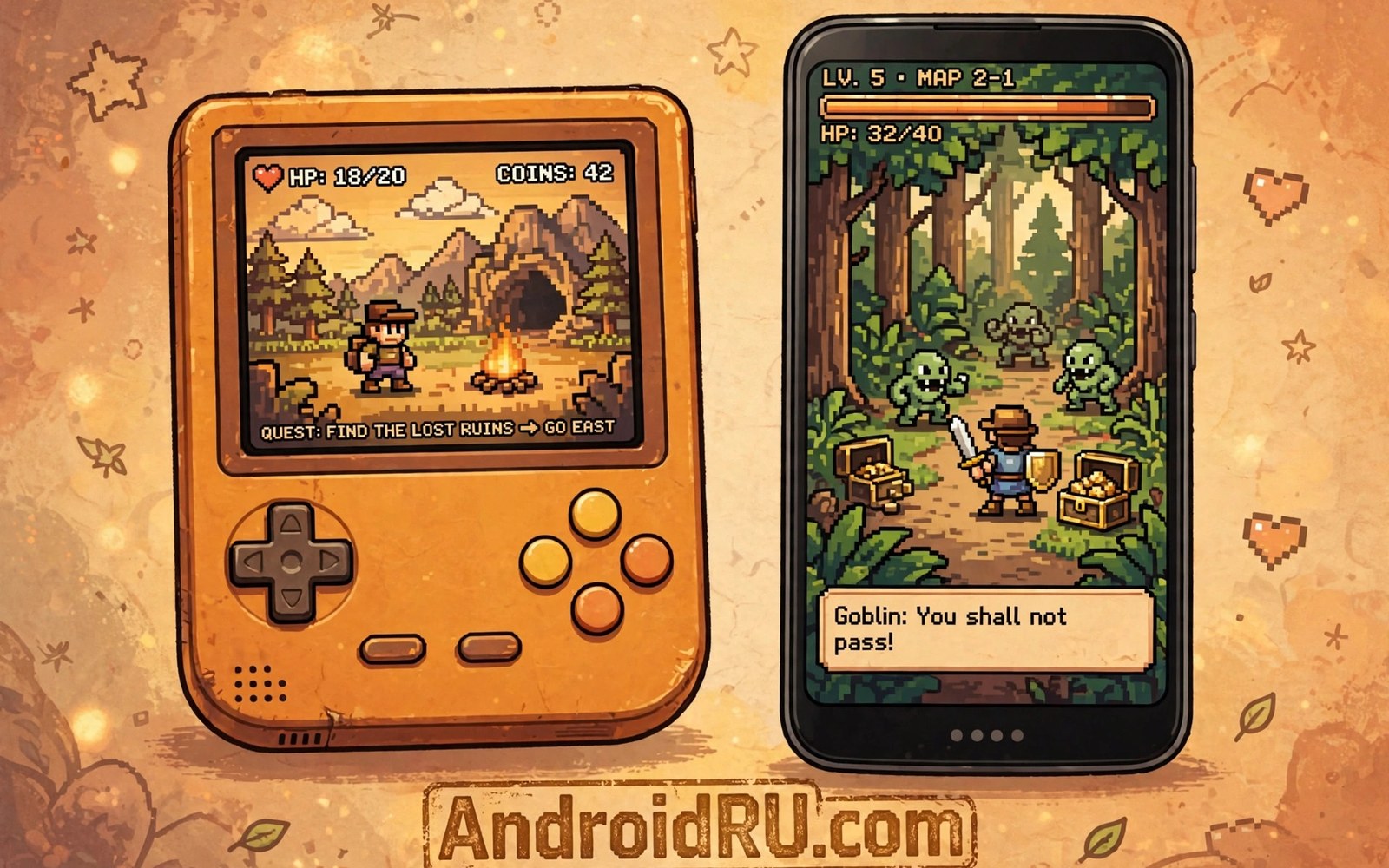
Handheld games were made for short bursts of play. That design fits a phone perfectly. Game Boy Advance and DS emulators bring those libraries to your pocket. Most titles run well even on modest phones. This article covers setup and controls in clear steps.
The Game Boy Advance library is full of tight platform games and role playing adventures. The DS adds a second screen and touch input. Both systems feel natural on a phone screen. The DS second screen needs a smart layout choice. You will learn the layouts that work best.
Start with the simpler Advance system if you are new. Its single screen setup is easy to learn. DS games add layout decisions on top of the same basics. A handheld emulator with sharp graphics follows a similar setup path. Small steps keep the whole project fun.
Why these systems suit phones
Advance and DS games need little processor power by modern standards. A budget phone can run most of the library smoothly. Battery drain stays modest compared with heavy 3D systems. That efficiency makes handheld emulation ideal for travel. A long trip becomes a retro game session with ease.
The games also suit touch controls better than many console titles. Buttons are few and actions are clear. A well placed touch layout feels close to the original handheld. Physical controllers still help for action games. Touch remains a fine default for slower titles.
Setting up Advance games
Install an Advance emulator and create one folder for Advance games. Point the emulator at that folder during setup. Test one game with default settings first. Defaults work well for most Advance titles. Change settings only if a specific game shows a problem.
Screen scaling matters for pixel art games. Integer scaling keeps pixels even and sharp. Non integer scaling can make pixels look uneven. Test both options on a game with fine detail. Your eyes will pick the winner quickly.
Handling the DS second screen
DS games show two screens at once on the original hardware. A phone must fit both screens into one display. The common layouts stack the screens or place them side by side. Stacked screens suit portrait play. Side by side screens suit landscape play on a wide phone.
Some games use the second screen only for maps or menus. Those games work well with a small second screen. Other games need both screens equally. For those titles a larger phone or a tablet layout helps. Test the layout in real gameplay and not only in menus.
Touch input for DS games
DS games used a stylus on the lower screen. Your finger can replace the stylus for most actions. A capacitive stylus gives finer control for drawing games. Keep the lower screen large enough for accurate taps. Small screens cause missed taps in fast sections.
Some emulators let you swap screens with a quick button. Swapping helps when the action moves to the lower screen. Learn the swap shortcut before a hard level. A fast swap can save a run in a tricky game. Practice it in a safe area first.
Saves and fast forward
Advance games often used battery saves inside the cartridge. Emulators copy that system faithfully. Save states add extra slots for quick retries. Use in-game saves for long term progress. Use save states for practice and hard sections.
Fast forward helps with slow intros and grinding sections. It should not replace normal play for story games. Speeding through dialogue loses the charm of the game. Use fast forward as a tool for repetitive parts only. The story deserves normal speed.
Advance games that still shine today
The Advance library holds platform games with perfect jump physics. Those games feel as good today as on release day. Tight controls and clear level design age very well. Start with a famous platform title to feel the quality at once. A good platform game teaches the emulator controls naturally. Levels grow harder at a fair pace for new players. That fair pace is why these games remain beloved decades later. A phone is an ideal home for short platform sessions.
Role playing games on the Advance offer huge adventures in a small package. Long stories fit pocket play through frequent save points. A commute becomes a quest chapter with a handheld emulator. Battery friendly emulation suits long role playing campaigns well. In-game saves protect progress across many short sessions. A campaign that spans weeks feels natural on a phone. The small screen suits the sprite art of the era beautifully. Old role playing games remain a top reason to emulate handhelds.
Puzzle games on the Advance suit touch controls especially well. Simple taps and drags replace button presses cleanly. A puzzle session fits a five minute wait perfectly. The phone form matches the original handheld form closely. That match explains why puzzle titles feel so natural here. Keep one puzzle game installed for idle moments always. A ready puzzle game turns waiting time into play time. Small games earn their place through daily usefulness.
DS games with creative touch use
Some DS games used touch in creative ways beyond menus. Drawing games let players sketch paths and shapes directly. Those games feel special on a phone with a stylus. A cheap capacitive stylus improves drawing accuracy a lot. Finger drawing works but it hides the drawing point. A stylus keeps the point visible during the stroke. Creative touch games reward the small stylus investment. They show what made the DS unique among handhelds.
Music games on the DS used touch and rhythm together. Tapping in time with music suits a phone screen well. Timing windows feel fair when the screen responds quickly. A low latency touch setting helps rhythm accuracy. Test rhythm games with the emulator latency options available. Small latency changes can transform a rhythm game feel. Practice mode builds timing skill before full songs. Rhythm games become a fun daily challenge on a phone.
Dual screen puzzle games used both screens as one play area. Those games need a layout that keeps both screens readable. A stacked layout in portrait mode suits many such titles. Test the layout in a real puzzle before you settle. A layout that hides part of the puzzle ruins the design. Readability outranks visual neatness for puzzle play. Keep both screens large enough to read at a glance. A readable puzzle is a solvable puzzle.
Trading and linking in handheld games
Some handheld games offered trading between players through link cables. Modern emulators may support link features over local networks. Link play needs both players running compatible emulator versions. Matching versions prevents connection errors during trading. Test link features with a simple trade first. A simple trade proves the connection works before rare trades. Rare trades deserve a proven connection and a backup save. A backup protects valuable creatures and items during link play.
Trading adds a social layer to otherwise solo handheld games. Friends can complete collections together through trades. A trade session becomes a social event around a shared hobby. Agree on trade terms before connecting devices. Clear terms prevent misunderstandings about valuable trades. Friendly trades strengthen collections and friendships together. Keep trade sessions relaxed and unhurried for everyone. A rushed trade invites mistakes with rare items.
Some games used link features for battles as well as trades. Link battles test teams built over long campaigns. A battle against a friend feels different from computer opponents. Human opponents adapt and surprise in ways computers cannot. Prepare teams thoughtfully before a link battle. A well prepared team honours the time both players invested. Win or lose the battle creates shared stories. Shared battles become favourite memories for gaming friends.
Save before any link session involving rare items or creatures. Link interruptions can corrupt progress in rare cases. A fresh save before linking removes that risk entirely. Save again after a successful trade completes. Two saves bracket the link session safely. That habit protects collections built over many hours. Protection costs seconds and saves heartbreak. Never trade a rare item without a fresh backup save.
Common mistakes
A common mistake is using one folder for both systems. Mixed folders confuse scanning and box art matching. Keep Advance and DS games in separate folders. Clear separation saves time at every step. It also makes backups far simpler.
Another mistake is shrinking the DS second screen too far. A tiny map screen looks neat but it hides detail. Menus become hard to read and taps miss their targets. Keep the second screen readable even if it takes space. Readability beats a tidy layout.
Do not rely only on save states for long games. Save states can break after an emulator update. In-game saves survive updates more reliably. Use both systems together for safety. Your long adventure deserves that small extra care.
A practical example you can try
mkdir -p ~/Games/GBA ~/Games/NDS
ls ~/Games/NDS | wc -l
# count games per folder after each import
This snippet is an original example written for this article. It shows the idea in a compact form that you can adapt to your own setup and change as you learn what works best on your phone.
Frequently asked questions
Can a cheap phone run DS games?
Yes in most cases. DS emulation is light work for modern phone chips. A budget phone handles the vast majority of titles. Test a demanding 3D DS game to find your limit. Most of the library will run smoothly.
Most budget phones handle DS games smoothly today. DS hardware needs little power by modern standards. Test a demanding 3D DS title to find the phone limit. The vast majority of the library will run well. Light hardware is a strength of handheld emulation.
What layout works best for DS games?
Stacked screens work well in portrait mode for most games. Side by side screens suit landscape play on wider phones. A classic arcade layout differs because arcade games use one screen only. Try both DS layouts for ten minutes each and keep the winner.
Portrait stacking suits most DS games on a phone. Landscape side by side suits wide phones better. A single screen arcade game avoids this choice entirely. Try both DS layouts for ten minutes each. Keep the layout that feels natural in real gameplay.
Do save states replace in-game saves?
No. Save states are a handy extra tool for practice. A save state habit works best beside normal saves. In-game saves protect progress across updates. Use both and back up the save folder regularly.
In-game saves protect progress across emulator updates reliably. A save state habit adds quick practice slots beside them. Use both systems together for important games. Back up the save folder weekly for long campaigns. Double protection costs seconds and saves hours.
Conclusion
Your concrete next step is to set up one Advance game and one DS game today. Test the Advance game first with default settings. Then try both DS screen layouts for ten minutes each. Keep the layout that feels best. That pair of working games is your handheld starter kit.
Build a handheld rotation of three games for daily play. Include one action game and one puzzle game and one long adventure. Rotate between them based on mood and available time. A rotation prevents burnout on any single title. That simple habit keeps handheld emulation fresh for months.

