

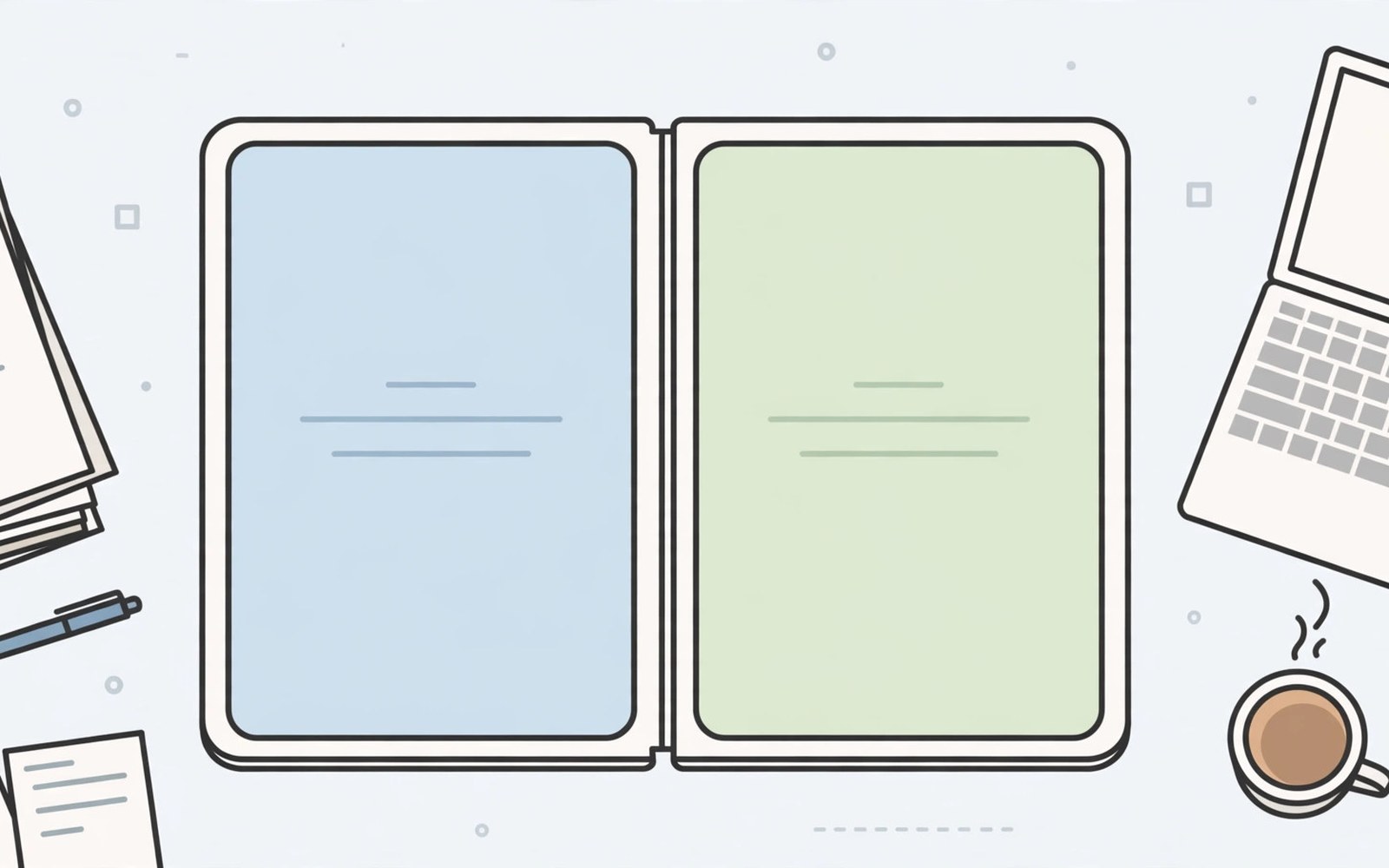
Below you will find a practical look at enterprise foldable displays based on daily use.
Enterprise foldable displays are changing how office workers carry their desks. One device now handles mail and calls and documents. Workers unfold for spreadsheets and fold shut for travel. IT teams gain fewer devices to manage per person. Productivity gains appear when apps and policies match the hardware.
Adoption still needs planning beyond buying phones. Security policies must cover two screens and folding postures. Repair downtime needs spare device plans. Training helps staff use split screen well. If form factor basics still confuse your team then read about how book-style and flip-style foldables compare and compare shapes before a fleet decision.
Keep your own phone nearby while you read the sections below. Compare each point against the model in your hand and your daily routine. Note which tips fit your habits and which tips feel unnecessary. A guide works best when you filter it through real use. Your notes will matter more than any single recommendation here.
Why Firms Choose Large Foldables
Large screens let staff review documents without a tablet. Field workers check plans and forms on site with one device. Managers approve documents during travel without a laptop. Sales teams present slides from a pocket device. Fewer devices mean fewer chargers and cases to track.
Foldables also suit hybrid workers who move between desks. A phone unfolds into a work surface at any table. It folds shut for trains and client visits. That flexibility cuts tablet purchases for many roles. Savings grow across a fleet of hundreds of staff.
Mail Calendar and Document Workflows
Mail apps show folders beside messages on large screens. Calendar apps show week views beside day details. Documents open beside chat for fast approvals. Split screen pairs turn these combos into one tap desks. Staff save minutes on every approval cycle.
Document editing benefits from stylus annotation on large screens. Managers sign and comment directly on contracts. Field forms gain room for photos and notes. Offline access matters for sites without reliable signal. Sync policies should prioritise work apps for offline use.
The snippet below checks whether a device is in a managed work profile. IT apps use this check to apply enterprise policies on foldables. It shows how management adapts to new form factors.
val devicePolicy = getSystemService(DevicePolicyManager::class.java)
val isManaged = devicePolicy?.isProfileOwnerApp(packageName) == true
if (isManaged) {
    applyWorkPolicies()
}
The code sample above follows the standard pattern shown in official Android developer guidance for managed device checks. It is provided for learning and testing on your own device.
Calls Meetings and Presentations
Video calls gain room for participants and shared content. Tabletop mode props the phone for hands free meetings. Presentations cast from the large screen to room displays. Staff can present without carrying a laptop. Audio quality matters more than screen size for calls.
Meeting notes pair well with video in split screen. Staff capture actions while watching presenters. Recording policies must cover foldable cameras and mics. Privacy rules for client meetings need clear staff guidance. Train teams on mute and camera habits early.
IT Security and Device Management
Mobile management tools must support foldable screen policies. App allow lists should cover both screen modes. Lost device wiping must work regardless of fold state. Screen lock policies should apply to cover screens too. Cover screen notifications can leak sensitive previews if misconfigured.
Repair planning needs authorised service routes and spare pools. Inner screen repairs take longer than slab repairs. A spare slab phone covers most downtime needs. Asset tracking should record hinge condition at issue and return. Clear return checks prevent disputes over wear.
Costs Training and Rollout Plans
Fleet costs include phones and cases and care plans. Care plans cut surprise repair bills across a fleet. Training should cover split screen and cover screen habits. Pilot groups reveal app gaps before full rollout. Measure task time before and after pilot phases.
Rollout in waves by role rather than all at once. Field roles may benefit first from large screens. Desk roles may gain less from folding hardware. Gather pilot feedback on battery and durability. Adjust policies before wider deployment.
A Simple Weekly Care Routine
Weekly care for enterprise foldable displays works best when it becomes a Sunday habit. Remove the case and wipe shells and phone body separately. Inspect case edges for cracks that could press into the hinge. Clean pockets or bags that carry lint toward the phone. A tidy carrying routine protects folding parts without extra cost.
Check battery habits during the same weekly session for a fuller picture. Review which apps used the most power in the past seven days. Limit background work for apps that drained power without benefit. Update apps that fix known foldable bugs. Steady weekly tuning keeps performance smooth across months.
Settings Worth Reviewing This Week
A settings review for enterprise foldable displays should include accessibility options that ease daily use. Larger text and bolder buttons help during long reading sessions. Touch sensitivity settings matter for screen protectors. Sound and vibration tweaks reduce missed alerts. Small accessibility gains compound across thousands of daily interactions.
Finish the review by checking storage and backup status together. Full storage slows apps and blocks updates. Cloud backup should cover photos and messages and settings. Test restore steps once so a repair never causes panic. A healthy backup turns device trouble into a minor delay.
Accessories That Help Most Owners
Accessories for enterprise foldable displays should start with a hinge aware case and a spare protector. Those two items prevent most common damage for little money. A compact power bank covers heavy travel days without bulk. A soft sleeve guards the phone inside larger bags. Buy quality basics before novelty gadgets.
Cables and chargers deserve the same care as cases. A slow charger suits overnight charging and battery health. A fast charger suits brief top ups before travel. Keep one charger at home and one at work to avoid cable stress. Label chargers so family members use the right one for the phone.
Travel Habits for Folding Phones
Airport and station routines for enterprise foldable displays benefit from cover screen boarding passes. Show tickets without unfolding in queues. Keep the phone folded while moving through crowds for grip safety. Unfold at gates for booking changes and long reads. A folded phone also survives bumps better than an open one.
Hotel evenings suit inner screen work after a travel day. Review photos and messages on the large display. Back up the day photos over hotel Wi-Fi. Charge slowly overnight in a ventilated spot. Morning starts feel easier when the phone is full and backed up.
Planning Your Next Upgrade
Budget planning for enterprise foldable displays upgrades should include cases and care plans. A new phone without protection risks early repair bills. Set aside funds for a case on day one. Consider a care plan if your lifestyle risks drops. Total ownership cost matters more than the phone price alone.
Keep your current phone as a backup after upgrading when possible. A spare phone covers repair downtime without stress. Wipe work data before passing it to family members. A backup device also eases trade-in timing pressure. Patience in selling usually earns a better price.
Reading and Media Habits on Big Screens
Reading habits for enterprise foldable displays improve when font size matches screen width. Large screens tempt tiny fonts that strain eyes during long sessions. Set text large enough to read at a relaxed arm distance. Use dark themes in dim rooms to cut glare. Comfortable reading keeps you using the big screen for hours without fatigue.
Media habits matter just as much as reading settings for enjoyment. Tabletop mode turns the phone into a tiny television for video. Keep volume moderate and brightness balanced for indoor watching. Download shows offline to avoid streaming drain on travel days. Good media habits make the large screen feel like a reward rather than a drain.
Safety and Privacy on Two Screens
Public use of enterprise foldable displays calls for awareness of both screens at once. An open foldable shows more content to nearby strangers. Angle the large screen away from crowds during sensitive work. Use privacy filters when working with confidential documents. Fold shut when conversations turn private in public spaces.
Children and guests should use foldables under clear ground rules. Explain hinge care and screen fragility before handing the phone over. Use guest modes or app pins for shared use. Supervise young users during their first folding sessions. Clear rules prevent accidents and arguments alike.
Common Mistakes to Avoid
A common mistake is issuing foldables without split screen training. Staff then use only the outer screen and miss the value. Train pairs and layouts during onboarding week. Also read about choosing between a Fold and a Flip to learn hinge care for fleet devices.
Another mistake is ignoring cover screen notification privacy. Sensitive previews on outer screens leak in public places. Set notification privacy for work profiles strictly. Audit cover settings during device setup.
Frequently Asked Questions
Are foldables secure enough for enterprise use?
Foldables support the same management and encryption as slab phones. Cover screen previews need strict privacy settings. IT teams should audit both screens during setup. Managed profiles keep work data separate.
Do foldables reduce laptop needs?
Foldables reduce laptop needs for light document and approval work. Heavy spreadsheets and coding still need laptops. Most firms use foldables as companions rather than replacements. Pilot data should guide each role decision.
How do firms handle foldable repairs?
Firms should use authorised service and spare pools. Inner screen repairs take longer than slab repairs. Care plans smooth fleet repair budgets. Track hinge condition at every device handover.
Conclusion
Share the most useful tip here with a friend who owns a foldable. Teaching a tip forces you to understand it more deeply. Your friend may share a habit that improves your routine too. Foldable ownership gets easier when owners swap practical lessons. Community knowledge fills gaps that manuals often leave open.
Enterprise foldables pay off when IT plans for screens and security and repairs together. Pilot with field and manager roles first and measure task time. Train split screen habits and lock down cover notifications. Then read about screen crease durability over time and set a three year refresh plan based on pilot durability data.

