

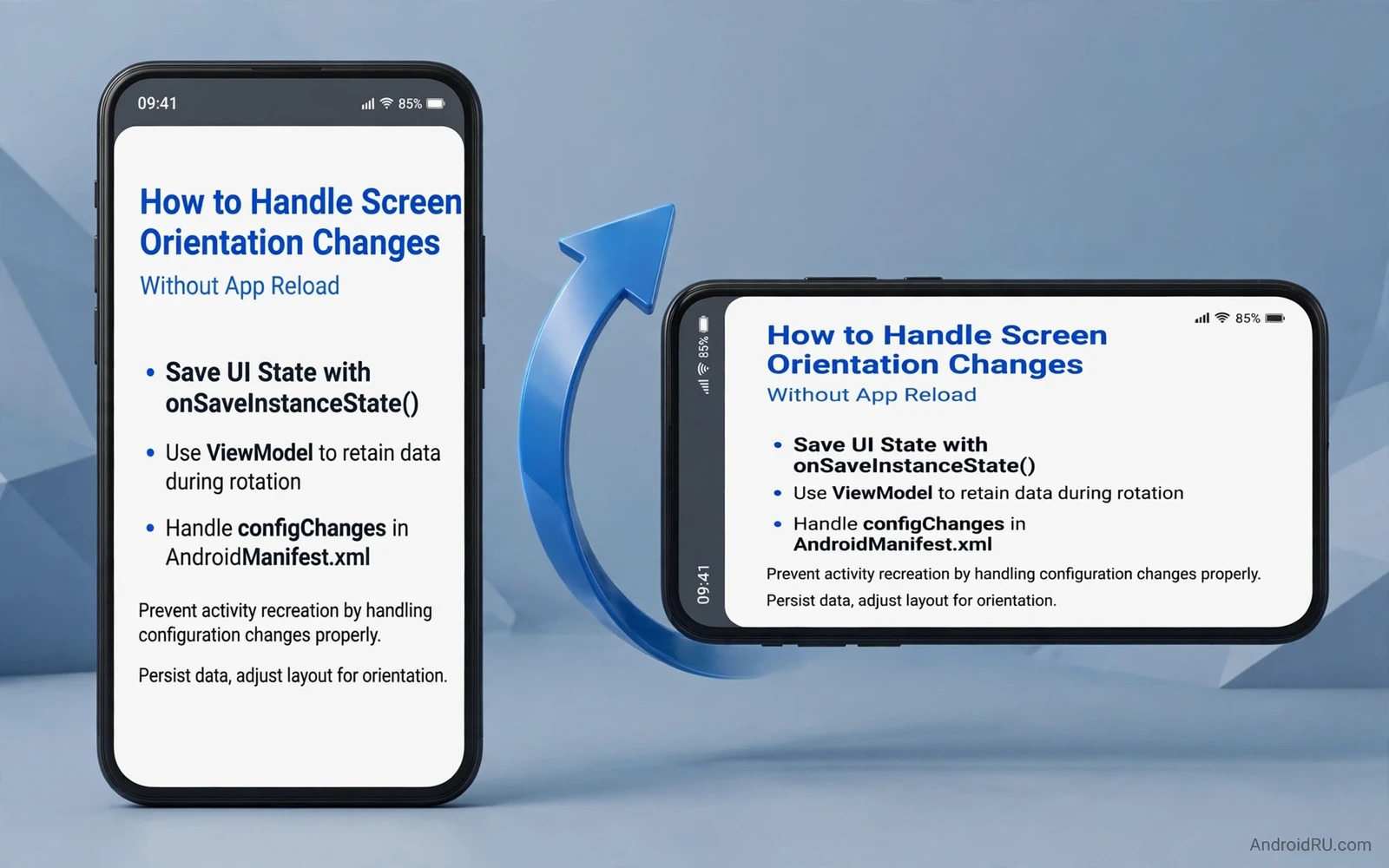
Rotating a phone should feel like turning a page rather than restarting a book. The screen layout changes but the content should stay. A user reading an article should keep the same paragraph. A user filling a form should keep every typed field. A user watching a list should keep the same scroll position. When rotation reloads everything the user loses time and patience. This guide shows how to keep state across rotation without hacks.
Rotation destroys and recreates the screen by default. The system does this so the app can load a layout suited to the new orientation. Data that lives only inside the screen dies with it. Data that lives in a lifecycle aware holder survives. The fix is to move data out of the screen and into a holder that outlives rotation. Views get rebuilt. Data stays. That separation is the core idea behind every good rotation fix.
Start by listing what the screen must preserve. Loaded lists and search text and form input and scroll position and playback position all matter. Selection state and filter choices matter too. A screen that preserves only the list but loses the filter still feels broken. Write the list down before coding. Test each item after rotation. A checklist turns a vague rotation bug into a set of verifiable items.
class FeedViewModel : ViewModel() {
    val items = MutableStateFlow<List<Item>>(emptyList())
    var query: String = ""
    var scrollIndex: Int = 0
}
Use a state holder
A view model is the standard holder for screen data. It survives rotation while the screen instance changes. Store the loaded list and the current filter and the search query in the view model. Let the new screen instance observe the same state and rebuild its views from it. The network call runs once because the holder already owns the result. The user sees the same content at once in the new layout.
Keep view references out of the holder. A holder that stores a view or a screen context leaks the old screen after rotation. Store plain data such as strings and numbers and model objects. Let the screen read that data and bind it to fresh views. This rule also prevents the leak pattern where each rotation adds another retained screen. Data survives. Views do not and must not.
Saved state handles process death in addition to rotation. The system may kill a background app to free memory. Saved state restores small critical values such as an identifier or a scroll position when the app returns. Store identifiers in saved state and reload full data from the holder or from cache. A screen that restores its identifier can refetch efficiently without losing the user place.
Design layouts for both orientations
Provide a landscape layout when the portrait layout cannot stretch sensibly. A single column list may become a two column grid in landscape. A form with stacked fields may become two columns with a clear reading order. Test both layouts with real content and not only with short placeholder text. Long titles and long form values reveal layout breaks that short text hides.
Avoid fixed sizes that assume one orientation. Use flexible constraints and weights so views adapt to available width. A button bar that fits in portrait may overflow in landscape when the height shrinks. A toolbar with many actions may need a compact variant in landscape. Design for the smaller dimension in each orientation because height limits landscape layouts and width limits portrait layouts.
Foldable devices and tablets add more size changes beyond simple rotation. A screen may move from a narrow folded state to a wide unfolded state. The same state holder pattern handles those changes. Readers who design for larger screens can continue with the piece on responsive layouts in Jetpack Compose and apply its adaptive layout ideas alongside the state holder pattern. Layout adapts to the new shape while data stays in the holder.
Keep scroll and input intact
Scroll position deserves explicit attention. A list that jumps to the top on rotation forces the user to find the place again. Save the first visible item and its offset before rotation and restore them after the new layout settles. Test with a long list because a short list hides scroll bugs. Test with a list that loads more items on scroll because pagination state interacts with position restore.
Form input must survive rotation without any extra tap from the user. Text fields bound to holder state restore automatically. Fields that live only in the view lose their text. Bind every input to state from the start rather than reading views only on submit. A form that preserves input across rotation feels respectful of user effort. A form that clears on rotation feels hostile even when the rest of the app is polished.
Media playback needs special care during rotation. A video should keep playing from the same position. A player owned by the screen dies on rotation and restarts from the beginning. Move the player to a holder or a service that survives rotation. Reattach the player view in the new layout without stopping playback. Test rotation during playback repeatedly because player lifecycle bugs appear only under real use.
Avoid the config change shortcut
Some developers disable recreation entirely by handling configuration changes in the manifest. That shortcut keeps the old screen alive and avoids state work. It also disables the system layout switch that rotation exists to provide. The app must then handle every layout change by hand. It must also handle locale changes and font scale changes that the shortcut may swallow. The shortcut trades a clear state problem for a set of hidden layout bugs.
Use the shortcut only for a narrow case such as a camera preview or a game surface where recreation would break a hardware session. Document the reason clearly when you use it. For normal screens the state holder pattern is cleaner and more maintainable. A future developer who reads the code should understand why rotation works rather than discovering a manifest flag that hides the problem.
Performance profiling can prove whether rotation actually reloads data. Record a trace across rotation and check for a network call after the turn. Readers who want that proof can continue with the piece on testing app performance with profiler tools and confirm that the reload disappears after the state holder fix. Evidence beats a claim that rotation feels faster.
Test rotation thoroughly
Test rotation on a phone and on a tablet and on a foldable when the app supports them. Rotate during loading and during scrolling and during form entry and during playback. Each moment exposes a different state bug. Rotate quickly back and forth to stress the holder. A holder that works for one slow rotation but fails on rapid rotations still needs work.
Test rotation after a permission dialog and after a system dialog. Dialogs interact with lifecycle in subtle ways. A rotation during a dialog should not lose the dialog result. Test rotation with dark mode and with large font sizes because layout changes compound. A rotation test matrix with device and moment and content type keeps coverage systematic.
Widgets and launchers also react to orientation on tablets and foldables. A home screen widget that resizes on rotation needs its own layout care. Readers who build widgets can continue with the piece on building custom widgets for home screens and check widget resize behaviour alongside screen rotation tests. The two features share the same principle that layout changes but data stays.
Ship rotation that feels invisible
Good rotation handling is invisible. The user turns the device and the same content appears in a layout suited to the new shape. No spinner appears. No list jumps. No form clears. Achieving that invisibility takes a state holder and careful layout work and thorough testing. The effort pays off every time a user rotates without thinking about it.
Review new screens for rotation readiness during code review. Ask where the data lives and what happens on recreation. Ask which inputs bind to state and which live only in views. A short review checklist prevents rotation bugs from reaching users. Over time the team internalises the pattern and new screens handle rotation correctly from the first build.
Rotation is a daily gesture for many users. Reading in bed and watching video and showing a photo to a friend all involve turning the device. An app that handles rotation well respects those moments. An app that reloads on rotation interrupts them. Build the state holder habit and rotation becomes a solved problem rather than a recurring bug report.
Configuration changes beyond rotation
Rotation is only one configuration change. Locale change and font scale change and dark mode change all recreate screens too. The same state holder pattern handles them all. Data lives in the holder while views rebuild for the new configuration. Test each configuration change with the same checklist used for rotation. A screen that survives rotation but loses data on font change still fails the state test.
Multi window mode adds another size change on tablets and foldables. A user may drag an app from full screen to a split window. The layout must adapt while data stays intact. Test split window entry and exit during loading and during form entry. A list that reloads on every window resize wastes time and network use. State holders prevent that waste across all size changes.
Process death remains the hardest state test. The system may kill a background app and restore it later from saved state. Saved state holds identifiers and small values. The holder and the cache rebuild the rest. Test process death by forcing the system to kill the app in the background and then returning to it. A screen that restores its place after process death passes the strongest state test.
Document state ownership for each screen in the feature spec. State which holder owns the list and which owns the filter and which owns the form draft. Clear ownership prevents two holders from duplicating the same data and drifting apart. A spec with ownership notes helps new developers extend a screen without breaking its state behaviour.

