

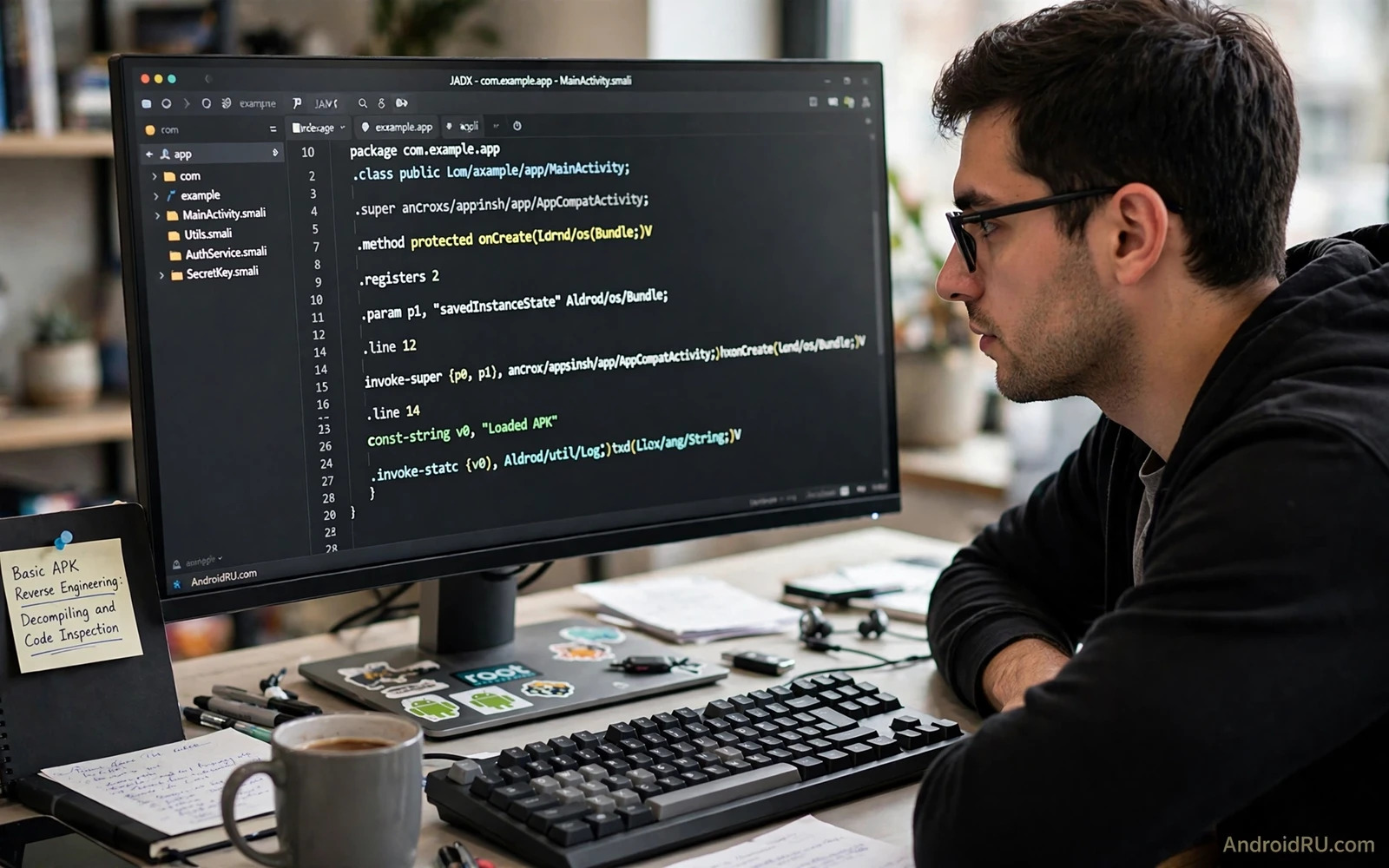
What Reverse Engineering Means in Practice
Reverse engineering an APK means studying a compiled package to understand how it works. The process starts with the package file and works backward toward readable code and resources. Decompiling turns compiled code into a higher level form that a human can read. Code inspection means reading that output with a question in mind rather than reading every file at random.
A compiled APK does not contain the original source code in its original form. Variable names may be shortened and code may be optimised during the build. Decompiled output is therefore an approximation of the original logic. It can reveal structure and flow and API use. It cannot always reveal the original intent behind a piece of code.
Reverse engineering is a study tool and a debugging tool. A developer can study a personal build to learn how a build tool transforms code. A security researcher can inspect a sample with proper authorisation to find a weakness. A student can learn Android patterns by reading real compiled output. Each use still needs a lawful basis and a clear purpose.
Legal Boundaries That Must Come First
Study only packages that you own or that you have clear permission to study. Your own app is the safest study target. Open source apps with a permissive licence are also good study targets when the licence allows inspection. Paid apps and proprietary apps may forbid reverse engineering in their licence terms even when the technical steps are simple.
Never use reverse engineering to bypass a licence check or to remove a payment step or to steal code for a competing app. Those uses can breach licence terms and can breach the law in many regions. A technical ability does not create a legal right. A researcher with authorisation should keep that authorisation in writing and should stay inside its scope.
Do not publish decompiled code from a proprietary app. Publication can expose trade secrets and can harm users when it reveals a security weakness before a fix exists. Responsible handling means reporting a weakness through the proper channel and giving the developer time to fix it. Study for learning is different from public disclosure of another party code.
The Tools of a Basic Workflow
A basic workflow uses a small set of tools that each do one job well. An archive tool opens the APK and lists its contents. A DEX tool converts compiled code into a readable form. A resource tool decodes compiled resources into readable layouts and strings. A manifest reader reports components and permissions without a full decompile.
Keep tools in a dedicated analysis folder on a test machine. Analysis work should not happen on a daily device that holds personal accounts. A test machine limits the damage when a sample turns out to be malicious. A dedicated folder also keeps analysis outputs separate from personal files.
Learn one tool at a time and verify its output against a package that you built yourself. Your own package gives you a known source to compare against decompiled output. That comparison teaches how much information survives compilation and how much is lost. It also prevents false conclusions about code that only looks suspicious in decompiled form.
Step One: Inspect the Package Without Decompiling
Open the APK as an archive and list its top level entries. Look for the manifest and the DEX files and the resource files and any native libraries. The file list alone can tell you whether the app uses native code and how many DEX files it contains. A large native library set suggests that key logic may live outside Java code.
Read the manifest for the package name and the version and the components. Note the activities and services and receivers that the app declares. Note the permissions that the app requests and compare them with the app purpose. A permission that does not match the visible purpose deserves a closer look in the code.
List the resources and strings when the tool allows it. Strings can reveal API endpoints and feature names and error messages. Strings alone do not prove behaviour because an app may contain unused strings. Treat strings as leads for code inspection and not as proof of a behaviour by themselves.
Step Two: Decompile With a Clear Question
Choose a question before you decompile a large app. A good question might ask how a login flow stores a token. Another good question might ask which API a camera feature calls. A vague goal such as understanding the whole app leads to hours of unfocused reading. A focused question leads to a small set of relevant classes.
Decompile the DEX files and search for class names and method names that match the question. Follow the call flow from an entry point such as an activity or a service. Note where data enters the flow and where it leaves the flow. A flow map is more useful than a long list of isolated code fragments.
Read decompiled code with care for optimised patterns. A loop may look different after optimisation. A constant may be inlined into several places. A method may be split or merged by the build tools. These changes do not mean that the code is hiding something. They mean that the build pipeline reshaped the code for size or speed.
Step Three: Inspect Resources and Native Parts
Resources can reveal layout structure and image assets and configuration values. A layout file shows which views appear on a screen and how they are arranged. A configuration file can show feature flags and default values. Resource inspection is often faster than code inspection for a user interface question.
Native libraries need a different approach because they do not decompile to Java code. A basic inspection can list exported symbols and linked libraries. Deeper native analysis needs specialised tools and skills that go beyond a basic guide. A basic inspector should record that native logic exists and should not claim full coverage of native behaviour.
Package structure knowledge helps here as well. The format guide in understanding APK and XAPK and APKS formats explains how a package is organised before decompiling begins. That structure view helps you find the right DEX file and the right resource set for a question.
How to Read Code Without Jumping to Conclusions
Distinguish between code that exists and code that runs. Dead code may remain in a package even when no screen calls it. Library code may appear in a package even when the app uses only a small part of that library. A class name alone does not prove that a feature is active. A call flow from a real entry point is stronger evidence than a name match.
Distinguish between a capability and a behaviour. An app may include a library that can access a sensor while never calling that access in a live flow. A permission in the manifest may support a feature that the user never triggers. Inspection should report what the code can do and what the code actually does in a traced flow as two separate facts.
Keep notes with file names and method names and line references from the decompiled output. Notes make a later review possible and they make a report credible. A claim without a location in the output is hard to check and hard to fix. Good notes also help you return to a complex app after a break without starting again.
Safety Rules for Handling Unknown Samples
Never run an unknown sample on a daily device. Use an isolated test device or an emulator without personal accounts. Disable network access when the analysis does not need it. Network isolation prevents a sample from contacting a server during a test run and it prevents accidental data exposure.
Do not install analysis tools from untrusted sources. A fake decompiler can itself carry malicious code. Use tools from their official distribution channels and verify downloads when a checksum is provided. Keep the analysis machine updated and keep its personal data minimal.
Extraction and inspection form a natural pair in a safe workflow. The extraction guide in extracting APK files from installed apps covers how to obtain a package copy cleanly. Inspection then works on that copy in an isolated location rather than on a live daily device.
Common Beginner Mistakes in Code Inspection
One mistake is trusting string matches as proof of behaviour. A string can be a leftover from a library or a test build. A second mistake is reading only one class and ignoring the caller that controls it. A third mistake is assuming that obfuscated names hide malicious intent. Obfuscation is a normal size and protection step for many legitimate apps.
Another mistake is modifying a decompiled package and expecting a clean rebuild. Decompiled output is rarely a complete buildable source tree. Resources and code may need repair before a rebuild works. A rebuild attempt also raises licence questions when the package is not yours. Study and rebuild are different activities with different rules.
A final mistake is sharing screenshots of decompiled proprietary code in public forums. Screenshots can leak secrets and can breach licence terms even when the intent is to ask a question. Ask a question in general terms and use your own sample code when you need an example. General questions get better answers and they avoid legal risk.
Turning Inspection Into Learning
Pick a small open source app and follow one feature from its screen to its code. Note the activity that hosts the screen and the method that handles the user action. Note the data that the method reads and the result that it shows. That single trace teaches more than a broad skim of many files.
Compare the decompiled output with the original source when the app is open source. The comparison shows how names change and how code is optimised. It also shows which patterns survive compilation clearly and which patterns become hard to read. That knowledge improves future inspection of closed samples where no source exists.
Signing knowledge also matters for anyone who studies packages seriously. The signing overview in understanding Android app signing certificates explains why a modified package cannot silently replace an original install. That rule is a safety boundary that inspection work must respect.
A Responsible Inspection Checklist
Confirm permission to study the package before you open it. Work on a copy in an isolated folder on a test machine. Start with the manifest and the file list before decompiling. Choose one focused question for each inspection session. Record file and method locations for every claim that you make.
Separate capability from live behaviour in your notes. Separate library code from app code in your conclusions. Report a weakness through a proper channel when you find one. Delete samples and outputs that you no longer need for the authorised purpose. A clean analysis folder is part of responsible practice.
- Study only packages you own or have permission to study
- Start with manifest and file list
- Decompile with one focused question
- Separate capability from live behaviour
- Report weaknesses through proper channels

