

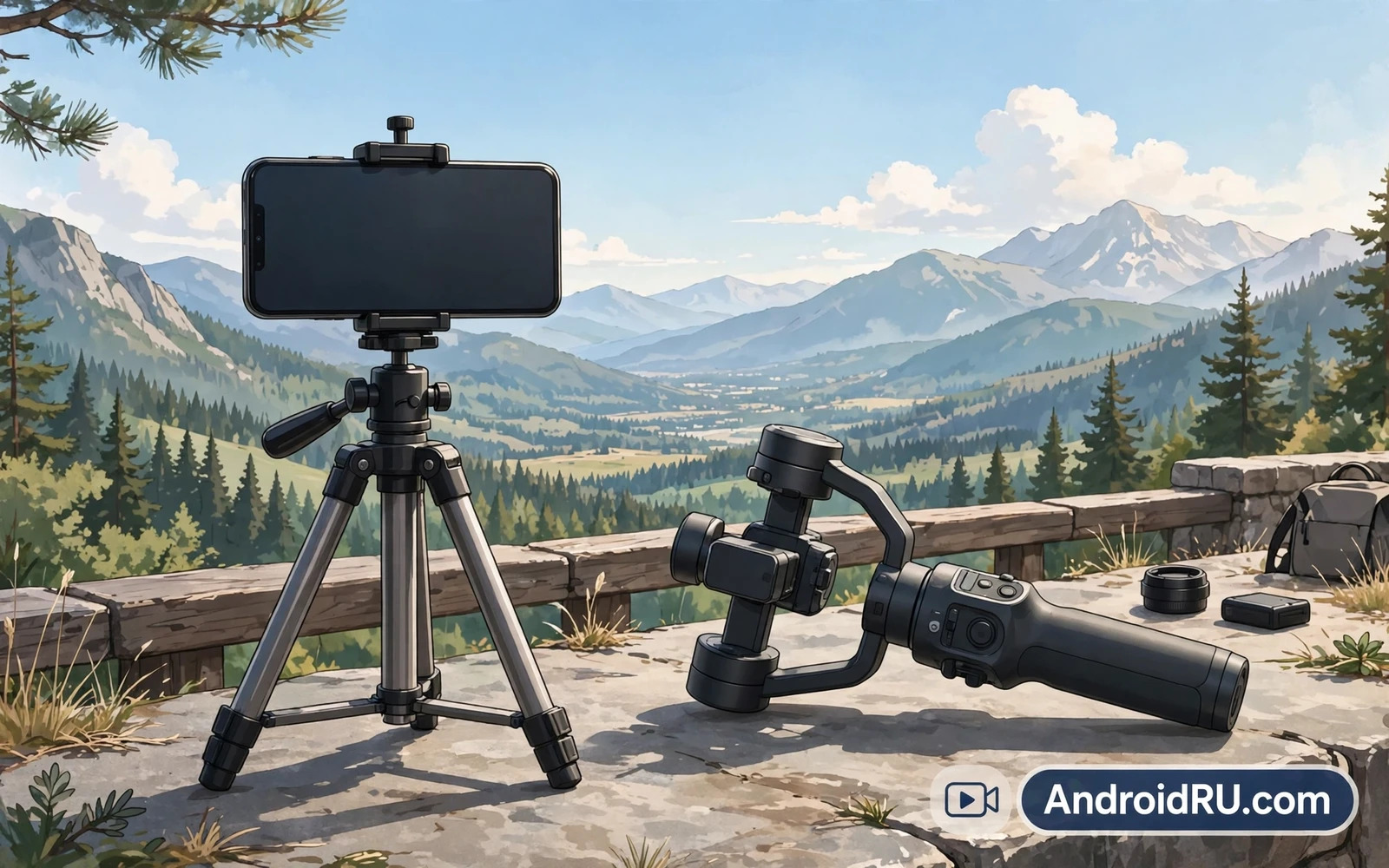
Tripods Versus Gimbals For Phone Video
A tripod holds your phone perfectly still in one place. A gimbal holds your phone steady while you move around. These two tools solve different problems for video makers. A tripod suits interviews and timelapses and static scenes. A gimbal suits walking shots and follow shots and travel films. Many creators own both tools and pick per scene. A tripod costs less and needs no battery in most cases. A gimbal costs more and needs charging before a shoot. Your shooting style should decide which tool you buy first. A creator who walks all day needs a gimbal first. A creator who films at a desk needs a tripod first.
Stability changes how viewers judge your video quality. Shaky footage distracts viewers even when the story is strong. Smooth footage feels professional even with a modest phone camera. Phone stabilization software helps but it has limits. Software crops the frame to smooth motion. That crop can soften detail and narrow the view. A physical stabilizer keeps the full frame intact. It also handles large movements that software cannot fix. Pairing a good tool with your phone camera lifts every clip you shoot. The upgrade is visible from the very first video you make.
Tripod Types For Every Shooting Style
A tabletop tripod fits a desk or a small table with ease. It suits product videos and video calls and cooking clips. A full height tripod suits standing interviews and landscape scenes. It lets you frame a shot at eye level without bending. A flexible leg tripod wraps around rails and branches and poles. It suits travel creators who film in odd places. A monopod suits sports sidelines where space is tight. It gives stability without the footprint of three legs. Each type trades size against height against stability. Pick the type that matches your most common scene first.
Phone mounts deserve as much attention as legs do. A weak mount can drop a phone at the worst moment. A strong mount grips the phone firmly without pressing buttons. A mount with a cold shoe can hold a light or a microphone. That extra mount turns a tripod into a small studio rig. Check the mount width against your phone and case combo. A thick case can defeat a narrow mount. A mount with a locking knob beats a mount that relies on friction alone. Test the mount at home over a soft surface first. A drop test at home is far kinder than a drop on concrete.
Gimbal Basics For Smooth Moving Shots
A gimbal uses motors to cancel shakes as you walk. It senses tilt and pan and roll many times per second. It moves the phone opposite to your hand motion. The result is floating camera movement that looks cinematic. Learning a gimbal takes a short practice period. Walk slowly at first and keep your steps soft. Bend your knees slightly to absorb bounce from your stride. Hold the gimbal with a relaxed grip rather than a death grip. A tense grip passes shake straight into the motors. Practice in a park before an important shoot. Ten practice walks will transform your footage quality.
Battery life shapes gimbal use on long shoot days. Most gimbals run for many hours on one charge. Cold weather can shorten that run time noticeably. Carry a power bank for top ups between scenes. Balance matters as much as battery for good results. An unbalanced phone forces motors to work harder. Harder work drains the battery faster and adds jitter. Follow the maker balancing steps before each shoot. Rebalance when you change phones or cases or lenses. A balanced gimbal feels light and calm in your hand. An unbalanced gimbal feels buzzy and restless from the start.
Shooting Smooth Video With A Tripod
Tripod shooting rewards patience and careful framing. Set the height before you press record. Frame the subject with space to move within the shot. Lock the head firmly so wind cannot drift the frame. Use a remote shutter or a timer to avoid touching the phone. Touching the phone at record start can shake the opening seconds. A small Bluetooth remote solves this problem cheaply. Check focus and exposure before a long take. A long take with wrong exposure wastes a great moment. A short test clip saves you from that regret on every shoot.
Movement on a tripod can still look smooth with the right head. A fluid video head pans slowly without jerks. A photo head often sticks and jumps during pans. If you pan often then a fluid head is worth the extra cost. Practice pans at half the speed you think you need. Slow pans look professional while fast pans look rushed. Let the subject move through a still frame when possible. Still frames with moving subjects feel calm and cinematic. Lens choice also shapes tripod footage in useful ways. You can explore smartphone camera lens attachments for photography to see how add on optics change framing before you mount the phone. That framing knowledge helps you pick tripod height with intent.
Shooting Smooth Video With A Gimbal
Gimbal shooting rewards slow deliberate movement above all else. Walk like you are carrying a full cup of water. Turn your whole body rather than twisting your wrist. Twist moves look jerky even on a good gimbal. Use gimbal modes with purpose for each scene. Pan follow mode suits walking beside a subject. Lock mode suits a steady forward push toward a scene. Sport mode suits fast action at the cost of some smoothness. Learn one mode deeply before you chase every mode. One mastered mode beats five half learned modes on a real shoot.
Audio matters as much as smooth motion in finished videos. A gimbal does not fix wind noise or distant voices. A small external microphone lifts audio quality dramatically. Mount the microphone on the gimbal handle when possible. Keep cables tidy so they cannot snag during a move. Test audio with headphones before a long take. A beautiful smooth clip with ruined audio still feels amateur. Plan audio as part of the shot rather than as an afterthought. Your viewers will stay longer when sound and motion both feel clean and intentional.
Travel And Outdoor Shooting Considerations
Travel gear must balance weight against stability every single day. A heavy tripod stays home while a light tripod travels everywhere. Carbon legs cost more but they save real weight on long hikes. A compact gimbal fits a jacket pocket for city walks. A large gimbal needs its own case and bag space. Think about your bag as a system before you buy. The best gear is the gear you actually carry. A perfect tripod left in a hotel room helps no shot at all. Pack the night before and weigh the bag honestly. Cut any item that duplicates another item in your kit.
Outdoor conditions test every piece of gear harshly. Wind shakes light tripods even with a locked head. Hang a bag from the tripod hook to add weight in wind. Rain threatens phones and gimbal motors alike. A rain cover for the phone keeps a shoot alive in drizzle. Underwater and splash work needs a different protection approach entirely. For wet environments you can study waterproof pouches and cases for underwater shooting to learn how sealed protection changes handling and framing. That protection knowledge pairs well with tripod skills when a shoot moves near water. Dry gear at home after any wet shoot before storage.
Protecting Your Phone On A Rig
A rig adds weight and leverage that a bare phone never faces. A mount failure can send the phone to hard ground. Check mount screws before each shoot day. Check tripod leg locks before you walk away from a setup. Never leave a tall tripod unattended in wind or crowds. A bump from a passerby can topple a tall rig fast. Use a wrist strap on a gimbal during active moves. Use a safety tether for high or risky placements. These small habits cost seconds and they save phones. A saved phone is worth far more than a saved minute on set.
Screen protection also matters when a phone lives on a rig. Mounts can scratch edges over months of use. A case with raised edges guards the screen during mounting. A screen protector adds a cheap sacrificial layer for daily rig work. You can review how to pick a tempered glass or TPU screen protector so your phone survives constant mounting and removal. That protection pairs with careful rig habits to keep your shooting phone in top shape. A phone that stays pristine also keeps its resale value for your next upgrade.
Final Buying Advice For Tripods And Gimbals
Buy a tripod first when most of your shots stay in one place. Buy a gimbal first when most of your shots involve walking. Buy both over time when your channel grows and your scenes diversify. Spend more on the mount and the head than on fancy extras. Stability is the core product in both tools. A cheap wobbly tripod teaches bad habits and ruins clips. A solid mid range tool serves most creators for years. Read return policies and test within the return window. Film your real scenes rather than just unboxing the tool. Real scenes reveal flaws that a living room test hides.
Practice matters more than price once you own decent gear. Film one short clip every day for two weeks. Review each clip and note one flaw to fix next time. Fix framing first and then fix movement speed. Fix audio next and then fix lighting. Small daily improvements compound into a visible style. Your viewers will notice the change before you do. Smooth video is a skill built from steady habits. The right tripod or gimbal simply makes those habits easier to practice and easier to enjoy.
Editing And Sharing Tripod And Gimbal Clips
Smooth clips still need editing before they shine online. Trim dead seconds from the start and end of every clip. Cut shaky moments even when a gimbal did most of the work. Keep only the strongest seconds for short form sharing. Add captions for viewers who watch without sound. Captions also help viewers in noisy places follow your story. Adjust brightness gently rather than with heavy filters. A natural look ages better than a trendy filter. Export at the highest quality your phone handles comfortably. A clean edit respects the smooth footage you worked hard to capture.
Sharing choices shape how your smooth video is seen. Vertical framing suits phone first platforms best. Horizontal framing suits televisions and large screens best. Shoot with your sharing platform in mind from the start. A clip framed for one shape rarely reframes well for another. Keep a master copy of every finished video on your phone. Platform compression can degrade a shared copy over time. A master copy lets you re-export for a new platform later. Back up masters regularly so a lost phone never erases your best work. Smooth shooting plus careful editing plus safe storage builds a channel that lasts.

