

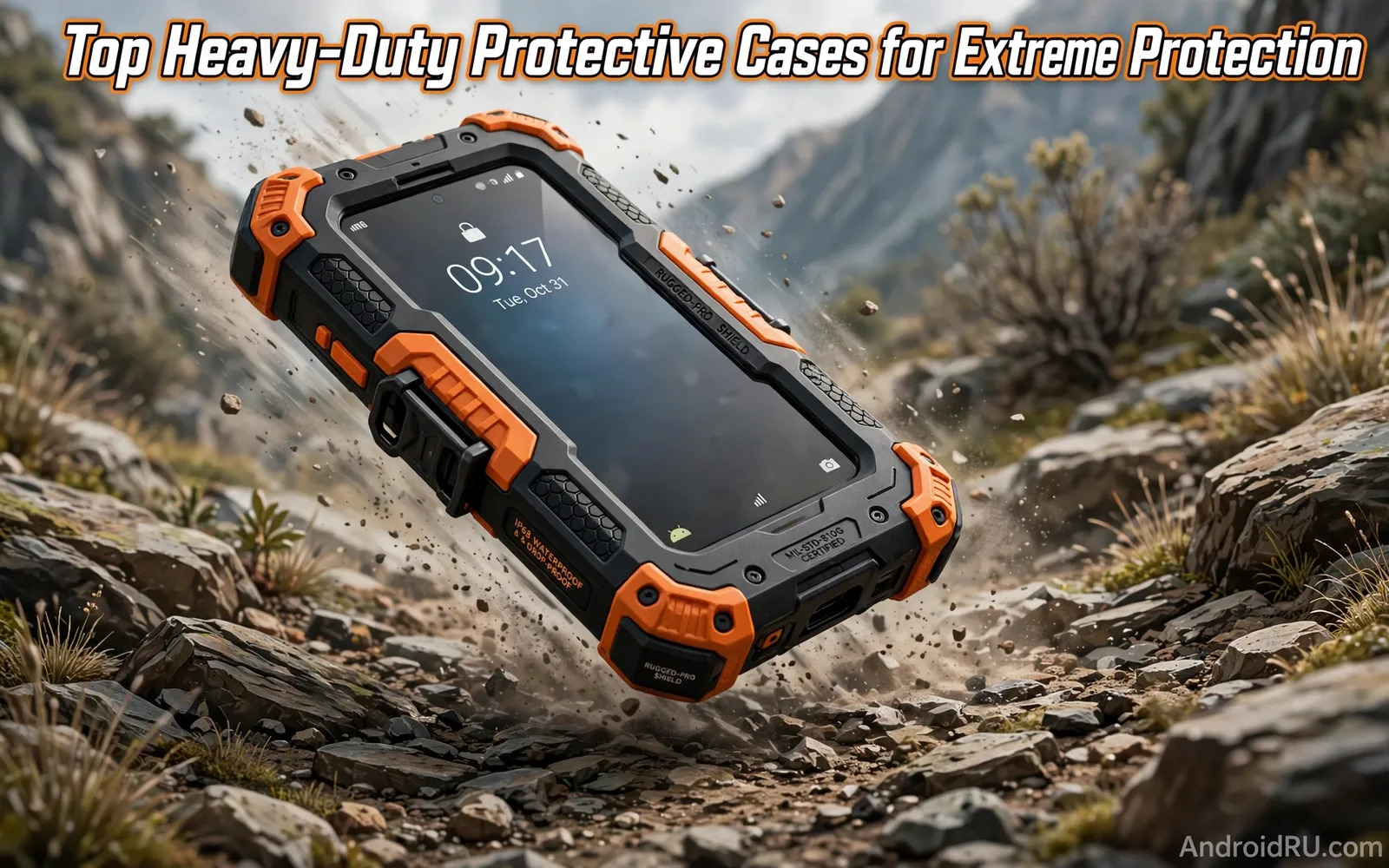
What Heavy Duty Really Means
Heavy duty describes a case built for hard impacts. It does not mean a case survives every possible drop. It means extra material guards vulnerable areas. Corners receive thicker padding in heavy duty designs. Edges receive raised lips around screen and camera. Back panels receive shock absorbing layers. Those layers spread impact force across a wider area. Spreading force reduces pressure on one phone point. That reduction helps the phone survive corner drops. Corner drops cause many screen cracks. A case that guards corners well prevents many cracks. A case that guards only the back helps less. Check corner design before you judge a case. Look for air pockets or thick bumpers at corners. Those features absorb energy during a fall. A flat thin case cannot offer the same cushion.
Drop test claims need careful reading. Makers test drops onto specific surfaces from specific heights. A claim of military standard testing follows a test method. That method includes drops onto hard surfaces. It does not guarantee survival on every surface. Concrete and asphalt differ in impact harshness. A case that passes lab drops can still fail on sharp rocks. A sharp rock concentrates force on a small point. That concentration can crack a screen through a case. Treat drop claims as guidance not promises. Real protection depends on drop angle and surface and height. A case improves odds greatly. It cannot remove risk entirely. Combine a case with careful handling habits. That combination gives the best real protection.
Materials That Absorb Shock
TPU absorbs shock through flexibility. It bends on impact and returns to shape. It grips the phone well during daily use. It also yellows over time in some formulas. Polycarbonate adds rigidity to a case shell. It resists scratches and holds shape well. It absorbs less shock alone than TPU. Many heavy duty cases combine both materials. A hard outer shell spreads force. A soft inner layer absorbs force. That combination works better than either material alone. Silicone offers soft grip and shock absorption. It attracts dust and lint in pockets. It also stretches over time with repeated removal. Leather offers premium feel and moderate protection. It absorbs less shock than TPU in hard drops. It suits careful users who value style. Match material to your drop risk level.
Metal frames add rigidity to some rugged cases. They protect edges from direct strikes. They can add weight and block wireless signals in some designs. Check wireless charging compatibility with metal cases. Metal near charging coils can reduce charging efficiency. It can also create heat during charging. Test wireless charging with a metal case before daily use. Carbon fiber panels offer strength with low weight. They often cost more than plastic panels. They suit users who want strong and light protection. Aramid fibers offer similar benefits. Check real material claims carefully. Some cases use printed patterns that mimic carbon fiber. Those patterns offer no strength benefit. Read material descriptions beyond marketing names. A case that guards the body still leaves glass exposed, and tempered glass and TPU screen protectors cover that remaining surface.
Corners Raised Lips And Camera Guards
Corners deserve the most attention in case design. A phone dropped from hand height often lands on a corner. Corner air cushions compress on impact. That compression extends impact time slightly. Longer impact time reduces peak force. That physics principle underlies most rugged cases. Check corner thickness in product photos. Compare corner thickness to side thickness. Corners should look clearly thicker than sides. Press corners with a finger during a store test. Soft corners compress slightly under pressure. Hard corners offer less cushion. Both types can work when combined with inner layers. A corner that feels hollow may hide an air pocket. Air pockets help in many designs. They are not a flaw by themselves.
Raised lips protect screen and camera from flat surfaces. A lip above the screen keeps glass off a table. A lip around cameras keeps lenses off a table. Check lip height with your screen protector installed. A protector can reduce effective lip height. A thick protector may sit above the lip. That change reduces table protection. Check lip height with your case and protector together. Camera lips matter for phones with large camera bumps. A large bump needs a taller lip for protection. A short lip leaves the bump exposed. Test lip protection by placing the phone face down on a table. The screen should not touch the table surface. The camera lenses should not touch the table surface. That simple test reveals lip adequacy quickly.
Buttons Ports And Daily Usability
Heavy duty cases cover buttons with protective caps. Button covers should press easily and distinctly. Mushy button covers frustrate daily use. Stiff button covers cause missed presses. Test volume and power buttons after installing a case. Press each button several times. Note responsiveness and travel feel. Port covers protect against dust and water splashes. Port covers can hinder cable plugging. A cover that opens easily suits frequent charging. A cover that seals tightly suits outdoor work. Choose cover style based on environment. Construction sites benefit from sealed ports. Office use benefits from open ports. Speaker holes should align precisely with phone speakers. Misaligned holes muffle sound noticeably. Microphone holes should align precisely as well. Misaligned microphone holes harm call quality.
Grip texture affects drop frequency itself. A slippery case drops more often than a grippy case. Textured sides improve grip during one hand use. Smooth sides look cleaner but slip easier. Matte finishes often grip better than glossy finishes. Rubberized coatings grip well when new. They can wear smooth over months of use. Check grip with dry hands and wet hands. Wet grip matters for outdoor and gym use. A case with side ridges offers extra grip points. Ridges can catch on pocket fabric during removal. Balance grip against pocket ease. A case that grips well but snags constantly frustrates daily use. Test pocket removal with your normal clothing. That test reveals snag problems early.
Water Dust And Outdoor Ratings
Water resistance ratings for cases differ from phone ratings. A case alone rarely makes a phone waterproof. A sealed rugged case can add splash protection. It cannot guarantee underwater safety unless designed for it. Check case ratings carefully before water exposure. A case with port covers helps against rain. It does not make swimming safe. Dust protection matters for construction and beach use. Sealed ports and tight fits reduce dust entry. Dust under a case can scratch phone edges over time. Remove the case regularly and clean both surfaces. Clean dust from case interiors with a soft cloth. Check phone edges for wear during cleaning. Early wear checks prevent long term damage. A case that traps sand can harm more than help. Clean after beach days without delay.
Outdoor workers face heat and cold extremes. Plastic cases can become brittle in extreme cold. They can become soft in extreme heat. Check maker guidance for temperature ranges. Avoid leaving a cased phone on a hot dashboard for hours. Heat harms both case and battery. Cold can stiffen button covers temporarily. Warm the phone gradually before heavy use in cold. Sudden temperature changes can cause condensation inside cases. Condensation can affect ports and speakers. Dry the phone and case after cold to warm transitions. Inspect seals after temperature extremes. Worn seals reduce dust and splash protection. Replace cases with cracked seals promptly.
Size Weight And Pocket Reality
Heavy duty protection adds bulk and weight. That bulk affects pocket fit and hand comfort. A very rugged case may not fit slim pockets. It may also tire hands during long one hand use. Test the cased phone in your daily pockets. Sit with the phone in a pocket. Note pressure and bulk during sitting. Note ease of removal from pockets. A case that stays home offers no protection. A case that travels daily offers real protection. Balance protection level against carry comfort. Office workers may prefer medium rugged cases. Construction workers may accept maximum bulk. Outdoor hikers may prefer medium bulk with good grip. Match bulk to your daily movement pattern. A case should support your routine not fight it.
Screen protection works alongside case protection. A raised lip guards a flat table. A protector guards against keys and sand in a pocket. Choosing between tempered glass and TPU screen protectors explains how those two layers divide the job. Test case and protector together for lip height and edge lifting. A case with tight edges can lift some protectors. A case friendly protector leaves a small edge gap. That gap prevents lifting during case installation. Check edges after a day of combined use. Look for lifting at corners. Look for dust entry under lifted edges. Replace a protector that lifts repeatedly.
Wireless Charging And Accessory Fit
Wireless charging compatibility varies across rugged cases. Thick cases increase distance to charging coils. That distance reduces charging efficiency. Metal parts can interfere more strongly. Test wireless charging with the case installed. Note charging speed and heat during a session. A case that blocks wireless charging may still suit cable users. Cable users face fewer compatibility concerns. Check cable connector fit with the case port opening. A narrow port opening may block thick cable connectors. A wide port opening suits most cables. Test your main cable with the case on. A cable that cannot plug fully charges unreliably. Car mount compatibility also matters for drivers. Thick cases may not fit some car mounts. Test car mount grip with the case on. A mount that cannot grip drops the phone on bumps.
Accessory fit extends to camera attachments as well. A thick case can block clip on lens mounts. A case with a large camera lip can shift lens alignment. Check lens mount fit with the case installed. A dedicated case mount may suit photographers better. That mount aligns lenses precisely. It requires a case made for that lens system. General rugged cases rarely offer that precision. Decide whether camera attachments matter to your use. If they matter choose a case system that supports them. If they do not matter choose pure drop protection. A case cannot excel at every accessory task. Prioritize the accessories you use weekly.
Choosing By Risk Level And Final Verdict
Choose maximum ruggedness for construction and outdoor work. Choose maximum ruggedness for children and active sports. Choose medium ruggedness for daily commuting and travel. Choose medium ruggedness for users who drop phones occasionally. Choose slim protection for careful office use only. Slim cases suit users with very low drop risk. They offer scratch protection more than drop protection. Honest risk assessment prevents overbuying and underbuying. Overbuying adds bulk you may resent daily. Underbuying leaves a phone exposed to real risks. Review your last year of drops and near drops. Count how often phones fell from hands. Count how often phones fell from tables. That history predicts future risk well. Choose a case one level above your history if unsure. That margin covers unexpected accidents.
Field photography shows why ruggedness earns its bulk. A phone that shoots outdoors faces rocks and dust and rain. Smartphone camera lens attachments for photography expand creative options once the phone itself survives the trip. Test any new case for two weeks in real use. Note grip and buttons and pocket fit each day. Note wireless charging and car mount fit as well. A two week test reveals daily friction points. Replace a case that frustrates daily use even if it protects well. A case you remove offers no protection at all. Keep a spare case for special outdoor trips. A spare rugged case can cover high risk days. Good protection becomes a habit not a burden.

