

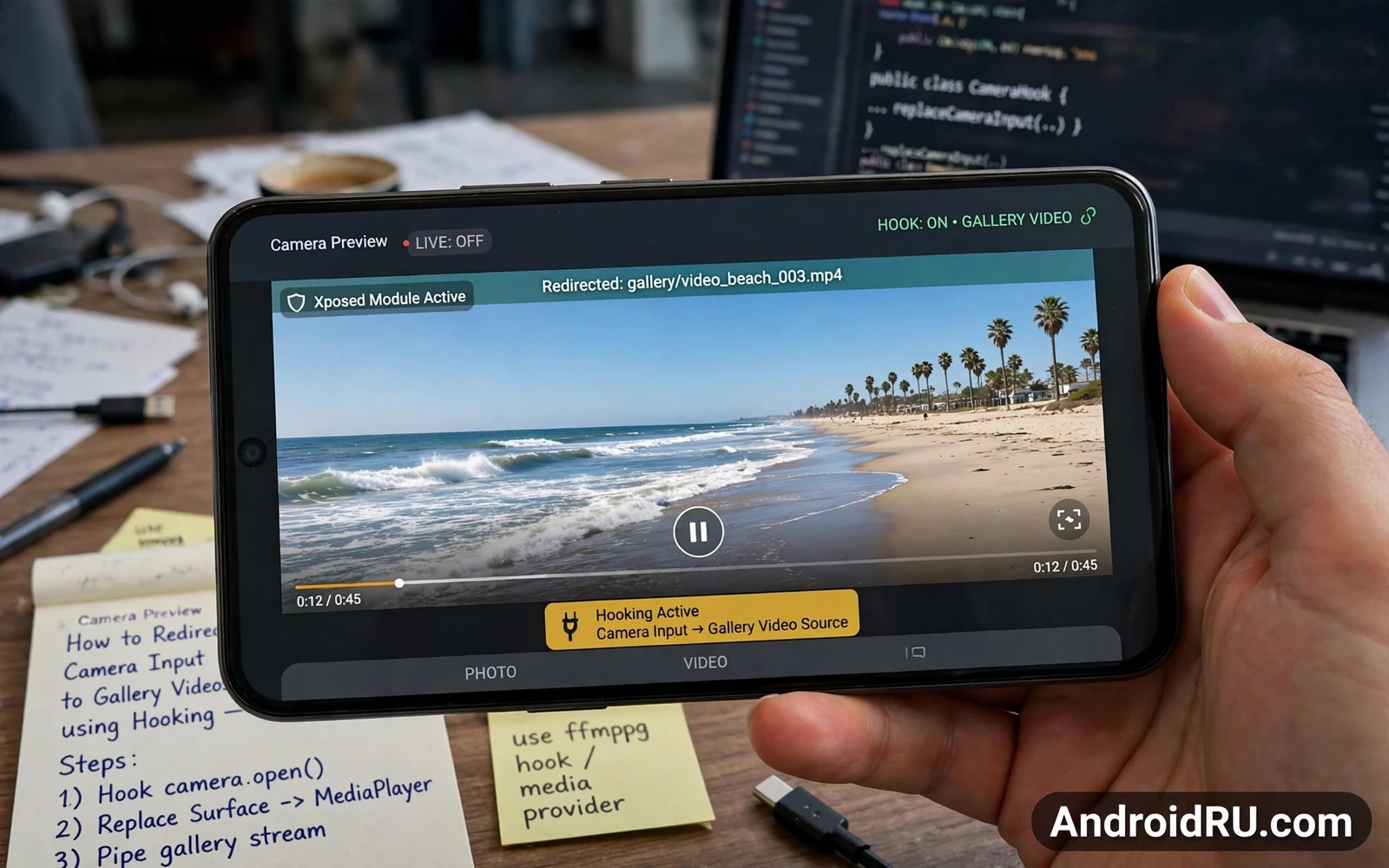
What Camera Redirection Means
Camera redirection replaces the live feed that an app receives from the physical camera with frames taken from a video stored in the gallery. The app still believes it is receiving camera input. The frames it receives come from a file instead of from the sensor. This technique is used for testing camera apps and for demonstrating features without a live scene and for accessibility experiments where a recorded scene is more practical than a live scene.
Redirection works at a layer where camera frames flow from the camera system to the app. Hooking intercepts that flow and substitutes frames from the chosen video. The substitution must match the format and the resolution and the timing that the app expects. A mismatch produces a black preview or a frozen frame or a crash. Format matching is therefore as important as the hook itself.
Redirection is not the same as screen sharing or video playback in a call. Screen sharing shows your screen to another person. Video playback shows a file in a media player. Redirection feeds a file into the camera pipeline so an app that requests camera access receives the file as if it were live camera data. That distinction matters for consent and for honesty because other participants may believe they are seeing a live camera.
Owners should use redirection only in contexts where it is honest and lawful and consented. Testing your own app with your own video is a legitimate use. Presenting a recorded video as a live feed to deceive another person is not. Recording or redirecting a video of another person without consent raises privacy issues that no technical guide can excuse.
How The Camera Pipeline Handles Frames
A camera app requests a camera device and configures a capture session with a target surface. The camera service delivers frames to that surface at a negotiated rate. The app reads frames and displays them or processes them or encodes them for a call. Hooking can intervene at the session configuration stage or at the frame delivery stage depending on the framework design.
Some hooking approaches replace the camera device that the app opens. Others intercept the preview surface and draw video frames onto it. Others replace the frame data after capture but before the app processes it. Each approach has different compatibility. An approach that works for one camera app may fail for another app that uses a different camera API or a different preview path.
Video frame timing must be handled carefully. A gallery video has its own frame rate and its own duration. The camera pipeline expects a steady stream. A good redirection implementation loops the video or holds the last frame when the video ends depending on the intended test. A poor implementation stops delivering frames and the app preview freezes.
Resolution handling also matters. A video with a very different aspect ratio from the camera preview will look stretched or cropped if the redirection does not scale it correctly. Test with a video that matches the preview aspect ratio first. Once the basic path works then test other resolutions to learn the limits of the implementation.
Setting Up A Test Safely
Use a test device or a secondary profile for initial experiments. A test device isolates failures from your primary phone. A secondary profile is less isolated but still protects primary app data in many cases. Do not test an experimental camera hook on a phone you need for work calls on the same day.
Choose a test video that you own and that contains no sensitive content. A simple recording of a room or an outdoor scene is ideal. Avoid videos showing other people until you understand the privacy implications and have consent. A test video should be boring by design. Boring test material keeps the focus on the technical behaviour.
Back up the device before installing a camera hooking module. A module that hooks the camera service can affect every app that uses the camera. A backup lets you restore a working camera quickly if the module breaks preview or breaks video calls. Test the stock camera after installing the module before testing any other app.
Enable the hook for one target app at a time where the framework allows scoping. Scoping limits the blast radius of a failure. A hook enabled for all apps can break the stock camera and a banking camera scan and a video call app at once. Scoped testing finds compatibility problems one app at a time.
Testing And Troubleshooting Redirection
Test with a simple camera app first. Open the app and check whether the preview shows the gallery video. Check whether focus indicators behave normally. Check whether capture still works and whether the captured photo matches the redirected frame or the original sensor frame depending on the implementation design. Capture behaviour varies by hook design and must be verified rather than assumed.
Test video calls only with a consenting test partner who knows that the feed is redirected. Explain the test before the call. A test partner who believes the feed is live cannot give meaningful feedback about quality. Honest testing also avoids misunderstandings about what the other person is seeing.
If the preview stays black then check format compatibility first. Check whether the hook supports the camera API version the app uses. Check whether the video codec is supported for decoding into camera frames. Check logs for frame delivery errors. A black preview with no log error often points to a surface mismatch rather than a codec failure.
If the phone becomes unstable then disable the module and reboot. Do not stack a second camera module on top of a failing first module. The Camera2 guide that explains how to enable Camera2 API on older unsupported devices helps owners understand the camera capability layer that redirection builds on. The hooks overview that explains understanding Android system hooks and substrate architecture explains the framework layer. The audio guide that explains how to extract audio streams from system apps via hooking covers the parallel audio pipeline for owners who need both video and audio redirection in a test setup.
Frame Format And Timing Details
Frame format details determine whether redirected video looks natural or looks broken. Camera frames carry a pixel format that describes how colour information is stored. Common formats store colour in planar layouts that differ in channel order. A redirection implementation that assumes the wrong format will produce green or pink tinted previews. Format verification through logs or through a test app prevents colour errors that look like hardware faults.
Frame rate matching matters because a gallery video at one frame rate fed into a pipeline expecting another frame rate creates judder. Judder appears as uneven motion where some frames linger and others rush past. A good implementation resamples timing to the pipeline rate or duplicates and drops frames smoothly. Smooth motion requires timing logic rather than simply pushing video frames as fast as decoded.
Buffer queue depth affects latency and smoothness together. A deep queue smooths over decoding hiccups but adds delay between the video file and the preview. A shallow queue reduces delay but risks underflow when decoding stalls. Test latency by moving an object in the test video and watching preview delay. A delay of a fraction of a second may be acceptable for testing. A delay of several seconds indicates a queue problem.
Orientation metadata in gallery videos can confuse redirection because videos recorded in portrait may carry rotation flags rather than rotated pixels. A redirection implementation that ignores rotation flags will show a sideways preview. Test with both portrait and landscape videos to reveal rotation handling. Rotation bugs are easy to miss when testing only with landscape video.
Audio synchronisation becomes relevant when redirection is paired with audio replacement. Video frames and audio samples must share a timeline or lip sync drifts. Drift grows over time when clocks differ. A test that plays a person speaking reveals drift quickly because lip movement and sound mismatch is obvious. Short tests may hide drift that long tests reveal. Test duration should match real use duration.
Resolution scaling quality affects perceived sharpness. A video scaled up from low resolution to a high preview resolution will look soft. A video scaled down from high resolution to a low preview resolution can look sharp if scaling uses proper filtering. Test scaling with text in the video because text reveals softness clearly. A test video containing readable text is a better diagnostic tool than a scenic video.
Consent And Testing Ethics In Practice
Consent for redirection testing should be explicit rather than assumed. A test partner who agrees to a video call does not automatically agree to a redirected feed test. Explain that the feed will be a recorded video rather than a live camera. Explain why the test is needed. Obtain agreement before the call starts. Explicit consent protects both parties and produces honest feedback.
Recording laws vary by location and may require consent from all parties for certain recordings. Redirection that involves a recorded video of a conversation may fall under recording law in some jurisdictions. Owners should check local rules before using redirected video that contains other people. Legal compliance is part of responsible testing rather than an optional extra.
Workplace testing adds policy layers because employers may prohibit camera manipulation tools on work devices. An employee who tests redirection on a work phone without permission risks disciplinary action even when the technical test is harmless. Work device policy should be checked before any hooking experiment. Personal devices are the appropriate place for personal experiments.
Children deserve special protection in camera testing. Never use video of children for redirection tests without a clear legitimate purpose and parental consent where required. Even a harmless test can create a misleading record if the redirected feed is captured by another party. Avoid child video entirely in casual tests. Boring adult test material or empty room footage is safer.
Deception risks extend beyond the immediate call partner. A redirected feed captured as a screenshot or recording by the other party can circulate as if it were live. The original tester loses control of that capture once it leaves the call. Owners should consider downstream circulation before starting a redirection test. A test that seems private may become public through a single screenshot.
Documentation of test purpose helps when questions arise later. A short note stating the test goal and the consent obtained and the video used protects the tester. Documentation is not bureaucratic overhead. It is evidence of responsible intent. Responsible intent matters when a test is questioned after the fact.

