

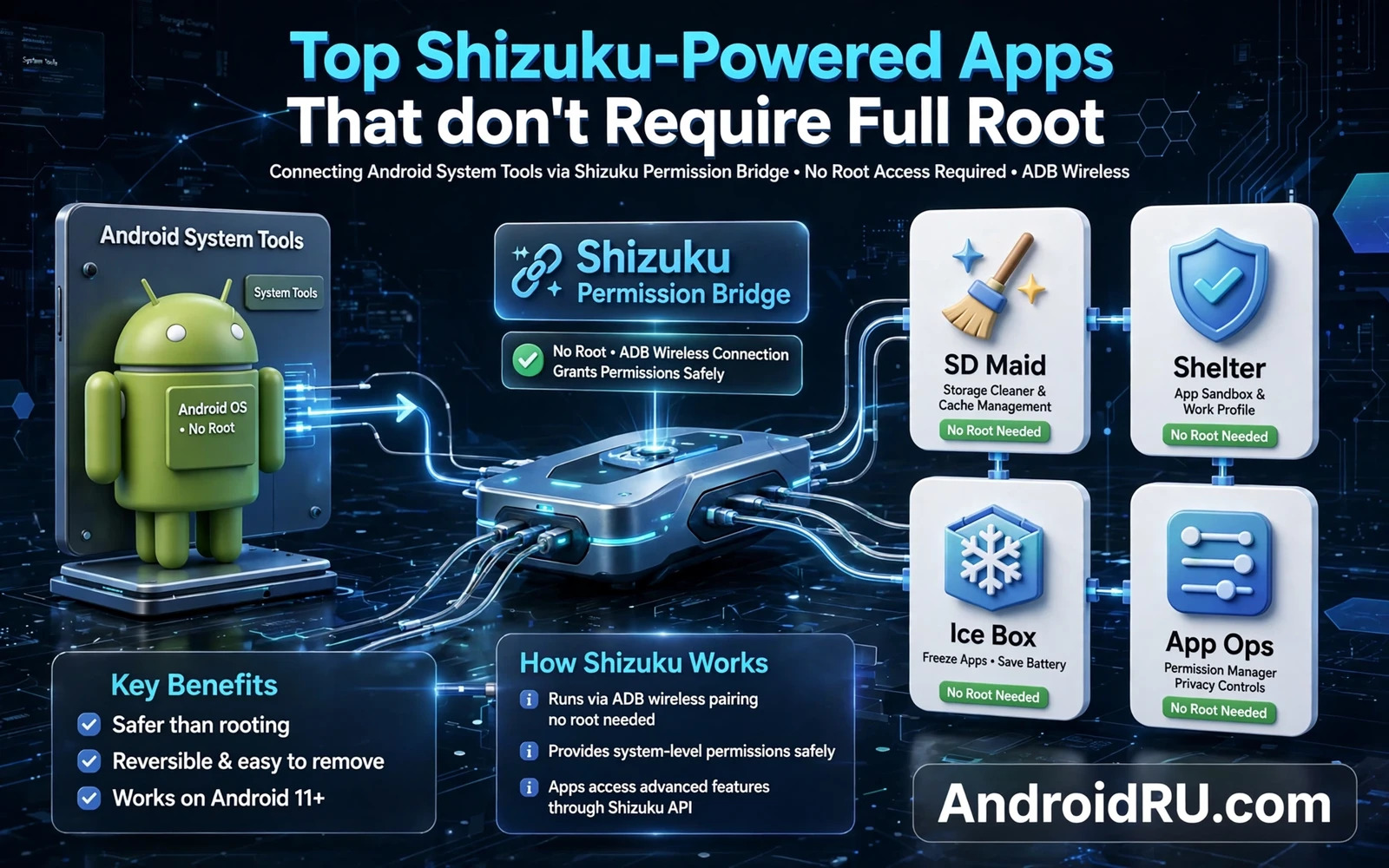
What Shizuku Does Without Root
Shizuku is a service that lets apps use system level permissions through ADB authorisation without unlocking the bootloader and without rooting the phone. It acts as a bridge between ordinary apps and privileged system interfaces. An app that supports Shizuku can request permission through that bridge instead of demanding root access. The phone system remains largely stock while the app gains capabilities that ordinary apps cannot reach.
The distinction between Shizuku access and root access matters. Root gives an app broad control over the whole system. Shizuku gives an app specific permissions that the owner approves through ADB. Those permissions can still be powerful. They can manage apps and can read system state and can change settings that ordinary apps cannot change. They do not give the same unrestricted file access that root provides.
Shizuku requires a one time ADB setup after each reboot on many devices unless a wireless debugging method keeps it running. That setup step is the main inconvenience. Owners who reboot often may find the setup repetitive. Owners who keep the phone running for long periods will barely notice it. Wireless debugging on newer Android versions makes the restart step easier than a wired computer connection.
Not every app that claims Shizuku support uses it well. A good Shizuku app explains exactly which permission it needs and why it needs it. A poor app requests broad access without explanation. Owners should treat permission explanations as a quality signal. Clear explanations usually come from developers who respect the power they are requesting.
Setting Up Shizuku Correctly
Install Shizuku from a trusted source and follow its built in startup guide. The guide offers a wired ADB route and a wireless debugging route depending on the Android version. Choose the route that matches the device and follow it exactly. A half completed setup leaves apps waiting for a service that never starts.
Grant permissions carefully when Shizuku apps ask for them. Read each permission prompt and consider whether the app function justifies it. An app manager needs permission to manage apps. A backup tool needs permission to read app data it is allowed to back up. An app that requests unrelated permissions deserves a second look before approval.
Keep Shizuku itself updated because the service evolves with Android changes. An outdated Shizuku version may fail on a newer system update or may lose wireless debugging support. Update through the same trusted source used for installation. Avoid modified Shizuku builds that promise extra features without a clear changelog.
Revoke Shizuku access for apps you no longer use. Stale permissions accumulate quietly and increase the attack surface if an old app later becomes compromised. A regular permission review takes only a few minutes and keeps the privileged app list short. Short lists are easier to audit and easier to understand.
Categories Of Useful Shizuku Apps
App managers are among the most practical Shizuku apps. They can disable system apps and can freeze apps and can manage app operations that the stock settings hide. Disabling a system app through Shizuku is reversible in most cases. Removing a system app entirely is riskier and should be avoided unless the owner understands the consequences for updates.
Automation and system tools form a second useful category. They can change system settings on a schedule and can monitor battery behaviour and can manage background activity with more precision than ordinary apps. Precision matters because background management affects notifications and sync. Test automation rules for a few days before trusting them with important apps.
File and storage tools form a third category. They can reveal storage use by system areas that ordinary file managers cannot see. They can help owners find large caches and large app data folders. They cannot magically free storage without consequences. Deleting system caches that the system will rebuild immediately wastes effort.
Permission managers and privacy tools also benefit from Shizuku. They can show app operations in detail and can revoke operations that stock settings group together. Detailed control helps owners understand which apps access location or sensors in the background. Understanding comes before restriction. Restricting an app without understanding its needs can break its core function.
Risks And Limits To Respect
Shizuku access is still privileged access. A malicious app granted Shizuku permissions could disable security apps or could change system settings in harmful ways. Install Shizuku apps only from developers with a clear reputation. Read recent reviews that discuss permission behaviour rather than only star ratings. A high rating does not prove that permission use is sensible.
Shizuku does not bypass every Android protection. Scoped storage and app sandboxing still apply. Some system areas remain closed even with Shizuku. Owners who expect full root power from Shizuku will be disappointed. Owners who want meaningful extra control without root will find the trade worthwhile.
Banking apps and payment apps may still detect ADB debugging or Shizuku presence in some cases. Owners who rely on a sensitive app should test it after enabling Shizuku. If a banking app refuses to run then disable debugging and stop the Shizuku service before using that app. Security policies vary by app and by region.
For owners who later decide that full root is needed the Shizuku experience provides useful preparation. The display guide that explains how to change device screen resolution and DPI via ADB uses the same ADB foundations. The utilities roundup that covers top Android modding utilities every tweaker needs places Shizuku tools in a wider toolkit. The animation guide that explains how to change system animation speeds for snappy response shows a safe first system tweak. Together they form a sensible path from no root to informed power use.
Shizuku Setup Variations By Android Version
Wireless debugging setup varies by Android version because the developer options layout and the pairing flow changed across releases. Newer versions offer a pairing code flow that is more convenient than the older manual port entry flow. Owners should follow the Shizuku startup guide for their exact version rather than following a video made for a different version. A version mismatch in setup instructions leads to a pairing failure that looks like a Shizuku bug when it is actually a procedure mismatch.
Wired ADB setup remains the most reliable fallback when wireless debugging is unavailable or unstable. A computer connection removes Wi-Fi variability from the setup. Owners who struggle with wireless pairing should try the wired route before concluding that Shizuku does not work on their device. A successful wired setup proves that the service itself works. Wireless trouble after a wired success is a network issue rather than a Shizuku issue.
Some manufacturers add extra permission screens that block Shizuku startup until the owner grants an additional authorisation. Battery optimisation settings can also kill the Shizuku service in the background. Owners should exempt Shizuku from battery optimisation where the system allows it. A service killed by battery optimisation produces app failures that appear random. Exemption turns random failures into stable behaviour.
Reboot behaviour should be tested explicitly after setup. Reboot the phone and check whether Shizuku apps still work. If they do not work then run the startup procedure again and note how long it takes. A startup procedure that takes a minute is acceptable for a phone rebooted weekly. A procedure that takes ten minutes may discourage owners who reboot daily. Honest timing helps owners decide whether Shizuku suits their reboot habits.
Multiple user profiles complicate Shizuku because the service runs per user in some configurations. An app in a secondary profile may not see the Shizuku service started in the primary profile. Owners using work profiles or secondary profiles should test Shizuku apps inside each profile separately. Profile separation is a security feature. It should not be treated as a bug when it limits a privileged service.
Security updates can change ADB authorisation behaviour and can require Shizuku reauthorisation. After a major update owners should verify that Shizuku still starts and that apps still receive permissions. A quick verification after an update prevents a later surprise when a needed tool fails at a critical moment. Verification after updates is a habit that applies to every privileged tool.
Evaluating A New Shizuku App
Evaluation starts with the developer page and the permission list rather than with the feature list. A feature list promises benefits. A permission list reveals costs. An app manager that requests permission to manage apps is consistent with its purpose. An app manager that also requests broad network access without explanation deserves a question. Purpose and permission should align closely.
Update history reveals maintenance quality. An app updated recently for the current Android version is more likely to work correctly than an app untouched for years. Old apps may still work through compatibility layers but they may also use deprecated interfaces that behave unpredictably. Recent maintenance is not a guarantee of quality but it is a strong positive signal.
Community discussion reveals real world behaviour that a store page hides. Owners should search for reports about the app on the current Android version and on their manufacturer skin. Manufacturer skins change system behaviour in ways that stock Android does not. A report from a different manufacturer may not apply. A report from the same manufacturer and version is gold.
Trial use should be limited at first. Grant permissions for a single task and test that task thoroughly before granting broader access. A trial period reveals crashes and battery drain and unexpected behaviour without committing the whole system to the app. A successful trial justifies broader use. A failed trial costs little because access was limited from the start.
Uninstalling a Shizuku app should also revoke its permissions cleanly. After uninstalling check the Shizuku authorised app list to confirm removal. A stale entry after uninstallation is not necessarily dangerous but it indicates messy permission handling. Clean removal is part of good app design. Owners should prefer apps that clean up after themselves.
Documentation quality separates serious tools from casual experiments. A serious tool explains its Shizuku use in plain language and documents its limitations. A casual experiment may work well but may leave owners guessing when something fails. Documentation matters most during troubleshooting. An app without documentation forces owners to guess at the exact moment when guessing is most costly.

