

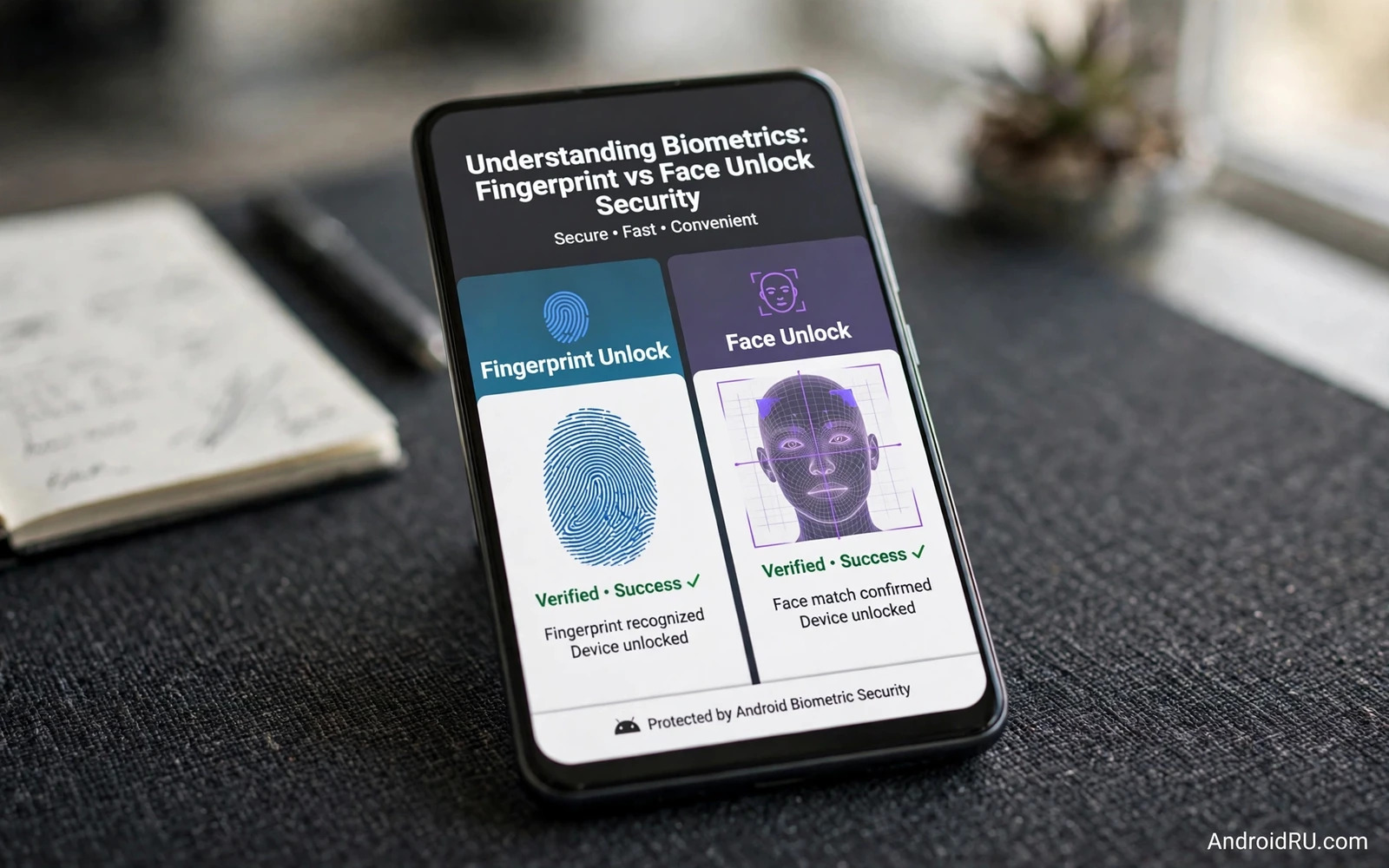
Biometric unlock replaces typing a PIN with a fingerprint scan or a face scan for everyday unlocking. Both methods feel fast and convenient but they differ in security strength and in failure modes and in legal and practical implications. Fingerprint unlock relies on a physical pattern that you present deliberately. Face unlock relies on a camera and depth sensing that may operate while you merely look at the phone. Those differences shape which method suits different users and different threat models.
Android classifies biometric methods by strength because not all face unlock implementations are equal. Strong biometrics meet strict requirements for false acceptance and for liveness detection and for secure template storage. Weak biometrics may unlock with a photograph or with a similar face and may not qualify for banking app authentication or for high security app locks. Checking whether your phone face unlock is classified as strong matters more than marketing claims about speed. A fast face unlock that accepts a photo is a convenience feature rather than a security feature.
This guide compares fingerprint and face unlock on security and convenience and reliability and fallback design. You will learn how templates are protected and how spoofing works and when to prefer one method and when to combine biometrics with a strong PIN. The best choice depends on your hands and your environment and your risk tolerance rather than on a universal ranking.
How Fingerprint Unlock Works And Fails
Fingerprint sensors read ridge patterns through optical or ultrasonic or capacitive sensing and compare the scan against a template stored in secure hardware. The template never leaves secure hardware and apps receive only a match result. That isolation means that a stolen app database cannot leak your fingerprint. Ultrasonic sensors work through wet fingers better than optical sensors in some conditions while capacitive sensors offer fast and consistent reads on dedicated buttons or rear sensors. Sensor type affects reliability more than raw security when the implementation meets strong biometric standards.
Fingerprint spoofing requires a high quality copy of your fingerprint pattern and physical access to the sensor. Latent prints left on the phone itself can theoretically be lifted and reproduced but that attack demands skill and time and target selection. Everyday thieves rarely attempt fingerprint reproduction because stealing an unlocked phone or coercing a PIN is easier. Fingerprint unlock also fails gracefully for users with worn fingerprints or wet hands or gloves. A strong PIN fallback covers those failures without weakening the biometric itself.
How Face Unlock Works And Fails
Face unlock systems range from simple two dimensional camera matching to three dimensional depth mapping with infrared projection. Depth based systems build a geometric model of your face and resist photographs and many masks far better than flat image matching. Simple camera matching without depth or liveness checks can be fooled by a printed photo or a video on another screen. Check your phone specifications for depth sensing and liveness detection rather than assuming that every face unlock is equally strong. The presence of an infrared projector or a structured light system signals a stronger implementation.
Face unlock can operate without deliberate action because merely glancing at the phone may trigger it. That convenience creates a risk when someone holds the phone to your face while you sleep or while you are distracted. Android offers attention requirements on some devices that demand open eyes and active gaze before unlocking. Switch attention checks on when your device offers them. Face unlock also struggles with masks and sunglasses and extreme lighting while fingerprint unlock struggles with wet hands. Environment decides which method frustrates you less day to day.
Template Protection And The Irrevocable Problem
Biometric templates deserve special protection because you cannot change your fingerprint or your face after a leak in the way that you can change a password. Secure hardware isolation addresses that problem by keeping templates inside a protected area and by returning only match results. Never enrol biometrics in an app that asks to upload your fingerprint image or face image to a server for matching. Legitimate Android biometrics match on device. Server side biometric matching creates a central database of irrevocable identifiers that a breach could expose permanently.
Enrol multiple fingerprints or a careful face enrolment under good lighting to improve reliability without weakening security. A rushed enrolment with poor lighting or partial finger coverage creates false rejections that push you toward disabling biometrics entirely. Re-enrol after a major change such as a screen replacement that affects sensor calibration or after facial changes that affect recognition. Good enrolment is a security practice because a biometric that constantly fails invites a weak fallback habit.
Fallback PIN Strength Matters More Than Biometric Choice
Every biometric system falls back to a PIN or password or pattern when biometrics fail or after a restart. That fallback becomes the real security floor because an attacker who cannot spoof your face can still attack a weak PIN. A four digit PIN with obvious values undermines even the strongest biometric hardware. Use a long and random PIN or a strong alphanumeric password as the fallback and treat that credential as the master key for the device. Biometrics add convenience on top of that credential and they never replace its importance.
After a restart Android requires the fallback credential before biometrics become available. That design protects the strongest encryption state and it prevents biometric bypass on a freshly seized phone. Do not resent that requirement. It proves that the system treats biometrics as a convenience layer rather than as the root of trust. Memorise your fallback credential and store a backup of it in a password manager that you can access from another device. Losing the fallback credential can lock you out even when biometrics still work.
Choosing For Your Life And Your Threat Model
Choose fingerprint unlock when you want deliberate action for every unlock and when your hands are usually free and dry. Fingerprint unlock suits users who worry about face presentation attacks or who work in environments where looking at the phone is frequent but unlocking should be intentional. Choose strong depth based face unlock when your hands are often wet or gloved or occupied and when your device offers attention checks and liveness detection. Face unlock suits hands free scenarios such as cooking or workshop use where touching a sensor is impractical.
Consider combining methods when your phone supports both. Use face unlock for quick glances and fingerprint unlock for banking apps and app locks that demand strong biometrics. Set app level biometric locks for banking and messaging and vault apps separately from the lock screen so that a single unlock does not expose every sensitive app. Review biometric settings after major system updates because updates can reset attention requirements or fallback behaviour. The right combination is personal and it should reflect how you actually use the phone rather than a generic recommendation.
Biometric locks extend to individual apps so see locking apps behind biometrics or PIN codes and protect vault contents with hiding photos and videos behind encrypted lockers while understanding app sandboxing and Android memory protection explains the isolation that keeps biometric results safe from other apps.
- Check whether your face unlock uses depth sensing and liveness detection before trusting it
- Switch attention checks on for face unlock when your device offers them
- Use a long random PIN as the biometric fallback credential
- Enrol biometrics carefully under good lighting for reliable matching
- Set separate biometric locks for banking and messaging and vault apps
Biometric Settings Review After Updates And Repairs
Biometric settings deserve review after system updates and after hardware repairs because both events can change sensor behaviour. After a major update open biometric settings and confirm that attention checks remain switched on for face unlock and that app level biometric locks still require authentication. After a screen replacement re-enrol fingerprints because sensor calibration can shift and partial enrolment creates false rejections. After a front camera repair re-enrol face data under good lighting for the same reason.
Review which apps use biometrics as a separate step from lock screen settings. Open security settings for banking apps and messaging apps and vault apps and confirm that biometric authentication remains required for sensitive actions. An update can reset an app level biometric gate to a simple device unlock without a clear warning. A banking app that opens with lock screen authentication alone is weaker than the same app with a dedicated biometric gate. Restore dedicated gates whenever you find them missing.
Plan for biometric failure scenarios before they happen in public. Memorise your fallback PIN or password and store a backup in a password manager accessible from another device. Practise unlocking with the fallback credential occasionally so that stress does not cause a forgotten credential during an important moment. Keep a second authentication method available for critical accounts such as a security key or an authenticator app on another device. Biometrics should speed daily life without becoming a single point of failure.
Fingerprint and face unlock both offer strong security when implemented well and protected by a strong fallback credential. Fingerprint unlock gives deliberate control and face unlock gives hands free convenience and depth based face systems close much of the security gap. Choose based on your hands and your environment and your threat model and never let a convenient biometric excuse a weak PIN. That combination gives you fast daily unlocking without surrendering real protection.

