

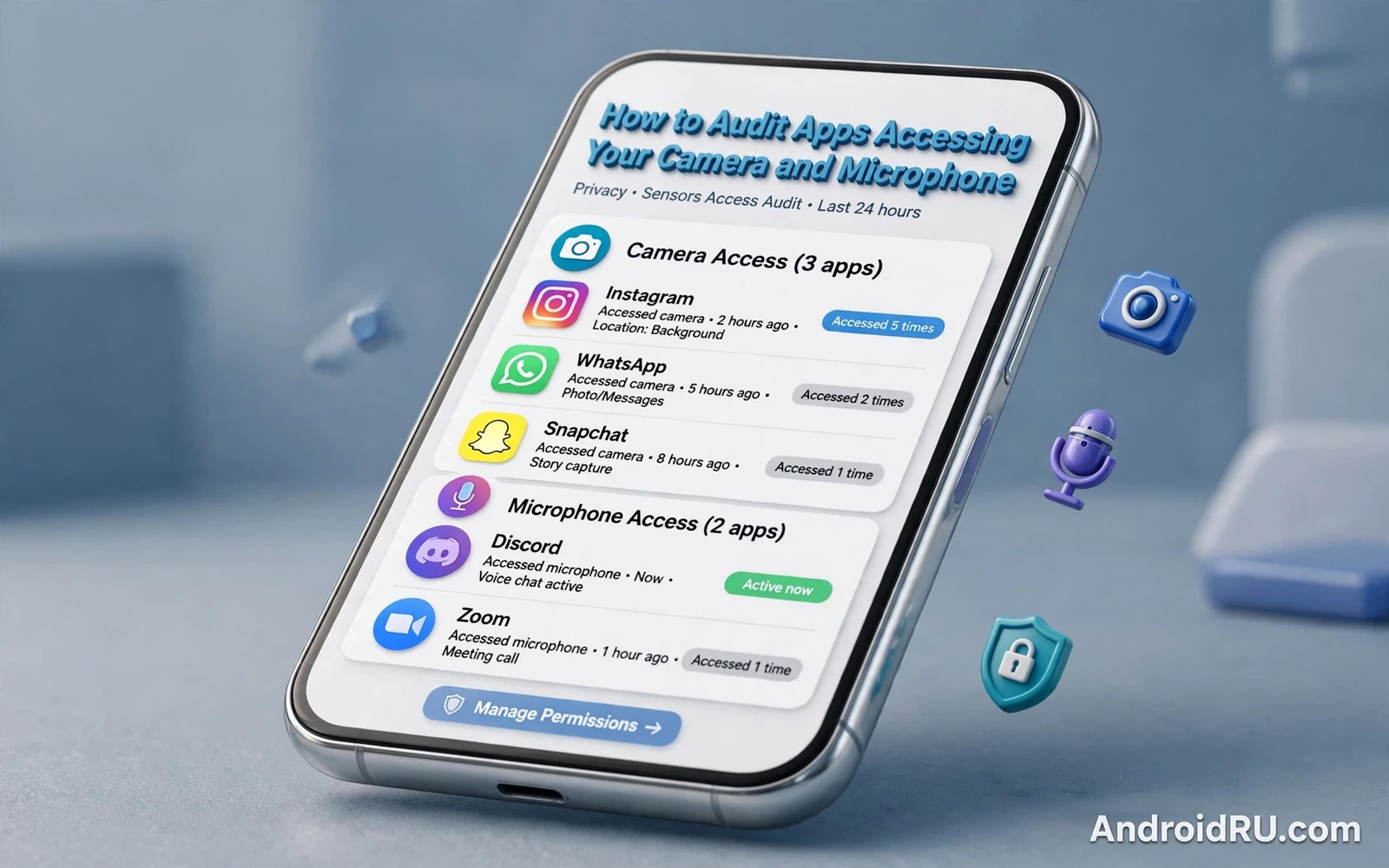
Camera and microphone access deserves a special audit because those sensors can capture your face and your voice and your surroundings in a single moment. A photo app needs the camera for a clear purpose and a calling app needs the microphone for a clear purpose. Many other apps request those sensors for features that sound helpful but that you may never use. An audit separates genuine need from casual overreach and it restores your control over the most intimate sensors on the phone.
Start an audit in the permission manager by opening camera permission and microphone permission separately rather than reviewing apps one by one. The permission view shows every app that holds camera access in one list and every app that holds microphone access in another list. That grouped view makes overreach obvious because a flashlight app or a wallpaper app stands out immediately beside camera and calling apps. Review both lists fully before you change anything so that you understand the whole picture first.
Grant Types And Live Indicators
Grant types shape the audit because Android now offers several levels of sensor access beyond a simple allow or deny. An app can hold access only while in use or only this time or at all times in the background. Background sensor access deserves the hardest scrutiny because it allows recording when you are not actively using the app. Change any background camera or microphone grant to while in use unless the app offers a clear background feature such as a security camera that you deliberately run. A background grant without a background purpose is a red flag.
Indicators give you live feedback during an audit because Android shows a small icon when camera or microphone is active. A green dot or a camera icon in the status area tells you that a sensor is running right now. Swipe down to see which app triggered the indicator and ask whether that app should be recording at that moment. An indicator that appears while the phone sits idle deserves immediate investigation. Indicators turn invisible sensor use into a visible event that you can judge.
Privacy Dashboard turns indicator moments into a history that you can review at the end of the day. The dashboard timeline shows which apps used camera and microphone and location and when each use happened. A pattern of night time microphone use or background camera use stands out clearly in that timeline. You can use that history as the core evidence for your audit by studying how Android Privacy Dashboard access logs show sensor use over time so that each permission decision rests on real behaviour rather than on guesswork. Review the dashboard weekly until sensor use feels predictable.
Test Purpose Before You Trust A Grant
Permission choices become clearer when you treat each grant as a question about purpose rather than about trust in a brand. A well known social app still needs justification for background microphone access when you only use it for browsing photos. A small utility app still needs justification for camera access when it only edits text. Ask what feature breaks if you revoke the permission and test that feature after revocation. If nothing important breaks then the permission was never needed. That test gives you a practical answer without any technical debate.
One time permissions offer a safe middle path for apps that need a sensor only rarely. Grant camera access for a single photo upload and let the system revoke it automatically afterwards. Grant microphone access for a single voice note and let it expire when the task ends. One time grants suit shopping and support apps that request a photo only during a return or a claim. Use one time grants generously because they preserve function while preventing silent accumulation of permanent access.
System apps also need audit attention because preinstalled camera and voice apps may hold sensor access by default. Review system app permissions in the same grouped view and revoke access that does not match how you use the device. Some system apps need sensor access for core features such as emergency calls or device setup. Others hold access for optional features that you can disable safely. A system label does not automatically justify permanent sensor access.
Social and messaging apps present the trickiest audit choices because they genuinely use camera and microphone for calls and stories and voice notes. Keep sensor access for those apps at while in use rather than at all times. Disable background access for social apps that offer live features that you never use. Check in app settings for camera upload or voice features that run separately from the main app permission. An in app toggle can sometimes enable a feature that the system permission alone does not reveal.
Background Behaviour And Spyware Patterns
Games and shopping and utility apps should rarely hold permanent camera or microphone access. A game may request camera access for an avatar feature that you tried once and then forgot. A shopping app may request microphone access for voice search that you never use. Revoke those grants without hesitation and grant them again only for a specific task through a one time grant. A revoked grant costs nothing when the feature stays unused and it removes a silent sensor path.
Background behaviour after revocation tells you whether an app respected your decision. Watch the dashboard for a few days after an audit and confirm that revoked apps no longer appear in camera or microphone history. An app that still appears after revocation deserves removal because it may use another path to reach sensor data. An app that complains loudly about a revoked permission that it does not need deserves the same scepticism. Respect for revocation is a basic test of app trustworthiness.
Spyware patterns often reveal themselves through sensor history because spyware needs camera or microphone access to watch its target. Repeated background microphone use at odd hours and camera use without any visible app activity both point toward spyware rather than toward a careless feature. You can connect sensor audit findings with a wider threat check by reading how hidden spyware reveals itself through quiet background behaviour so that a sensor anomaly triggers a full device review rather than a single permission tweak. Treat persistent anomalies as a reason to scan and to review installed apps.
Permission understanding supports a sensor audit because many users grant sensor access during setup without reading the prompt. A setup prompt that bundles camera and microphone and location together deserves a pause and a separate decision for each sensor. You can refresh that decision skill by studying how app permissions work as choices to grant or deny so that future grants start narrow rather than broad. A narrow start prevents most audit work later because fewer apps ever gain sensor access in the first place.
Assistants Calls And Shared Devices
Location control complements a sensor audit because a photo or a recording often carries location data beside its main content. An app with camera access and precise location access can tag every photo with your exact position. You can close that side channel by studying how disabling location tracking for specific apps works in practice so that sensor access and location access are narrowed together. A photo without a location tag reveals far less about your movements.
Voice assistants need a deliberate sensor policy because they listen for a wake word and therefore hold microphone access in a distinctive way. Review wake word settings and voice history settings inside the assistant app. Disable always listening when you do not use voice activation and keep microphone access at while in use for assistant features that you trigger manually. Delete voice recordings regularly when the assistant offers that control. An assistant that listens only on demand still serves most users well.
Video calling apps need sensor access during calls but they should not retain background access between calls. Set calling apps to while in use and test whether calls still connect cleanly after that change. Check for a setting that keeps the camera warm for faster call start because that setting may hold sensor access longer than needed. A call app that works well with while in use access has no need for a permanent background grant. Call quality rarely depends on background sensor access.
Children and shared phones need a sensor audit that is stricter than a personal audit because another person may grant access casually during play. Review sensor permissions after any shared session and revoke any new grant that appeared during that session. Keep camera and microphone access off by default for games and entertainment apps on a child device. Teach older children to ask before granting camera or microphone access to a new app. A post session audit prevents a single play session from creating a lasting sensor path.
A Monthly Sensor Routine
Work devices need sensor audit documentation because a work phone may record meetings and calls that carry confidential information. Record which apps hold camera and microphone access on a work device and review that list after each app install. Remove sensor access for personal apps on a work device when policy requires separation. Report any unexpected sensor indicator during a confidential meeting immediately. Work sensor policy should be explicit rather than assumed.
A monthly sensor audit routine keeps camera and microphone access honest over time without becoming a burden. Open permission manager and review camera and microphone lists and revoke any grant that no longer matches current use. Check Privacy Dashboard for background use patterns and investigate any anomaly the same day. Update the audit after every major app update because updates can add new sensor features. A monthly routine takes only a few minutes and it prevents silent sensor creep.
Sensor trust ultimately depends on visibility and on the willingness to revoke access that lacks a clear purpose. A phone that shows indicators and keeps a dashboard history gives you the tools to judge sensor use fairly. Use those tools regularly and keep grants narrow and keep background access rare. A camera and a microphone that open only when you intend them to open feel like tools again rather than like watchers. Audit them often and they will stay that way.
Sensor access during screen sharing deserves a separate check because a shared screen can reveal camera previews or microphone status to viewers. Disable camera and microphone access for apps that you will share from and test the shared view before a live session. A screen share that shows a camera preview can expose a private room behind you. Close camera apps fully before sharing and mute the microphone when it is not needed for the session. Screen sharing hygiene protects both the shared content and the room around you.

