

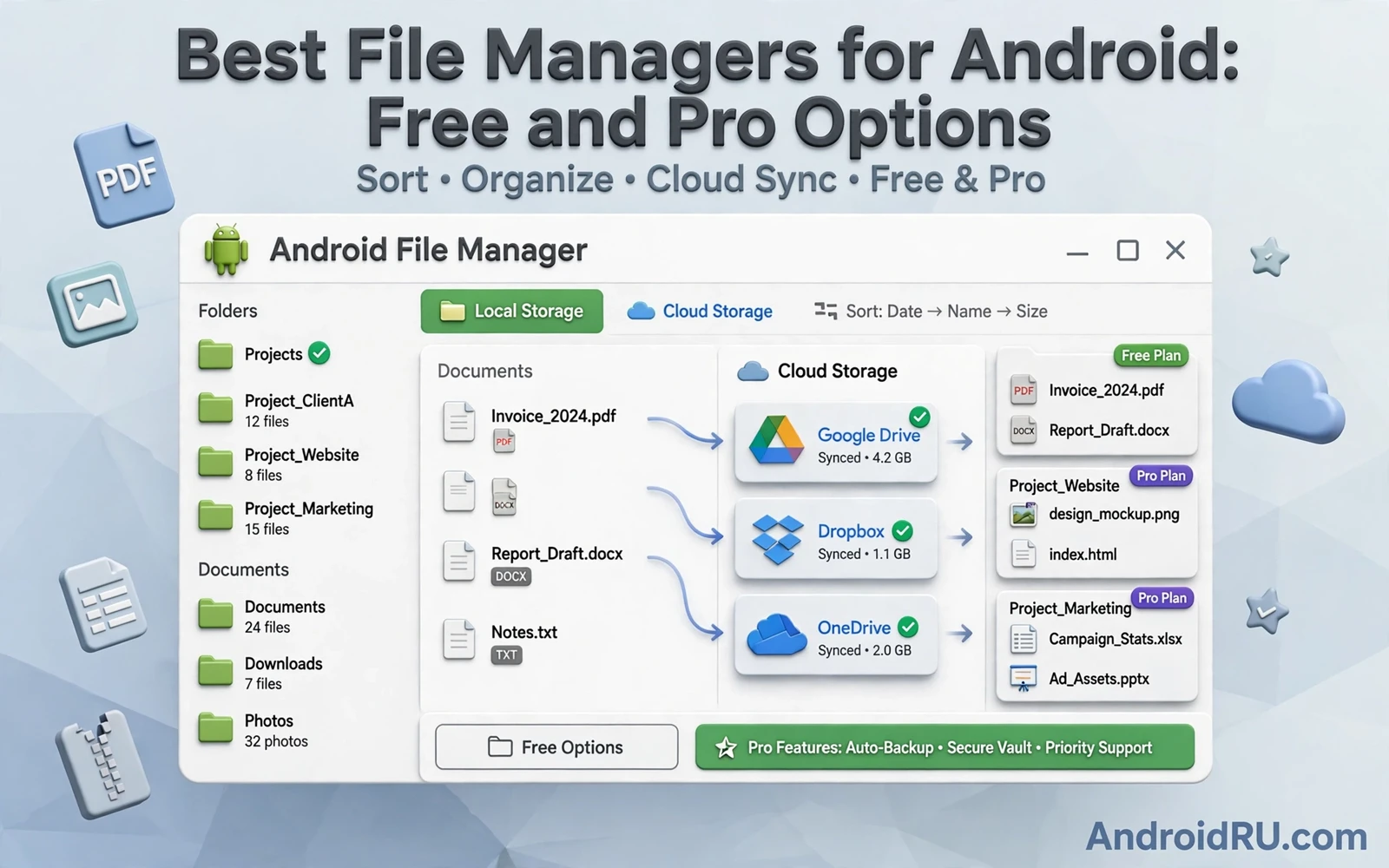
A file manager is the control room for everything stored on an Android phone. It moves files between folders and renames batches of documents and finds a download buried under months of images. A weak file manager forces you to handle files one by one and hides storage usage behind confusing menus. A strong file manager shows storage clearly and supports batch operations and connects to cloud folders without duplicating every file. The difference becomes obvious during a cleanup session or a migration to a new phone.
Free file managers cover the essentials for most users. Free tools browse internal storage and removable storage and show file sizes and dates. Free tools copy and move and delete and rename files. Free tools search by name and filter by type. Pro versions usually add cloud integration and network folder access and advanced analysis and batch renaming and secure folders. Decide whether those pro features match real weekly work before paying. A free manager used daily beats a pro manager whose advanced features stay untouched.
Start with storage visibility because you cannot manage what you cannot see. A good manager shows total storage and free space and the largest folders at a glance. A good manager breaks down usage by images and videos and documents and audio and apps. A good manager finds duplicate files and large forgotten downloads. A cleanup guided by real sizes frees gigabytes in minutes while a cleanup guided by guessing deletes small files that never mattered. Check storage before a trip and before a system update and before a large video project.
Core Features Every Manager Should Have
Batch selection is the single most important feature for serious file work. Select dozens of files with a long press and a swipe or with a select all control inside a folder. Move the batch to a project folder in one action. Rename the batch with a pattern that adds a date or a sequence number. Delete a batch only after previewing the selection count. A manager without smooth batch selection turns every cleanup into tedious single file tapping that most users abandon halfway.
Search and filtering save more time than any visual theme. Search should match file names quickly even in a folder with thousands of items. Filters should narrow results by type and by size and by date without forcing you to remember exact names. Sorting by size reveals the largest videos instantly. Sorting by date reveals recent downloads instantly. Sorting by name helps when a project uses a consistent naming pattern. Combine a filter with a sort to answer a question such as which large videos arrived this month.
Preview support reduces the need to open every file in another app. Images should preview as thumbnails that load fast. Documents should show basic details such as page count or file type when possible. Audio files should show duration. Video files should show resolution and length. A preview that fails for common formats forces constant app switching and slows triage. A manager that previews reliably lets you decide keep or delete in seconds per file.
Cloud Network And Local Storage Together
Modern file work spans local storage and cloud storage and network folders. A manager that connects to cloud accounts lets you move files without downloading everything to the phone first. A manager that supports network protocols lets you reach a home computer or a work server from the phone. A manager that shows cloud and local folders side by side prevents duplicate copies created by downloading a file that already exists locally. Sync status should be visible so you know whether a file is local only or safely backed up.
Offline access needs planning when files live mostly in the cloud. Mark important documents for offline use before a flight or a rural trip. Check that the offline copy actually downloaded before leaving network coverage. Keep a local copy of travel documents and tickets even when the cloud copy exists. A file manager that clearly marks offline files prevents the stressful moment when a boarding document appears as a cloud placeholder with no network to fetch it.
Secure folders protect sensitive files without encrypting the whole phone a second time. A secure folder locked behind biometrics can hold tax documents and identity scans and private photos. Move sensitive files into the secure folder promptly instead of leaving them in downloads. Remember that a secure folder on the phone does not automatically encrypt cloud copies. Check backup settings so a secure folder does not sync its contents to a shared cloud account in readable form.
Cloud choices interact with file management every day and best cloud storage apps for Android compared with Google Drive and OneDrive explain storage limits and sharing controls that a file manager alone cannot change. A manager can move files efficiently while the storage service decides retention and sharing and version history. Understanding both layers prevents a fast local cleanup from deleting the only cloud copy of an important document.
Cleaning Duplicates And Freeing Space
Duplicates accumulate from repeated downloads and from messaging apps that save the same image many times. A duplicate finder that groups identical files by content rather than by name catches copies with different names. Review each group before deleting and keep the copy in the most logical folder. Delete the rest in one batch. Repeat duplicate scans after a messaging cleanup because group chats resend the same media constantly. A quarterly duplicate scan keeps storage growth under control without daily effort.
Cache and temporary files deserve a separate rule from personal files. App caches rebuild automatically and deleting them rarely harms personal data. App data deletion is different because it can sign you out and erase offline content. Use the manager cache tools for cache only and use system settings for app data decisions. Never delete a folder with an unfamiliar system name unless you understand its purpose. A cautious cleanup that frees a few gigabytes beats an aggressive cleanup that breaks an app.
Large media needs a migration plan rather than endless deletion. Move finished videos and old photo archives to cloud storage or to a computer on a schedule. Keep recent media local for fast sharing. Archive by year and by event so old files stay findable without filling the phone. A file manager with batch move and folder templates makes archiving a ten minute monthly habit instead of a dreaded annual project.
Video projects especially benefit from disciplined folders because best free video editors for Android without watermarks work best when source clips and exports live in one project folder. A file manager that creates project folders quickly and moves batches into them prevents broken media links during editing. Organize media before the first cut and the editor can focus on creative work instead of hunting for missing clips.
Pro Features Worth Paying For
Advanced batch renaming earns its price for photographers and document workers. A pattern that adds a project prefix and a date and a sequence number turns a chaotic camera folder into a searchable archive. A pattern that replaces spaces with hyphens prevents sharing problems with systems that dislike spaces. Preview the new names before applying the pattern to hundreds of files. A renaming mistake applied to a large batch is hard to undo without a backup.
Network access earns its price for users with a home server or a work file share. Connecting over a local network lets the phone browse shared folders without uploading files to a public cloud. Connecting over a secure remote protocol lets you fetch a work document while traveling. Use strong credentials for network shares and disconnect when finished on public networks. A pro manager that stores network credentials should lock behind the device lock and should never expose passwords in plain logs.
Storage analysis earns its price when a phone constantly runs low on space. A visual breakdown by folder and by file type shows where space actually goes. A large file list sorted by size shows the few files that matter most. An unused app list shows apps that consume storage without recent use. Act on the top few items first because deleting one large video frees more space than deleting hundreds of tiny cache files.
Productivity routines also depend on tidy storage since top must-have Android apps for maximum productivity perform better when notes and documents sync from clean folders instead of a crowded download directory. A clean folder structure shortens sync time and reduces conflicts. A clean structure also makes search results relevant because the search engine scans fewer stray files. File discipline is invisible when it works and painful when it fails.
The best file manager for Android is the one that matches your storage reality. A casual user needs clear browsing and batch moves and storage visibility. A power user needs cloud and network access and advanced renaming and analysis. A privacy focused user needs a secure folder and careful backup controls. Test batch operations and search speed with your own folders before paying for pro features. A manager that makes cleanup fast will be used often while a manager that feels clumsy will be ignored until storage becomes a crisis.
- Check storage breakdown before any cleanup
- Use batch selection for moves and renames
- Search and filter by type size and date
- Mark travel documents for offline access
- Move sensitive files into a locked folder promptly
- Review duplicate groups before deleting copies
- Archive large media by year and event
- Preview batch rename patterns before applying
A weekly file routine prevents the storage crisis that forces rushed deletions. Spend ten minutes each Sunday moving downloads into project folders and deleting obvious duplicates. Check the largest folders and archive finished work to cloud storage or to a computer. Empty the trash or recycle location inside the manager when it exists because deleted files may still occupy space until that step completes. A short weekly routine keeps free space comfortable and makes the next cleanup a small task rather than a major project.

