

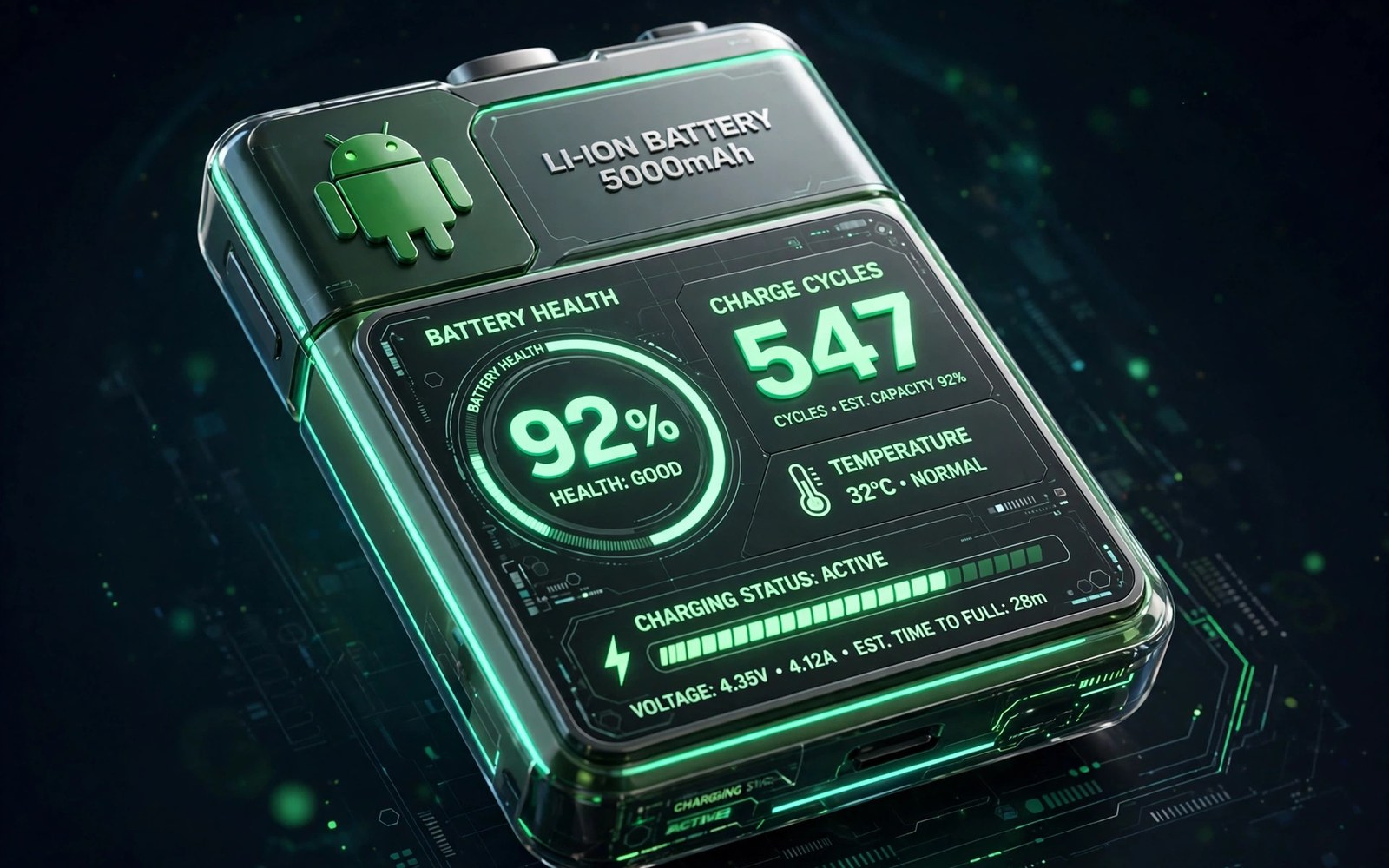
Your phone used to last until bedtime with charge to spare. Now it begs for a charger by late afternoon. The battery percentage still says one hundred after charging but the day feels shorter. That gap between the number and the reality is battery wear and a health app can measure it.
Battery health describes how much charge your battery can still hold compared with when it was new. Cycle count describes how many full charge rounds the battery has lived through. Together they explain why an old phone dies faster even when nothing else changed. A good app turns those abstract ideas into numbers you can track.
This guide explains how health measurement really works on Android. You will learn why no app can read a perfect factory number and why estimates still help. You will learn how to run a reliable measurement and how to read the result. You will also learn the charging habits that slow wear from here on.
What battery health numbers actually mean
Design capacity is the charge your battery held when it left the factory. Current capacity is the charge it can hold today after wear. Health percentage divides current capacity by design capacity. A phone at eighty five percent health holds about eighty five percent of its original charge. That missing fifteen percent is the shorter day you feel.
Cycle count counts full charge equivalents rather than plug in events. Charging from fifty percent to one hundred twice equals one full cycle. Topping up from eighty to one hundred repeatedly adds wear slowly. This definition matters because it means small top ups are gentler than deep full cycles.
Voltage and temperature shape wear more than most users realise. Heat accelerates chemical aging inside the cell. Fast charging generates heat especially when the phone is already warm. A battery that often sits above thirty five degrees ages faster than one kept cool. Health apps that log temperature give you a clue about why wear progressed.
Android does not expose a single official health number on most phones. Makers store battery data differently and some hide it entirely. Health apps therefore estimate capacity from charge sessions and voltage curves. Estimates improve with more sessions and a good app will say so honestly. Treat the first reading as a rough guide and later readings as a trend.
Run a measurement you can trust
Start with a health app that explains its method in plain language. It should ask for a few full charge sessions before it shows a confident number. An app that claims perfect accuracy after one minute is guessing. Look for apps that show session history and let you inspect each charge.
Charge from below twenty percent to full without unplugging for the first calibration sessions. Keep the phone cool and avoid gaming during those charges. A clean session gives the app a clear voltage curve to learn from. Two or three clean sessions usually stabilise the estimate noticeably.
Record the result with the date and the cycle estimate in a note. A single number means little without history. A series of readings across months shows whether wear is steady or accelerating. If health drops three percent in one month after months of stability then something changed. Heat or a new fast charger are the usual suspects.
Compare the app estimate with your lived experience before you act on it. If the app says ninety percent but the phone dies by noon then something else drains power. A rogue app or a weak signal can mimic battery wear. Check battery usage by app before you blame the cell itself.
Read the result and decide what to do
Health above ninety percent means a battery in good shape. Your shorter day likely comes from usage or settings rather than wear. Check screen brightness and background apps before you consider a replacement. Most phones in this range need habit changes and not new hardware.
Health between eighty and ninety percent means noticeable but manageable wear. You will charge a bit earlier and carry a small power bank on long days. Charging habits from here on matter more because they decide how fast the next ten percent disappears. This range is the time to act on heat and charge limits.
Health below eighty percent means the battery is genuinely tired. Makers often treat eighty percent as the service threshold. Your phone may shut down under heavy load or in cold weather. A replacement battery at this stage restores the original day length better than any software trick.
Cycle count adds context to the percentage. A phone at eighty five percent after three hundred cycles wore faster than expected. A phone at the same health after nine hundred cycles aged gracefully. Use both numbers together when you judge whether your habits or the battery itself deserve blame.
Slow future wear with smarter charging
Keep charge between twenty and eighty percent for daily use when you can. Lithium cells age slowest in the middle of their range. Full charges and deep discharges stress the chemistry most. An eighty percent daily cap extends life visibly over a year for heavy users.
Use a slower charger overnight instead of a fast charger when time allows. Fast charging is convenient before a trip but it generates heat that ages the cell. A standard charger overnight fills the phone gently while you sleep. Reserve fast charging for days when you truly need speed.
Keep the phone cool during charging and gaming. Remove a thick case while fast charging if the phone feels warm. Avoid charging on a sunny dashboard or under a pillow. Heat is the silent accelerator of wear and cooling is free protection.
Turn on adaptive charging if your phone offers it. The feature learns your wake time and finishes the last part of charging just before you wake. That means the phone spends less of the night sitting at one hundred percent. It is a small automation with a real long term benefit.
Smart maintenance pairs with smart tool choices elsewhere. Learning how to stop downloading fake cleaner apps and use the native solution protects your battery from background draining junk. Honest tools and honest measurements beat miracle claims in every category.
adb shell dumpsys battery
adb shell cat /sys/class/power_supply/battery/cycle_count
The code block above is an original example written for this article. It shows diagnostic commands that report battery state and cycle count from a computer with developer tools. The cycle file exists on some phones and not on others. The commands are a learning aid for users who want to compare system data with an app estimate.
Charging habits differ for phones you keep for years versus phones you replace annually. A phone you plan to keep for four years deserves strict mid range charging. A phone you replace yearly can tolerate full charges with less consequence. Match your discipline to your ownership horizon. Long term owners gain the most from every habit in this guide.
Spare phones and tablets age even when unused because calendar aging continues slowly. A device stored for months should sit near fifty percent charge in a cool place. Check it every few months and top it back toward the middle. A battery stored full in a hot drawer degrades faster than one stored half full in a cool drawer. Storage care matters for backup devices too.
Wireless charging adds gentle heat that wired charging avoids. A wireless pad is convenient on a nightstand but it warms the phone through the whole charge. That warmth accelerates wear slightly over years of nightly use. Use wired charging for the nightly routine and keep wireless pads for quick daytime top ups. Convenience and longevity can share the job when each covers the right shift.
Partial charging during the day beats a single deep cycle for battery longevity. Top up from forty percent to seventy percent twice rather than draining to five percent once. Shallow cycles stress the cell far less than deep ones over a year. Office workers with desk chargers can use this pattern effortlessly. Small frequent charges are the gentlest routine available.
Common mistakes
The first mistake is trusting a single instant health reading. Estimates need several clean charge sessions to stabilise. Wait for three full sessions before you judge the number. Early readings swing widely and mislead decisions.
The second mistake is calibrating with a hot phone during gaming. Heat distorts voltage readings and confuses the estimate. Charge calmly with the screen off for calibration sessions. Clean data beats fast data.
The third mistake is replacing a battery when an app drains power instead. Check per app battery usage first. A social app stuck in the background can mimic a worn cell. Fix the drain and retest before you pay for hardware.
The fourth mistake is charging to one hundred every night with a fast charger in a warm room. That routine combines the three worst factors at once. Switch to a slower charger and a charge cap and a cool spot. Small changes compound into years of extra life.
Frequently asked questions
Why does Android not show battery health directly?
Most makers do not expose a standard health value through the system. Battery data lives in maker specific files with different formats. Health apps estimate from charge behaviour instead. That is why readings vary slightly between apps.
Is eighty percent health bad enough to replace?
Eighty percent is the common service threshold where a replacement makes sense. Below that level shutdowns and short days become frequent. Above it you can manage with habits and a power bank. Judge by your daily experience as well as the number.
Does fast charging ruin my battery?
Fast charging adds heat which accelerates wear but it does not ruin a battery overnight. Occasional fast charging is fine. Daily fast charging in warm conditions shortens life noticeably. Use slow charging when time allows and fast charging when you need it.
Conclusion
Battery health is a trend you can measure and influence. A good app estimates capacity and cycle count from real charge sessions. Read the trend over months and pair it with per app usage data. Then slow wear with mid range charging and slower chargers and cooler habits.
Your concrete next step is to install a battery health app today and complete three calm full charges this week. Record the estimate and the cycle count with the date. Set an eighty percent charge cap if your phone offers one. For more honest phone care explore how to extract APK files from installed apps in 5 seconds and the app that boosts Wi-Fi connection signals by 30 percent as companion guides.

