

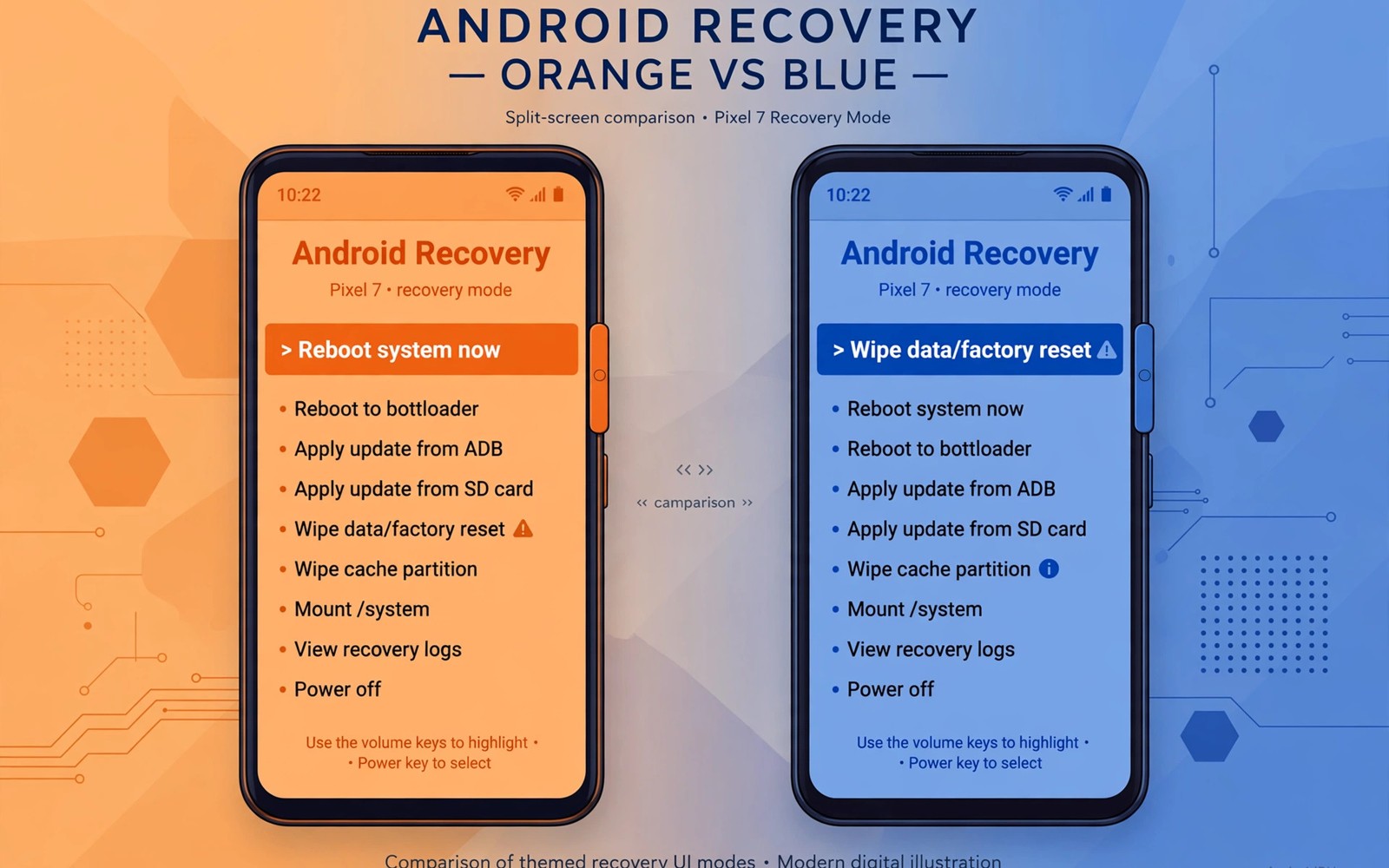
OrangeFox and TWRP are the two best known custom recoveries for Android. Both let you back up and flash and wipe and repair a phone. Both run before Android starts and both use touch interfaces. The differences lie in design polish and extra features and device focus.
Choosing between them is less about raw power and more about fit. TWRP supports a huge range of devices and has a long history. OrangeFox builds on similar foundations with a modern interface and extra conveniences. Your device support list often decides the question before features do.
Interface and Ease of Use
TWRP uses a simple grid of large buttons with clear labels. The design is functional rather than beautiful. New users can learn it in minutes because each screen does one job. Swipe confirmation guards dangerous actions like wiping and flashing. The layout stays consistent across devices which helps when you switch phones.
OrangeFox presents a more polished interface with richer visuals and themes. Menus feel closer to a modern Android app in style. Extra touches include a lock screen option and finer display controls. Some users find the polish makes long sessions more pleasant. Others prefer the plain clarity of TWRP under stress.
Both interfaces support touch and both show storage and battery status. OrangeFox adds more customization for fonts and colors and accent themes. TWRP keeps customization simpler and more predictable. Neither approach is wrong. Pick the one that feels calmer to you during a repair.
Core Feature Comparison
Core features are nearly identical between the two projects. Both create full partition backups and restore them reliably. Both flash zip packages and image files with verification options. Both wipe individual partitions and format data when needed. Both include a file manager and a terminal and ADB support.
Differences appear in smaller conveniences rather than core power. OrangeFox includes built in support for certain over the air update flows. It also offers password protection for recovery access on supported builds. TWRP counters with broader device coverage and a larger community. Community size matters when you need a fix for an unusual model.
- Backups and restores work the same way in both recoveries
- Zip flashing and image flashing are available in both tools
- OrangeFox adds OTA friendly features and recovery password options
- TWRP offers wider device coverage and longer community history
- Both include terminal access and file management for rescue work
Update Handling and OTA Support
System updates behave differently on rooted and modified phones. Stock updates often fail when system files have changed. OrangeFox tries to smooth this path for certain devices with OTA survival features. These features help preserve recovery across an update in supported cases. Support varies by device so check your model notes before relying on it.
TWRP handles updates more manually in most setups. You typically download the update package and flash it yourself. That manual path gives you full control over each step. It also requires more attention to slot handling on newer phones. Users who enjoy control may prefer this explicit workflow.
Security and Lock Options
Recovery access is powerful and that power needs protection. Anyone with recovery access can wipe or modify a phone. OrangeFox offers a password lock for recovery on supported builds. The lock adds a barrier against casual tampering with the device. It does not replace full device encryption or a strong lock screen.
TWRP traditionally relies on device encryption and bootloader locks for protection. Some builds add their own extra options over time. Check the feature list for your exact build before assuming a lock exists. No recovery lock makes a stolen phone fully safe on its own. Treat recovery security as one layer among several.
Device Support Reality
Device support often settles the debate in practice. TWRP maintains official builds for a very wide device list. Unofficial builds extend that reach even further for older models. If your phone has a TWRP build then that path is well tested. Forum threads and guides for TWRP are easy to find.
OrangeFox focuses more narrowly on selected devices and makers. Its builds can be excellent where official support exists. Where support is missing you may find no build at all. A polished recovery you cannot install helps no one. Always check the official device list for both projects first.
For readers still learning the basics, the overview of custom recovery features and capabilities explains the shared foundation both tools use. That background makes the feature differences easier to judge.
Performance and Stability
Both recoveries are lightweight environments that boot quickly. Differences in boot speed are small and rarely matter in practice. Stability depends more on the quality of the device specific build. A well maintained build for your model beats a generic preference. Read recent user reports for your codename before choosing.
Touch responsiveness and storage mounting also vary by build. Some builds handle external storage better than others. Others handle encrypted data partitions more reliably. Test these functions right after install with a trial backup. A quick test reveals problems while your phone still works normally.
Which One Should You Pick
Pick TWRP when device coverage and community support matter most. It is the safer default for unusual or older models. Its interface is plain but proven under pressure. Most guides assume TWRP so following tutorials becomes easier. That ecosystem advantage is hard to ignore.
Pick OrangeFox when your device has an official build and you value polish. Its OTA features and lock options add real convenience. Its interface feels modern without hiding core functions. Users with supported Xiaomi style devices often benefit most. Check the specialized features in OrangeFox specialized features for OTA support and security locks to see if they fit your needs.
Either choice can serve you well if the build is solid for your model. Keep a full backup before switching from one recovery to another. Switching itself is a flash operation with the usual risks. A backup turns a failed switch into a short detour.
fastboot flash recovery recovery.img
fastboot reboot recovery
adb shell twrp backup System Data Boot
The commands above illustrate flashing and a basic backup call. Exact names and options differ between projects and builds. Always confirm the command set for the recovery you actually installed. Copying commands across projects without checking can fail.
Keeping recovery current matters for both projects as Android evolves. You can read about updating custom recovery for new Android releases before a major system upgrade. Updated recovery avoids surprises with new partition layouts.
Backup and Restore Differences
Backup engines in both recoveries follow the same basic idea. They copy partitions into image files on chosen storage. Restore writes those images back onto the partitions. Day to day results feel similar for standard backups. Differences appear in naming and storage options and compression choices.
OrangeFox refines backup management with clearer naming and organization. Users can label and sort backups more easily in its interface. TWRP keeps backup management simpler and more manual. Manual folder handling works fine for users with few backups. Heavy backup users may prefer the refined organization.
Restore compatibility between the two projects is not guaranteed. A backup made in one recovery may not restore cleanly in the other. Folder structures and metadata can differ subtly. Switching recoveries should therefore start with a fresh backup in the new tool. Never assume cross recovery restore compatibility.
Community and Development Pace
TWRP benefits from a very large and long lived community. Guides and videos and forum threads cover most common problems. New device ports appear steadily from community contributors. That breadth helps owners of older or unusual models. Help is rarely far away for TWRP users.
OrangeFox development focuses on polish and selected device depth. Its community is smaller but often highly engaged for supported models. Release notes tend to highlight interface and OTA improvements. Users on supported models get attentive maintenance. Users off the supported list get little help at all.
Development pace also affects Android version tracking. Both projects must adapt to new partition and encryption changes. Larger communities adapt across more devices at once. Focused teams adapt deeply for fewer devices. Your model support status predicts which pace helps you most.
- TWRP offers broader guides and ports for many models
- OrangeFox offers deeper polish for supported models
- Backup formats may differ so back up fresh after switching
- Check recent release activity for your exact codename
Switching Between Recoveries
Switching recoveries is a flash operation like any other. Boot into fastboot or current recovery for the switch. Flash the new recovery image to the correct target. Boot directly into the new recovery after flashing. Confirm version and touch and storage before other work.
Backups do not transfer automatically between recovery projects. Make a fresh backup in the new recovery after switching. Keep old backups until the new backup proves itself. Old backup folders may still restore in the old recovery if needed. Switching back remains possible while old files exist.
Settings also reset when switching recovery projects. Themes and lock options need fresh configuration. Storage paths may differ slightly between projects. Relearn mount screens and backup screens after switching. A short familiarization session prevents later mistakes.
The steps above follow the approach described in the official developer documentation for this platform. That documentation explains recovery environments and update handling in general terms. It also frames the security trade offs of bootloader and recovery access. Use it together with project notes for your exact device build.

