

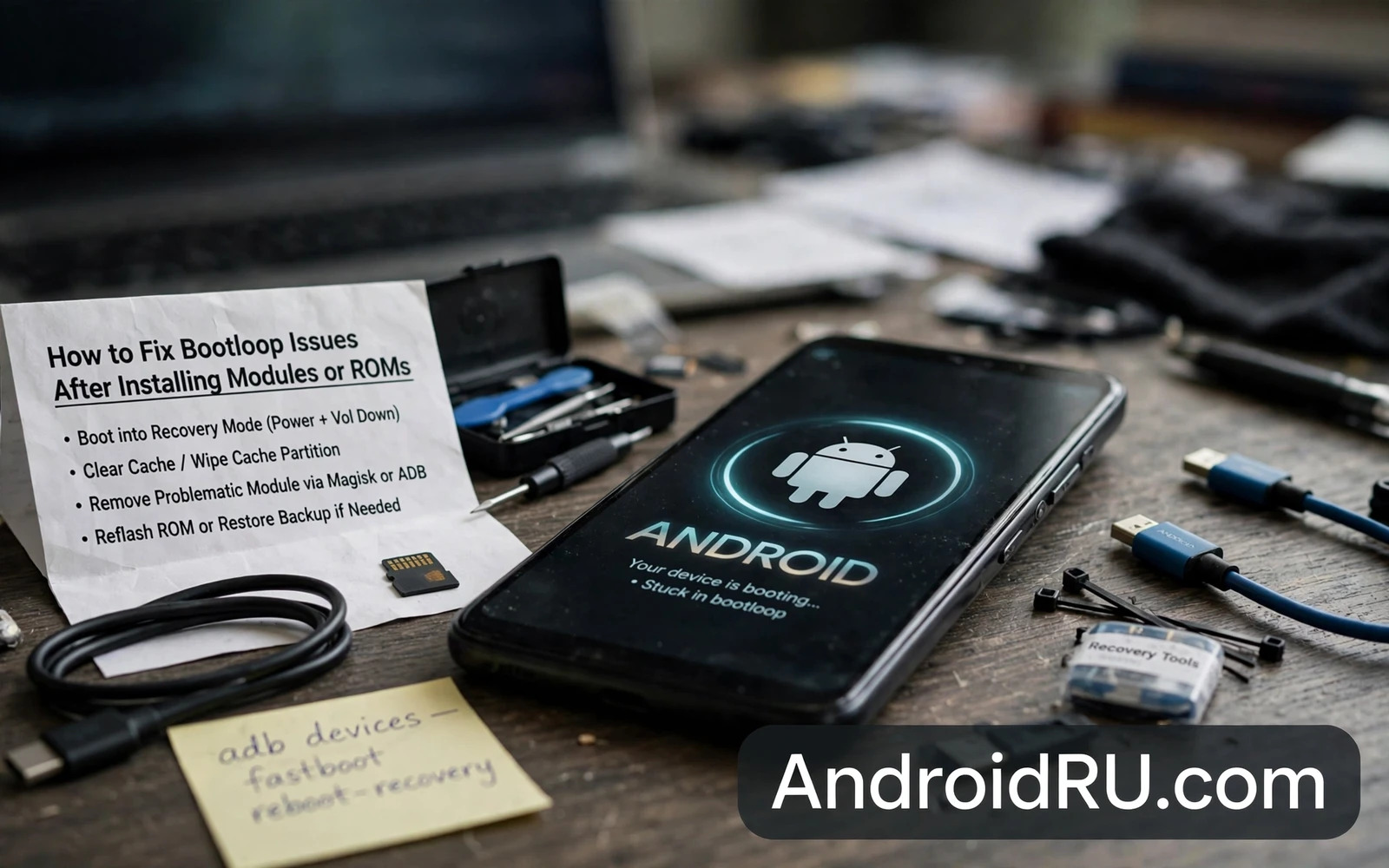
What A Bootloop Really Is
A bootloop is a cycle where the phone starts to boot and then restarts before reaching the home screen. The animation may repeat endlessly or the phone may restart after a few seconds on the logo. A bootloop after a module or ROM install usually means that a system component fails during startup and the system restarts in response. The loop itself is a symptom. The failed component is the cause.
Bootloops differ in severity. A soft bootloop still allows access to recovery or fastboot. A hard bootloop may still allow fastboot but not recovery. A device that shows nothing at all is beyond a simple bootloop and needs deeper recovery. Knowing which modes still work determines which fix is possible. Do not assume the worst until you have tested recovery and fastboot separately.
Modules cause bootloops by changing a service that runs at startup or by replacing a file that the system expects in a specific form. ROMs cause bootloops through a mismatched firmware base or a missing vendor file or a bad flash. A module bootloop often appears immediately after enabling the module. A ROM bootloop often appears on the first boot after flashing. Timing is a useful clue.
Panic flashing is the biggest risk during a bootloop. Flashing a new ROM over a module problem can destroy a working backup or can introduce a second problem. The correct first move is diagnosis. Identify the last change before the loop began and undo that change first. One revert at a time keeps the repair understandable.
First Steps In Recovery
Boot into custom recovery if available and do not wipe user data as a first step. Wiping data destroys photos and messages that might have been recoverable. Recovery mode offers safer first moves. Disable recently installed modules through the recovery module manager or through the module directory if the recovery supports file management.
If no module manager is available then rename or remove the most recently added module folder. Reboot after removing one module. If the phone boots then the removed module was the cause. If the loop continues then remove the next most recent module. This method is slow but it is reliable. It also preserves the rest of the setup.
Check the recovery log for errors if the recovery shows one. A log entry naming a service or a file gives a direct lead. Logs are often overlooked because they look technical. Even a partial log can distinguish a module failure from a system image failure. Note any error that repeats on every boot attempt.
Keep the phone charged while working in recovery. Recovery work can take time and a dead battery during a flash or a restore creates a second problem. Use a reliable cable and avoid moving the phone while a restore is running. Stability matters as much as the correct command.
Restoring A Working Boot Image
If disabling modules does not help then restore a backup of the boot image or of the system partitions taken before the change. A backup taken through recovery is the fastest route back to a working state. Restore only the partitions that are relevant at first. Restoring everything at once can overwrite a newer data partition with an older copy unnecessarily.
If no recovery backup exists then flash a clean boot image for the exact ROM and build that was running before the loop. A boot image from a different build can cause new failures. Match the build number and the device model exactly. Flash the boot image through fastboot or through recovery depending on the device guide.
A ROM bootloop may need a clean flash of the ROM itself. Before a clean flash check the firmware base requirement for that ROM. Some ROMs require a specific stock firmware version as a base. Flashing a ROM on the wrong base produces a loop that no module fix will solve. Flash the required base firmware first and then flash the ROM again.
After the phone boots successfully test basic functions before reinstalling modules. Test calls and Wi-Fi and camera and sensors. Reinstall modules one at a time with a reboot and a short test after each one. A module that passed alone may still conflict with another module. Slow reinstallation finds conflicts that bulk reinstallation hides.
When Recovery Itself Is Gone
If recovery is broken then fastboot becomes the main tool. Flash a working recovery image for the exact device and then use recovery to disable modules or to restore a backup. Fastboot flashing demands exact image matching. A recovery image for a similar model can fail to boot or can damage the recovery partition.
If fastboot is also unavailable then the device needs a deeper mode. Samsung devices may still enter download mode. Qualcomm devices may still enter emergency download mode. MediaTek devices may still enter preloader mode. Each mode has its own tool and its own firmware requirements. Research the mode for the exact chipset before attempting it.
Data recovery becomes harder at this stage. If user data was not backed up then consider professional help before wiping partitions. A wipe may be unavoidable for a full repair but it should be a conscious decision after weighing the value of the data. A rushed wipe is a common regret.
Prevention is the lasting lesson from any bootloop. Keep a current recovery backup and keep a copy of the working boot image on external storage. The flashing guide that explains how to flash firmware using Odin and Fastboot and SP Flash Tools shows the return path to stock firmware. The guide on how to use FastbootD mode for dynamic partition flashing explains the partition mode used by newer devices. The guide on how to unbrick hard-bricked Android phones using EDL mode covers the deepest recovery route. Reading those guides before the next modification turns a future bootloop into a routine fix.
Diagnosing By Last Change
The last change before a bootloop is the strongest diagnostic clue because bootloops rarely appear without a trigger. Owners should list every change made in the session before the loop began. The list should include modules enabled and modules updated and ROM files flashed and settings changed. A complete list often reveals a single change that stands out. An incomplete list forces guesswork.
Module updates deserve the same suspicion as new module installs. An update can introduce a bug that the previous version did not have. Owners sometimes focus only on newly installed modules and overlook an update that ran in the same session. Check update history as part of the last change list. A module that worked yesterday and fails today after an update is a clear suspect.
System updates combined with module changes create a double variable problem. A system update plus a module update in the same session makes attribution difficult. Owners should separate system updates from module changes whenever possible. Update the system and test stability before updating modules. Separate sessions create clean attribution when trouble appears.
Configuration changes without any new module can also cause a bootloop. A kernel parameter change or a system property change can break a service that runs at boot. Owners should include configuration edits in the last change list even when no new file was installed. A setting change is a change regardless of whether it arrived as a file.
Time based clues help when the last change list is unclear. A bootloop that begins immediately after a reboot points to a boot time change. A bootloop that begins after the phone has run normally for hours points to a different cause such as a scheduled task or a delayed service. Timing separates boot time failures from runtime failures. That separation narrows the search area.
External factors should not be ignored entirely. A failing battery or a damaged storage chip can produce boot failures that look like software bootloops. If no software change precedes the loop and the phone has a history of storage errors then hardware should be considered. Software diagnosis that ignores hardware can waste hours on flashes that cannot fix a failing chip.
Recovery Without Losing Data
Data preservation starts before trouble because a bootloop phone cannot create a fresh backup easily. Regular backups to external storage are the real data protection. Owners who back up weekly lose at most a week of data in a worst case wipe. Owners who never back up risk losing everything. A bootloop is a reminder of a backup habit rather than a substitute for one.
Recovery file managers can sometimes copy user data from a bootloop phone before a wipe. That option depends on data encryption state and on recovery compatibility. Encrypted data may be inaccessible in recovery without the correct decryption support. Owners should test recovery data access on a working phone rather than discovering its limits during a crisis. A tested recovery path is a real path.
Selective wipes are preferable to full wipes when the problem is isolated. Wiping cache alone can resolve some boot issues without touching user data. Wiping a single problematic app data partition can resolve an app driven loop. Full data wipes should be a last step after selective steps have failed. Each wipe level should be tried in order from least destructive to most destructive.
Module disabling through recovery preserves data while removing the suspected cause. That preservation is why module disabling should precede any wipe. A wipe performed before module disabling destroys data for a problem that a simple disable might have fixed. Order matters in recovery just as order matters in diagnosis. Least destructive effective step first is the guiding rule.
After recovery owners should change one habit to prevent recurrence. The habit might be taking a recovery backup before every module change. The habit might be installing modules one at a time. The habit might be keeping a written change log. A single habit change after a bootloop is more valuable than a promise to be more careful in general. Specific habits prevent specific failures.
Share the recovery experience with the module community when the cause is clear. A report that names the module version and the device model and the software build helps other owners avoid the same loop. A vague report that only says the phone bootlooped helps nobody. Specific reports improve the whole ecosystem. Community knowledge grows from precise failure reports.

