

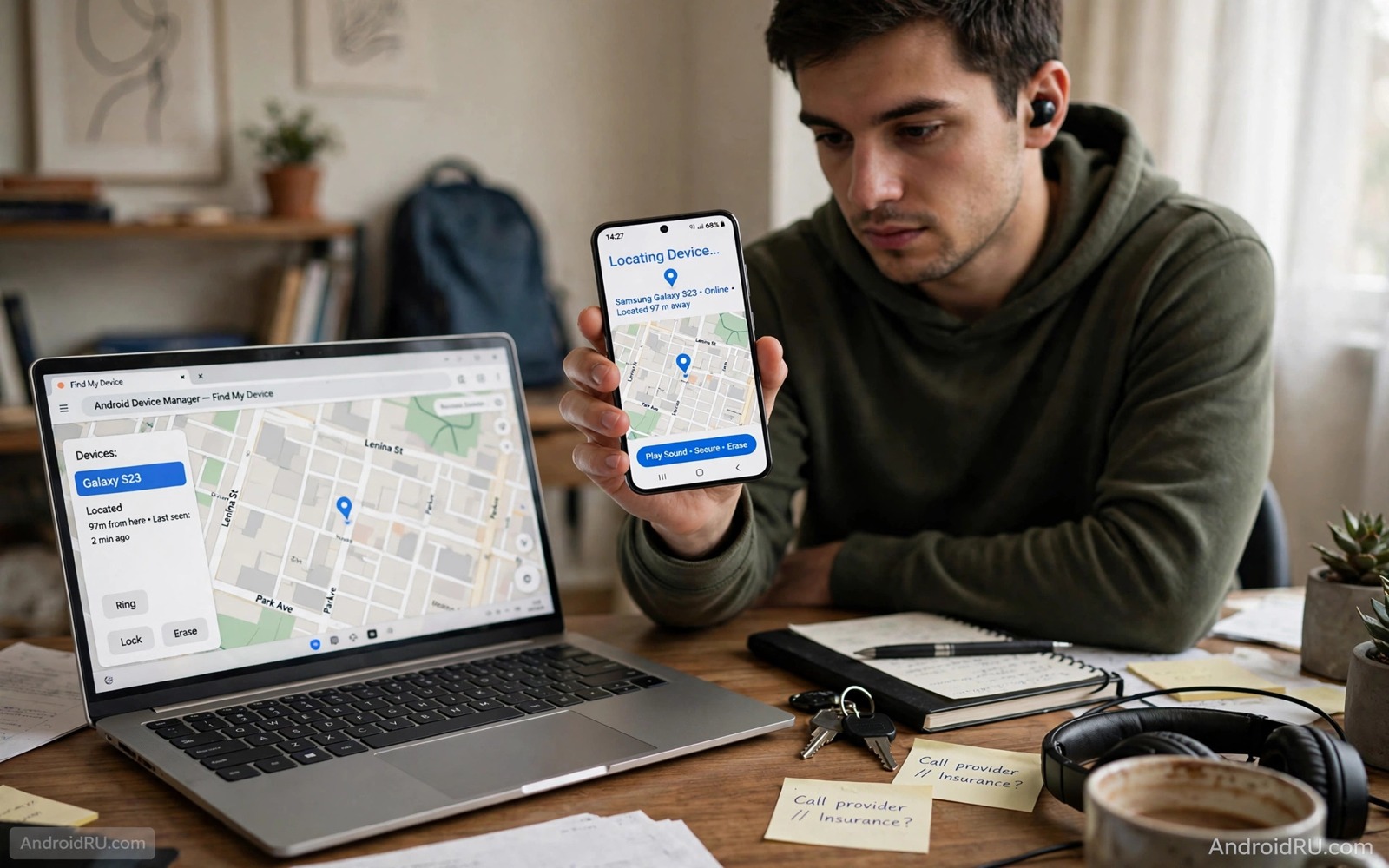
A stolen phone creates panic because it holds photos and messages and banking access. Remote wipe sounds like a simple answer but it comes with a hard limit. A phone that is powered off cannot receive a wipe command until it connects to a network again. Understanding that limit helps you prepare before theft happens rather than hoping for a miracle afterwards.
The honest truth is that no remote command can reach a dead or offline phone instantly. The command waits on a server until the phone powers on and connects. That waiting period is why preparation matters so much. A locked phone with encryption and a strong passcode protects your data during that wait far better than any remote tool can.
This guide explains what remote wipe can and cannot do for a powered off phone. It shows the steps to set up Find My Device and lock screen protection and encryption before theft. It also shows what to do in the first hour after theft so that you maximise the chance of a wipe succeeding when the phone next connects.
Set up remote tools before you need them
Open Settings and check that Find My Device is turned on and that location is available for that service. Sign in with the Google account that you will use to locate the phone later. Test the service from a computer by viewing your phone location on a map. A test today proves that the setup works while you still hold the phone.
Make sure that your lock screen uses a strong PIN or password rather than a simple swipe pattern. A pattern can be guessed from smudge marks on the screen. A six digit PIN is better and a longer alphanumeric password is best for sensitive users. The lock screen is the wall that protects your data while a wipe command waits for connection.
Confirm that your phone storage is encrypted. Most modern Android phones encrypt storage by default once a lock screen is set. Encryption means that a thief who removes the storage chip cannot read your files without your passcode. That protection works even when the phone stays powered off for weeks. It is the most important defence for an offline device.
Understand the powered off limit
A remote wipe command travels through the internet to your phone. A powered off phone has no network connection and no running system to receive commands. The command therefore sits in a queue on the service server. It will execute only when the phone powers on and signs into a network with the same account still active.
A thief who knows this may keep the phone off or remove the SIM or place it in a shielded bag. Those tactics delay the wipe and give the thief time to try unlocking the phone. A strong lock screen and encryption slow that attempt dramatically. A weak PIN or no lock at all gives the thief an open door regardless of any wipe command.
Some phones offer a feature that wipes data after too many failed unlock attempts. That feature can help when a thief guesses repeatedly while offline. It can also cause accidental loss if a child enters wrong codes many times. Enable it only if you keep regular backups and understand the risk. A backup is the safety net that makes an aggressive wipe setting acceptable.
Act fast in the first hour
As soon as you realise that the phone is stolen go to Find My Device from another device and issue a secure device command. That command locks the phone with a message and a contact number. Then issue the erase command if you believe recovery is unlikely. Issuing both commands queues them in order so that the phone locks first and erases when it next connects.
Change your Google account password from a trusted device immediately. A password change forces the stolen phone to reauthenticate before it can sync new data. It does not erase data already on the phone but it limits what the thief can do with your account online. Also change passwords for banking and email accounts that were accessible from the phone.
Contact your carrier and ask them to suspend the SIM and the line. A suspended SIM prevents the thief from receiving your text codes and from using your number for calls. Ask the carrier to add a note that the number must not be moved without in person identification. That note helps prevent a SIM swap attack while you deal with the theft and it connects to locking down your mobile number against SIM swapping as a follow up step.
Use backups so a wipe is not a disaster
A remote wipe deletes photos and messages and app data from the phone. That loss hurts far less when a recent backup exists in your cloud account. Turn on automatic backup for photos and contacts and app data while you still have the phone. Check the backup date once a month to confirm that it is current.
Store backup codes and recovery information outside the phone itself. A backup that you cannot access because its recovery code sat only on the stolen phone is useless. Keep a paper copy of critical recovery details in a safe place at home. That paper copy becomes your lifeline during the stressful hours after theft.
Test a restore on a spare device or on a new phone before you need it in an emergency. A backup system that you have never tested may miss key folders or may require a password you forgot. Testing gives you confidence and it reveals gaps while you can still fix them. A tested backup turns a wipe from a disaster into an inconvenience.
adb shell settings get secure location_mode
# Check the location mode on your own device
# Confirm that Find My Device can use location
# Then test the service from a computer before travel
The commands above are an original example written for this guide to help you verify a location setting on your own phone. They read the location mode so that you can confirm that remote location services have the access they need. Use them only on a device that you own and correct the setting in system settings if the result shows location fully off.
Insurance and carrier records form a useful paper trail after a theft even when the phone itself never returns. Keep the device serial number and purchase receipt in a place separate from the phone. Share those details with police and with your insurer promptly so that the claim process starts while evidence is fresh. A complete record also helps the carrier block the device identifier across networks.
Common mistakes
One common mistake is waiting days before issuing a wipe command in hope that the phone will turn up. Delay gives a thief more time to crack a weak lock or to sell the device. Another mistake is issuing a wipe but forgetting to change account passwords. A wiped phone still leaves your online accounts exposed if the thief copied credentials before the wipe.
People also make the mistake of tracking a stolen phone themselves and confronting a stranger. Location data can be inaccurate by a whole building and a confrontation can be dangerous. Share location information with police instead and let them handle recovery. Your safety matters more than the hardware value of the phone.
Another error is disabling Find My Device to save battery or to reduce tracking concerns. That choice removes your only remote control over a stolen device. Keep the service on and review its permissions rather than turning it off entirely. A balanced approach protects both privacy and recovery and it works alongside checking whether someone is secretly tracking your location for a full privacy picture.
FAQ
Will a wipe work if the thief removes the SIM?
A wipe command can still work over Wi-Fi even without a SIM if the phone connects to a known network and signs in. Removing the SIM blocks mobile data but it does not block Wi-Fi. A thief who keeps the phone offline entirely will delay the wipe until any connection occurs. The command remains queued during that time.
If the thief factory resets the phone through recovery mode then the queued wipe may never execute in the normal way. Factory reset protection on modern Android phones still asks for the previous Google account after a reset. That protection deters resale even when the wipe itself cannot run. Keep your account details strong so that this protection holds.
Can police track a powered off phone?
Police can sometimes use carrier records and last known location data to narrow a search. A powered off phone does not transmit a live location so real time tracking is not possible. The last location recorded before power off is often the best available clue. Share that location and the device serial number with police promptly.
Do not expect a live map pin for an offline phone. The map will show the last known position with a timestamp. That timestamp tells you whether the location is fresh or stale. A stale location from days ago is far less useful than a fresh one from minutes before the theft.
Should I erase or just lock a stolen phone?
Lock first when there is a realistic chance of recovery such as a phone left in a taxi. Locking preserves your data and allows a finder to contact you through the lock screen message. Erase when theft is clear and recovery looks unlikely or when the phone holds highly sensitive work data. Erasing is permanent for local data so confirm that backups are current before you choose it.
You can issue a lock command and then upgrade to an erase command later if the phone remains missing. The sequence matters because an early erase removes the ability to track the phone further. Start with lock and location checks and move to erase when hope of recovery fades. That staged approach also matches the signs your Android phone has been hacked and how to fix it in spirit because both start with containment before drastic action.
Conclusion
Remote wipe is a powerful tool with a clear limit. It cannot reach a powered off phone until that phone connects again. Lock screen strength and encryption and backups therefore matter more than the wipe command itself. Those preparations protect your data during the offline wait and they make a successful wipe less painful when it finally runs.
Your concrete next step is to open Find My Device settings today and confirm that the service is on and that your lock screen uses a strong PIN. Test the location view from a computer and check that your last backup completed this week. Those three checks take ten minutes and they prepare you for a theft that you hope never happens.

