

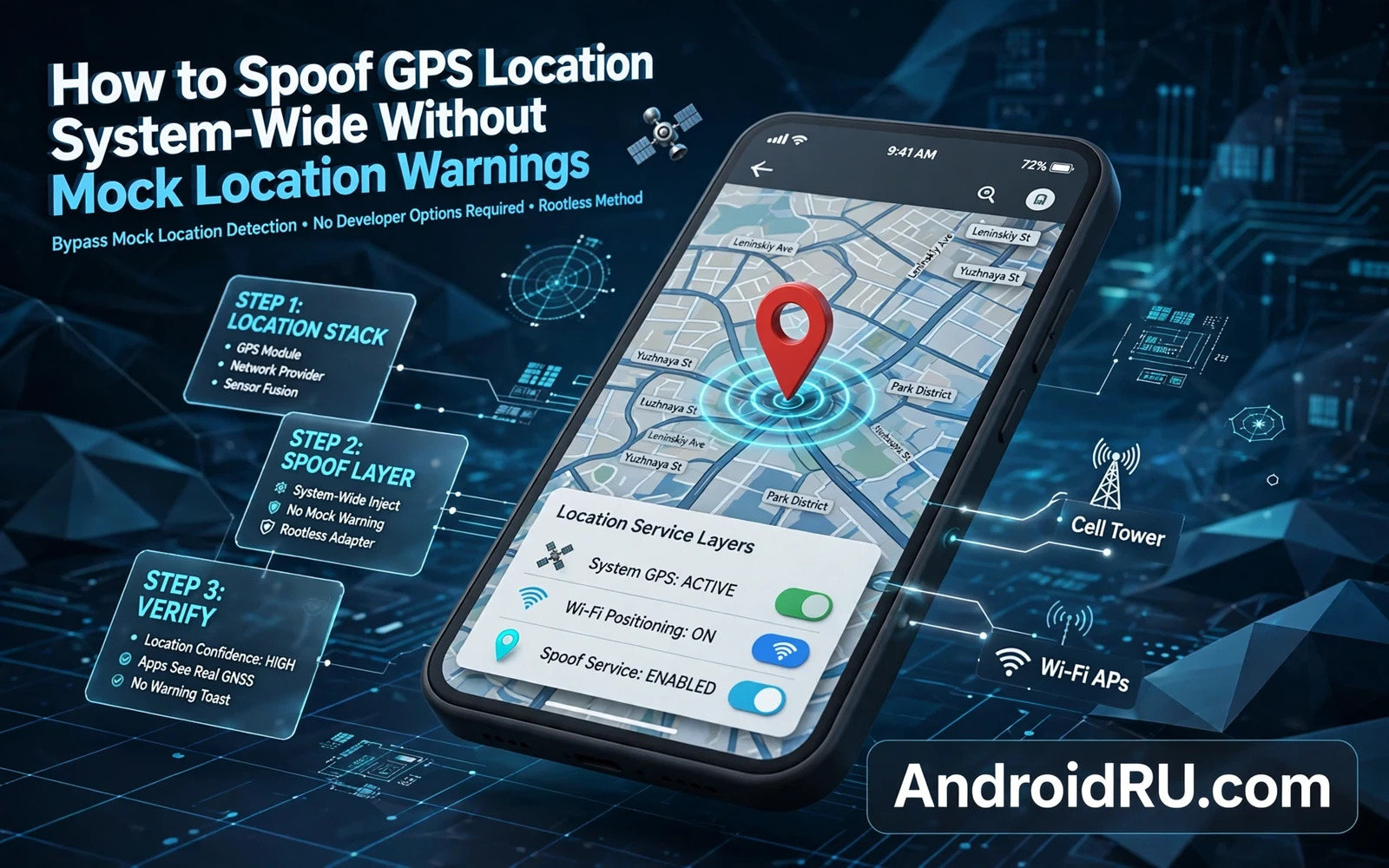
Mock Location And Why Apps Detect It
Android provides a mock location developer feature that lets a test app supply fake coordinates to other apps. Apps can detect mock locations through a flag in the location object. Many apps display a warning or refuse location based features when they detect a mock flag. That detection exists to prevent cheating in games and fraud in delivery and ride services and location based rewards.
System wide spoofing aims to supply fake coordinates without setting the mock flag. A hook at the location service layer can replace real coordinates with chosen coordinates before apps receive them. Apps then see coordinates that look like genuine GPS data. The technical difference is the flag. The ethical difference depends entirely on purpose.
Legitimate purposes include testing a location based app under development and testing geofencing logic without travelling and privacy testing on a personal device. Illegitimate purposes include cheating in games and falsifying delivery locations and deceiving a service that relies on true location for safety or payment. The same technique serves both purposes. Owners must choose the legitimate purpose and must accept that services may still detect spoofing through other signals.
Other detection signals include impossible movement speed and inconsistent sensor data and network location mismatch. A spoofed coordinate that jumps across a city in seconds looks suspicious even without a mock flag. A spoofed coordinate that disagrees with Wi-Fi location and cell location also looks suspicious. Sophisticated services combine many signals. No spoofing method guarantees undetectability.
How System Wide Spoofing Works
System wide spoofing hooks the location manager service or the fused location provider that many apps use. The hook replaces latitude and longitude values in location updates. Some implementations also replace altitude and accuracy and speed to create a coherent location object. Coherence matters because an app that checks accuracy against expected GPS behaviour may reject a location with unrealistic accuracy.
Movement simulation adds another layer. A static spoofed coordinate is simple but easy to spot in apps that expect movement. A simulated route moves the coordinate along a path at a plausible speed. Route simulation requires timing logic that updates coordinates gradually. A route that moves too fast or that ignores roads may still look artificial to a careful service.
Sensor consistency is harder. A phone that reports a moving GPS coordinate while its accelerometer reports no movement presents a contradiction. Advanced detection uses sensor fusion to spot that contradiction. Most consumer spoofing tools do not spoof accelerometer data. Owners testing an app should understand that sensor mismatch remains a detection vector.
Network location is a separate source. Apps that use network based location may receive a different coordinate from Wi-Fi and cell data. A GPS only hook leaves network location untouched. A complete spoof must address both sources or apps that prefer network location will see the real area. Source coverage determines whether spoofing appears consistent across apps.
Setting Up A Lawful Test
Use a test device or a test profile for spoofing experiments. A test device prevents spoofed location from leaking into daily apps that need true location such as navigation and emergency services. Emergency location accuracy matters for safety. Never spoof location on a phone that may need to share its true location in an emergency.
Choose a test coordinate that is clearly a test location. A public landmark or a test area is appropriate. Avoid spoofing to a private residence or to a sensitive facility. Test coordinates should be boring and obviously chosen for testing. A test should not create confusion about where a real person actually is.
Inform any test partner that location is spoofed. A partner testing a location feature needs to know that coordinates are simulated. Hidden spoofing during a collaborative test produces misleading results. Transparency makes test results interpretable. A result obtained under hidden conditions cannot be trusted.
Back up the device before installing a location hooking module. Location service hooks can affect every app that requests location. A backup allows a quick return to true location behaviour if the module breaks navigation or breaks a critical app. Test navigation with true location after disabling the module to confirm full restoration.
Risks Consequences And Responsible Limits
Account bans are a real consequence of spoofing in games and in location based services. Terms of service for many games explicitly forbid location falsification. A ban can remove progress and purchases tied to an account. Owners should not spoof in any service where they value the account. The risk is not theoretical. Enforcement is a routine part of those services.
Legal consequences can arise when spoofed location is used to obtain a benefit or to evade a geographic restriction or to falsify evidence. Geographic pricing and regional licensing and delivery verification all rely on location trust. Using spoofing to bypass those controls crosses from testing into deception. Owners should not use spoofing to gain something they are not entitled to receive.
Privacy paradox deserves attention. Spoofing can protect privacy by hiding true location from an app. It can also create a false location record that follows the owner in a service database. A false record is still a record. Owners who spoof for privacy should consider whether a false location trail is actually better than no location sharing at all. Denying location permission is often the cleaner privacy choice.
For technical grounding the hooks overview that explains understanding Android system hooks and substrate architecture explains the framework layer. The patching guide that explains how to patch Android apps to disable ads and tracking logs shows another precise hook application. The Shizuku roundup that covers top Shizuku powered apps that do not require full root shows a lower privilege alternative for system tools. Together they help owners place GPS spoofing in a wider context of system modification where purpose and scope determine legitimacy.
Location Sources And Fusion
Location fusion combines GPS and Wi-Fi and cell and sensor data into a single best estimate. Fusion algorithms weight sources by accuracy and by recency. GPS usually receives high weight outdoors with clear sky. Wi-Fi receives high weight indoors where GPS is weak. Cell receives lower weight but provides a coarse fallback. Fusion produces a smoother location than any single source alone.
Spoofing only GPS leaves fusion with conflicting inputs. The fusion algorithm may average real Wi-Fi location with spoofed GPS location and produce a location between the two. That averaged location matches neither the real location nor the spoofed location. Owners testing spoofing should check what fused location apps actually receive rather than assuming GPS spoofing controls the final result. Final result is what matters for app behaviour.
Sensor fusion adds accelerometer and gyroscope and magnetometer data to location estimation. A stationary phone reporting moving GPS coordinates creates a sensor contradiction. A moving phone reporting stationary GPS coordinates creates the opposite contradiction. Advanced services use sensor contradictions as spoofing signals. Consumer spoofing tools rarely spoof sensor data convincingly. Sensor gap remains a detection weakness.
Time synchronisation affects location credibility because GPS coordinates include time stamps. A spoofed coordinate with a stale time stamp looks suspicious to a service that checks freshness. A spoofed coordinate with a future time stamp looks equally suspicious. Time coherence is part of a believable location object. Owners should ensure that spoofed locations carry plausible current timestamps.
Altitude and speed and bearing fields contribute to location believability. A spoofed location at sea level in a mountainous area may look odd to a service that checks terrain. A spoofed location with zero speed on a simulated route looks odd to a service that expects movement. Coherent auxiliary fields make a spoofed location more believable. Incoherent fields betray it quickly.
Indoor versus outdoor context affects which sources an app trusts. An app that knows the user is indoors through Wi-Fi context may distrust GPS coordinates that imply outdoor movement. Context awareness in modern location services goes beyond raw coordinates. Spoofing that ignores context will fail against context aware services. Context is the next frontier of location verification.
Privacy Alternatives To Spoofing
Denying location permission is the simplest privacy alternative and it is more honest than spoofing. An app denied permission knows that it has no location rather than believing a false location. Honest denial avoids creating a false location record. It also avoids account risk from spoofing detection. Denial should be the default privacy choice for apps that do not need location.
Approximate location permission in newer Android versions lets an app receive a coarse area rather than a precise coordinate. Approximate location protects precise whereabouts while still allowing area based features such as local weather. Owners should grant approximate location where the app function allows it. Approximate permission balances utility and privacy better than either full precision or spoofing.
One time location permission grants location only for a single use. A food delivery app that needs location once does not need background location always. One time grants limit exposure duration. Owners should prefer one time grants for infrequent location needs. Duration limitation is a powerful privacy tool that spoofing cannot replicate cleanly.
Disabling location history in account settings prevents long term location record building even when apps receive location for immediate use. History settings control retention rather than immediate access. Owners concerned about long term tracking should disable history in addition to managing permissions. Immediate access and long term retention are separate controls.
Using a separate device for location sensitive activities separates location trails by device. A navigation device that never runs social apps cannot leak social location through navigation. Separation by device is stronger than separation by permission because it removes cross app correlation entirely. Device separation suits owners with high privacy needs.
Reviewing location permission usage in privacy dashboard reveals which apps actually used location and when. Dashboard review often surprises owners because apps use location more often than expected. Surprise is useful because it prompts permission tightening. Regular dashboard review turns privacy from a one time setting into an ongoing habit.

