

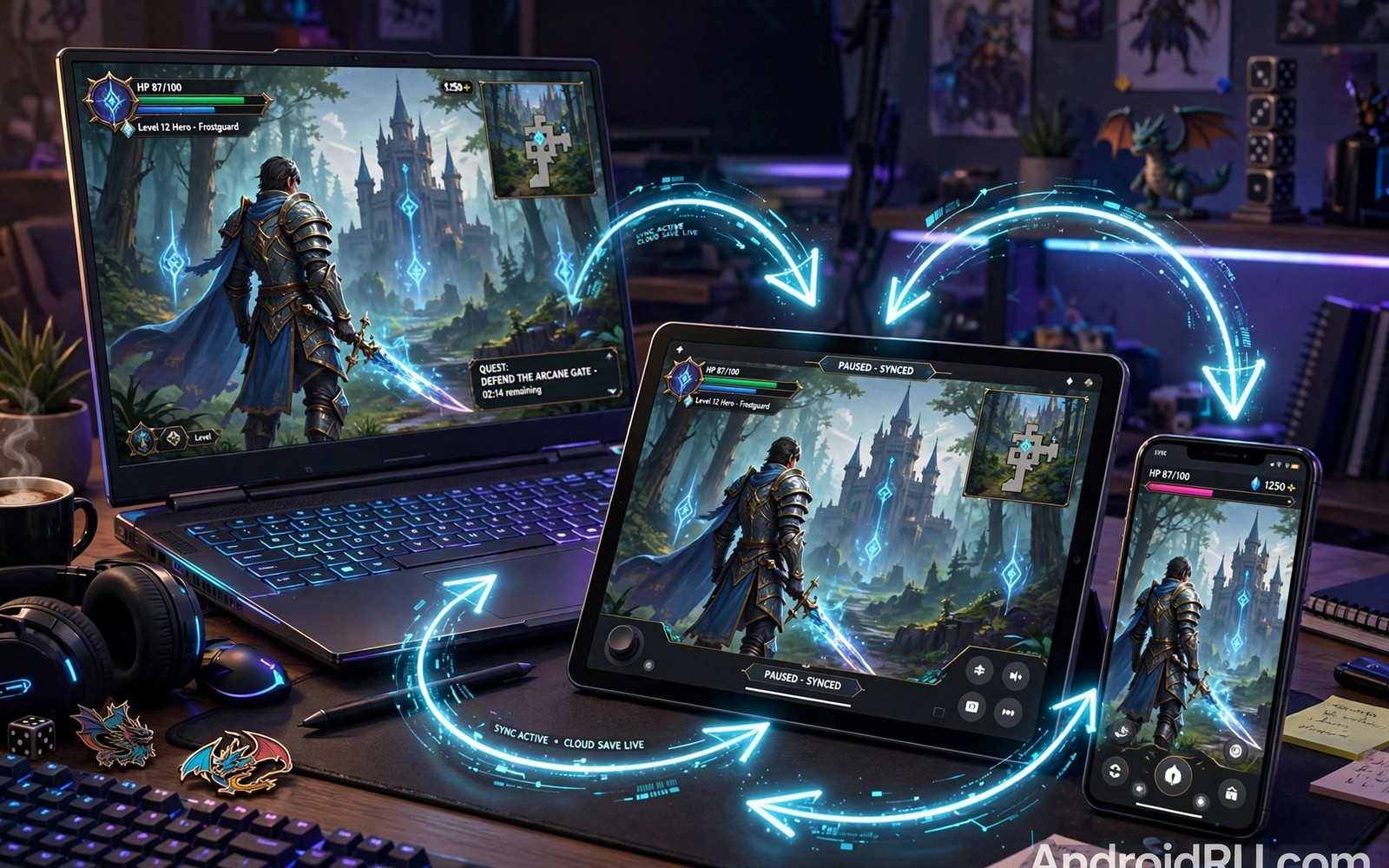
Cross-progression RPGs connect Android to PC and console through shared saves. You start a quest on your phone during a commute and finish it on a PC at home. Your character and gear and story progress follow you. That freedom changes how and where you play.
The technology behind it is simpler than it sounds. A linked account stores your progress on a server. Each device reads the same save when you log in. Problems arise when accounts link wrong or versions differ. This guide explains how cross-progression works and how to set it up safely. Players who enjoy huge online worlds will also face storage questions and you can plan for those through this guide to managing space for massive games: managing storage for massive mobile games.
How cross-progression actually works
A central account holds your save data. When you log in on any device, the game downloads your latest progress. When you log out, it uploads your new progress. The system depends on a stable connection during those sync moments. A failed upload can create conflicting saves.
Some games sync everything including settings and purchases. Others sync only character progress and keep purchases per platform. Read the cross-progression details before you buy anything. A purchase made on one platform may not appear on another even when saves sync perfectly.
Setting up cross-save without losing progress
Link accounts before you play far on any device. Create the publisher account first and link it on your main device. Then link the same account on your second device and confirm the save matches. Never start a new character on the second device before linking since that can overwrite your main save.
Test the sync deliberately. Play for ten minutes on your phone and log out cleanly. Open the game on your second device and check that the progress matches. If anything looks wrong then stop and contact support before playing further. Playing on a mismatched save can overwrite hours of progress permanently.
Controls and performance across devices
Touch controls and mouse controls feel very different. A game balanced for touch may feel awkward with a mouse and vice versa. Many cross-progression games offer separate control schemes per device. Spend time tuning each one rather than forcing one scheme everywhere.
Performance also varies. A phone may run at 30 fps while a PC runs at 120 fps. Combat timing learned on one device may not transfer cleanly. Give yourself adjustment sessions when switching devices. Your muscle memory adapts fast with a little patience.
Version differences and update timing
Updates rarely land on all platforms at the same hour. A PC update may arrive days before the mobile update. During that gap cross-progression may pause or behave oddly. Check official channels for update schedules before a big session.
Content parity also varies. Some platforms receive exclusive events or items. Those exclusives may not transfer even when saves sync. If an exclusive matters to you then claim it on the platform where you play most. For players who value smooth performance, power settings can change how games run and you can learn about that through this guide to battery saver effects: battery saver modes and frame stability.
Account security across platforms
Cross-progression accounts become valuable targets, because they hold progress across every device you own. A compromised account loses everything at once, which makes security more important than in single platform games. Enable two factor authentication wherever the publisher offers it, and use a unique password that exists nowhere else. These two steps block the vast majority of account theft attempts before they begin.
Beware of phishing messages that imitate publishers and promise free rewards for logging in through a link. Real publishers never ask for passwords through messages, and any link demanding immediate login deserves suspicion. Bookmark official account pages and navigate to them directly rather than clicking links from messages. A minute of caution protects hundreds of hours of progress, which is a trade every player should make gladly.
Cloud saves versus local saves
Cloud saves and local saves serve different purposes, and understanding both prevents painful losses. Cloud saves follow your account across devices, which enables cross-progression itself. Local saves live on one device and load instantly without a connection, which suits offline play. The safest games offer both, syncing local saves to the cloud whenever a connection appears, so you gain speed and portability together.
Trouble arises when games offer only one type without explaining it clearly. A cloud only game strands you without a connection, while a local only game strands your progress on a lost phone. Check save behaviour before investing serious time, and prefer games that sync transparently. When a game offers manual cloud upload, use it after every major milestone, because automatic sync can fail silently while manual sync confirms success visibly.
Playing on phones versus tablets
Phones and tablets offer different cross-progression experiences despite sharing the same account, because screen size changes interface comfort dramatically. Tablets show more of the world and larger menus, which suits complex RPGs with dense interfaces. Phones offer portability that tablets cannot match, which suits short sessions and commutes. The best cross-progression setups use both, with tablets for long home sessions and phones for quick progress on the move.
Tune settings per device rather than sharing one profile blindly, because a tablet can handle higher graphics while a phone needs efficiency. Many games sync settings alongside saves, which can force a phone into tablet graphics and cause stutter. Check whether your game allows per device settings, and adjust each device separately when it does. That small effort makes every device feel native rather than compromised.
Family sharing and multiple players
Cross-progression accounts complicate family sharing, because one account usually means one character’s progress. Family members who share a device may overwrite each other’s saves accidentally, which causes arguments and lost hours. Some games offer multiple save slots per account, which solves the problem cleanly. Others require separate accounts per player, which demands separate purchases and separate progress.
Check save slot support before sharing a game with family, and create separate accounts when the game requires them. Label each account clearly and never share passwords between family members, since account recovery becomes messy when identities blur. A little setup prevents most sharing disasters, and it teaches younger players good account habits early. Shared gaming should build family fun, not family conflict over lost characters.
The future of cross-progression
Cross-progression grows more capable every year, as publishers recognize that players own many devices and expect seamless movement between them. Cloud technology improves, sync speeds increase, and more games launch with cross-save as a standard feature rather than a premium bonus. The trend points toward a future where platform boundaries matter less and your character simply follows you everywhere, like a book that opens on any device to the exact page you left.
Challenges remain, especially around purchases and platform policies that restrict transfers. Store owners profit from locking players into their ecosystems, which slows true cross-platform freedom. Player demand pushes back against those locks, and games that offer full cross-progression gain loyalty that locked games lose. Support games that respect your freedom to move, because your purchases shape the industry’s direction toward openness.
Input methods across devices
Input methods change how cross-progression games feel, because touch and mouse and controller each suit different genres and situations. Touch excels for menu heavy RPGs where taps select options quickly, while controllers excel for action combat that demands analog movement. Mouse input suits inventory management and precise clicking that touch sometimes fumbles. A cross-progression game that supports all three lets you choose the best tool for each device and session.
Configure input per device deliberately rather than accepting defaults everywhere, because a scheme that feels perfect on a tablet may frustrate on a phone. Test controller support on your phone during a casual session before relying on it for difficult content, since Bluetooth latency varies by device. Keep touch controls as a fallback even when you prefer a controller, because controllers run out of battery at inconvenient moments. Flexibility across inputs makes cross-progression genuinely seamless.
Verify a cross-save sync
This checklist works for any cross-progression RPG. Run through it after your first sync and again after any major update. It takes two minutes and prevents save disasters.
STEP 1: note character level and gold on device A
STEP 2: log out cleanly on device A, wait 60 seconds
STEP 3: open game on device B, check level and gold match
STEP 4: play 5 minutes on device B, log out cleanly
STEP 5: reopen device A, confirm new progress appears
FAIL RULE: if any step mismatches, stop and contact support
This checklist is an original procedure written for this guide. It describes no specific game or publisher system. Its purpose is to catch sync failures early when recovery is still easy. The sixty second wait matters because uploads need time to complete. Skipping it is the most common cause of conflicting saves.
Common mistakes
The worst mistake is playing on two devices before linking accounts. Unlinked progress creates two separate characters and merging them later is often impossible. Link first and play second every single time.
Another mistake is force closing a game mid sync. A force close during upload can corrupt the save state. Always log out through the menu and wait for confirmation. Patience during sync saves hours of recovery later.
FAQ
Does cross-progression require an internet connection?
Yes for syncing. You can often play offline but progress uploads only when you connect. Sync before switching devices to avoid conflicts.
Do purchases transfer across platforms?
Sometimes. Many games sync purchases through the publisher account but store policies can block transfers. Check the game’s FAQ before buying on a secondary platform.
Can cross-progression work between Android and console?
Yes when the publisher supports it. Some games link all platforms while others limit cross-save to mobile and PC only. Check platform support before you buy.
Conclusion
Cross-progression turns your RPG into a companion that follows you across devices. Link accounts first and test syncs deliberately and respect update gaps. Those habits protect hundreds of hours of progress.
Your next step is to link your current RPG account across your devices today and run the five step sync test above. If it passes then your next commute becomes quest time. For smooth play on the go, also learn how power saving changes frame stability in demanding games: how battery saver modes affect frame stability.

