

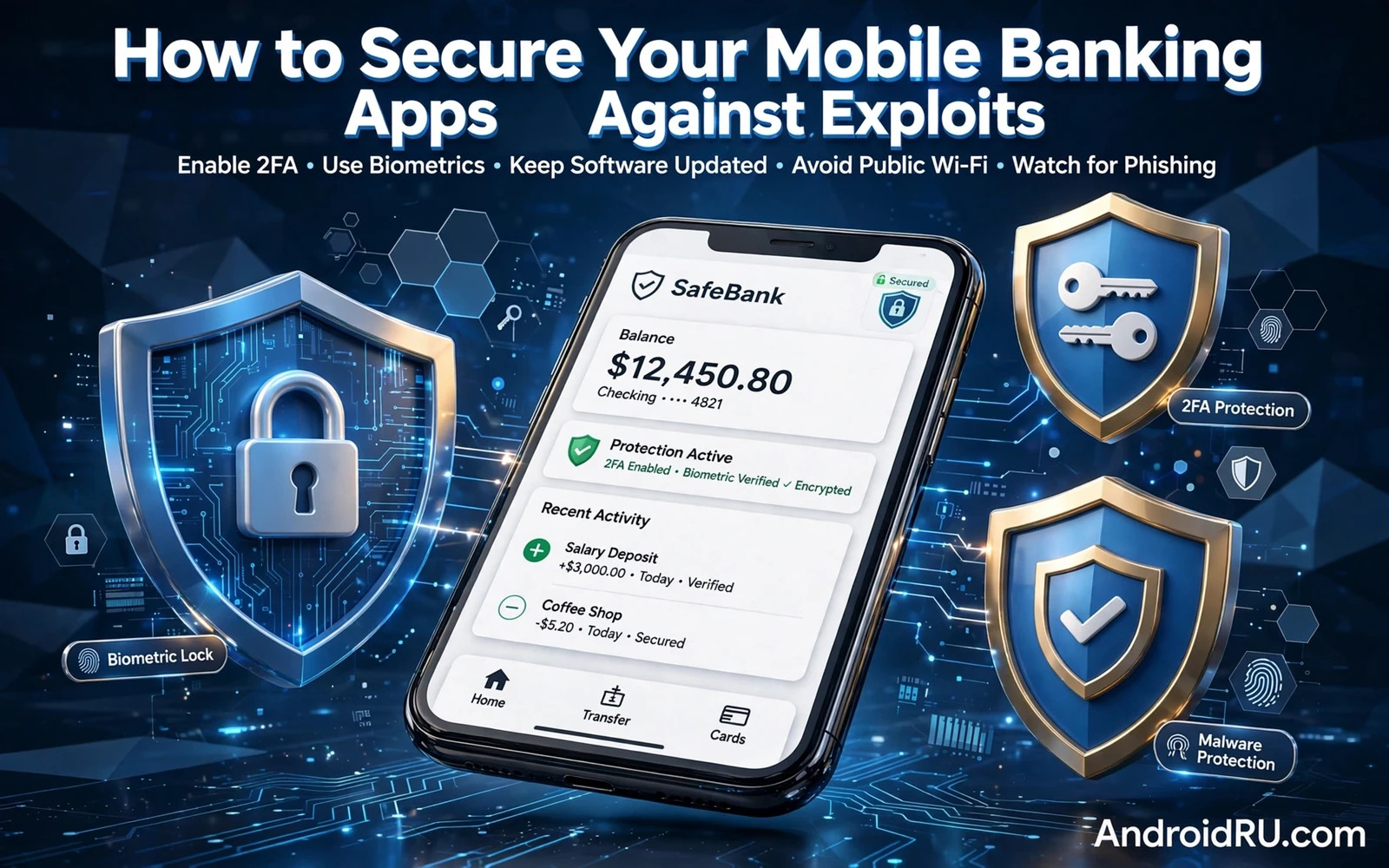
A banking app holds a direct path to money so it deserves stronger protection than any other app on the phone. An exploit against a banking app may aim at the app itself or at the account behind it or at the network between phone and bank. Strong banking security therefore needs layers that cover the app and the account and the device and the network at the same time. No single setting can carry that whole burden. A layered routine keeps a single flaw from becoming a direct loss.
Start with the official banking app from a trusted store and avoid clones that use a similar name or a similar icon. Check the developer name and read recent reviews for complaints about fake login screens or unexpected permission requests. Keep the banking app updated because updates often fix flaws that attackers actively probe. Enable every security option inside the banking app itself including transaction alerts and login alerts and device management. An official app with alerts turned on gives you early warning when something changes.
Lock The Device And The Account Together
Device lock strength matters for banking because a banking app often trusts the phone lock as its first barrier. Use a strong PIN or a strong password for the phone lock rather than a simple pattern that a watcher can memorise. Add biometric unlock for speed but keep a strong fallback that an attacker cannot guess from your social media. Set a short auto lock time so that a forgotten phone does not stay open on a table. A strong phone lock protects banking even before the banking app itself opens.
Authentication inside the banking app should use more than a password alone whenever the bank offers that choice. A second factor tied to the device or to an authenticator app adds a barrier that a stolen password cannot cross. Biometric confirmation for transfers adds a further check at the moment money moves rather than only at login. Review which actions require extra confirmation and enable confirmation for transfers and payee changes and limit changes. Money movement deserves a fresh check every time.
Two factor setup deserves a careful session on a trusted network with time to store recovery codes safely. Enable two factor for the bank account and for the email account that can reset that bank account. A bank account with strong authentication still falls quickly when its recovery email uses only a weak password. You can strengthen that chain by studying how two factor authentication adds a second barrier across apps and then applying it to email and banking together. Store recovery codes offline in a place that only you can reach.
Phishing Network And Permission Risks
Password choice for banking should be unique and long and never reused for shopping or social accounts. A password manager can generate a unique banking password and store it behind its own strong vault. That separation matters because a leak from a shopping site should never open a bank account. You can compare vault and passkey options by reading how password managers compare with passkeys on Android so that your banking login uses the method that fits your bank best. Change the banking password immediately after any suspicious alert.
Phishing remains the most common banking exploit because it targets the person rather than the app code. A fake message may claim an account lock or a failed transfer and urge an immediate login through a link. Never log in to banking through a message link and instead open the official app directly or type the bank address yourself. Check message sender details carefully and treat urgency as a warning sign rather than as a reason to hurry. You can sharpen that instinct by studying how phishing scams target mobile users through urgent messages and then pausing before every unexpected banking message.
Public Wi-Fi adds network risk to banking because an open network can expose traffic to watchers or to fake access points. Avoid banking on public Wi-Fi when mobile data is available because mobile data offers a more private path for sensitive sessions. When public Wi-Fi is unavoidable use a trusted VPN and keep the banking app updated and watch for certificate warnings. You can place network choice inside a wider routine by reading how securing an Android phone on public Wi-Fi networks works in practice so that network risk never sits alone beside banking risk. Close the banking app fully after a public session.
Permissions for a banking app should stay minimal even though the app comes from a trusted bank. A banking app rarely needs contacts or messages or broad storage access for core transfers and balance checks. Review its permissions in settings and revoke any access that does not match a feature that you actually use. A banking app with narrow permissions limits damage when a flaw appears in that app. Revisit permissions after each major update because new features can bring new requests.
Alerts Sessions And Card Controls
Device integrity matters because a rooted or heavily modified phone can weaken the protections that a banking app expects. Some banking apps refuse to run on modified devices while others run with reduced features. Follow the bank guidance for your device and avoid installing banking on a phone that runs untrusted modifications. Keep the system updated and keep a screen lock and keep unknown installs disabled for everyday use. A clean and updated device gives the banking app the platform that it was designed to trust.
Transaction alerts turn banking security from a passive hope into an active watch. Enable alerts for logins and transfers and new payees and card use so that any unexpected movement reaches you within moments. Read alerts fully rather than dismissing them as routine noise. Act on an unexpected alert at once by locking the card inside the app and by contacting the bank through its official number. Speed matters after an alert because early action can stop a second transfer.
Session hygiene inside the banking app prevents a later borrower from continuing a session that you left open. Log out after banking on a shared device and avoid leaving the app open in recent apps with balance data visible. Disable previews for banking notifications so that balances and codes do not appear on a locked screen. Clear recent apps after a banking session when the phone will pass to another person. Small session habits close gaps that strong passwords alone cannot close.
Card controls inside many banking apps let you freeze a card and set spending limits and block online use or international use. Use those controls to match the card to your real habits rather than leaving every channel open by default. Freeze a card immediately when it leaves your sight and unfreeze it only for the purchase that you intend. Set a low limit for online use when your main spending happens in person. Card controls give you a fast response that does not depend on reaching support first.
Clones Overlays And Updates
App clones and overlay attacks try to place a fake screen over a real banking app in order to capture credentials. Watch for a login screen that looks slightly different or that appears before the usual biometric prompt. Avoid granting overlay permission or accessibility permission to apps that have no clear need for it. Remove any app that draws over other apps unexpectedly. A banking app should open directly and cleanly without an intermediate screen from another app.
Software updates for the phone and for the banking app close known flaws that exploit writers study closely. Enable automatic updates for the banking app and install system updates promptly rather than postponing them for weeks. An outdated banking app may still work but it may lack a fix for a flaw that is already known. Update on a trusted network and verify that the app still opens correctly after the update. Prompt updates are one of the cheapest banking protections available.
Backup and recovery planning for banking should focus on account access rather than on app data alone. Keep the bank support number and your account identifiers in a safe offline place that does not depend on the phone itself. Know how to freeze an account from another device or through a phone call. Store recovery codes for email and banking separately from the phone so that a lost phone does not lock you out of recovery. A recovery plan turns a lost phone from a crisis into a manageable incident.
Recovery Sharing And Monthly Review
Family and shared phone use needs a clear banking boundary because a banking app should never sit open on a shared profile. Use a separate user profile or Private Space for banking when the phone is shared regularly. Keep banking notifications hidden on shared screens. Never share banking passwords or second factor codes with family members even for a quick payment. A clear boundary protects both money and relationships when a shared phone changes hands.
A monthly banking security review ties all layers together in a short routine that you can repeat without stress. Check active devices in the banking app and remove any device that you no longer recognise. Review permissions and alerts and card controls and authentication settings in one pass. Change any password that you suspect may have leaked and confirm that recovery email and phone details remain correct. A monthly review catches slow drift before it becomes a serious gap.
Biometric fallback planning matters for banking because a fingerprint or face unlock can fail after an injury or a wet finger or a hardware fault. Know your banking fallback method before you need it and keep that fallback strong and memorable. Test the fallback occasionally on a trusted network so that a failure during travel does not lock you out. A banking login that depends on a single biometric without a tested fallback creates a fragile single point of failure. Plan for biometric failure just as you plan for password loss.
Travel banking needs a pre trip checklist because roaming networks and shared hotel Wi-Fi and borrowed chargers all add risk. Update the banking app before travel and enable transaction alerts and set card limits for travel spending. Use mobile data for banking abroad when possible and avoid banking on hotel computers or shared devices. A pre trip checklist turns travel banking from an improvisation into a routine. Review the checklist again on return and remove any temporary travel settings that no longer apply.
Joint accounts and family banking access need clear boundaries because a shared login spreads risk across every device that holds it. Use separate logins with limited permissions where the bank offers them rather than sharing one full access login. Review shared access regularly and revoke access for family members who no longer need it. A shared banking login should be a deliberate choice with a clear scope rather than a convenience habit. Clear boundaries protect both money and family trust.

