

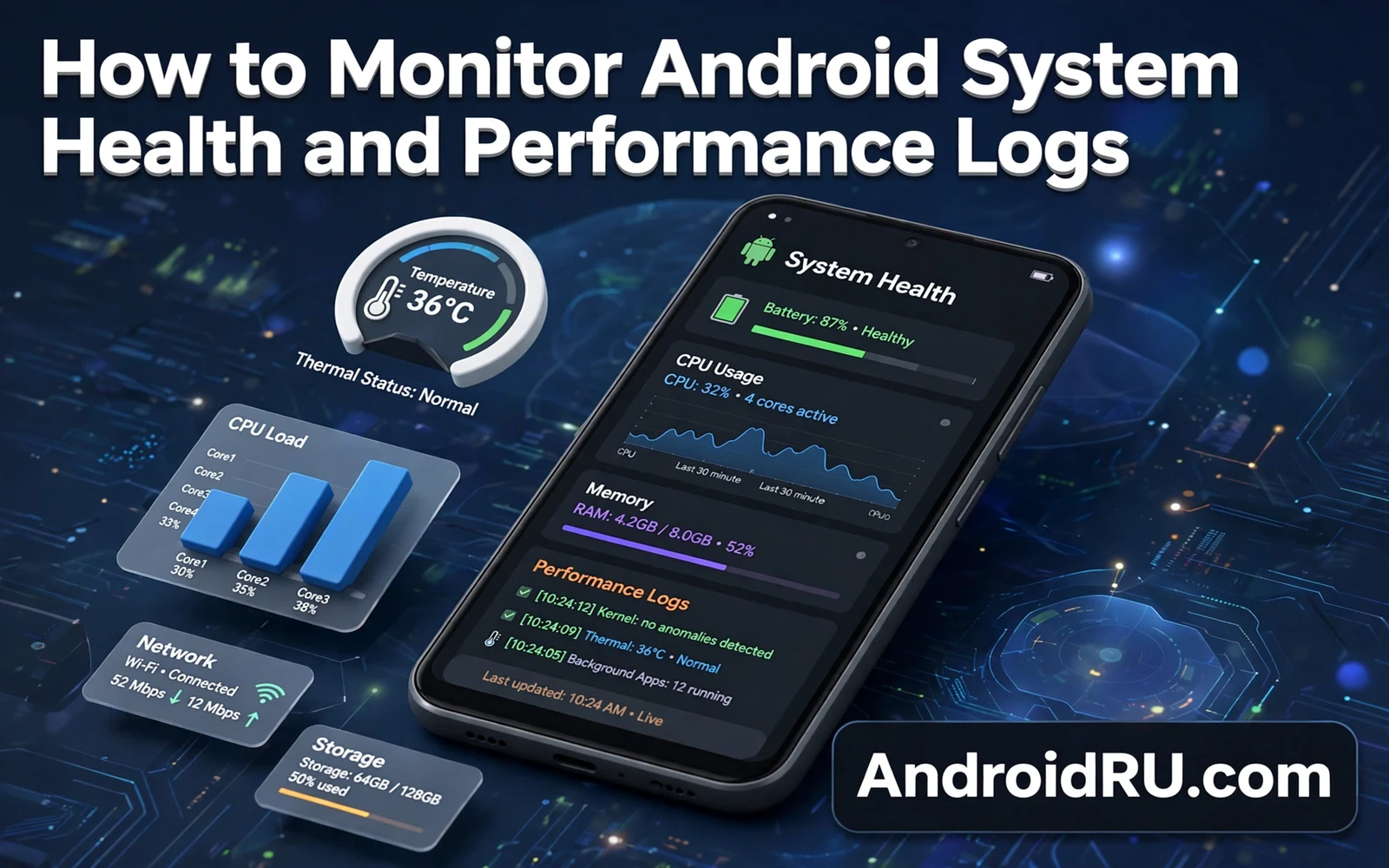
System health monitoring helps owners spot phone trouble before it becomes a crisis. Battery drain and memory pressure and heat and crashes each leave signals in system logs and settings. Owners who read those signals can fix causes rather than guessing. This guide explains how to monitor Android system health and performance logs. It covers built in tools and safe log reading and warning signs. Readers will learn a calm diagnostic routine for slow or hot phones.
Phones rarely fail without warning signs. Battery graphs often show a sharp drain slope before a full failure. Memory stats often show constant pressure before apps start closing unexpectedly. Heat warnings often precede thermal throttling that slows games. Crash logs often repeat one app name before a wider problem spreads. Owners who check those signals weekly catch patterns early. Owners who ignore signals often face sudden failures that feel random.
Background app behavior shapes many health signals because idle apps consume memory and battery quietly. Readers who want that foundation can study how Android handles background apps and memory management before reading logs. Memory pressure often traces to a few background heavy apps. Battery drain often traces to background location or refresh work. Log reading becomes far easier once owners know which background patterns matter. That knowledge turns raw numbers into clear suspects.
Built In Health Tools On Android
Battery settings show usage by app and by system component over recent hours and days. Owners can spot an app that drains far more than its use justifies. Digital Wellbeing shows screen time and unlock counts that reveal usage patterns. Storage settings show free space and large app footprints. Device care tools on some maker phones add memory and heat summaries. Owners should start with those built in screens before seeking deeper logs. Built in tools answer most everyday questions without technical commands.
Developer options hold deeper tools for owners who need precise diagnostics. Running services screens show memory use per app and per service. GPU and layout tools reveal rendering problems for advanced users. Owners should enable developer options carefully and change only settings they understand. A wrong developer setting can worsen performance rather than improve it. Casual owners should rely on built in health screens and leave developer tools for targeted troubleshooting.
Reading Battery Memory And Heat Signals
- Check battery usage by app for unusual drain
- Check storage free space every week
- Note heat during charging and during gaming
- Record crash app names when apps close suddenly
- Compare readings week to week for trends
Battery signals deserve trend reading rather than single snapshot panic. One heavy day may reflect travel or navigation use rather than a fault. A week of rising drain from one app points to a real problem. Owners should compare battery graphs across similar days. A sudden slope change after an update points to that update or to an app update. A gradual slope change points to aging battery or to creeping background work.
WebView failures can masquerade as app crashes across many apps at once. Readers who face widespread app errors can check how to fix the Android System WebView not updating error before blaming individual apps. A single system component failure can break many apps simultaneously. Log patterns that name many apps at once often point to a shared component. Owners who recognize that pattern save hours of per app troubleshooting.
Performance Logs And Crash Reports
Crash reports on Android often appear as app stopped dialogs with an option to send feedback. Owners should note the app name and the action that triggered the crash. Repeated crashes during one action point to a data or permission cause. Random crashes across many actions point to memory pressure or to system instability. Owners can clear cache for a crashing app as a safe first step. Persistent crashes after cache clearing deserve an app update or a reinstall.
Developer options expose system logs through tools that advanced owners can read with care. Logcat style logs record system events and app errors with timestamps. Reading raw logs demands filtering by app name or by error level. Owners should never share full logs publicly because logs can contain personal details. Owners should share only filtered excerpts with trusted support channels. Casual owners should skip raw logs entirely when built in tools already reveal the cause.
Heat And Throttling Signals
Heat signals matter because sustained heat triggers throttling that slows performance. Owners should note when heat appears during charging or gaming or navigation. Heat during fast charging stays normal within limits. Heat during idle use signals a stuck background task. Owners should close heavy apps and move the phone to shade when heat rises. Persistent idle heat deserves a battery usage check for a rogue app. Cooling accessories help gamers yet they never fix a rogue app cause.
Developer safety settings shape how deep owners can go with log tools. The guide on how to enable and use Android developer options safely explains guardrails for diagnostic screens. Owners should enable developer options only for a defined task. Owners should disable developer options after diagnostics finish when they no longer need them. That discipline keeps powerful tools from becoming accidental risks. Safe diagnostics beat deep diagnostics when the cause already shows in built in screens.
A Weekly Health Routine
A weekly routine keeps monitoring light rather than obsessive. Owners can spend five minutes each Sunday on battery and storage and heat notes. A short note of top battery apps and free storage and any crashes builds a trend record. That record makes support conversations far more productive. Support staff can act on trends faster than on vague slowness reports. Owners who keep notes also spot their own usage changes that explain new drain.
System health monitoring turns vague phone complaints into testable clues. Battery graphs reveal drain suspects. Storage screens reveal space pressure. Heat notes reveal throttling triggers. Crash names reveal faulty apps or shared components. Owners who follow a short weekly routine catch trouble early and fix causes with confidence. A healthy phone rarely demands deep logs. It only asks for regular attention to the signals it already shows.
System Health And Aging Phones
Aging phones show health changes gradually through battery capacity loss and storage pressure. Battery capacity declines with charge cycles and heat exposure. Owners may notice shorter days from a full charge after two years. That decline reflects chemistry rather than software failure. Battery replacement can restore an aging phone when other hardware stays sound. Owners should weigh replacement cost against new phone cost honestly.
Storage pressure grows on aging phones as apps and media accumulate. Owners who never clean downloads may face constant low storage warnings. Low storage slows updates and blocks photo capture at critical moments. Regular archiving and cloud backup keep aging phones functional. Owners should treat storage hygiene as maintenance rather than as occasional panic. A clean aging phone often performs better than a cluttered new phone.
Software support endings also shape aging phone health because security patches stop at some point. An unsupported phone still works yet it faces growing security risk. Owners should plan replacement before support ends for primary devices. A secondary role for an unsupported phone carries less risk than primary banking use. Retirement planning for phones deserves the same care as retirement planning for other tools. Safety should guide the final decision.
When To Seek Repair Or Replacement
Persistent overheating during idle use signals a problem that settings rarely fix. A phone that stays hot without heavy use may hold a faulty battery or a stuck component. Owners should back up data promptly when idle heat persists. Repair shops can diagnose battery faults with proper tools. Continued use of a swelling battery risks safety and owners should stop use immediately if swelling appears. Safety always outweighs repair cost debates.
Repeated crashes across many apps after updates and cache clears point to deeper system trouble. A factory reset can resolve software corruption in some cases. Owners should back up fully before any reset attempt. A reset that fails to fix widespread crashes suggests hardware trouble. Repair diagnosis then becomes the sensible next step. Owners should avoid repeated resets that erase data without solving the cause.
Slow performance that resists cleanup and updates may reflect aging hardware limits rather than a fault. Newer apps demand more memory and processing than older phones offer. Owners can extend life with lighter apps and reduced animations. At some point lighter apps cannot compensate for hardware age. Replacement then becomes a practical choice rather than a defeat. Choosing replacement at the right time saves frustration and protects productivity.
System Health And Sustainable Phone Use
Sustainable phone use benefits from health monitoring because well maintained phones last longer. A phone that lasts four years instead of two halves manufacturing impact per year of use. Battery care and storage hygiene and heat awareness all extend usable life. Owners who monitor health make replacement decisions based on evidence rather than frustration. Evidence based replacement reduces electronic waste. Personal phone habits thus connect to broader sustainability goals.
Repair culture also benefits from health logs because clear symptom records help repair technicians. An owner who brings battery graphs and crash notes enables faster diagnosis. Faster diagnosis lowers repair cost and turnaround time. Repair shops appreciate owners who describe trends rather than vague slowness. That partnership between owner records and technician skill keeps more phones in service. Sustainable use grows from informed owners and skilled repairers working together.

