

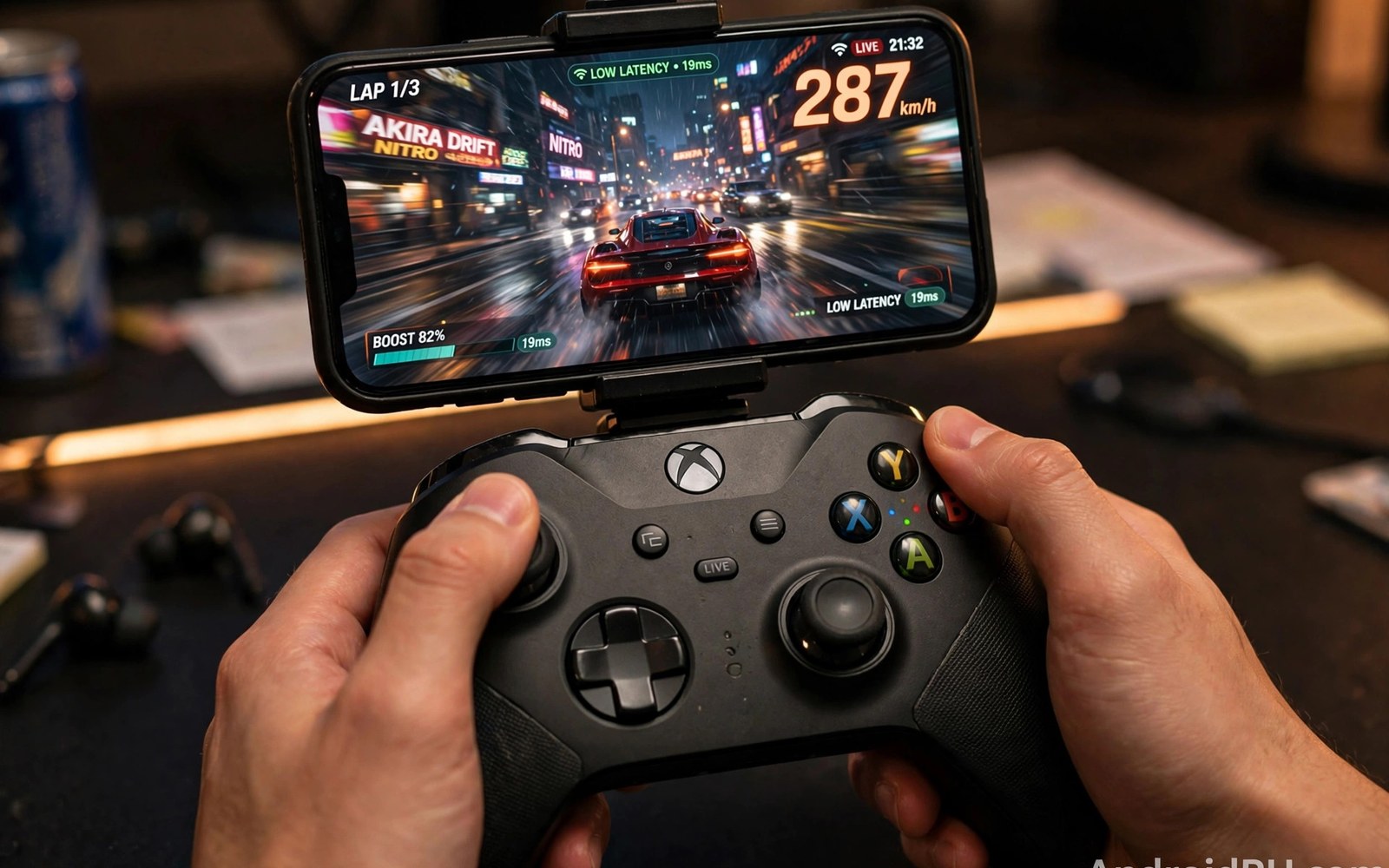
Input latency cloud gaming differences run larger than marketing suggests. Total delay includes your controller and network and server and video pipeline and display. Each platform handles these stages differently. Some platforms encode faster. Some place servers closer. Some controllers add less delay. This article breaks down the chain so you can compare fairly.
Players often blame one stage for total delay. The truth spreads across stages. A platform with fast servers can still feel slow on a laggy display. A platform with slow encoding can still feel fine on a great network. Measure the whole chain rather than trusting a single number from any company.
The latency chain stage by stage
Input delay starts at your controller. Bluetooth controllers add a few milliseconds. Wired controllers add less. Touch input adds processing time too. The phone then sends the input over the network. Network travel time depends on distance and link quality. Server processing adds time next. The server runs game logic and renders a frame.
Encoding adds another stage. The server compresses the frame into video. Faster encoders add less delay but may soften quality. The video travels back over the network. Your phone decodes it. Decoding adds a few milliseconds on modern chips. The display shows the frame last. Display refresh and processing add the final slice.
Total delay is the sum of all slices. A good setup totals under 80 milliseconds. An average setup totals 100 to 150 milliseconds. A poor setup exceeds 200 milliseconds. Genre tolerance decides what feels acceptable. Slow games forgive high totals. Fast games punish them.
Why platforms differ
Server placement drives large differences. A platform with a data center near you wins easily. A platform whose nearest center sits far away loses before any other factor matters. Check server regions for each service you consider. Distance beats brand in latency tests.
Encoder tuning also differs. Some platforms favor visual quality over speed. Their streams look rich but respond slower. Others favor speed and accept softer video. Neither choice is wrong. Players should pick the balance that suits their genres. Story players favor looks. Shooter players favor speed.
App and protocol design matters too. Some apps use leaner streaming protocols. Some add extra buffering for stability. Buffering smooths video but delays input response. A platform tuned for stability may feel slower than a platform tuned for response. Test both styles with the same game when possible.
How to measure latency yourself
Use a simple reaction test inside a game menu. Press a button and watch for the on screen response. Count frames with a slow motion phone recording if you want numbers. A 240 frame per second recording reveals delay in frame counts. Each frame at that rate equals about 4 milliseconds. This method beats guessing.
Compare platforms with the same game and same network and same controller. Change only the platform between tests. Keep the phone and display identical. Fair tests need controlled variables. A platform tested on Wi-Fi cannot fairly compare with one tested on mobile data.
Repeat tests at your real play hour. Evening congestion changes network delay. A platform that wins at noon may lose at night if its servers load unevenly. Three tests across different hours give a trustworthy picture. One test gives only a hint.
A script to log latency samples
The script below logs ping samples to a file so you can compare platforms and hours with real data.
import subprocess
import re
import statistics
import datetime

host = "8.8.8.8"
proc = subprocess.run(
    ["ping", "-c", "60", host],
    capture_output=True, text=True
)
times = [float(x) for x in re.findall(r"time=([0-9.]+)", proc.stdout)]
now = datetime.datetime.now().isoformat(timespec="minutes")
print("Test time:", now)
if times:
    print("Mean ms:", round(statistics.mean(times), 1))
    print("Jitter ms:", round(statistics.pstdev(times), 1))
    print("Worst ms:", round(max(times), 1))
    with open("latency_log.txt", "a") as f:
        f.write(now + " mean " + str(round(statistics.mean(times), 1)) + "
")
    print("Sample saved to latency_log.txt")
This snippet is an original latency logging helper written for this article. It is included here so you can build a small record of link quality across hours and platforms.
Common mistakes
Many players compare platforms on different networks and draw false conclusions. Control the network and controller and game for fair tests. Another mistake is trusting advertised latency figures. Those figures come from ideal labs. Your home link tells the real story.
Some players chase the fastest platform while using a laggy display or old controller. The slowest stage caps the whole chain. Upgrade the weakest stage first. Others test once and decide forever. Networks and server loads change. Retest when a platform updates its app or adds servers near you.
A final mistake is ignoring genre needs. A platform with 120 milliseconds total delay suits story games fine. It fails fighting games. Match platform choice to the games you actually play rather than chasing the lowest number for its own sake.
Display and controller stages
Display stages add latency that players often ignore while blaming networks, because televisions and monitors process frames before showing them. Game mode settings cut this processing sharply on modern displays. Enable game mode on the exact input used for cloud play, since settings apply per input rather than globally. A display left in movie mode can add dozens of milliseconds silently. That hidden delay rivals network delay in size, yet players rarely check display settings first.
Monitor refresh rates interact with stream frame rates in subtle ways. A 60 frame stream on a 120Hz display still updates every other refresh, which keeps timing smooth. A 60 frame stream on a 60Hz display with slow pixel response smears motion. Match display quality to stream quality rather than chasing refresh numbers alone. Response time and processing modes matter as much as headline refresh rates for perceived delay.
Controller stages vary by connection type and model more than players expect. Wired controllers add the least delay, often just a few milliseconds. Bluetooth controllers add more, and the amount varies by pad and phone combination. Some pads offer low latency wireless modes that approach wired performance. Test your own pad with a simple reaction game if you doubt it. Real measurements beat brand claims for input hardware.
Server region selection
Server region selection shapes latency more than any client setting, because distance sets a hard floor for network travel time. Services usually choose servers automatically, but some let advanced users pick regions manually. When manual choice exists, pick the nearest region with available capacity. A nearby overloaded region may perform worse than a slightly farther region with spare capacity. Test both when choice exists and keep notes on results.
Region populations change by hour, because evening peaks load popular regions heavily. A region that performs well at noon may struggle at night. Test regions at your real play hour rather than off peak times. Evening tests reveal true capacity. Players who test only at noon choose regions that fail when it matters most.
Account region and server region differ, because account region controls catalog and billing while server region controls latency. A player may hold an account in one region yet connect to servers in another. Services handle this split differently, and some restrict server choice by account region. Understand both regions before troubleshooting latency, because fixing the wrong region wastes effort.
Edge servers near major cities reduce distance for urban players dramatically. Rural players farther from edge locations still face higher floors. Future edge expansion may narrow this gap, but geography will always favor cities for latency. Rural players should favor genres tolerant of delay and invest in link stability. Acceptance plus genre choice beats frustration over physics.
Measuring with slow motion video
Slow motion phone recordings give honest latency numbers without special equipment, because a high frame rate camera captures button presses and screen responses together. Film your controller and screen in one frame while pressing a button in a game menu. Count frames between press and response in playback. Each frame at 240 frames per second equals about four milliseconds. This method reveals total delay including display and controller stages.
Repeat slow motion tests across platforms with identical setups for fair comparisons. Change only the platform between tests and keep the game and controller and network constant. Five measurements per platform averaged together beat single tests, because individual tests vary with network jitter. Averaging exposes true platform differences beneath noise.
Share your measurement method when comparing platforms publicly, because numbers without methods mislead readers. Note the game and controller and network and display used. Transparent methods let others reproduce your results. Reproducible numbers build trust in platform comparisons far better than bare claims from marketing teams.
A weekly latency routine
A weekly latency routine keeps your setup honest without consuming much time, because a five minute test each Sunday reveals drift before it ruins sessions. Run a minute long ping test and note mean and jitter and worst values in a simple log. Compare each week with prior weeks to spot trends. Rising jitter over weeks points to growing congestion or failing hardware. Early detection lets you fix problems while they are small.
Rotate test targets weekly to cover different paths, because one test host hides problems on other routes. Test a general host and a game server region when possible. Different routes reveal different faults. A routine that covers several paths gives a fuller picture of link health. Consistent logging turns vague lag feelings into actionable evidence.
FAQ
What input latency feels good for cloud gaming?
Under 100 milliseconds total feels good for most games. Under 60 milliseconds feels great. Fast competitive games want the lowest total you can achieve on your setup.
Which cloud platform has the lowest latency?
It depends on your location and network. Server distance dominates the answer. Test each platform from your home with the same game and controller for a fair result.
Does a wired controller reduce cloud latency much?
Yes by a small but real amount. Wired links cut a few milliseconds versus Bluetooth. The network and server stages matter more. Fix the biggest stage first.
Latency numbers only help when your base link is already stable. The guide to bandwidth needs for lag free cloud gaming sets targets for ping and jitter. The Wi-Fi 6 versus cellular stability comparison shows which link type holds steadier. The Xbox Cloud Gaming setup and performance review gives a concrete setup to test latency against.
Conclusion
Input latency differs across cloud platforms because servers and encoders and protocols differ. Total delay sums every stage from controller to display. Server distance usually matters most. Measure with the same game and network and controller. Your next step is concrete. Pick one game available on two platforms. Test both this week with the same setup. The platform that feels sharper on your link is the right one for your games.

