

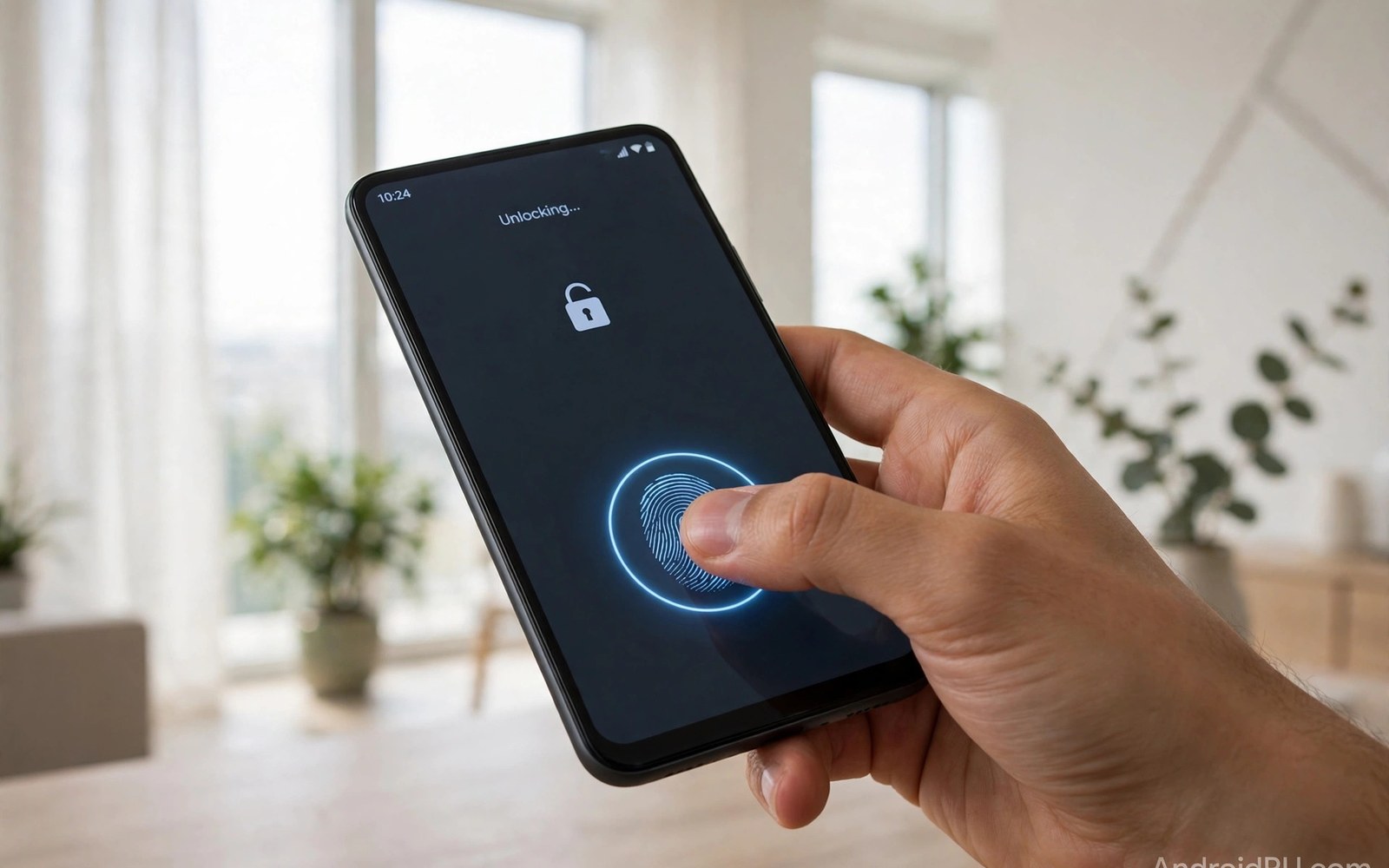
Hardware features separate a good ROM from a frustrating one. VoLTE carries voice calls over the mobile data network. Fingerprint sensors unlock the phone and confirm payments. Both features depend on maker drivers and carrier settings. A custom ROM must reuse those pieces correctly. This article explains how that reuse works.
VoLTE needs modem support and carrier profiles. The modem firmware handles the radio side. The system needs the right configuration for your carrier. A missing profile can drop calls to older networks. That fallback still works but it loses call quality and speed. Users often notice the problem only during a call.
Fingerprint support needs a sensor driver and a secure path for biometric data. The sensor hardware varies by model. Some sensors sit under the display. Others sit on the side or the back. Each type needs its own driver and calibration data. A ROM that lacks that data will show a dead sensor.
Test both features right after first boot. Do not restore all apps first. A clean test tells you whether the ROM itself supports the feature. If a feature fails on a clean system, the fix lies in firmware or configuration. If it fails only after restore, an app or setting is the suspect.
When you are ready to go further, read about tuning battery life on a custom ROM and compare it with the plan you made for your own phone.
How VoLTE Works On A Custom ROM
VoLTE routes voice through the LTE data channel instead of an older voice channel. The carrier must support VoLTE for your account. The phone must send the right settings during registration. The modem and the system must agree on those settings. A mismatch blocks registration even when data works fine.
Custom ROMs often include carrier settings from the open source base. Those settings cover major carriers well. Smaller carriers may need extra configuration. The ROM may also rely on modem files from stock firmware. An outdated modem can lack a profile your carrier now requires.
Why VoLTE Fails After Flashing
A common cause is a vendor or modem version mismatch. The ROM expects a modem version that your phone lacks. Updating the modem to the required version often restores VoLTE. Another cause is a missing carrier profile in the ROM build. The device thread usually notes affected carriers.
APN settings can also break VoLTE registration. Check the APN for your carrier after flashing. Compare it with the stock APN if you kept a screenshot. A wrong APN can allow data while blocking voice registration. Fix the APN and reboot before you blame the ROM.
How Fingerprint Sensors Work On A Custom ROM
A fingerprint sensor captures a pattern and compares it with stored templates. Templates live in a secure area that the system cannot read directly. The sensor driver bridges the hardware and that secure area. The ROM must include the driver for your exact sensor model. It must also handle the secure path correctly.
Under display sensors add optical calibration to the mix. The display lights the finger and the sensor reads the reflection. Calibration data tunes that reading for your panel. Without calibration, recognition becomes slow or unreliable. Side sensors avoid optical issues but still need exact driver support.
- VoLTE needs modem support and carrier profiles
- Fingerprint needs an exact sensor driver
- Test both features on a clean system first
- Update modem and vendor files to the required version
- Enroll fresh fingerprints after a clean flash
When you are ready to go further, read about keeping OTA updates working on official builds and compare it with the plan you made for your own phone.
Why Fingerprint Fails After Flashing
A wrong vendor set is a frequent cause. The sensor driver may come from vendor files. An outdated vendor set may not match the ROM system. Updating vendor files to the required version often fixes recognition. A second cause is a dirty flash that keeps old biometric data. Old templates may not match the new secure setup.
Enrollment after a clean flash usually works when drivers are right. If enrollment fails at once, suspect the driver. If enrollment works but unlock fails often, suspect calibration. Try enrolling the same finger twice at different angles. That trick improves recognition on many sensors.
Test Hardware Features Methodically
Start with a clean boot and no restored apps. Make a test call and check whether the call uses LTE. Check the network icon during the call. Enroll a finger and test unlock ten times. Record success and failure counts. Numbers beat vague impressions when you report a bug.
Test in different locations for VoLTE. Signal strength affects registration. A weak signal area can mimic a ROM bug. Test near a strong signal source first. Then test your usual locations. That order separates a coverage problem from a software problem.
Fix VoLTE Step By Step
Update modem and vendor files to the version the ROM notes require. Check APN settings for your carrier. Toggle VoLTE in settings off and on and reboot. Reset network settings if the toggle does not help. Note that resetting network settings erases saved Wi-Fi networks too.
If VoLTE still fails, check whether your carrier supports your device model on VoLTE. Some carriers whitelist models. A custom ROM does not change the model name in every case. Carrier support may still block registration. In that case a different ROM cannot fix a carrier policy.
When you are ready to go further, read about how dynamic partitions allocate system space and compare it with the plan you made for your own phone.
Fix Fingerprint Step By Step
Remove old fingerprints and enroll fresh ones after a clean flash. Update vendor files if the notes require it. Clean the sensor area and dry your hands before testing. Enroll the same finger with varied angles. If the sensor still fails, test a different finger to rule out a skin issue.
If no finger enrolls, reflash the ROM with the required vendor set. Do not install extra biometric apps during testing. Extra apps can interfere with enrollment. Report the sensor model and the ROM version if you seek help. Precise details speed up a fix.
Carrier Profiles And Why They Differ By Region
Carrier profiles tell the phone how to register for voice services. Each carrier publishes settings for its network. The phone stores those settings in modem configuration. A custom ROM may include profiles for major carriers. Smaller carriers may lack a ready profile. That gap explains why VoLTE works for one user and fails for another on the same ROM. Region and carrier matter as much as ROM quality.
Roaming adds complexity to carrier profiles. A phone abroad uses a visited network profile. That profile may differ from the home profile. VoLTE roaming support varies by carrier agreement. A ROM cannot create a roaming agreement that does not exist. Test VoLTE at home first. Roaming failures may reflect carrier policy and not ROM bugs. Separate home tests from roaming tests.
Carrier updates can change profiles over time. A carrier may require a new modem version for VoLTE. A ROM built against an older modem may then fail. Device threads often track carrier changes. Read the thread for your carrier before blaming the ROM. A modem update may restore service quickly. Carrier knowledge saves pointless ROM changes.
Biometric Security: Why Fingerprint Data Stays Locked Away
Fingerprint templates never leave the secure area of the phone. Apps cannot read the raw fingerprint image. The system only receives a yes or no match result. That design protects biometric data from app theft. A custom ROM must preserve that secure path. A ROM that mishandles it will fail enrollment. That failure protects you even though it frustrates you. Security and convenience trade against each other here.
Changing ROMs can invalidate old templates. The new system may use a different secure key. Old templates encrypted under the old key cannot unlock. That is why fresh enrollment after a clean flash matters. Enroll fingers again even if the old enrollment seemed to survive. Fresh templates match the new secure setup. They also avoid intermittent unlock failures.
Biometric unlock after reboot always needs the fallback credential. That rule exists because the secure area locks at boot. Fingerprint data cannot unlock it alone. The PIN or pattern unlocks the secure area first. Then biometrics work until the next reboot. Remembering that rule prevents confusion after every restart. It is a security design and not a ROM bug.
Testing VoLTE With Different Carriers And SIMs
VoLTE behaviour can differ between SIM slots on dual SIM phones. One slot may support VoLTE while the other does not. Carrier profiles apply per SIM in many systems. Test each SIM separately after flashing. Note which slot registers for VoLTE. A single SIM test can hide a slot specific fault. Thorough testing covers both slots. It also covers each carrier you actually use. Dual SIM users need dual tests.
Prepaid and postpaid accounts can also differ on VoLTE. A carrier may enable VoLTE only for certain plans. A ROM cannot override a plan restriction. Check your plan features with your carrier. A plan check takes a phone call. It prevents hours of ROM debugging for a carrier policy. Policy limits look like software bugs. Carrier confirmation separates them quickly. Always verify plan support early.
International SIMs add roaming profiles to the test. A roaming SIM may register differently than a home SIM. Test home SIMs first for a baseline. Then test roaming behaviour separately. Roaming VoLTE depends on agreements between carriers. Agreements vary widely. A roaming failure may reflect an agreement gap. It does not prove a ROM fault. Baseline testing keeps roaming in perspective.
Fingerprint Enrollment Tips For Stubborn Sensors
Enroll fingerprints in a quiet moment without rushing. Press firmly and lift fully between touches. Vary finger angle slightly across touches. Cover different parts of the fingertip. A varied enrollment recognises the finger from more angles. Rushed enrollment with identical touches recognises poorly. Patience during enrollment pays off at every unlock. Ten careful touches beat twenty rushed ones.
Enroll the same finger twice under different conditions if the system allows it. Enroll once with dry hands and once after normal use. That variation improves recognition across conditions. Moisture changes fingerprint readings. A dry only enrollment may fail with damp hands. Varied enrollment handles real life better. Real life includes humidity and temperature changes. Plan enrollment for real conditions.
Clean the sensor regularly with a soft dry cloth. Pocket lint and skin oils degrade readings. A dirty sensor fails even with perfect enrollment. Cleaning takes seconds and restores accuracy. Avoid harsh cleaners on under display sensors. A soft cloth suffices. Regular cleaning is the simplest fingerprint fix. Many sensor complaints end with a cloth.
adb shell dumpsys telephony.registry
adb shell cmd fingerprint --help
adb logcat -b radio | grep -i volte
fastboot flash modem modem.img
The steps above follow the approach described in the official developer documentation for this platform and in the device guides that cover hardware support.

