

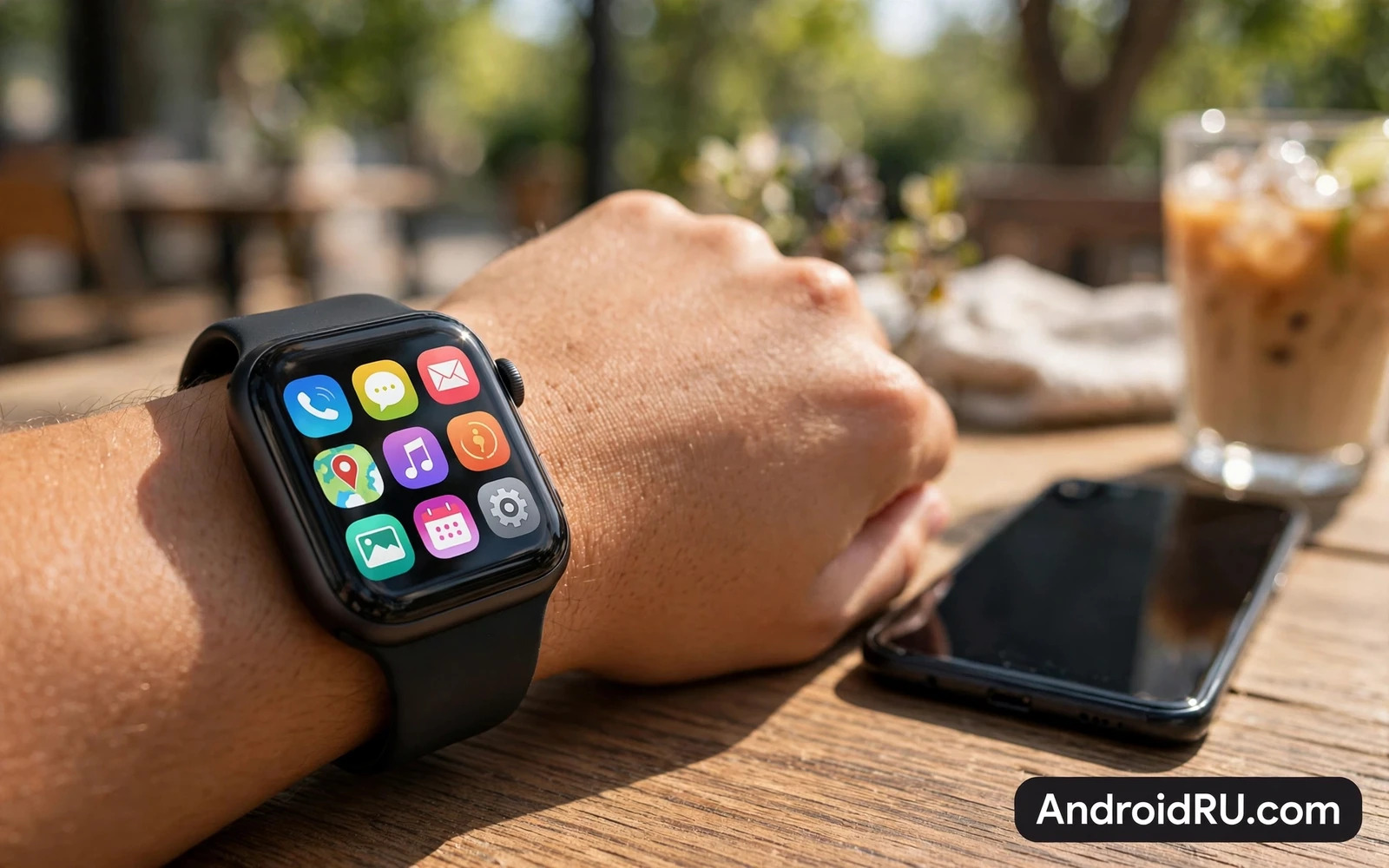
Why Apps Transform A Watch
A smartwatch without good apps is merely a notification mirror for your phone. Apps turn the wrist into a useful tool that saves phone pickups throughout the day. A fitness app tracks a run without a phone bouncing in a pocket. A music app controls playback during a workout without breaking stride. A maps app guides a walk with gentle wrist vibrations at each turn. A payments app lets you buy coffee when your phone stays in a bag. Each app removes a small friction and those small savings add up to a watch that earns its place.
Wear OS benefits from a mature app ecosystem built on Android foundations. Popular phone apps often offer companion watch apps that sync data seamlessly. Standalone watch apps work even when the phone is out of range for short periods. That independence matters for runners and swimmers and anyone who leaves the phone behind. A watch with the right apps becomes a safety tool as well because it can call for help and share location during an emergency. App choice therefore shapes both convenience and peace of mind.
Fitness And Health Apps First
Fitness apps are the most popular Wear OS category because the wrist is the natural place for health sensors. A good fitness app tracks steps and heart rate and sleep and workouts with clear daily summaries. It should distinguish between walking and running and cycling automatically. It should show live heart rate during exercise without constant phone checks. It should sync data to your phone for deeper analysis and long term trends. Buyers should choose a fitness app that matches their sport because a running app and a swimming app prioritise different metrics.
Health features extend beyond workouts into sleep and stress and recovery. Sleep tracking reveals patterns that help you improve rest over weeks. Heart rate alerts can flag unusual readings during rest. Breathing exercises on the wrist offer a quick calm during a stressful day. These features work best when worn consistently because gaps in data weaken trends. A comfortable strap matters as much as the app because an uncomfortable watch gets removed and a removed watch tracks nothing. Readers who are still choosing hardware can compare smartwatches compatible with Android phones and how sensors and battery shape daily tracking.
Hardware choice comes first for many buyers and the smartwatches compatible with Android phones compares watches that pair well with Android phones on sensors and battery. Fitness tracking is the main reason most people wear a watch and the smartwatch health tracking guide focuses on health features for runners and everyday athletes. Battery life decides whether those features stay useful for days and the multi-day smartwatch battery tests tests multi-day watches for travellers and heavy users.
Music Media And Everyday Utilities
Music apps on Wear OS shine during workouts and commutes because they free the phone from your hand. Offline music storage lets you run with wireless earbuds and no phone at all. Playback controls on the wrist make skipping tracks effortless mid-stride. Podcast apps bring the same freedom to long walks and chores. A watch that stores media locally becomes a true companion for exercise rather than a remote control that still needs the phone nearby. Buyers should check offline support before relying on a watch for phone-free workouts.
Everyday utilities fill the gaps that make a watch feel indispensable. A timer and a stopwatch help cooking and workouts. A calculator handles quick splits on the wrist. A voice recorder captures ideas during a walk. A flashlight app turns the watch screen into a handy light in a dark room. A find-my-phone app rings a lost phone from the wrist and saves frantic searching. None of these apps is glamorous alone yet together they create a watch that answers dozens of small needs every week without a phone in hand.
Navigation Productivity And Communication
Navigation apps on the wrist guide walking and cycling with turn prompts that vibrate gently. That guidance keeps eyes on the road rather than on a phone screen. A watch map shows the next turn clearly and it recalculates when you miss a junction. Public transport apps show departure times at a glance during a commute. These tools suit travellers who explore a new city on foot because the wrist guide feels discreet and safe. A phone map remains better for driving yet the wrist wins for walking.
Productivity apps keep tasks and reminders visible without phone distraction. A task app shows the next three actions for the day at a glance. A notes app captures a quick idea by voice before it fades. A calendar app shows the next meeting and its location. Communication apps let you read messages and reply by voice or by quick preset replies. That quick reply workflow handles many messages fully from the wrist. Messages that need a long thoughtful answer still deserve the phone yet the watch clears the simple ones instantly.
Payments Smart Home And Safety
Payments from the wrist feel futuristic the first time and routine very quickly after. A watch payment app lets you pay at a terminal with a flick of the wrist while carrying bags. That convenience matters most when hands are full or the phone is buried in a coat. Security features protect payments with a lock that activates when the watch leaves the wrist. Buyers should verify that their bank supports watch payments before counting on this feature. A payment method that works in one region may not work in another.
Smart home control from the wrist turns the watch into a remote for your house. Lights and thermostats and door locks respond to wrist commands without finding the phone. That control feels magical when arriving home with full hands. Safety features add another layer because fall detection and emergency calling can summon help when you cannot reach a phone. A watch that combines payments and home control and safety becomes a daily hub rather than a fitness accessory. Those combined roles justify the watch for many buyers beyond athletes.
Battery And Performance Realities
Apps affect battery life and buyers should understand the trade before installing everything. Always-on displays and frequent GPS tracking and continuous heart monitoring all consume energy. A watch that lasts two days with light use may last less than a day with heavy app use and GPS workouts. Smart settings help because you can disable always-on display during workouts or limit background sync for less important apps. A watch with strong battery management lets you enjoy apps without nightly charging anxiety.
Performance also varies because watch processors and memory are smaller than phone hardware. Well optimised apps launch quickly and scroll smoothly. Poorly optimised apps lag and drain battery. Buyers should favour apps from established developers with regular Wear OS updates. Reading recent reviews for the exact watch model helps because an app that runs well on a new watch may struggle on an older one. A curated set of ten excellent apps beats fifty mediocre apps that slow the watch and shorten its day.
Building Your Essential Watch App Set
Build your watch app set around your own day rather than around a generic top list. A runner needs fitness and music and offline maps. An office worker needs calendar and tasks and messages. A traveller needs translation and transport and payments. Start with one app per need and test it for a week before adding more. Remove apps that duplicate functions because duplicates waste battery and clutter the app list. A lean watch with focused apps feels faster and lasts longer than a crowded watch.
The best Wear OS apps are the ones you actually use without thinking. They should launch quickly and show the right information at a glance. They should work when the phone is nearby and degrade gracefully when it is not. They should respect battery life and they should receive updates that fix bugs. When your watch apps meet those tests your watch stops being a gadget and it becomes a quiet partner for fitness and work and daily life. That transformation is the real promise of Wear OS and it is fully within reach with a thoughtful app selection.
Watch Straps Fit And Sensor Accuracy
Sensor accuracy starts with fit because a loose watch cannot measure heart rate reliably during movement. Wear the watch snugly during workouts and slightly looser during sleep for comfort. Try different strap materials because silicone suits exercise while fabric suits all-day wear and metal suits formal occasions. A strap that irritates skin will end up in a drawer and a watch in a drawer tracks nothing. Comfort is therefore a health feature in its own right rather than a fashion detail.
Sensor data also needs sensible interpretation because wrist sensors estimate rather than measure with medical precision. Heart rate trends over weeks matter more than a single unusual reading. Sleep stages are estimates that help spot patterns yet they should not diagnose conditions. Buyers who need medical-grade data should consult a clinician and use dedicated equipment. A smartwatch excels at revealing habits and trends that motivate healthier choices. That motivational role is valuable even when individual readings carry some uncertainty.
Watch app permissions deserve periodic review because fitness and location apps collect sensitive data. Check which apps access location continuously and restrict those that do not need it. Review health data sharing settings after each major app update because defaults can change. A watch that respects privacy will still deliver excellent tracking with sensible permissions. Owners who audit permissions twice a year keep convenience without surrendering unnecessary personal data.
Complications on the watch face can surface app data without opening any app at all. A step count complication and a heart rate complication and a calendar complication together turn the watch face into a personal dashboard. Choose complications for the data you check most often and remove the rest to keep the face clean. A well designed watch face reduces app opens and it saves battery because the screen shows answers at a glance.

