

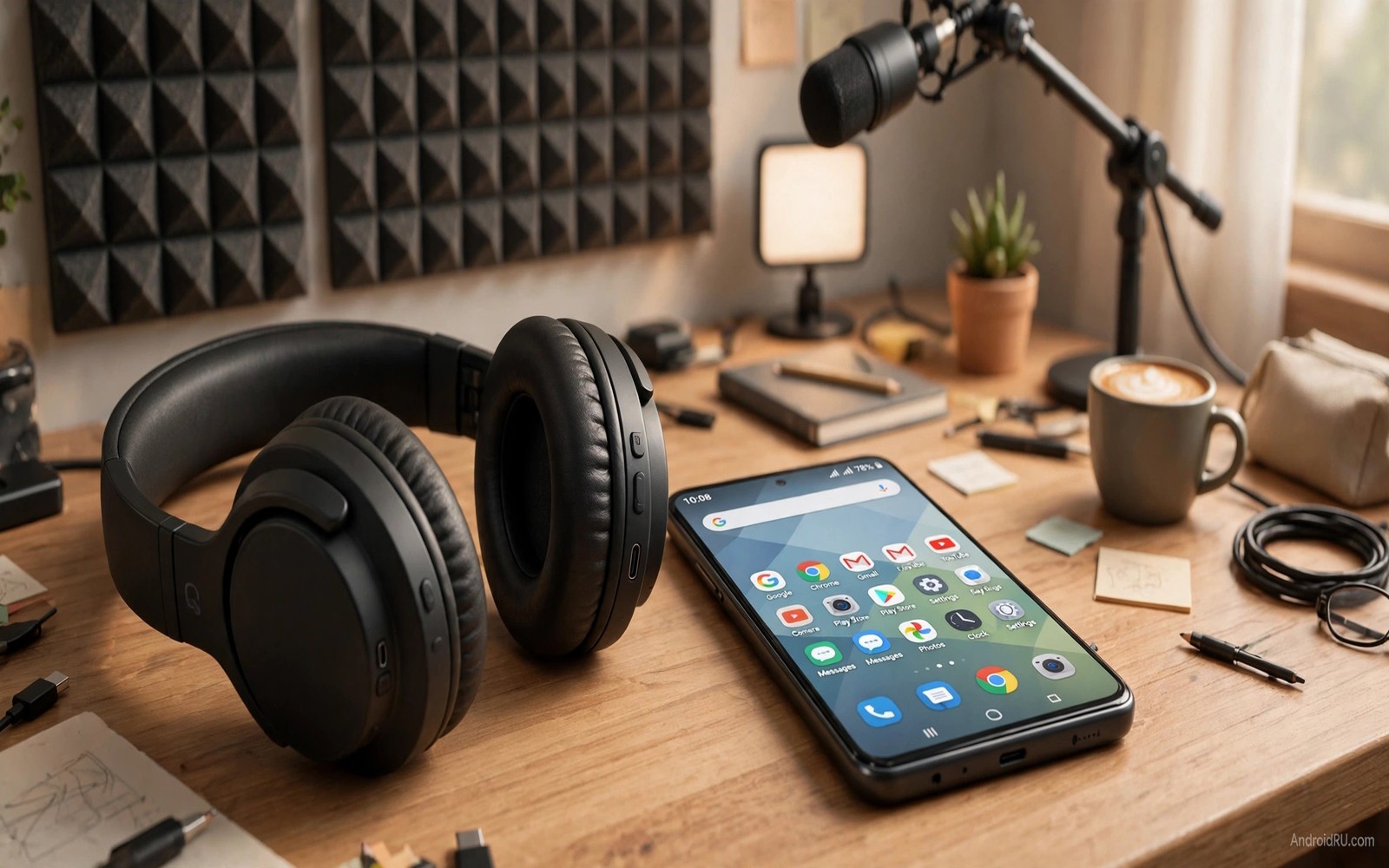
Cheap headphones do not have to sound cheap. Most budget models can deliver clear vocals and a balanced mix when the phone sends them a clean signal. The problems that make budget audio sound poor are often fixable. A low codec and a bad fit and a harsh equalizer preset can each ruin an otherwise decent driver.
Studio quality is a goal rather than a literal claim in this guide. A phone and budget headphones cannot match a treated studio room. They can come much closer to a clean balanced sound than most owners realise. The path is careful rather than expensive and it starts with the fit of the ear tips.
Work through the steps in order and test with music you know well. A familiar song reveals small changes that a new song hides. Keep notes on the codec and the equalizer shape that sound best. Those notes become your personal reference for future headphones.
Fix the fit before you touch software
Ear tip fit controls bass more than any equalizer slider. A loose tip lets bass leak out and makes the sound thin. A tight seal keeps bass in and lets the driver work efficiently. Try every tip size in the box even if the medium size feels normal at first.
Insert the tip with a gentle twist and check the seal by playing a bass heavy track. The bass should feel present without pressure or pain. If one ear sounds weaker than the other then try a different size on that side only. Ears are rarely the same size and a mixed pair of tips is normal.
For over ear budget headphones check the ear pad seal around glasses. Glasses arms can break the seal and leak bass. Adjust the headband so the pads sit flat. A small change in pad position can improve bass more than a large equalizer boost.
Choose the best codec your gear supports
Open Bluetooth settings and tap the gear beside the headphone name. Look for HD audio or a high quality codec option. Turn it on if the headphone supports it. The phone and headphone must agree on a codec or the link falls back to a basic mode.
Some phones show the active codec in developer options. That screen lists the codec and the sample rate in use. Compare that screen with the headphone specification. If the active codec is basic while the headphone promises a better one then re-pair the devices and check the HD audio switch again.
Do not chase a codec name at the cost of stability. A stable basic codec with a good fit often beats a fancy codec that stutters. Test a full song while walking around the room. Dropouts during movement are a sign that the codec or the link is too fragile for daily use. A secret setting for low Bluetooth headphone volume also affects how the phone and headphone agree on volume and codec behaviour.
Tune the equalizer for balance not excitement
Start flat and listen to a vocal track first. Budget headphones often boost bass and treble by design. That built in shape can sound exciting yet it buries the voice. A small cut to the low bass and a small cut to harsh treble can restore balance.
Raise the midrange by one step if voices sound distant. Keep the change small because a large midrange boost can make voices sound boxy. Test with a podcast after music because spoken voice exposes midrange problems faster than a full band mix.
Save the result as a headphone profile. Do not use the same profile for the phone speaker. The speaker needs a different balance and a leaner bass shape. Switching profiles is quick and it keeps each output at its best.
Clean the source files and app settings
Low bitrate streaming can cap quality before the headphones matter. Open the music app settings and choose the highest quality stream your data plan allows. Download tracks for offline listening when you want the best quality without network variation.
Turn off double processing in the music app. If the system equalizer is active then turn off the app equalizer. Two equalizers working together can create a muddy sound even when each one looks modest. One clean processing stage is enough for most listening.
Check volume normalisation as well. Normalisation can lower loud tracks and make a playlist feel flat. Test with normalisation off for one album and compare the dynamics. A free systemwide sound engine can replace scattered app equalizers with one consistent profile across apps.
Use a simple listening test routine
Pick three test tracks that cover voice and bass and acoustic detail. Play each track at the same volume on the same headphones. Change only one setting between rounds. Write a short note after each round about clarity and bass and comfort.
Listen in a quiet room for the first test. Street noise hides detail and it makes every headphone sound worse. Once the quiet room profile sounds good then test outdoors. Outdoor listening may need a slightly louder midrange to cut through traffic noise.
Test track 1: clear vocal song
Test track 2: acoustic track with detail
Test track 3: bass track with steady beat
Volume: same level for every round
Change rule: one setting per round
The routine above is an original illustration created for this guide. It uses only general listening test practice and it helps you judge changes without relying on memory alone. Repeat the routine after any codec or tip change.
Break in new headphones gently
New headphone drivers often sound stiff for the first hours of use. Play varied music at moderate volume for a few days before final tuning. A driver that loosens slightly will gain a touch of bass and smoothness. Tuning too early can lead to a profile that later sounds boomy.
Use the break in period to test tip sizes as well. A tip that feels fine for ten minutes may ache after an hour. Comfort matters as much as sound because an uncomfortable headphone will not be used. A comfortable seal that lasts all day is the right choice even if another tip sounds slightly better for five minutes.
Compare the new headphones with a known reference track each day. A reference track gives a stable benchmark while the driver settles. Note small changes in bass and treble over the first week. Those notes guide a final tuning session once the sound stabilises.
Use quiet listening to judge quality
Quiet listening reveals quality that loud listening hides. Play a soft acoustic track at a low comfortable volume and listen for detail in the guitar and voice. A good setup keeps detail audible even when quiet. A poor setup loses detail and forces you to raise volume to hear it.
Quiet tests also protect hearing during long sessions. A setup that sounds full at low volume reduces the temptation to listen loud. That benefit lasts far beyond a single test. It shapes a healthier daily habit.
For a method that builds on personal hearing read about custom tuning sound profiles for your ears. That guide uses comparison tests to build a profile that fits your ears. It pairs well with the codec and fit work in this article.
Compare budget headphones honestly
Budget headphones vary greatly in tuning even at the same price. Compare two models with the same song and the same volume on the same phone. A fair comparison uses the same ear tip size and the same equalizer setting. Changing two variables at once hides the real difference.
Listen for vocal clarity first during comparison. A headphone that keeps voices natural usually has a balanced tuning. A headphone that boosts bass heavily may sound exciting at first and tiring later. Vocal clarity is a better long term test than initial excitement.
Check build quality and cable or case quality as well. A headphone that sounds good yet breaks in a month is a poor purchase. A sturdy case protects wireless earbuds during travel. A reliable charging case matters as much as sound for daily use.
Read owner reviews for long term comfort reports. A headphone that aches after an hour will not be used daily regardless of sound. Comfort reports from many owners reveal patterns that a short shop test hides. Weight and tip shape both affect long sessions.
For personal tuning after choosing a pair read about custom tuning sound profiles for your ears. That method adapts any budget pair to your hearing. It closes much of the gap to more expensive models.
Common mistakes
The biggest mistake is boosting bass to fix a poor fit. A loose ear tip cannot be fixed with software. The boost only adds distortion and muddiness while the bass still leaks. Fix the seal first and then judge the bass with a flat equalizer.
Another mistake is judging headphones with a single loud song. A loud compressed track hides codec and equalizer problems. Use a quiet acoustic track as well. That track will reveal hiss and harsh treble that loud music covers.
People also ignore ear tip hygiene. Dirty tips change the sound and they can irritate the ear. Clean tips with a dry cloth and replace them when they lose their shape. Fresh tips restore the seal and the bass in minutes.
Frequently asked questions
Can cheap headphones really sound good?
Yes cheap headphones can sound surprisingly good with a proper seal and a clean codec and a balanced equalizer. The driver quality sets a limit but most budget drivers are better than their default tuning suggests. Careful setup closes much of the gap to expensive models.
Does a higher codec always sound better?
A higher codec can sound better when the link is stable and the source file is high quality. A low quality stream will not improve just because the codec name changes. Stability and source quality matter as much as the codec label.
Should I use the headphone app equalizer?
Use one equalizer at a time. The headphone app equalizer can work well if it is the only processing stage. Turn off the system equalizer when you use it. Compare both options with the same song and keep the one that sounds cleaner.
Conclusion
Studio style sound on budget headphones comes from fit and codec and balance. Fix the ear tip seal first. Choose the best stable codec next. Tune the equalizer in small steps and clean up double processing in apps. Those steps cost nothing and they transform daily listening.
Your concrete next step is to try every ear tip size in the box today with one familiar vocal track. Note the size that gives the fullest bass without pain. If wireless volume is still low then follow the secret setting that fixes low Bluetooth headphone volume next.

