

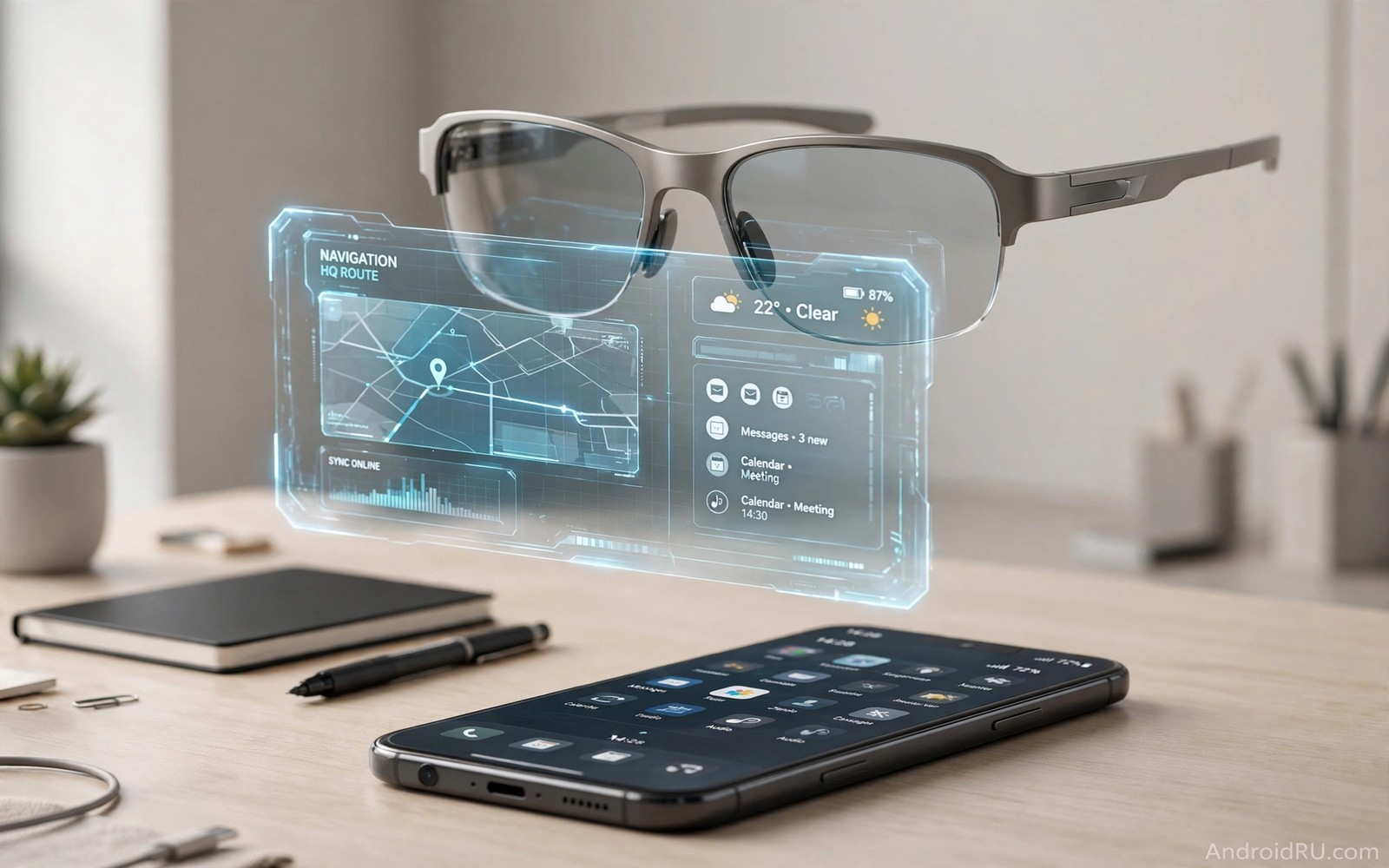
Smart glasses promise a future where information floats in front of your eyes and a phone screen becomes optional. A navigation arrow can appear on the road ahead and a message can appear as a short line of text and a translation can appear under a sign. That vision is compelling because it frees both hands and keeps attention on the world. The question is whether glasses can handle the full range of tasks that a phone screen handles today.
A phone screen is not just a display. It is a private space for reading and writing and editing and banking and watching video. A glasses display is shared with the real world and it is small and it is often visible only to the wearer in a limited field of view. That difference matters for long reading and detailed work. Glasses may replace a phone for quick checks long before they replace a phone for deep work.
What glasses do better than a phone screen
Glasses excel at hands free guidance because a map arrow and a step count and a timer can stay visible while a person walks or cooks or repairs a machine. A phone forces a user to look down and hold a device. Glasses keep the eyes forward and the hands free. That advantage is real for delivery workers and technicians and travellers who navigate busy streets.
Glasses also excel at capture because a camera at eye level can record a view without framing on a screen. A wearer can capture a moment while still watching it directly. That immediacy suits sports and travel and field work. It also raises privacy questions that a phone camera does not raise in the same way because a phone camera is obvious when it points at a person.
Display limits that still hold glasses back
Current glasses displays struggle with brightness in sunlight and with a narrow field of view and with text that stays sharp during head movement. A phone screen offers a large and bright and stable surface for reading. A glasses display offers a smaller overlay that must compete with daylight and motion. Reading a long article on glasses can strain the eyes and slow comprehension compared with reading on a phone.
Battery life adds another limit because a display and a processor and a camera in a light frame cannot carry a large battery. A phone can last a full day with a large cell and a fast charge. Glasses often need a charging case or a midday top up. Until efficiency improves, glasses will suit short sessions rather than all day screen replacement.
Privacy and social acceptance
People react differently to glasses than to phones because glasses can record without an obvious gesture. A phone held up to take a photo signals intent. Glasses with a hidden camera can feel intrusive even when no recording happens. Makers must add clear lights and simple controls and social norms must develop around use in homes and schools and workplaces.
Privacy also affects the wearer because a glasses display can leak information to nearby people through reflections or through a companion app. A banking code or a private message should never appear in a way that others can read. Strong controls for sensitive content will decide whether glasses feel safe for personal tasks or remain limited to navigation and alerts.
Input is the hidden challenge
A phone screen combines display and input in one surface. A user can tap and swipe and type on the same device. Glasses need a separate input method such as voice or a wristband or a phone as a controller. Voice works well in quiet rooms but fails in noisy streets and private meetings. A wristband can offer gestures but it adds another device to charge and learn.
Typing a long message on glasses remains awkward. Voice dictation helps but it is not private in public and it makes errors that need a screen to fix. A hybrid future is likely where glasses handle display and a watch or phone handles input. That hybrid still relies on a phone screen for the hardest input tasks.
Where glasses will win first
Glasses will win first in work settings where hands free information saves time and reduces errors. A warehouse worker can see pick instructions without holding a scanner. A surgeon can see patient data without looking away. A field technician can see a repair guide while both hands work. Those users accept bulk and cost because the productivity gain is clear.
Glasses will also win for navigation and translation and fitness during travel and exercise. A runner can see pace without a wrist glance. A tourist can see a translated sign without opening an app. Those short and frequent tasks suit a small display. They do not require a large screen or long typing.
How to test glasses before buying
A buyer should test glasses in sunlight and in a noisy street and in a quiet office before deciding. Check whether text stays readable while walking and whether voice commands work without shouting. Check weight after an hour and check heat near the temples. Check how quickly the device charges and how the companion app handles permissions.
A buyer should also test the return policy and the repair options because glasses sit on the face and break more easily than a phone in a pocket. A frame that cannot be adjusted for different faces will cause discomfort. A lens that cannot accept prescription inserts will exclude many users. Fit matters as much as software for a device worn all day.
Glasses for work and glasses for leisure
Work glasses and leisure glasses have different priorities because work values reliability and durability while leisure values style and price. A work pair can be heavier if it offers a brighter display and a longer battery and a rugged frame. A leisure pair must be light and stylish or it will stay in a case after the first outing. Buyers should decide which category matters most before comparing specifications.
Work users also need repair and support that leisure users may not need. A broken work pair can halt a job if no replacement exists. A broken leisure pair is an inconvenience rather than a crisis. A maker that offers fast repair and spare parts earns trust from work buyers. A maker that focuses only on launch style may disappoint both groups over time.
How to compare glasses displays
Display comparison should start with brightness in sunlight and text sharpness during movement and colour accuracy for photos. A display that looks perfect indoors can wash out outdoors. A display that shows crisp text while standing still can blur while walking. Testers should walk a real route and read real messages rather than judging a display from a still photo.
Field of view matters because a narrow overlay forces a user to turn the head to see information. A wide overlay feels more natural but it often costs battery life and adds weight. The best balance depends on the main task. Navigation needs a wide arrow that stays visible. Short alerts need only a small text box that appears and disappears quickly.
Common mistakes
People often judge glasses by a demo video that shows a perfect overlay in ideal light. Real streets and offices and weather expose limits that a studio demo hides. A fair test uses real routes and real messages and real battery drain over several days.
- Assuming a glasses display can replace a phone screen for long reading and editing.
- Ignoring privacy signals and camera controls when choosing a model.
- Buying glasses without testing fit and weight for a full day.
- Expecting voice input to work perfectly in noisy public places.
- Forgetting that glasses still need a phone or watch for many input tasks.
A realistic buyer treats glasses as a new screen for specific jobs rather than as a total phone replacement. That view leads to better purchases and less disappointment.
Frequently asked questions
Will smart glasses replace phones in the next five years?
Smart glasses are unlikely to fully replace phones in five years because display and battery and input limits remain. They are more likely to become a companion screen for navigation and alerts and capture. Phones will stay for long reading and typing and private tasks.
Work users may adopt glasses faster because hands free gains justify cost and bulk. Mainstream users will wait until glasses become lighter and cheaper and more private.
Are smart glasses safe for eyes?
Smart glasses should not damage healthy eyes when used with sensible breaks and proper brightness. Eye strain can occur from long reading on a small display. Users should follow the same break habits they use for phones and computers.
Check with an eye professional if you have a vision condition or if you need prescription lenses. Fit and lens quality affect comfort more than the display technology alone.
Do smart glasses need a phone to work?
Many smart glasses still pair with a phone for processing and connectivity and app support. Standalone models exist but they often have shorter battery life and fewer apps. A buyer should check whether a model works without a phone for the tasks that matter most.
A hybrid setup with a phone for input and glasses for display is common today. That setup still counts as progress even if it does not eliminate the phone.
Conclusion
Smart glasses will change how we see information but they will not replace smartphone screens for every task soon. They win for hands free guidance and quick alerts and capture. They lose for long reading and private typing and detailed editing. The future is likely a pair of devices that work together rather than a single device that does everything. Readers can compare this outlook with future wearable devices and open RISC-V chip architecture and mobile gaming revenue growth for a broader view of mobile change.
Take one concrete next step today. List the three phone screen tasks you do most often and ask whether glasses could handle each one without a phone. That list will show whether glasses are a useful extra or a genuine replacement for your daily life.
A final check helps a buyer stay grounded. Try a demo pair for at least thirty minutes in daylight and in a noisy place before spending money. Real world comfort and readability matter more than a polished launch video.
# Check connected glasses and companion app basics on Android
adb shell dumpsys bluetooth_manager | grep -i -A 2 connected
adb shell pm list packages | grep -i glasses
The commands above were written for this guide to show a simple way to check Bluetooth connections and companion packages for glasses on a connected device. They are general diagnostic examples and they do not change any settings.

