

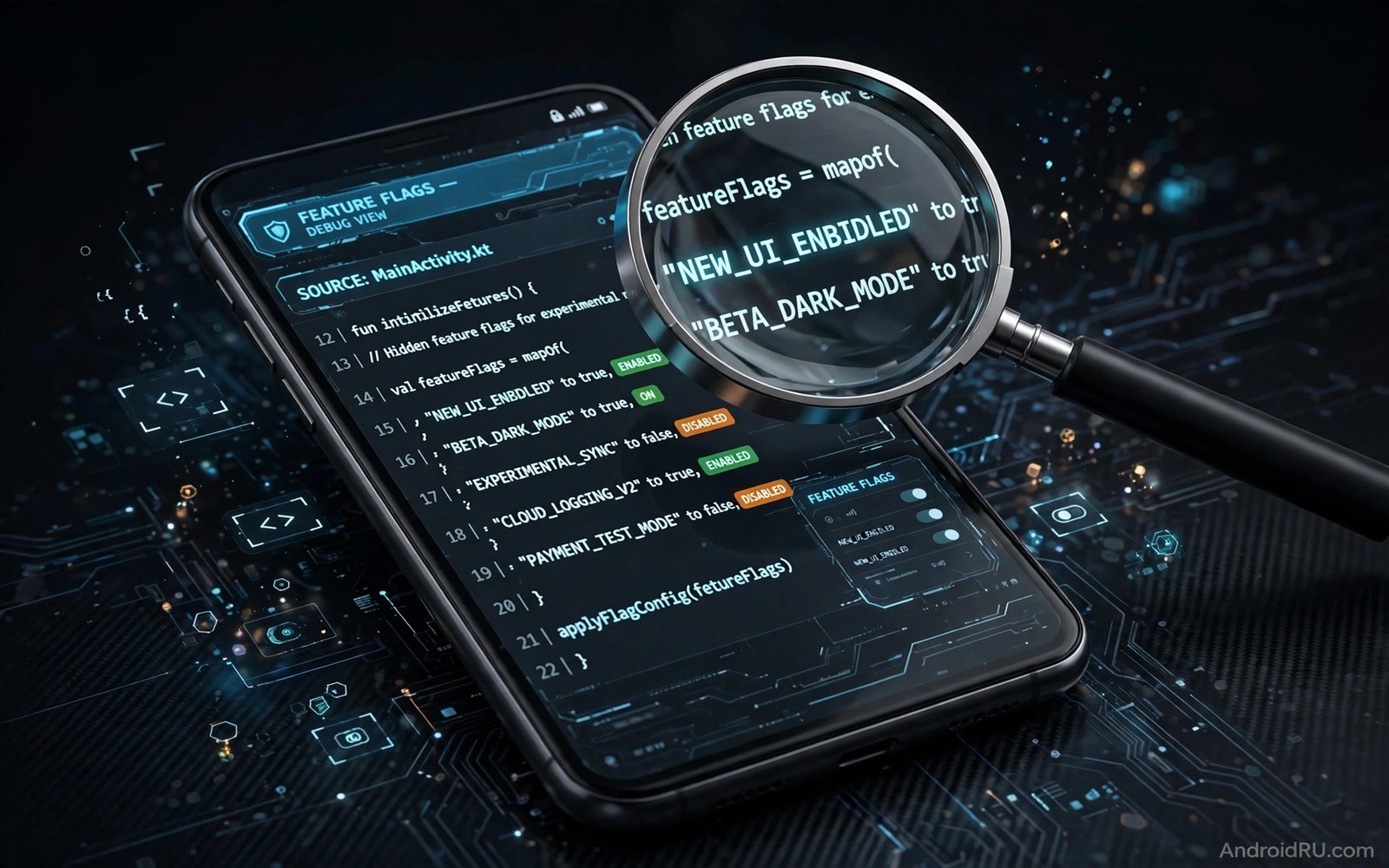
Beta builds often contain clues about future features. Developers leave strings and flags and layout names inside test software. Enthusiasts dig through these files and share their findings online. Some findings become real features within months. Others never leave the test stage.
Code references are not promises. A string can exist for a test or a prototype or a cancelled idea. A flag can be disabled in the final release. A layout can be a placeholder that never reaches users. Reading leaks wisely means separating a clue from a guarantee.
This guide looks at five types of hidden references that appear often in beta builds. It explains what each type usually means. It also explains the limits of each type. The goal is to help you enjoy leaks without planning a purchase around a rumour.
1. Feature Flags for Unreleased Settings
A feature flag is a switch inside software that turns a feature on or off. Beta builds often contain flags for settings that are not visible in menus. A flag name may describe a new toggle for display or privacy or audio. The presence of a flag shows that engineers tested the idea in code.
A flag does not prove a release date. Engineers may test many variants of a feature and keep only one. A flag may also stay disabled for years while the design changes. Look for related strings and layouts before you treat a flag as a coming feature. A single flag alone is a weak signal.
2. Strings That Describe New Menus
Strings are text labels that software shows to users. Beta builds may contain strings for menus that do not yet appear. A string might describe a new battery mode or a new sharing option. These strings are useful because they reveal the intended wording and purpose of a feature.
Strings can also be outdated. A team may write labels early and then change the feature completely. A string may refer to a test screen used only by engineers. Treat a string as evidence of intent rather than evidence of a finished product. Multiple strings that form a coherent menu are stronger evidence than one isolated label.
3. References to New Hardware Support
Beta builds may mention sensor types or display modes or charging speeds that current phones do not support. These references can hint at future hardware. A new camera mode may need a new sensor. A new display feature may need a new panel type. Software often arrives before hardware to let developers prepare.
Hardware hints need extra care. A reference may support an external accessory rather than a phone. It may support a tablet or a foldable or a wearable. It may also be a generic capability that many devices share. Check whether the reference appears with device specific code or with general framework code. General code is weaker evidence for a specific phone.
4. Hidden APIs for Developers
Application programming interfaces let apps talk to system features. Beta builds may contain new APIs before they are documented. A new API for health data or media capture or device controls can hint at a larger platform shift. Developers watch these APIs because they shape future apps.
An undocumented API may change before release. Its parameters may change or it may be restricted to system apps. An app that relies on an early API can break in the final version. For users the practical point is simple. A new API suggests a direction. It does not guarantee that your favourite app will gain a feature soon. The same caution applies to whether physical SIM cards will disappear completely where code hints and market reality move at different speeds.
5. Layouts and Icons for Prototype Screens
Layouts define how a screen looks. Icons define small images for actions and settings. Beta builds may contain layouts for screens that are not reachable. A new settings page layout can reveal the structure of a coming feature. An icon set can reveal a new mode or a new device type.
Layouts are often the most visual leak. They are also easy to misread. A layout may be a mock used for a design review. It may contain placeholder text that will change. It may belong to a test app rather than the main system. Look for matching strings and flags. A layout with matching text and a working flag is far more convincing than a layout alone.
How to Judge a Leak in Five Minutes
Start by asking what type of evidence exists. A flag plus a string plus a layout is a strong combination. A single word in a file is a weak clue. Next ask whether the feature fits the platform direction. A privacy control fits a long term trend. A random novelty feature fits less well.
Then ask who found the leak and how it was verified. A finding that can be reproduced in a beta build is stronger than a screenshot alone. A finding that appears in several builds over time is stronger than a one off appearance. Finally ask what would change if the feature never arrived. If your buying decision depends on it then wait for an official announcement.
Evidence check 1: Flag present
Evidence check 2: Matching string present
Evidence check 3: Layout or icon present
Evidence check 4: Appears in more than one build
Verdict: Strong only when checks 1 to 3 all pass
The checklist above is an original example written for this guide. It is not copied from a vendor document and it does not require a special app or a paid tool. Use it before you share a leak as a fact.
Common mistakes
One mistake is to treat a code name as a product name. Code names are internal labels. They often change before release. A code name can also refer to a test device rather than a consumer phone. Wait for official naming before you repeat a code name as a product.
Another mistake is to assume that a hidden feature can be unlocked safely. Some flags can be enabled with developer tools. Enabling a test feature can cause crashes or data loss. It can also break updates. Unless you use a test device and accept the risk then leave hidden flags alone.
A third mistake is to ignore the date of a leak. A reference from an old beta may no longer exist in a new beta. Features are added and removed during development. Always check the build date and compare it with the latest beta before you draw a conclusion.
A final mistake is to share a leak without its limits. A headline that says a feature is coming is stronger than the evidence often allows. A careful summary that says a reference was found and what it might mean is more honest. It also ages better when the feature changes.
Frequently Asked Questions
Are beta code references reliable?
They are clues rather than proof. Strong clues combine a flag and a string and a layout across several builds. Weak clues are single words or old references. Reliability rises with the amount of matching evidence.
Can I enable hidden features on my own phone?
Some flags are accessible through developer options or test tools. Enabling them can cause instability. Use a secondary device for experiments. Keep backups before you change system flags.
Why do companies leave clues in beta builds?
Beta builds need real code to test. Removing every trace of a future feature would make testing harder. Companies accept that enthusiasts will find some clues. They keep truly sensitive plans outside public beta builds.
From Code Reference to Official Announcement
A code reference usually appears long before an official announcement. Engineers test an idea in internal builds first. The idea may then appear in a public beta with a flag. If testing goes well then a company may mention it at an event. If testing reveals problems then the idea may return to internal builds or disappear.
Between beta and announcement the feature often changes shape. A menu may move. A name may change. A scope may shrink to a smaller set of devices. Users who followed the early leak may feel disappointed when the final feature looks different. That disappointment comes from treating an early clue as a final product.
The safest way to follow a leak is to track it across builds. Note the first build where it appears. Note whether it gains strings and layouts over time. Note whether it survives several beta cycles. A reference that grows over time is more likely to reach users than a reference that appears once and vanishes.
Beta Leaks and Purchase Timing
Leaks can tempt users to delay a purchase while they wait for a rumoured feature. That delay is only wise when the rumour is strong and the feature matters to you. A strong rumour combines a flag and strings and a layout across several builds. A weak rumour is a single word in one build. Delaying a purchase for a weak rumour wastes months of use for a feature that may never arrive.
Purchase timing should also consider your current phone. If your current phone is broken or insecure then waiting is costly. A new phone with current software and long support is a good buy even if a future feature sounds exciting. You can enjoy the new phone now and benefit from future software updates later. A phone is a tool for today as well as a bet on tomorrow.
If your current phone works well then waiting is cheaper. You can follow a strong leak through several beta cycles and see whether it survives to a stable release. You can also wait for a price drop on the current model. Patience pays when your current device still meets your needs. It does not pay when your current device is already failing.
Where to Find Reliable Beta News
Official beta notes are the most reliable source for beta changes. They list known issues and new features for a specific build. Read the notes before you install a beta. Note any issue that affects an app you use daily.
Community forums can add context to official notes. Users share experiences with specific devices and builds. A forum report that includes a build number and steps is more useful than a general complaint. Look for reports that match your exact model.
Video reviews of beta builds can show a new interface in action. A video that shows a feature working is stronger evidence than a screenshot alone. A video that shows a bug is also useful. Judge videos by the build they show rather than by the presenter enthusiasm.
Cross checking across sources prevents false conclusions. A finding that appears in official notes and in forum reports and in a video is strong. A finding that appears in only one vague post is weak. Wait for a second source before you treat a leak as real.
Finally note the date of every source you read. Beta information ages quickly. A report from an old build may no longer apply to the current build. A recent report with a current build number is worth far more than an old report with a bold headline.
Conclusion
Hidden code references are a fun window into Android development. Feature flags and strings and layouts and APIs each tell part of a story. None of them alone proves a future release. Together they can show a direction that is worth watching.
Your concrete next step is to apply the five minute checklist to the next leak you read. Note the evidence type and the build date and whether the finding repeats across builds. If the evidence is weak then enjoy it as a rumour and do not base a purchase on it. For more context on platform direction read about Android leaks that show software changes ahead and features users want in the next major version and compare rumours with real user needs.

