

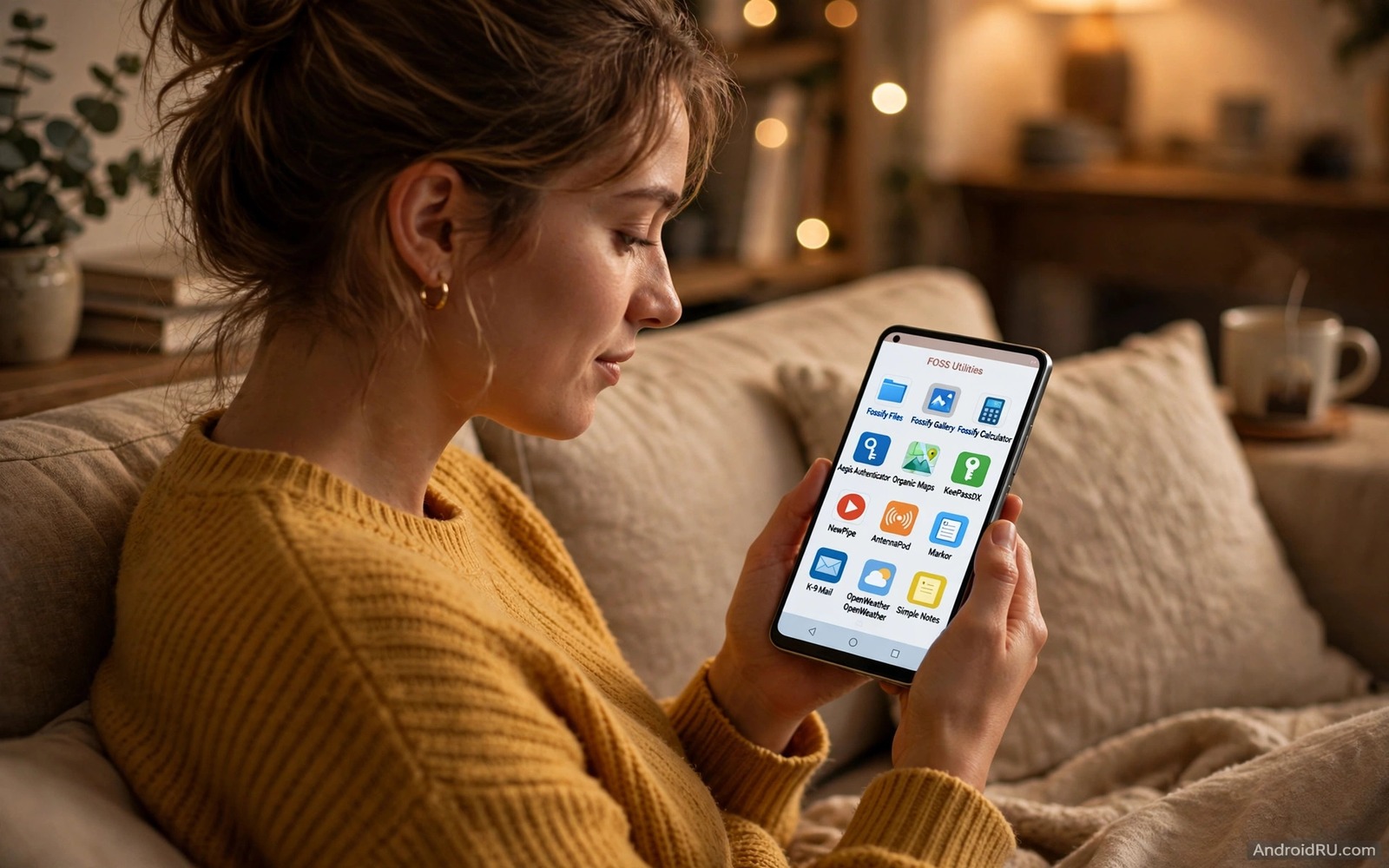
F-Droid is a hub for free and open source Android apps. Every app there has public code that anyone can inspect. That openness changes the trust equation. You do not need to trust a marketing page. You can trust the code and the community that reviews it. Many utilities on F-Droid never appear on the main store because they are free and they contain no ads and they offer no in app purchases. Those utilities can be surprisingly powerful.
This guide covers seven utility types that shine on F-Droid. It does not list seven specific apps that may change next year. It gives you lasting types and the criteria to judge each one. A utility that is open and maintained and focused on one job is worth trying. A utility that is abandoned or vague about its purpose is not. That distinction matters more than a flashy feature list. For a full hub introduction read the F-Droid guide before you install your first utility.
Why Open Code Matters For Utilities
A utility app touches sensitive parts of your phone. A file manager touches your files. A backup tool touches your data. A network tool touches your connections. Closed code for those jobs requires blind trust. Open code lets the community verify what the tool actually does. A suspicious behaviour can be spotted in code review before it reaches many users. That transparency is a major advantage for system tools.
Open code also means that a tool can survive its original developer. If a developer stops updating a tool then another developer can fork it and continue. That continuity protects your workflow. A closed tool that loses its developer simply dies. An open tool with a community can live for years beyond its first author. That longevity matters for utilities you rely on daily.
Seven Utility Types That Shine On F-Droid
The first type is the offline file manager with no ads and no account. The second type is the local backup tool that stores data on your device. The third type is the privacy friendly barcode and QR scanner that works offline. The fourth type is the open authenticator for two factor codes. The fifth type is the simple notes app with local storage and export. The sixth type is the network monitor that shows connections without a cloud account. The seventh type is the automation helper that runs tasks on your device only.
Each type solves a daily problem without a subscription and without tracking. A file manager that works offline saves time. A local backup tool saves you from cloud lock in. An offline scanner protects the codes you scan. An open authenticator keeps your login codes on your device. A local notes app keeps your thoughts private. A network monitor reveals what your phone talks to. An automation helper saves taps without a server. Those benefits add up to a calmer phone.
- Offline file managers with no ads and no account.
- Local backup tools that store data on your device.
- Privacy friendly scanners that work fully offline.
- Open authenticators for two factor login codes.
- Simple notes apps with local storage and export.
- Network monitors that show connections without a cloud account.
- Automation helpers that run tasks on your device only.
Test one utility type at a time and judge it by its main job. A file manager should browse fast and handle large folders. A backup tool should restore cleanly. A scanner should read codes quickly in poor light. A notes app should open fast and export easily. Those practical tests beat any feature list.
How F-Droid Updates Differ From Store Updates
F-Droid builds apps from source code and signs them with its own key in many cases. That build process adds a verification step that commercial stores lack. It also means that updates can arrive slower than on the main store. A new version must be built and verified before it appears. That delay is a tradeoff for transparency. Users who value transparency accept a slower update in exchange for a verified build.
Some F-Droid apps also offer a direct update channel from the developer. That channel can be faster but it changes the signature. Mixing channels for the same app can cause update conflicts. Pick one channel per app and stick with it. That discipline keeps updates predictable. It also helps you trace a problem to a specific build.
Set Up F-Droid Safely On Your Phone
Install the F-Droid client from its official site or from a trusted source. Do not use a copy from a random file site. After install browse by category and read each app description and its permissions. Check the last update date and the project link. A recently updated app with a public code page is a good sign. An app with no update for years needs a second look before you rely on it.
Enable automatic updates only for apps you trust and use regularly. For new apps update manually and read the changelog first. A manual update habit for new tools prevents a surprise permission change. After a few weeks of stable use you can enable automatic updates for that app. That gradual trust model balances convenience and control.
Check An F-Droid Install With Simple Commands
The commands below list installed packages and show details for one app. They help you confirm which version installed after a test. They do not verify open code by themselves. They are checks for your own device.
adb shell pm list packages -f
adb shell dumpsys package com.example.app
adb shell pm path com.example.app
adb shell cmd package list packages
The commands above are original examples written for this guide. They show safe checks you can run on your own device. They do not come from any outside publication.
When F-Droid Is Not The Right Choice
F-Droid is not the right choice for every app type. A banking app or a licensed media app will not be there. A game with server side content will not be there either. Those apps need commercial infrastructure that an open hub does not provide. Use the main store or the official developer channel for those categories. F-Droid shines for utilities and tools and not for every commercial service.
F-Droid apps can also look less polished than commercial apps. An open developer may focus on function over design. If a beautiful interface matters more than openness then a commercial app may suit you better. Judge by your priorities. Openness and polish are both valid values. Pick the one that matters more for each specific job.
Finally remember that open does not mean maintained forever. Check update dates regularly for the utilities you rely on. An abandoned open app can still work but it will not get security fixes. Set a review date for each F-Droid utility you keep. That review keeps your open toolkit fresh and safe over time.
Contribute To The Open Tools You Use
Open tools thrive when users contribute in small ways. A bug report with clear steps helps a developer fix a problem. A translation helps users in another language. A donation helps a developer pay for hosting. None of those contributions require coding skill. Each one strengthens the tool you rely on. Start with one contribution for your favourite utility.
Contributing also teaches you how open software works. You will see issue trackers and code reviews and release notes. That view demystifies software development. It also helps you judge a project health for future tools. A project with active contributions is alive. A project with no contributions for years may be frozen. Your own contribution is a vote for the tools you want to survive.
Be respectful in contributions and follow the project guidelines. A polite report with logs beats a frustrated complaint without details. Developers are volunteers in many open projects. Respectful users get faster help and better responses. That community etiquette is part of the open software culture. It makes the hub a pleasant place for everyone.
One final habit is to keep a short list of your favourite F-Droid utilities with their project links. That list helps you reinstall quickly after a phone reset. It also helps you share recommendations with friends. A list built from your own tests is more trustworthy than a generic top ten page. Update the list when you discover a better utility or when an old one stops updating. That living list is your personal open toolkit.
Common Mistakes
The most common mistake is installing many F-Droid utilities at once without testing them. A bulk install makes it hard to know which tool caused a problem. Install one utility and test it for a week. Another mistake is mixing update channels for the same app. That habit creates signature conflicts. Pick one channel and stick with it.
- Installing many F-Droid utilities at once without testing.
- Mixing update channels for the same app.
- Trusting an abandoned app because it is open source.
- Expecting commercial apps and games to live on F-Droid.
- Enabling automatic updates for a brand new untested utility.
People also forget to check the project page for a new utility. A project page shows update history and issue reports. Those details reveal whether the tool is actively maintained. A tool with recent issues and recent fixes is alive. A tool with no activity for years is frozen even if its code is open.
Frequently Asked Questions
Is every app on F-Droid free?
Yes in the sense that F-Droid apps are free and open source software. Some developers accept donations through their own channels. The app itself on F-Droid does not require a purchase to use its core features.
Can F-Droid apps update automatically?
Yes for apps you trust. Enable automatic updates per app after a stable test period. For new apps update manually and read the changelog first.
Will F-Droid apps work without Google services?
Most will because they are built to work without closed services. That independence is a major reason many users choose F-Droid. Test your specific apps to be sure.
Conclusion
F-Droid utilities offer openness and focus and freedom from ads. They reward users who test one tool at a time and check update history. They are not a replacement for every commercial app. They are a strong toolkit for daily utilities that deserve trust. Your concrete next step is to install the F-Droid client today and pick one utility type from this guide to test for a week. For a safe install base read how to sideload apps safely and for other open tools explore open source app replacements for everyday jobs.

