

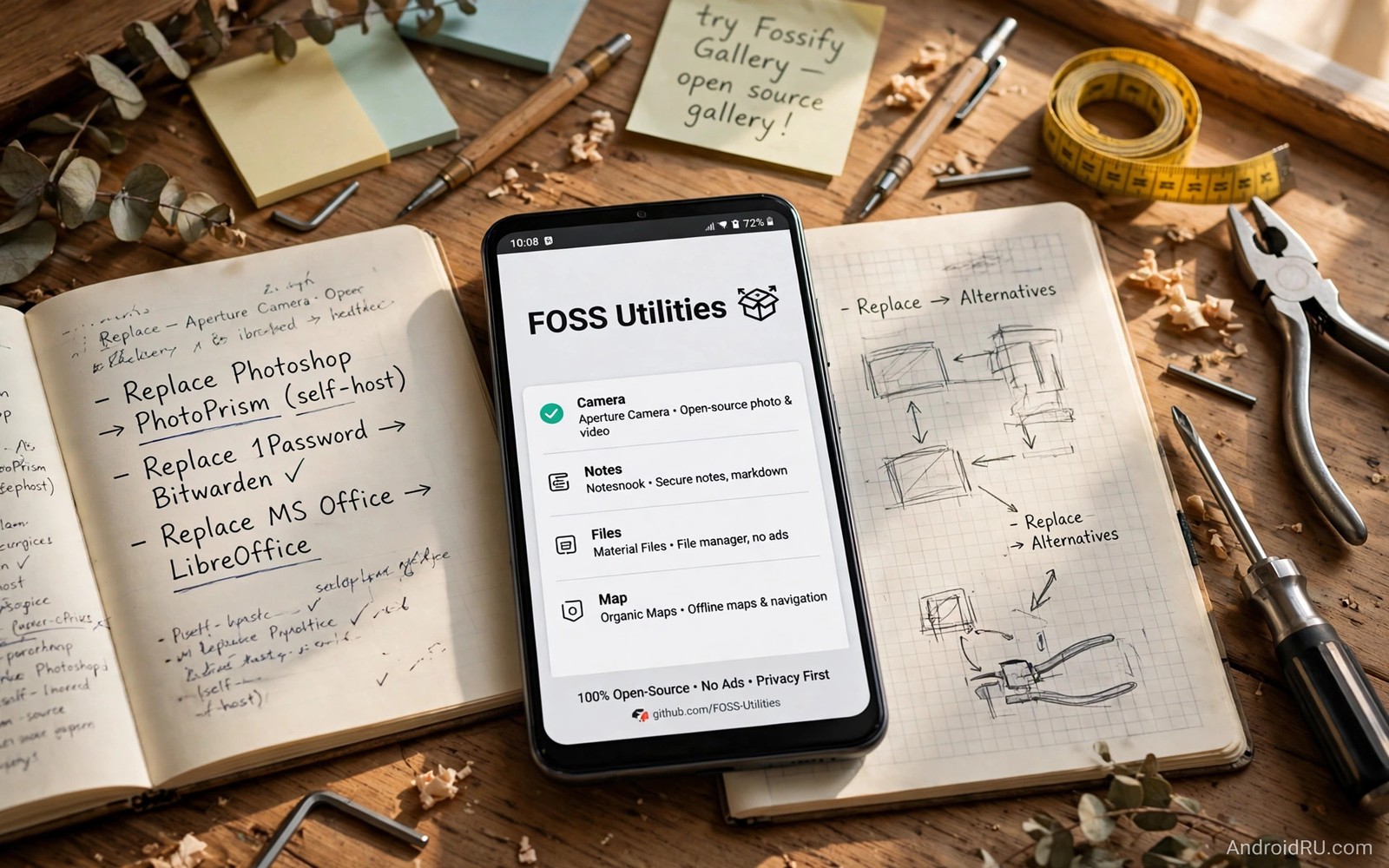
Premium utilities often charge monthly for tools that open source projects offer for free. File managers and media converters and system monitors and backup tools all exist as open source software. The free versions may look simpler than premium products. In daily use they often match premium tools for core tasks while avoiding ads and tracking.
The key is to match the tool to the task rather than to the brand. A premium utility bundle may include ten tools when you use only two. Replacing those two with focused open source apps saves money without losing function. The remaining eight tools were never part of your workflow. Their absence costs nothing.
This guide presents five open source replacements for common premium utilities. Each replacement is judged on core function and maintenance and privacy. None of them requires an account for basic use. Together they form a toolkit that covers files and media and system care. You can find them through the F-Droid guide for free open source apps and through other trusted alternative sources.
A file manager that respects your files
A good open source file manager handles browsing and copying and renaming and sharing without ads. It shows hidden files when you ask for it and it supports common archive formats. It does not upload your file list to a server. It does not inject sponsored folders into your storage view. Those qualities matter because a file manager sees everything on your phone.
Check whether the file manager supports network shares and cloud folders through standard protocols. Some open source managers connect to local network storage directly. That feature replaces a premium cloud file tool for home users. Test the connection with your own network storage before you rely on it for daily transfers.
Storage analysis is another useful feature. A file manager that shows folder sizes helps you find large files quickly. That single view often replaces a separate premium cleaner app. Cleaners that promise speed gains often delete caches that rebuild at once. A manual size view gives you real control without fake optimisation claims.
A media tool without subscription locks
Premium media tools often lock export quality or batch processing behind a subscription. Open source media players and converters usually offer full export without locks. They support common formats and they let you choose quality settings directly. That openness suits users who process media regularly.
Test conversion with a real file from your camera. Convert a short video to a smaller size and check quality on a large screen. Convert an audio file to a common format and play it in another app. Real tests reveal codec gaps that feature lists hide. A converter that passes real tests is ready to replace a paid tool.
Subtitle and metadata handling also matter for media libraries. An open source player that reads embedded subtitles and tags correctly saves manual work. Check those features with your own library rather than with sample files. Your library contains the edge cases that matter to you.
A notes and task tool that stays portable
Premium notes apps often store data in a proprietary format that is hard to export. Open source notes apps frequently use plain text or standard markdown files. That portability means your notes survive even when the app stops being maintained. You can open the files in any text editor years later. Portability is a long term benefit that premium lock in cannot offer.
Sync for plain text notes can work through a folder you already control. You can sync the notes folder with your own storage solution. That setup avoids a second subscription for sync alone. It also keeps your notes under your control rather than on a vendor server with unclear retention rules.
Task management follows the same pattern. A simple open source task app with due dates and categories covers most personal planning. Premium task apps add team features and integrations that solo users rarely need. Do not pay for team features when you manage tasks alone. A focused tool with fewer features often feels faster in daily use.
A system monitor that tells the truth
Premium system tools often promise speed boosts through aggressive cache cleaning. Those promises rarely survive scrutiny. Caches exist to speed up apps and deleting them constantly can slow the phone. An honest open source monitor shows battery use and data use and storage use without promising magic gains. Truthful data helps you make real decisions.
Use the monitor to find apps that consume background data or battery unexpectedly. That information lets you restrict a single app rather than running a cleaner every day. Targeted restriction is more effective than broad cleaning. It also preserves useful caches for apps you use often.
Check the monitor update frequency and its own battery cost. A monitor that drains battery to report battery use defeats its purpose. Choose a lightweight monitor that samples periodically rather than running constantly. Lightweight tools give you enough data without becoming part of the problem.
adb shell pm list packages | grep -E "manager|player|notes"
adb shell dumpsys package notes.app | grep version
adb shell cmd appops get notes.app RUN_IN_BACKGROUND
The code block above uses the standard Android Debug Bridge command pattern to list open source utility packages and check background behaviour. It is included so you can list installed utility packages and check background behaviour before you replace a premium tool.
A backup tool you control
Premium backup tools often tie backups to a vendor cloud account. Open source backup tools let you store backups locally or on storage you control. That control matters when you change phones or when a vendor changes pricing. A backup you control remains accessible regardless of vendor decisions.
Test restore before you trust any backup tool. Create a backup and restore it to a test setup or a second profile. Confirm that notes and files and settings return correctly. A backup that has never been restored is only a hope. A tested restore is a proven safety net.
Schedule backups regularly rather than relying on memory. Weekly backups for important tools and monthly backups for the whole setup strike a good balance. Automatic scheduling inside the backup tool helps when it works reliably. Manual monthly checks confirm that automatic jobs actually ran.
Judge maintenance before you switch
Open source quality varies by project activity. Check the last update date and the issue response pattern before you adopt a tool. An app updated in the last year with responsive maintainers is a safe choice. An app untouched for years may still work but it may miss modern Android protections. Prefer active projects for tools that handle personal data.
Community size also matters. A project with many users and contributors survives a single maintainer stepping away. A project with one maintainer and few users can stall suddenly. That risk is acceptable for a simple tool with standard file formats. It is less acceptable for a complex tool with proprietary data.
Keep a fallback option in mind for each replacement. Know which second tool you would use if the first stops being maintained. That fallback plan prevents panic migration later. A short list of alternatives in your notes is enough preparation.
Build the toolkit one tool at a time
Replacing a whole premium bundle at once creates too many changes to judge fairly. Replace one tool and use it for a week before replacing the next. That pace lets you learn each interface properly and it isolates problems when a replacement disappoints. A week of real use reveals export quirks and sync gaps that a quick test hides. Patience here produces a toolkit you actually keep rather than a set of apps you abandon after a month.
Start with the tool you use least critically. A file manager replacement is a good first step because files remain accessible even when the tool changes. A notes replacement comes later because notes carry personal content that needs careful export. Order replacements by risk as well as by cost. Low risk replacements build confidence for higher risk ones later in the process.
Common mistakes
The most common mistake is replacing a premium tool without testing export formats. A free tool that cannot export your data cleanly creates a new lock in. Test export before you commit to any replacement. Portability should be a requirement rather than a bonus.
Another mistake is installing many overlapping free tools at once. Overlap creates confusion and duplicate notifications. Pick one tool per job and learn it well. A small toolkit beats a large collection of half used apps.
A third mistake is assuming open source means automatically private. An open source app can still use network services that log data. Check permissions and network behaviour for each tool. Transparency helps auditing but it does not replace your own checks.
Frequently asked questions
Are open source utilities harder to use?
Some open source tools have simpler interfaces than premium products. Others require more setup for sync or advanced features. The learning curve depends on the specific tool rather than on open source status. Test the interface with a real task before you judge it.
Can open source apps replace professional tools fully?
For everyday tasks they often can. Professional workflows with specialised formats or team features may still need premium tools. Use open source tools for personal work and keep premium tools only for professional gaps.
How do open source developers earn money?
Many rely on donations and sponsorships and paid support for businesses. Others build open source tools as community projects without direct income. Donating to tools you use daily helps keep them maintained.
Support the tools you keep
When an open source tool becomes part of your daily routine consider supporting its developer. A small donation helps cover hosting and testing costs. A clear bug report helps fix problems for all users. A translation helps the tool reach users in other languages. Support does not need to be money alone. Time and feedback and advocacy all keep good projects alive. Choose one form of support for each tool you keep long term.
Conclusion
Five focused open source utilities can replace a surprising share of premium subscriptions without losing daily function. The savings come from matching tools to real tasks and testing with real files. Your concrete next step is to pick one premium utility you pay for today and test its open source replacement for one week. If the replacement passes real tasks then cancel that subscription and move to the next tool. Useful next steps include stopping subscription waste and the best Play Store alternatives and stores without Google services.

