

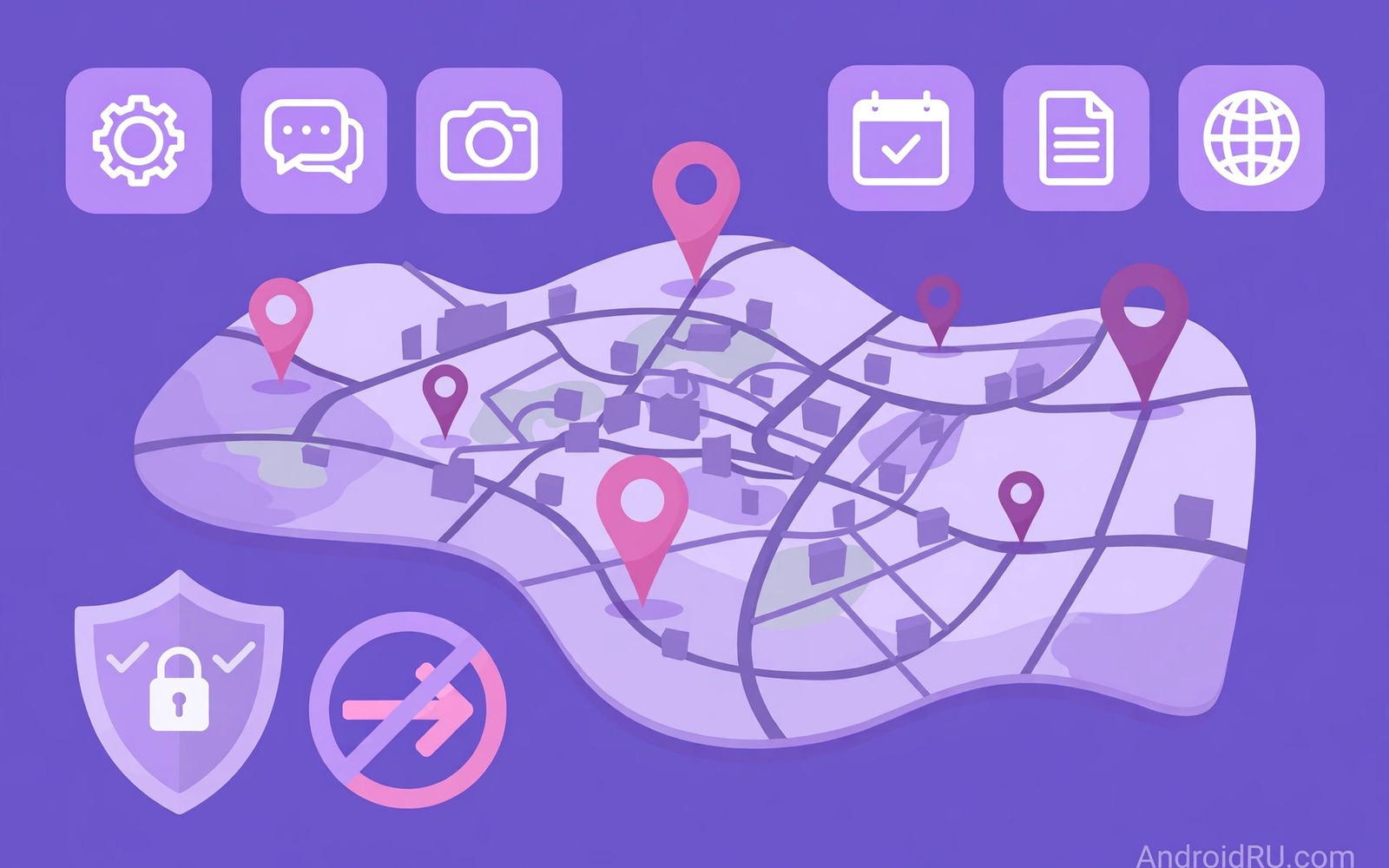
Location data is one of the most valuable details that apps collect. A single location point tells little on its own. A history of points tells where you live and where you work and where you spend weekends. That history can be sold or shared in ways that you never approved. Understanding which apps trade in that data is the first step to stopping it.
Many free apps earn money by selling aggregated location insights to data brokers. Those brokers combine data from many apps to build detailed profiles. A profile may not carry your name at first but it can often be linked back to you through home and work patterns. Once a pattern identifies you the anonymity of aggregation disappears.
This guide explains how location selling works and how to find the apps that do it on your phone. It shows permission settings and account settings that cut off the flow. It also shows how to request deletion of data that apps already collected.
Understand how location gets sold
An app requests location permission for a visible feature such as maps or weather or ride booking. Behind that feature the app may also send location samples to an analytics or advertising partner. Those samples flow through software kits that the app developer added for revenue. The user sees only the map feature while the data flow runs silently in the background.
Data brokers buy location samples from many apps and merge them into movement profiles. A broker can infer your home from overnight locations and your workplace from weekday locations. It can also infer visits to clinics and places of worship and political events. Those inferences are sensitive even when the raw points look harmless.
Some apps disclose this sharing in long privacy policies that few people read. Others rely on vague wording about improving services and working with partners. Vague wording should be treated as a warning rather than as reassurance. If an app cannot explain its location partners clearly then it does not deserve precise location access.
Find apps with precise location access
Open Settings and go to Privacy and then Permission manager and then Location. That screen separates apps with precise location from apps with approximate location. Precise location can pinpoint a single building. Approximate location covers a broad area of several kilometres. Most apps work fine with approximate location when they only need a city level weather forecast.
Change every non essential app from precise to approximate or to deny. A shopping app does not need precise location to show nearby stores at city level. A news app does not need location at all. A ride app needs precise location only while you book a ride so set it to allow only while using the app.
Pay special attention to apps that request location all the time rather than only while in use. All the time access allows background collection even when the app is closed. That mode is the most valuable to data brokers and the most dangerous to your privacy. Deny all the time access for every app except a trusted navigation or safety app that you deliberately chose.
Check app settings beyond permissions
System permission is only one layer. Many apps also hold a location history setting inside their own account page. Open the privacy settings of each major app and look for location history and location sharing and personalised ads. Turn those options off even when the system permission already looks tight. An app can still use past location data that it stored before you changed the permission.
Look for an option to delete location history or to auto delete it after a short period. Set auto delete to the shortest period that the app offers. That setting limits how much history a future breach or sale can expose. It also reduces the value of your profile to brokers who prefer long histories.
Review ad personalisation settings on your Google account as well and read the dangerous permissions you should revoke from unused apps to catch other permissions that feed the same data brokers. Turning off ad personalisation does not stop all location collection but it reduces how location feeds into ad profiles. Combine that setting with tight app permissions for a stronger result. No single toggle solves the problem but several toggles together shrink the flow significantly.
Request deletion of collected data
Use the data download and deletion tools that major services provide. A download shows what location history a service actually holds for you. That evidence often surprises people who assumed that a denied permission had already erased past data. Past data remains until you delete it explicitly in most systems.
Submit a deletion request for location history in each service that holds it. Keep a note of the date and the confirmation message. Deletion may take days to propagate through backups and partner systems. Follow up if the history reappears after the stated deletion period.
For smaller apps without a clear deletion tool contact support and ask for location data removal in plain language. State your account identifier and the data type clearly. If the app offers no response then consider deleting your account on that service. Account deletion is a strong step but it is sometimes the only way to force data removal from a reluctant provider.
adb shell dumpsys location
# Review location providers on your own device
# Note any provider you do not recognise
# Then check its permission in Settings and revoke it if needed
The commands above are an original example written for this guide to help you inspect location services on your own phone. They display location related system information so that you can spot an unfamiliar provider before you review permissions. Use them only on a device that you own and do not share the output publicly because it may contain sensitive details.
Children location data deserves stricter handling because a child cannot consent to long term movement profiling in the same way an adult can. Review location permissions on any device a child uses and deny precise access for games and entertainment apps. Explain the reason in simple terms so that the child understands why a game does not need to know where they live. That conversation builds a privacy habit early.
Common mistakes
One common mistake is denying location to an app but leaving location history switched on in its account settings. Another mistake is granting precise location for a one time task and forgetting to downgrade it afterwards. A third mistake is assuming that a VPN hides location from apps. A VPN hides your network address but it does not stop an app with location permission from reading GPS data directly.
People also confuse approximate location with no location. Approximate location still reveals your city and your general area which can be enough to infer patterns over time. Treat approximate access as a compromise rather than as full privacy. Deny location entirely for apps that do not need even city level data.
Another error is focusing only on social apps while ignoring weather and shopping and utility apps that collect location quietly. Those quiet collectors often sell data more aggressively because their business model depends on it. A full permission review catches them where a social only review misses them. That review pairs well with checking whether someone is secretly tracking your GPS location for a complete picture.
FAQ
Can I tell if an app already sold my location?
You usually cannot see individual sales because brokers do not notify users about each transaction. You can infer risk from the permissions an app held and from its privacy policy wording. An app with all the time precise location and vague partner language almost certainly shared data broadly. Deleting history and tightening permissions limits future sales even when past sales cannot be undone.
Data download tools sometimes reveal partner sharing in general terms. Look for sections about third parties and advertising partners in those downloads. Those sections give clues about the scale of sharing even when they hide exact buyers. Use that information to decide whether to keep the app at all.
Does turning off location stop all tracking?
Turning off GPS location stops the most precise tracking but apps can still infer location from other signals. Wi-Fi network names and IP addresses and Bluetooth beacons can all suggest a location. A comprehensive approach therefore includes Wi-Fi permission reviews and network controls alongside GPS settings. No single switch gives total privacy.
For most users a combination of denied GPS access and approximate location for essential apps provides a strong balance. Add a habit of turning off Wi-Fi scanning when you do not need it. That extra step reduces the alternative signals that apps use to guess where you are.
Should I delete apps that sell location data?
Delete an app when its core business depends on location selling and you can find an alternative that respects privacy. Keep an app only when its value clearly outweighs its data practices and when you have tightened its permissions to the minimum. A weather app with approximate location may be worth keeping. A flashlight app with precise location never is.
Before deleting check whether a web version offers the same service with fewer permissions. A browser version often needs no location access at all. That switch preserves the service while removing the data flow entirely and it supports securing sensors by limiting app permissions as a wider habit.
Conclusion
Location selling thrives on permissions that users grant without thinking and on histories that users never delete. Precise all the time access is the most dangerous combination and it deserves the most scrutiny. Tight permissions and deleted histories and careful app choices together cut off the flow to brokers. You may not recover data already sold but you can stop the next sale today.
Your concrete next step is to open Location permission manager tonight and downgrade every non essential app to approximate or deny. Then open the location history settings of your largest apps and delete past history. That review will shrink your exposed movement profile within an hour.

