

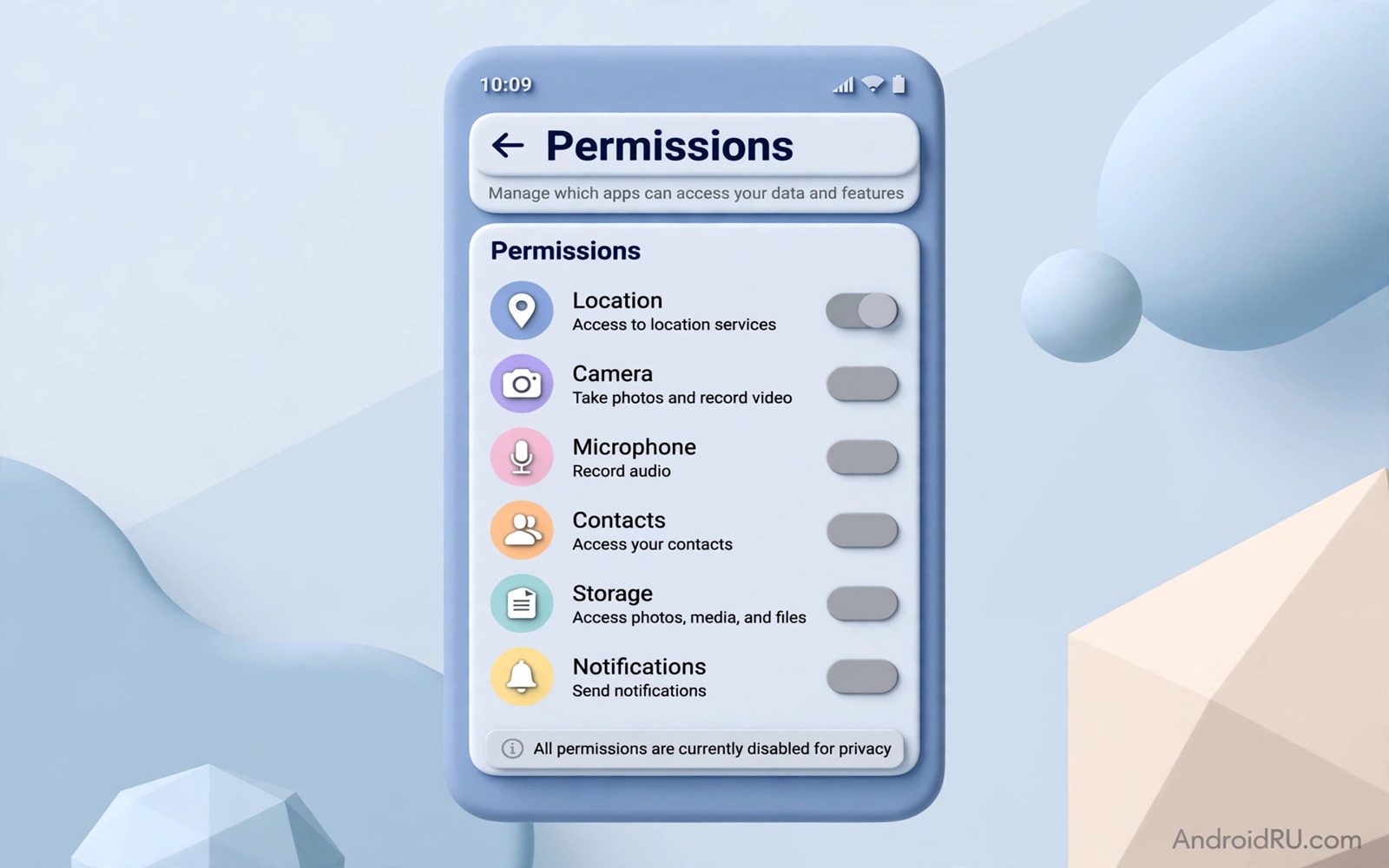
Unused apps are easy to forget yet they keep the permissions that you granted long ago. An app that you opened once last year may still read location or contacts or messages in the background. That stale access grows with every app that you install and abandon. A permission review for unused apps closes those gaps in one pass.
This guide covers seven permission types that carry the highest risk when held by an unused app. Location and messages and contacts and call logs and camera and microphone and body sensors each reveal sensitive data. An unused app has no current job that justifies any of them. Revocation costs nothing and it breaks no feature that you use.
Start by listing apps that you have not opened in the past month. Open Settings and then open Apps and sort by last used where available. That list is your review queue. Work through it from the top and revoke risky grants for each app before you move to the next one.
Revoke location and message access
Location access is the highest risk grant for an unused app. An app with always location access can build a daily route history without any visible activity. Open Permission manager and then open Location. Change always access to deny for every unused app. An unused app needs no location at all.
Message access is equally sensitive. An app that reads SMS can capture verification codes and private conversations. Open Permission manager and then open SMS. Deny SMS access for every unused app without exception. A code sent to your phone should reach only the app that you actively use for that service.
Call log access reveals who you called and when and for how long. That pattern reveals social and work relationships over time. Open Permission manager and then open Call logs. Deny call log access for unused apps. A forgotten app has no reason to know your call history.
Revoke contacts and sensor access
Contact access exposes the names and numbers of your friends and family. An unused app with contact access can harvest that network for spam or phishing. Open Permission manager and then open Contacts. Deny contact access for every unused app. A contact list is a social graph that deserves tight control.
Camera and microphone access are the next pair to revoke. An unused app should never hold camera or microphone grants. Open Permission manager and open Camera and then open Microphone. Deny both sensors for every unused app. A sensor grant without a current feature is pure risk with no benefit.
Body sensors and physical activity access complete the seven. A fitness app that you abandoned may still track steps and activity patterns. Open Permission manager and open Body sensors and Physical activity. Deny both for unused apps. Activity data reveals sleep and exercise patterns that a forgotten app has no need to know. For sensor details read how to secure camera and sensor permissions and apply its only while in use rule to apps that you keep.
Use auto revoke and uninstall habits
Android can auto revoke permissions for unused apps on modern versions. Open the app detail page and check the option to remove permissions when the app is unused. Enable that option for every app that you keep but use rarely. Auto revoke acts as a safety net between manual reviews.
Uninstall is stronger than revocation for apps that you will never use again. An uninstalled app holds no permissions and receives no updates that could change its behaviour. Uninstall unused apps that offer no future value. A smaller app list is easier to review and it leaves fewer targets for attackers.
Schedule a permission review every three months. A calendar reminder for a fifteen minute review keeps stale grants from accumulating again. Each review should cover location and messages and contacts and call logs and camera and microphone and body sensors in turn. A regular rhythm beats a single heroic cleanup.
A simple permission checklist
The checklist below covers the seven permissions in a single pass. Work through it for each unused app before you move to the next app. A checklist per app prevents the common error of revoking one permission and forgetting the rest. Record apps that you uninstall so you do not reinstall them later without a review.
1. Deny location access for unused apps
2. Deny SMS and call log access for unused apps
3. Deny contacts access for unused apps
4. Deny camera and microphone access for unused apps
5. Deny body sensor and activity access for unused apps
6. Enable auto revoke or uninstall the app
This checklist follows the standard controls built into Android and it uses only the menus that ship with the system. No extra tool is required to complete the six steps. The order matters because location and messages come first and auto revoke closes the list as a safety net.
Audit permissions for apps you keep for occasional use
Occasional use apps present a special permission challenge because they are not unused enough to uninstall yet they are not used enough to justify broad access. A travel app used twice a year may hold location and contact access all year. A tax app used once a year may hold storage and camera access all year. Those occasional apps should hold only the permissions needed for their next use and nothing more. Revoke risky grants after each occasional use and grant them again only when the next use arrives. That use based cycle keeps occasional apps safe without deleting them.
Set a reminder to review occasional apps after each use. A calendar note on the day after a travel app use can prompt a permission review while the use is still fresh. That prompt prevents a post trip permission drift where a travel app keeps location access for months after the trip ends. A review prompt tied to the use event is more reliable than a quarterly review alone because it catches the drift at its source. That event based review complements the quarterly review rather than replacing it.
Test occasional apps after revocation to confirm that they still work for their core purpose. Open a travel app after revoking location access and confirm that manual destination entry still works. Open a tax app after revoking camera access and confirm that manual document entry still works. A core feature that works without a risky grant proves that the grant was unnecessary. A core feature that fails without a grant reveals a genuine need that you can grant temporarily for the next use and revoke again after that use ends.
Document occasional app permissions in a simple note that lists each app and its justified grants. A note that says a travel app needs location only during trips helps you restore the right grant quickly for the next trip. A note that says a tax app needs camera only during document scanning helps you revoke that grant after scanning ends. That written justification turns a permission list into a reasoned profile rather than a guessed list. A profile with reasons is easier to maintain across years of occasional use.
Simplify permission reviews with a monthly routine
A monthly permission routine is easier to maintain than a quarterly routine because it becomes a habit faster. A routine on the first Sunday of each month takes fifteen minutes and it covers location and messages and contacts and sensors in turn. That monthly rhythm catches stale grants before they accumulate for a full quarter. A grant that appears in a monthly review is only a few weeks old rather than a few months old. That freshness makes the review feel useful rather than overwhelming.
Pair the monthly routine with another monthly task such as a backup check or a storage cleanup. A paired routine is easier to remember because the backup task triggers the permission task. That pairing also saves time because both tasks use the same settings menus. A routine that piggybacks on an existing habit survives busy months better than a standalone routine that relies on memory alone. That survival is the key to long term permission hygiene.
Track monthly results in a simple note that lists apps changed each month. A note that shows three apps changed in January and one app changed in February reveals a trend toward cleaner permissions. A note that shows ten apps changed every month reveals a deeper install habit problem. That trend view helps you decide whether permission reviews alone suffice or whether install habits need a larger change. A tracked routine provides evidence for habit decisions rather than guesswork.
Common mistakes
One mistake is revoking permissions only for apps that look suspicious. A bland unused app can hold the same risky grants as an obviously suspicious app. Review every unused app regardless of its name or icon. A plain icon is not a safety signal.
Another mistake is trusting auto revoke alone. Auto revoke helps yet it may not cover every permission type on every device. A manual review still matters for the highest risk grants. Use auto revoke as a backup rather than a replacement for manual checks.
A third mistake is reinstalling an unused app without a fresh permission review. A reinstall can restore old grants through a backup. Review permissions after every reinstall and deny risky grants before the first open. If you suspect a wider threat read the five signs that show a phone has been hacked and run its checks after the permission review.
Frequently asked questions
Will revoking permissions break an app I later use?
No and the app will ask for the permission again when the feature needs it. Grant the permission at that moment for a current feature. A fresh grant tied to a real need is safer than a stale grant from long ago.
Should I uninstall unused apps instead?
Yes when you know that you will not use the app again. Uninstall removes permissions and storage and update risk together. Keep only apps with a realistic future use and revoke permissions for the rest.
How often should I review permissions?
Review permissions every three months and after major updates. A quarterly review takes fifteen minutes and it prevents stale grants from accumulating. Enable auto revoke between reviews as a safety net.
Conclusion
Unused apps should hold no dangerous permissions. Location and messages and contacts and call logs and camera and microphone and body sensors each reveal sensitive data without a current job to justify them. Revocation and auto revoke and uninstall together close those gaps.
Your concrete next step is to open Permission manager today and deny location and SMS access for every app that you have not used in the past month. Then uninstall apps with no future value. For network protection read how to use private DNS to block ads and trackers systemwide and set it up after the permission cleanup.

