

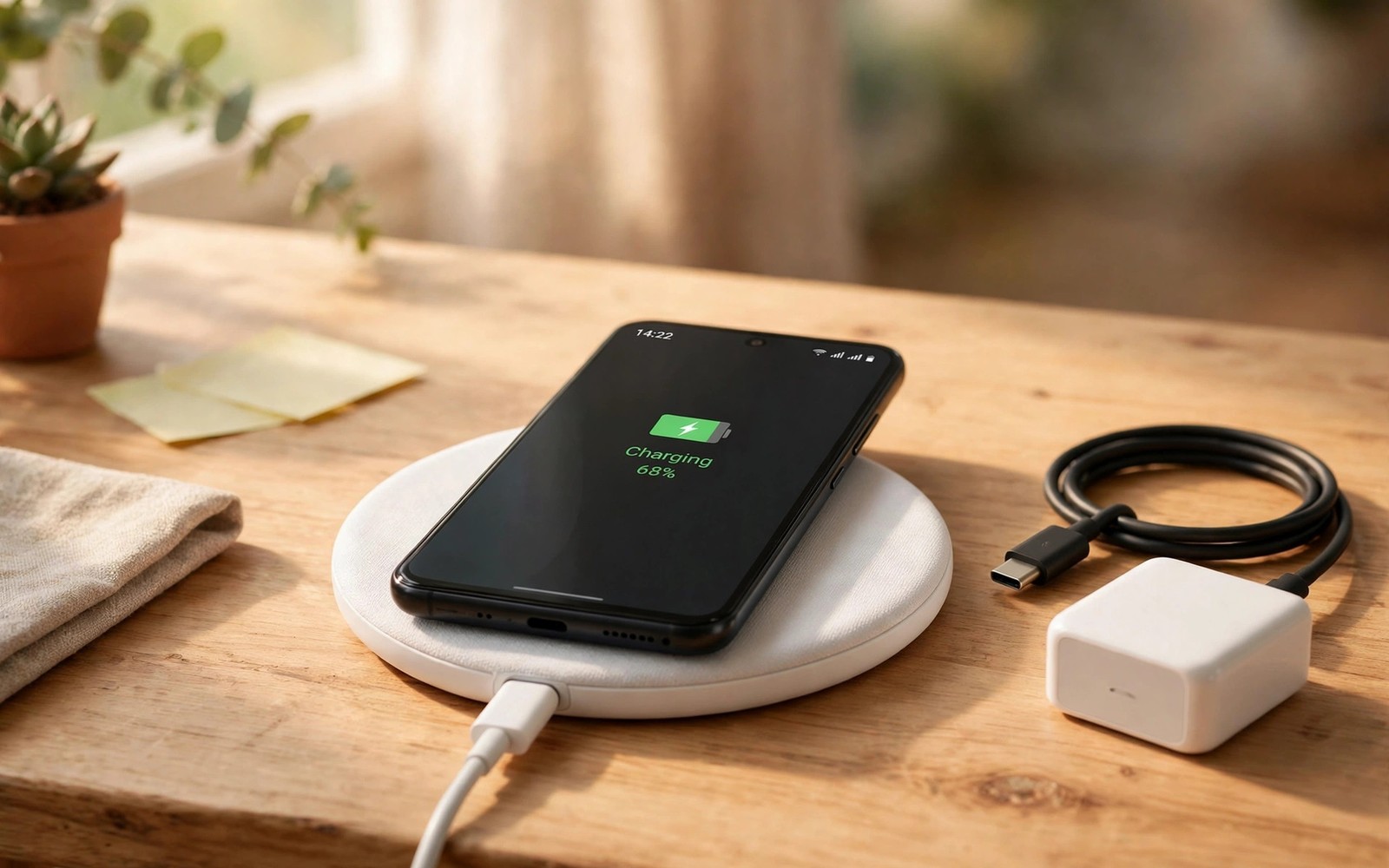
Wireless charging pads look futuristic on a desk. You drop a phone down and it charges without fumbling for a cable. That convenience feels premium in a shop. At home the reality depends entirely on one habit. If you never place your phone on a pad in the same spot daily then wireless charging adds cost without value. This guide shows you when the feature earns its premium and when it quietly wastes your money.
The key habit is a fixed charging spot. A desk pad works when you sit at that desk for hours. A bedside stand works when you sleep beside it nightly. A car mount charger works when you drive daily. Without a fixed spot you will keep reaching for a cable anyway. The wireless hardware then sits unused while you paid extra for it at purchase and possibly for a pad too.
Speed is the second reality check. Wireless charging usually runs slower than wired fast charging. It also generates more heat during charging. Heat ages batteries faster over years. A wired charger fills a phone faster and cooler in most cases. Wireless wins on convenience during long idle periods. Wired wins on speed during short breaks. Your day decides which win matters more.
The One Habit That Makes Wireless Worth It
The habit is simple. You must return your phone to one exact spot for long stretches every day. Desk workers meet this test easily. Their phone rests on a pad while they type for hours. Nightstand users meet it too. Their phone rests on a stand all night. Drivers with a mounted charger meet it during commutes. Each case turns dead idle time into charging time without any thought.
Test yourself honestly for a week before you pay a premium. Place a coaster where a pad would sit. Notice how often your phone actually lands there. If it lands there most days then wireless charging will serve you. If it lands in pockets and bags and random tables instead then wireless charging will sit idle. A coaster test costs nothing and reveals the truth better than any advertisement.
Household sharing strengthens the case further. One pad can serve several family phones across a day. Each person drops a phone down without hunting for the right cable. That shared convenience multiplies value in a busy home. A single user with one phone gains less. A family with three wireless phones gains a lot from one or two shared pads in common spots.
Speed Heat And Battery Health Compared
Wired charging delivers power directly with less energy loss. Wireless charging transfers power through coils with more loss as heat. That heat matters for battery longevity. A phone that charges wirelessly every night at high speed will run warmer than a phone that charges wired at moderate speed. Cooler charging preserves battery capacity over two or three years. The difference is not dramatic in one month. It accumulates across hundreds of cycles.
Alignment also affects speed and heat. A phone placed slightly off centre on a pad charges slower and hotter. A phone in a thick case charges slower still. Metal objects between phone and pad can block charging entirely. A stand that guides alignment helps a lot. A flat pad on a cluttered desk helps less. Wired charging avoids alignment entirely. Plug in and you get full speed every time regardless of placement.
Fast wireless standards narrow the speed gap but they raise heat further. Some premium phones advertise very fast wireless speeds that rival wired speeds. Those speeds need a specific branded charger and active cooling in the pad. A generic pad will not reach them. Factor the cost of the matching charger into your decision. A cheap pad gives you slow wireless charging at a premium phone price. That combination is the worst value of all.
Hidden Costs Beyond The Phone Price
The phone premium is only the first cost. Quality pads cost money too. A good stand with alignment guides and cooling costs more than a bargain flat pad. A car mount charger costs more again. A second pad for the bedroom doubles the accessory bill. Add those costs to the phone premium before you judge value. A feature that looks like a small upgrade can become a notable total spend.
Case compatibility adds another hidden cost. Thick rugged cases and cases with metal plates for car mounts can block wireless charging. You may need a new case that works with pads. Wallet cases with cards inside can also interfere. Check your preferred case type against wireless charging before you buy. A buyer who loves a metal ring case may find wireless charging unusable without changing cases.
Travel adds friction too. A wired charger and cable pack small and work everywhere. A wireless pad adds bulk and weight to a bag. Hotel rooms rarely provide pads. Airports rarely provide them either. Travellers who charge in many places will still carry a cable. Wireless charging then becomes a home only convenience rather than a universal solution. Home only value can still justify the cost for desk bound users. It rarely justifies it for frequent travellers.
When Wireless Charging Actually Earns Its Price
Wireless charging earns its price for desk workers who dock for hours daily. It earns its price for bedside users who want a glanceable clock and alarm stand. It earns its price for drivers who mount a phone every trip. It earns its price for households that share pads across several phones. It earns its price for users with limited hand dexterity who struggle with small cables. Each case turns a daily friction into an effortless habit.
It also helps in dusty or wet workplaces where ports suffer. A phone that charges wirelessly keeps its port sealed more often. That protection matters for field workers and kitchen users. It does not make a phone waterproof. It simply reduces port wear and dust ingress from daily plugging. Port repairs are costly. Avoiding them can repay the wireless premium over years in harsh environments.
MagSafe style magnetic alignment improves the case further where supported. Magnets snap the phone into perfect alignment every time. Charging stays fast and cool relative to loose pads. Magnetic accessories like wallets and stands add value beyond charging. Android magnetic ecosystems vary by brand and accessory support. Check accessory availability for your exact model before assuming magnetic benefits will match the best known examples.
When To Skip It And Spend Elsewhere
Skip wireless charging if you charge mainly in short bursts between tasks. Wired fast charging fills more battery in fifteen minutes. Skip it if you travel often and charge in varied places. Skip it if you use a thick rugged case or a metal mount plate daily. Skip it if you keep phones for many years and prioritise battery longevity above convenience. The money saved can buy more storage or a better camera tier or a longer update promise.
Also skip it if your shortlist forces a large price jump for wireless alone. Some makers reserve wireless charging for the most expensive tier. That tier may add other features you do not need. Paying a large jump for one convenience rarely makes sense. A midrange phone with excellent wired charging and a bigger battery often serves a busy user better. Compare total daily benefit rather than feature checkboxes. A guide on features that are not worth paying extra for helps you rank wireless against other premiums.
Students and budget buyers should be especially careful. A budget phone with wireless charging often cuts battery size or processor speed to include it. Those cuts hurt daily use more than wireless helps. A budget phone without wireless but with a stronger chip and larger battery is usually the smarter buy. Convenience should never outrank core performance on a tight budget.
daily_dock_hours = 8
short_burst_charges = 0
travel_days_per_month = 2
# dock hours high and travel low favours wireless
# short bursts favour wired fast charging
The snippet above is an original example written for this guide. It shows generic habit notes you can adapt to your own routine. It does not copy code from any outside source.
Fill the notes with your own honest numbers for a week. High dock hours with low travel support wireless value. Many short bursts with frequent travel support wired value. Your numbers beat any marketing claim about premium convenience.
Desk stands add ergonomic value beyond charging alone. A stand holds the phone at a readable angle during video calls. It keeps notifications visible without picking the phone up. It also keeps the phone away from coffee spills on a flat desk. A flat pad cannot offer that viewing angle. Buyers who work at a desk all day gain more from a stand than from a pad. The stand turns charging time into useful glance time.
Bedside stands offer a similar bonus as a night clock. Many phones show time and alarm controls on a stand at night. That display replaces a separate alarm clock for many users. A dim night mode keeps the bedroom dark enough for sleep. A bright stand without night dimming disturbs sleep instead. Check night mode behaviour before choosing a bedside stand. A good night stand earns its place even before charging convenience counts.
Common Mistakes
Many buyers assume wireless charging means cable free life. You still need cables for pads and for travel. A second mistake is buying a cheap pad and judging wireless by its slow performance. A third mistake is ignoring case interference until after purchase.
A fourth mistake is assuming all wireless speeds match. Generic pads run far slower than branded fast pads. A fifth mistake is paying a large tier jump for wireless alone. A sixth mistake is forgetting heat effects on long term battery health when fast wireless runs nightly.
Frequently Asked Questions
Question: Does wireless charging damage batteries faster?
Answer: It can age batteries slightly faster because it generates more heat. Moderate speed wireless charging with good alignment limits the effect. Wired charging at moderate speed stays coolest for longevity.
Question: Can I use wireless charging with a case on?
Answer: Most thin cases work fine. Thick rugged cases and metal plates can block or slow charging. Test your exact case on a pad before you rely on it daily.
Question: Is wireless charging slower than wired always?
Answer: Usually yes for the same phone. Premium fast wireless with a matching charger can approach wired speeds. Generic pads stay clearly slower.
Conclusion
Wireless charging is worth paying for only when a fixed daily docking habit exists. Desk workers and bedside users and daily drivers gain real convenience. Short burst chargers and travellers and thick case users gain little. Your concrete next step is to run the coaster test for one week. Place a coaster at your desk or bedside and count how often your phone lands there. If it lands there almost daily then pay for wireless. If not then spend the saving on storage or battery or camera instead. For related buying sense read whether super fast chargers are worth buying and phones with the best tested battery lifespan.

