

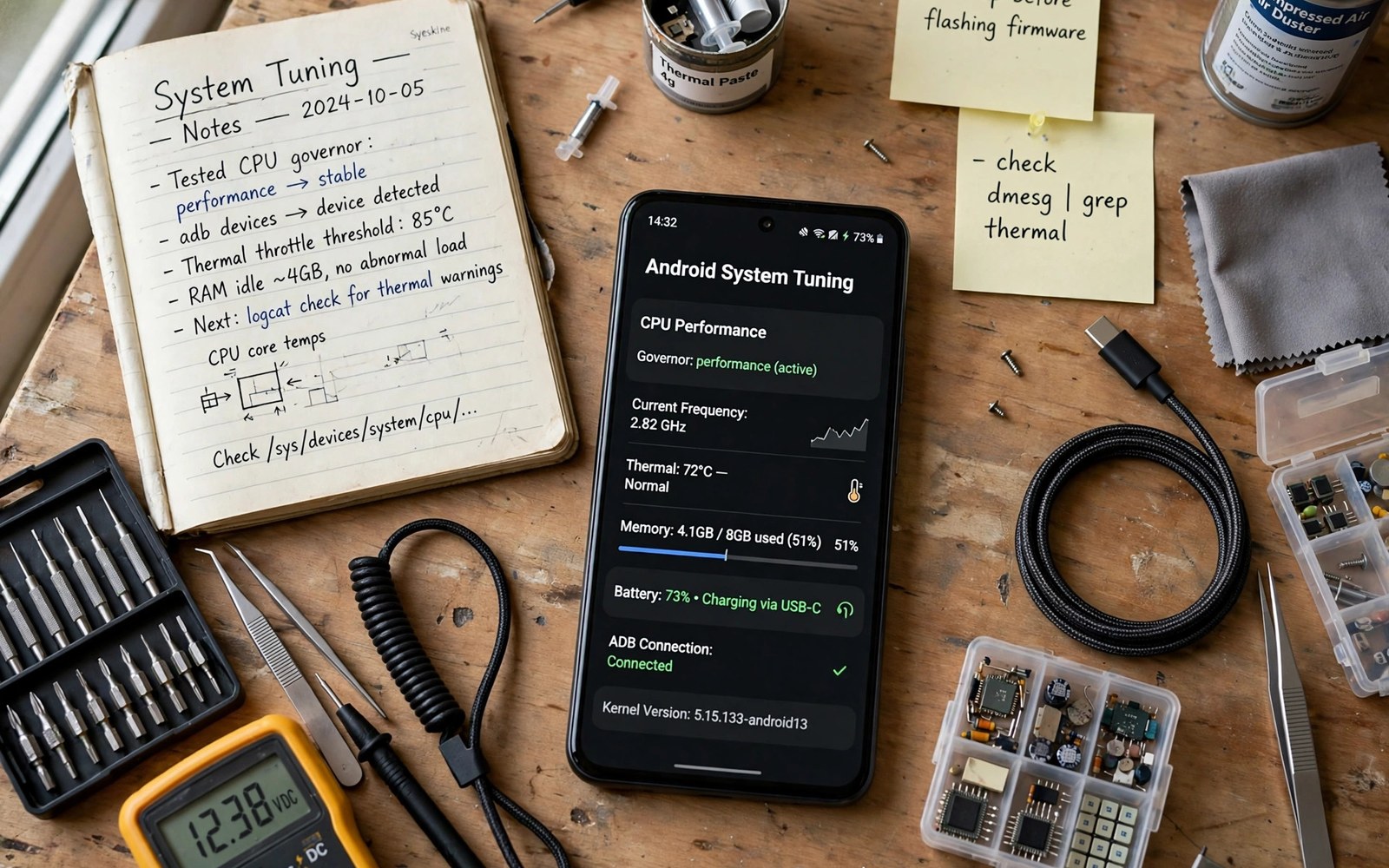
A rooted phone without systemless modules is a phone with root access and little else. Systemless modules are what turn root into useful daily power. They add features and fix annoyances and protect the system while leaving the system partition untouched. That untouched partition is the key advantage. Updates stay simpler and removal stays clean and a bad module disables in seconds without a full reflash.
Specialists do not collect modules like trophies. They run a small set that covers distinct needs without overlapping. Overlap is the enemy of stability because two modules that touch the same system code create unpredictable interactions. The five modules in this guide cover five separate jobs. Together they give a rooted phone better audio control and better app behaviour and better backup safety and better system insight and better update resilience. Each job has one module and each module earns its place by solving a named problem.
Judge every module by the same test. Does it solve a problem you actually have and does it stay stable for a week and does it uninstall cleanly. A module that fails any part of that test does not belong on a daily phone no matter how popular it looks. The disciplined set in advanced root mods that maximise hardware performance follows the same rule at a deeper tuning level.
Module one controls system behaviour safely
The first essential module manages system behaviour through a clean configuration interface. It lets you adjust background behaviour and permission handling and system tweaks without editing system files by hand. The value is not any single tweak. The value is a single place where system changes are recorded and reversible. A tweak made through the module can be undone by toggling the module. A tweak made by hand editing a system file can linger invisibly for months.
Use this module for one change at a time and test each change for a day. The configuration interface tempts you to enable everything at once because toggles look harmless. They are not harmless in combination. A phone with twenty system tweaks active is a phone with twenty suspects when something breaks. Enable the few tweaks that solve real annoyances and leave the rest off.
Module two fixes app behaviour per app
The second essential module changes app behaviour for chosen apps only. It can adjust how an app handles permissions and background work and interface quirks. Per app scope is what makes it safe. A system wide behaviour change affects every app including banking and work apps that should stay untouched. A per app change affects only the app you named and the rest of the phone stays normal.
Keep a list of every app you target with this module and the reason for each entry. Review the list monthly and remove entries for apps you no longer use. A stale entry for a deleted app is harmless but a stale entry for an updated app can cause strange behaviour after the update changes the code the module touches. Lists prevent mystery bugs.
Module three protects audio and media paths
The third essential module handles audio processing at the system level. It gives you a cleaner equaliser and better volume control and a consistent media path across apps. Audio modules deserve a dedicated slot because stock audio tuning often disappoints on otherwise good hardware. A single audio module that you tune once beats three audio apps fighting over the same stream.
su
ls /data/adb/modules
cat /data/adb/modules/*/module.prop | grep -E "name|version"
ls -lt /data/adb/modules
dumpsys package com.topjohnwu.magisk | grep version
Attribution: the commands above use the standard shell syntax of the platform toolset and the module inspection files and they are shown here so you can read every step before you run it on your own device.
Use the inspection commands to audit your module set regularly. The list shows every installed module and the version lines show which ones are current. A module set that grows without audits eventually contains forgotten modules that break after updates. Audit monthly and remove anything you cannot name a reason for keeping.
Module four automates backup before change
The fourth essential module automates a system snapshot before risky changes. It captures the working state so a bad experiment costs minutes instead of days. Backup automation matters because manual backups fail through forgetfulness rather than through technical difficulty. A module that snapshots on reboot removes the human memory step entirely. The snapshot habit pairs with every other module on this list because it makes experimenting with them safe.
Configure retention for this module so snapshots never fill storage. Three snapshots cover most needs and older snapshots should delete automatically. Test a restore once after install so you trust the path before you need it. A backup module you never tested is a decoration and not a safety net.
Module five keeps the system honest and visible
The fifth essential module gives you visibility into what root and modules actually change. It logs module activity and system state in a readable form. Visibility turns troubleshooting from guessing into reading. When an app misbehaves you check the log and see which module touched it last. Without visibility every problem becomes a debate between modules and the owner loses hours disabling them one by one.
Visibility also supports updates. Before a system update you can list active modules and disable the ones most likely to conflict. After the update you re-enable them one at a time and watch the log for errors. That orderly update path is why specialists keep this module even though it adds no flashy feature. It makes every other module safer to run.
Common mistakes
The biggest mistake is installing twenty modules because a list online recommended them. A daily phone needs a small set with distinct jobs. The second mistake is never auditing the set. Modules age and updates break them and a forgotten module becomes a hidden suspect. Audit monthly and remove the modules you cannot justify.
The third mistake is installing two modules that do the same job. Duplicate audio processors and duplicate behaviour modules fight over the same code and create bugs neither author can reproduce alone. Choose one module per job and commit to it. Readers building a performance set should also read advanced root mods that maximise hardware performance for the tuning layer that sits above this foundation.
Frequently asked questions
How many modules is too many?
There is no magic number but a daily phone rarely needs more than eight to ten well chosen modules. Beyond that the interaction risk grows faster than the benefit. Add a module only when it solves a named problem and remove it when the problem disappears.
Do systemless modules survive updates?
The root manager usually needs reinstallation after a system update and modules often need re-enabling. Keep a list of your modules and settings so the post update setup takes minutes. Test each module after the update before assuming it works.
Can I remove a module safely?
Yes when the module is systemless. Disable it in the root manager and reboot and the system partition returns to its prior state. Keep the module disabled for a day to confirm no app still depends on its changes before you delete it entirely.
Audit the module set after every system update
A system update is the moment a module set earns its audit. List every module before the update and disable the ones most likely to conflict with new system code. Apply the update and re-enable modules one at a time with a reboot and a short test between each. That orderly sequence identifies the conflicting module within minutes. A bulk re-enable after an update creates a tangle where every module is a suspect and none can be cleared quickly. The snapshot habit in the module that automates a system backup on every reboot makes the audit safe because a snapshot taken before the update gives you a clean return point.
Check module changelogs after an update rather than assuming compatibility. A module author may note a known conflict with the new system version days before you discover it yourself. Reading the changelog takes two minutes and it can save an evening of debugging. Follow the authors of your core modules so update notes reach you promptly. A module set maintained by reading beats a module set maintained by crashing.
Remove modules that duplicate new stock features after an update. Stock Android gains features every year and a module that once filled a gap may now fight the stock implementation. Duplication creates bugs that neither the stock team nor the module author can reproduce alone. Retire the duplicate and enjoy the stock feature with official support. The debloat discipline in removing preinstalled apps that refuse normal uninstall uses the same retirement logic because a clean system beats a crowded one.
Write a one page module guide for your own future self that lists each module and its purpose and its key setting. Future you after a factory reset will rebuild the setup in an hour with that guide and in a week without it. Include the install order that proved stable and the settings that differ from defaults. Store the guide on a computer and update it whenever the set changes. A personal guide is the most valuable document a root specialist owns because it captures decisions that no module file records. Decisions outlive installations.
Follow the authors of your core modules so update notes and conflict warnings reach you early. An author who posts a known conflict with a new system version saves you an evening of debugging. A changelog read takes two minutes and it often answers the exact problem you were about to investigate. Community awareness is part of specialist practice because modules evolve through shared knowledge. A specialist who reads changelogs stays ahead of problems that surprise everyone else.
Conclusion
Five systemless modules give a rooted phone a stable foundation. One manages system behaviour and one fixes app behaviour per app and one handles audio and one automates backup and one provides visibility. That set covers daily needs without overlap and without clutter. Stability comes from the smallness of the set as much as from the quality of each module.
Your concrete next step is to audit your current module list today and write one reason beside each module. Remove any module with no reason. If your list has fewer than five then add only the missing job that solves a real problem. For the performance layer above this foundation continue with advanced root mods that maximise hardware performance as your next guide.

