

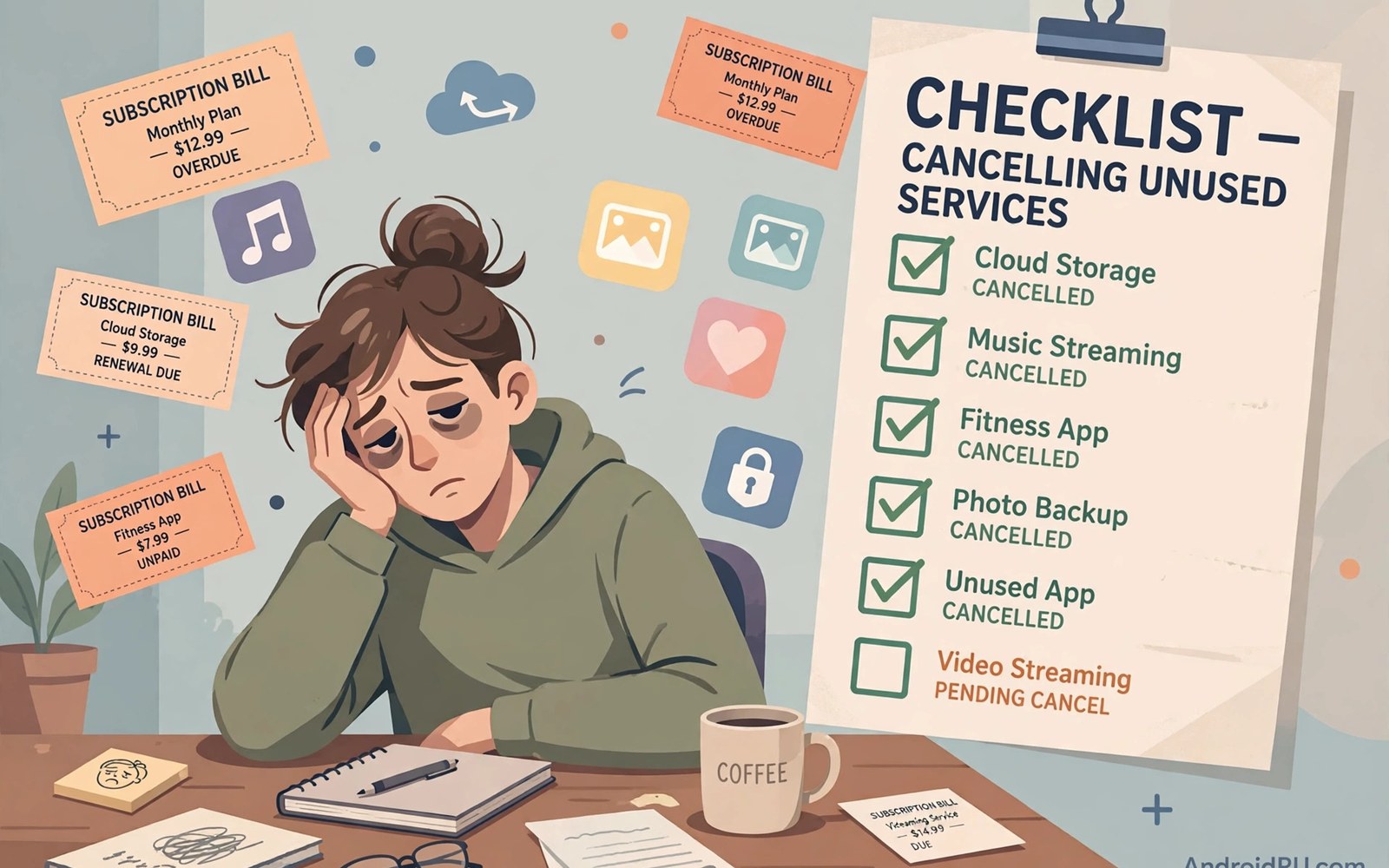
Subscription fatigue is the exhaustion of paying for too many services. Each fee looks small alone. Together they form a monthly burden that grows unnoticed. Users feel vaguely poorer without knowing why. A proper audit replaces that vague feeling with clear numbers.
This guide walks through a complete subscription audit. It shows how to find every subscription and rank it by real value. It also gives a maintenance routine that prevents fatigue from returning. One focused hour can save hundreds every year.
What Subscription Fatigue Feels Like
Fatigue shows up as dread when bills arrive. You notice charges for apps you barely remember. You keep paying because cancelling feels like effort. You resent apps you once loved because they now feel like obligations. Those feelings signal an audit is overdue.
Fatigue also distorts decisions. You avoid trying new apps because subscriptions already overwhelm you. You keep mediocre apps because switching feels harder than paying. Breaking that inertia starts with seeing the full list in one place.
Step One: Find Every Subscription
Start with your store subscription list on your phone. Record every active subscription with its price and renewal date. Then check other accounts on the same device. A work account or old account may hold forgotten charges.
Next check subscriptions bought outside stores. Search your email for receipts from app developers. Check bank statements for recurring charges that match no store entry. Website subscriptions hide in statements rather than store lists. A complete audit covers all three sources.
Step Two: Record Real Usage
For each subscription note how often you used it last month. Daily use and weekly use and monthly use and never used are the key categories. Be honest rather than aspirational. An app you intend to use does not count as an app you use.
Phone usage statistics help with honest measurement. Screen time reports show actual opens per app. Compare those numbers against your memory. The gap between memory and reality reveals subscriptions living on intention alone.
Step Three: Calculate Cost Per Use
Divide each monthly price by monthly uses. A five dollar app used daily costs about seventeen cents per use. The same app used twice monthly costs two dollars fifty per use. That per use figure makes value comparisons concrete.
Set a personal threshold for cost per use. Entertainment apps may justify higher per use costs than utilities. Productivity apps used for work may justify almost any reasonable price. Apply your threshold consistently and the keep list writes itself.
Step Four: Cancel Ruthlessly
Cancel every subscription unused in the past month. Cancel duplicates where two apps serve the same job. Cancel apps whose per use cost exceeds your threshold. Cancel first and reconsider later rather than keeping out of inertia.
Cancelling is rarely permanent. Most apps let you resubscribe instantly. Your data often survives for months after cancellation. That reversibility removes the fear behind keeping unused subscriptions. Cancel now and return only if you genuinely miss the app.
Step Five: Downgrade Before You Cancel
Some apps offer cheaper tiers worth trying before full cancellation. A premium tier may include features you never use. A basic tier may cover your real needs at half the price. Downgrading preserves access while cutting cost.
Annual plans deserve downgrade attention too. A yearly plan may offer a monthly option at a slightly higher rate. That flexibility suits uncertain usage better than annual lock in. Switch to monthly during evaluation periods and return to annual only after proven use.
Dealing with Emotional Attachment
Some subscriptions persist through emotional attachment. You supported a developer early and feel loyal. You built a long streak inside an app. You fear losing data or history. Those feelings are real but they should not override financial sense.
Export your data before cancelling emotional subscriptions. Keeping your history removes the biggest barrier. Remember that developers benefit more from happy occasional users than resentful subscribers. Cancelling an unloved subscription is not betrayal. It is honest feedback.
Family and Shared Subscriptions
Audit family subscriptions together with all members. Each person defends the services they use. Shared services need only one defender to survive. Services nobody defends should go immediately regardless of who originally bought them.
Household audits work best quarterly rather than monthly. Quarterly reviews catch drift without becoming a chore. Schedule the review alongside another household task. Consistency matters more than frequency for family audits.
Tools That Help Track Subscriptions
Subscription tracking apps aggregate your subscriptions in one dashboard. They alert you before renewals and total your monthly spending. Some connect to bank accounts automatically. Others rely on manual entry that takes minutes monthly.
A simple spreadsheet works equally well for many users. List each subscription with price and renewal date and usage. Sort by price to see the biggest costs first. Sort by usage to see the least used first. Either sort exposes waste instantly. Users who need cancellation steps can follow how to manage subscriptions for the store side of the process.
Preventing Future Fatigue
Adopt a one in one out rule for new subscriptions. Every new subscription requires cancelling an old one. That rule caps your total count permanently. It also forces a value comparison before any new signup.
Set a monthly subscription budget cap as well. Choose a total you can afford without stress. Track spending against the cap monthly. When the cap fills stop adding services until something leaves. Caps convert vague fatigue into a concrete limit. Readers worried about billing mechanics should also review auto-renewal traps to stop charges before they accumulate.
The Yearly Deep Audit
Monthly audits catch small waste. Yearly audits catch structural waste. Once a year review every subscription category from scratch. Ask whether each category still serves your current life. Jobs change and hobbies change and subscriptions should change too.
Yearly audits also catch price creep. Subscriptions that raised prices gradually may now exceed their value. Compare current prices against original signup prices. A service that doubled in price needs double the justification to survive.
What to Do With the Savings
Redirect cancelled subscription money deliberately. Move it to savings or to a service you truly love. Watching savings grow reinforces the audit habit. Unassigned savings quietly disappear into other spending.
Consider upgrading one beloved service with part of the savings. A better tier of a daily tool beats five forgotten subscriptions. That upgrade feels like a reward rather than a sacrifice. Audits succeed long term when they feel good rather than punitive.
Maintaining the Audit Habit
Schedule audits on your calendar like any appointment. Monthly mini audits take ten minutes. Quarterly family audits take thirty minutes. Yearly deep audits take one hour. Those small investments protect hundreds of dollars annually.
Pair audits with an existing routine for consistency. Review subscriptions when you pay monthly bills. That pairing builds the habit without extra willpower. Over time the audit becomes automatic and fatigue stays away permanently.
Subscription Creep in Households
Households accumulate subscriptions from every member independently. Each person adds services the others never see. The household total can double without any single large purchase. A joint audit reveals the full picture for the first time.
List household subscriptions on one shared sheet. Include the buyer and the price and the users. That transparency often shocks families into action. Shared visibility is the fastest cure for household subscription creep.
Negotiating and Downgrading Services
Some services offer retention discounts when you try to cancel. A cancellation screen may present a cheaper plan or a free month. Those offers reward users who attempt cancellation. Try cancelling a service you barely use and see what retention offer appears.
Retention offers still require evaluation. A discounted service you never use remains waste. Accept retention deals only for services you genuinely want to keep. A discount on waste is still waste at a lower price.
Tracking Subscriptions With Your Bank
Bank apps increasingly tag recurring charges automatically. Those tags reveal subscription totals without manual entry. Review tagged recurring charges monthly in your bank app. The bank view catches subscriptions missing from store lists.
Set bank alerts for recurring charges above a threshold. An alert for charges over ten dollars catches yearly renewals promptly. Early awareness gives time to cancel or dispute. Alerts convert surprise charges into expected notifications.
The Psychology of Sunk Costs
Sunk cost thinking keeps bad subscriptions alive. You paid for months so cancelling feels like wasting past payments. But past payments are gone regardless. Only future payments are at stake in the cancel decision. That reframing makes cancellation easier.
Apply the same logic to streaks and histories. A long streak inside an app feels valuable. But a streak that costs monthly fees without joy is a burden. Export your history and cancel. The memories remain even when billing stops.
Rebuilding After a Big Audit
A big audit can cancel many services at once. That sudden change may feel like loss. Replace cancelled services gradually with free alternatives where needed. Most cancelled apps leave no real gap in daily life. The gaps that appear point to services worth resubscribing.
Wait thirty days before resubscribing to anything cancelled. That cooling period tests whether you truly miss the service. Services you forget within thirty days deserved cancellation. Services you genuinely miss return with confidence. Readers managing the store side can use how to manage subscriptions for cancellation steps.
Audit Categories Beyond Apps
Subscriptions extend beyond phone apps into many services. Streaming and news and cloud storage all draw monthly fees. A full audit should include every recurring charge on your statements. Phone apps are only one part of the total burden.
List all recurring charges in one place regardless of category. That master list reveals the true monthly total. Many users discover their non-app subscriptions exceed their app subscriptions. The audit method works identically across every category.
Celebrating Audit Wins
Record the monthly savings from each audit visibly. A running total of cancelled fees motivates future audits. Share wins with household members to build collective momentum. Savings feel abstract until you see the yearly total in plain numbers.
Use part of the savings for something enjoyable. A dinner funded by cancelled subscriptions reframes auditing as gain rather than loss. Positive reinforcement keeps the habit alive far better than guilt. Audits that feel rewarding repeat themselves naturally.
Audit Spreadsheet Script
The snippet below models a simple subscription audit table. It lists each subscription with price and monthly uses. The script computes cost per use and flags subscriptions above a threshold. Replace the samples with your real subscriptions.
subscriptions = [
    {"name": "Photo Editor", "price": 4.99, "uses": 20},
    {"name": "Fitness App", "price": 9.99, "uses": 2},
    {"name": "Note App", "price": 2.99, "uses": 30},
]
for item in subscriptions:
    cost_per_use = item["price"] / item["uses"]
    print(item["name"], "costs", round(cost_per_use, 2), "per use")
The snippet above is a simple organizational example. It does not connect to any billing system. Use it only as a personal audit aid alongside your official subscription lists.

