

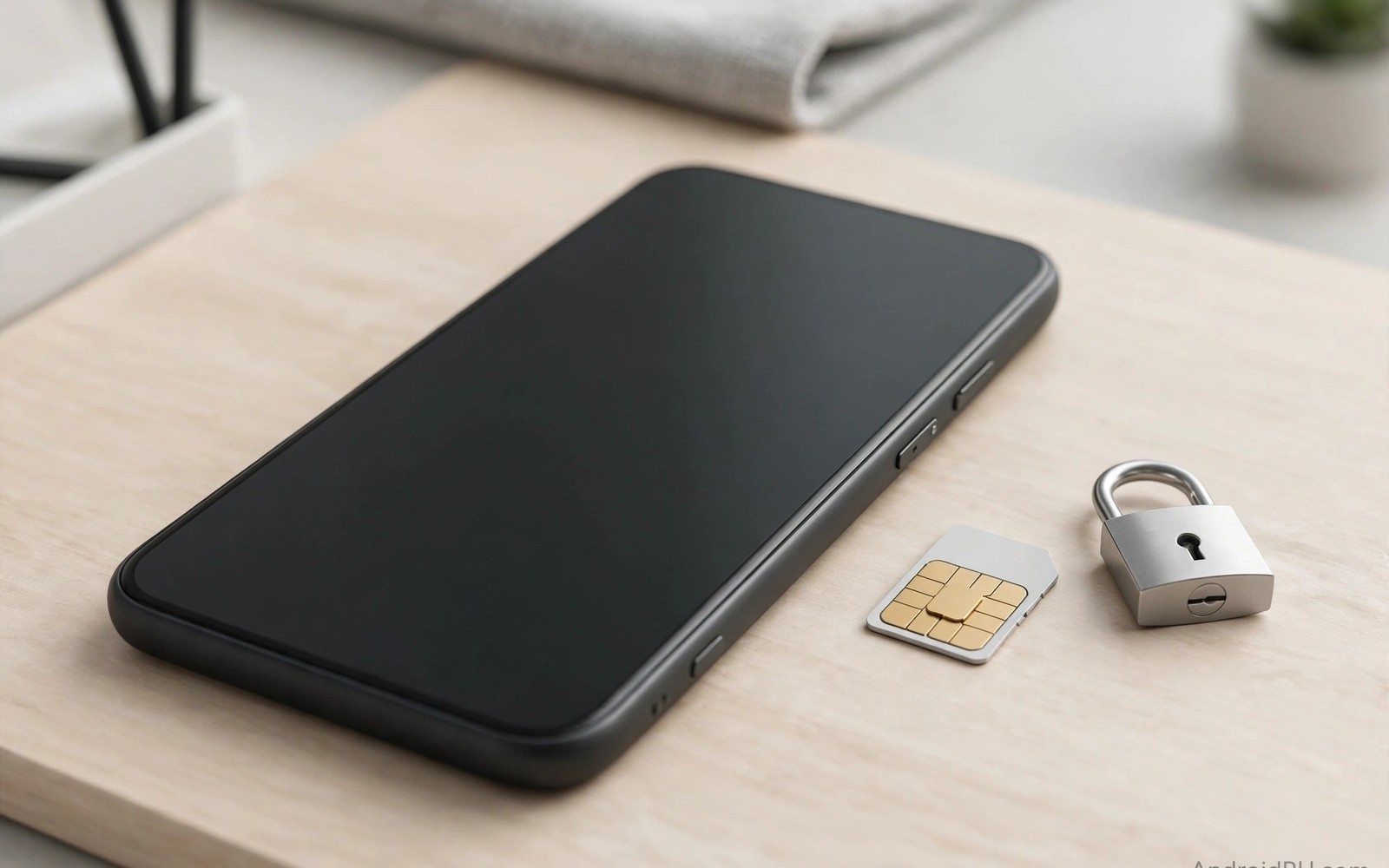
A blacklisted phone cannot connect to mobile networks. A carrier locked phone works only on one network. Both problems can turn a bargain into a useless device. Sellers may not know the status themselves. You must verify status before money changes hands. This guide shows each check in order.
Start with the IMEI number. Dial the standard code on the phone keypad. The IMEI appears on screen at once. Compare it with the number on the SIM tray and the box. Mismatched numbers suggest tampering or mixed parts. Walk away from mismatched devices.
What Blacklisting Means
Carriers blacklist phones reported as lost or stolen. Carriers also blacklist phones with unpaid finance. A blacklisted phone may still connect to Wi-Fi. It cannot make calls or use mobile data on that network. Some blacklists are shared across carriers. A phone blocked on one carrier may fail on others too.
Blacklist status can change after purchase. A seller could report the phone later in a dispute. A written receipt with seller details reduces this risk. Keep all messages and payment proof. These records support a claim if status changes.
Public blocklist tools vary by country. Some carriers offer free checks. Some independent databases offer paid checks. Use official sources first when available. Treat unknown checker sites with caution. Never pay a random site without verifying its reputation.
Run The IMEI Check Step By Step
Record the IMEI from the phone settings menu. Record the IMEI from the dialer screen as well. Both numbers must match exactly. Photograph both screens with seller permission. A seller who refuses photos raises suspicion.
Run the IMEI through a trusted checker before paying. Save a screenshot of the result. A clean result is a good sign but not a guarantee. Combine it with a SIM test for real proof. The identity checks in marketplace refurbished phone safety explain how IMEI fits the wider process. Never skip the live SIM test.
Check the serial number as well when possible. Maker support pages can confirm model and warranty status. Warranty status can reveal the original purchase date. A recent phone with no warranty may have a history worth asking about. Ask polite questions and judge the answers.
Test Carrier Lock With Your SIM
Insert your own SIM card into the phone. Wait for signal and network name. Make a test call and use mobile data. Success proves the phone works on your network. Failure may mean a carrier lock or a deeper fault. Try a second SIM from another network if you can.
Look in settings for network lock status. Some phones show lock status directly. Others show it only after a SIM test. A phone that asks for an unlock code is locked. Do not accept promises about future unlock codes. Get the phone unlocked before you pay or reduce the price sharply.
Ask whether the phone is fully paid off. Finance locked phones can be blocked later. Ask for proof of final payment when the seller claims it. A receipt from the carrier is strong proof. A verbal promise is weak proof.
Check Account Locks Too
Ask the seller to reset the phone in front of you. Complete setup with your own account. An account lock during setup blocks all use. This lock differs from carrier lock. Both locks make the phone useless without the original owner.
Check for enterprise management profiles in settings. A managed phone may be a company device. Company devices can be remotely locked later. Avoid managed phones unless the seller proves proper release. Release proof should come from the owning company.
- IMEI: dialer and settings numbers must match exactly.
- Blocklist: trusted checker result saved as screenshot.
- SIM: your SIM must call and use data.
- Lock: unlock code prompts mean carrier lock.
- Account: clean setup with your own account.
- Receipt: seller details in writing before payment.
Lock check record
- IMEI dialer: record here
- IMEI settings: record here
- Checker result: clean or flagged
- SIM network: name observed
- Setup lock: none observed
This record gives you a clear paper trail for the purchase. It also helps support teams if status changes later. Keep the record with the receipt and seller messages.
Red Flags And Safe Payment
Walk away when the seller refuses a SIM test. Walk away when IMEI numbers do not match. Walk away when setup shows an account lock. Walk away when the price is far below market for no reason. Each red flag alone is enough to stop.
Pay through a protected method when possible. Protected payments help if the phone is blocked soon after purchase. Keep proof for at least the return window. The marketplace safety notes in two-year-old flagship bargains cover payment choices in depth. The warranty advice in water damage signs adds another layer of protection. A clean phone plus a clean payment equals peace of mind.
Carrier Lock Types You May Encounter
Carrier locks come in several forms. A SIM lock restricts the phone to one carrier network. A region lock restricts use to certain countries initially. A finance lock can block the phone if payments stop. Each lock type needs a different solution. Ask the seller which lock type applies if any. Vague answers about locks deserve caution.
Some locks clear automatically after contract terms end. Others need a carrier unlock code. Codes come from the original carrier after eligibility checks. Eligibility often requires full payment and account standing. A seller who cannot prove eligibility cannot promise unlocking. Buy the phone only at an unlocked price when proof is missing.
Dual SIM phones add lock complexity. One SIM slot may be locked while the other stays open. Test both slots with different carrier SIMs. A phone that works on one slot only limits flexibility. Price that limitation into your offer. Full dual SIM freedom justifies a higher price.
Unlocked phones still need band compatibility checks. An unlocked phone may lack your carrier bands. Missing bands cause weak signal in some areas. Check band support on maker spec pages. Compare bands with your carrier requirements. An unlocked phone with wrong bands disappoints as much as a locked phone.
Protecting Yourself After Purchase
Keep your IMEI check screenshot for at least one year. Keep the seller receipt with the IMEI written on it. Keep all platform messages about the sale. These records support disputes if status changes. A phone blocked months later still needs evidence. Evidence turns a weak claim into a strong claim.
Test the phone on your network for the first month. Use calls and data daily. Watch for sudden service loss. Sudden loss may signal a late blacklist. Report sudden loss to the seller immediately. Report it to the platform within the protection window. Fast action preserves refund options.
Register the phone with your carrier when possible. Registration links the device to your account. It can help resolve future status disputes. Keep carrier correspondence about the device. A clear ownership trail deters fraudulent reports. Honest buyers benefit from documentation at every step.
How Blacklists Work Across Networks
Carriers maintain internal blocklists for lost and stolen phones. Many carriers share lists through industry databases. A phone blocked by one carrier may fail on partner networks. International databases extend sharing across countries. Sharing strength varies by region. A phone clean in one country may be flagged in another.
Finance blocks work differently from theft blocks. Lenders flag phones with unpaid installments. Flags lift after full payment clears. Sellers may promise payment after sale. Promises carry risk because sellers may default later. Buy only finance clear phones with proof. Proof means carrier confirmation rather than seller words.
Blocklist entries can contain errors. Wrong IMEI entries block innocent phones rarely. Disputes require proof of legitimate purchase. Receipts and seller details support disputes. Resolution can take weeks with carriers. Prevention through pre purchase checks beats dispute resolution. Check before paying to avoid bureaucratic battles.
Some phones carry temporary blocks during investigations. Insurance claims can trigger temporary holds. Holds lift when investigations conclude. Temporary blocks confuse buyers who test once. A phone clean today could face a hold tomorrow. Written seller guarantees help when holds appear later. Guarantees should cover at least the return window.
Unlocked phones still face blacklist risks. Unlocking removes carrier restrictions only. It does not remove blacklist entries. A blacklisted unlocked phone still fails on networks. Test network service rather than lock status alone. Service tests prove real usability. Lock status alone proves only part of the story.
SIM And Network Compatibility Checks
Check network bands for your carrier before buying. Maker spec pages list supported bands. Carrier pages list required bands for full coverage. Missing low bands hurt rural coverage. Missing high bands hurt city speeds. Band gaps cause frustration that no settings fix. Band compatibility is a purchase prerequisite.
Test 5G connectivity when the model supports it. 5G availability varies by area and plan. A phone may show 5G icons without usable speeds. Run a speed test in a known 5G area. Compare speeds with your current phone. Large gaps suggest antenna or band issues. Speed tests quantify radio health objectively.
Test Wi-Fi calling setup during inspection. Wi-Fi calling helps in weak signal buildings. Setup requires carrier support and account settings. A phone that fails Wi-Fi calling setup may need carrier provisioning. Provisioning usually resolves quickly. Persistent failures suggest deeper software faults. Test this feature when you live in weak signal areas.
Test hotspot tethering briefly when you use it. Hotspot faults hide until needed urgently. Connect a laptop and browse for two minutes. Watch for drops and slow speeds. Hotspot stability matters for remote workers. A phone that fails hotspot tests needs attention before purchase.
Quick Reference Checklist
- Dial the IMEI code and record the number on screen.
- Compare the dialer IMEI with the settings IMEI exactly.
- Compare both numbers with the SIM tray engraving.
- Compare all numbers with the box label when available.
- Photograph each IMEI source with seller permission.
- Run the IMEI through a trusted checker before paying.
- Save a screenshot of the checker result for your records.
- Check the serial number through maker support pages.
- Confirm the maker lookup matches the claimed model.
- Insert your own SIM and wait for signal and network name.
- Make a test call on your SIM before paying.
- Test mobile data with a short download on your SIM.
- Try a second carrier SIM when one is available.
- Look for unlock code prompts that signal carrier lock.
- Ask whether the phone is fully paid off with proof.
- Ask the seller to factory reset the phone in person.
- Complete setup yourself with your own account.
- Check settings for enterprise management profiles.
- Avoid managed phones without written release proof.
- Keep the receipt and IMEI record for at least one year.

