

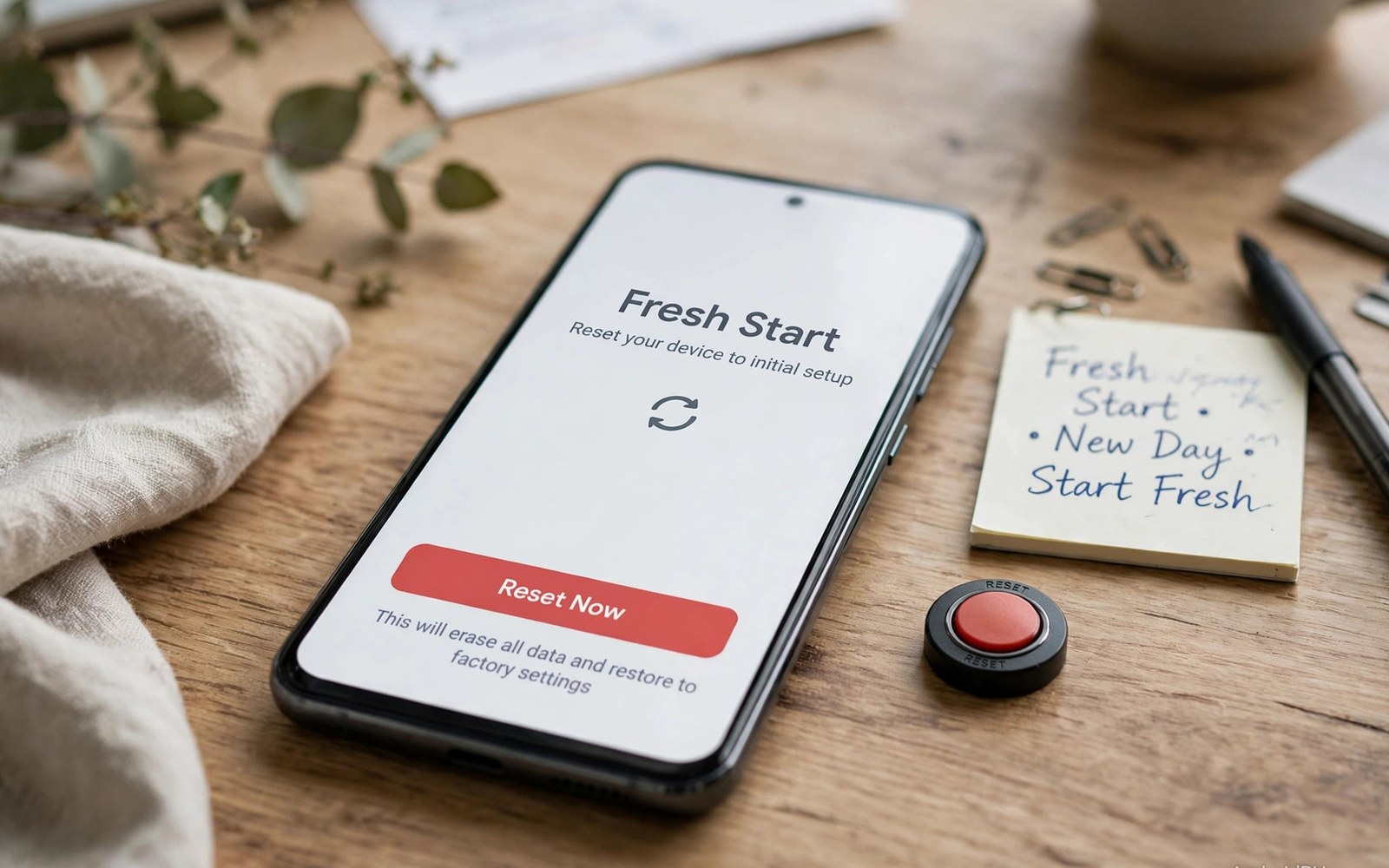
A factory reset wipes user data and returns a phone to a fresh state. Many users treat it as a cure for any infection. That belief is mostly right for common malware. It is not fully right for advanced threats. Some malware hides in places a reset does not touch. Some malware returns through a backup restore. Some malware lives in firmware or in a system partition. Understanding those limits helps you reset correctly. It also helps you decide when a reset is enough and when it is not.
Start with what a reset actually does. It erases the user data partition. It removes installed apps and their data. It removes accounts and settings. It removes photos and documents that live only on the phone. It does not erase the system partition in most cases. It does not erase firmware in most cases. It does not erase an external card unless you choose that option. Those boundaries define what survives. Common app malware lives in user data. A reset kills it. Advanced malware that lives deeper may survive.
What a factory reset removes well
App based malware dies with a reset in most cases. Adware and spyware apps live in user space. A reset deletes them fully. Their permissions die with them. Their background jobs die too. Their data files die as well. A phone that returns from a reset with no restored apps is clean of app malware. That clean state is a strong result. It explains why support teams recommend reset for stubborn infections. It works because most infections are app infections.
Browser hijacks also die with a reset. Hijacked settings live in user data. A reset clears them. Site permissions die too. Spam notification grants die as well. A fresh browser after reset has no hijacked home page. It has no spam sites allowed. That clean browser is a real benefit. It saves a long manual browser cleanup. A reset is a blunt tool. Blunt tools work well for broad user data infections.
Account based locks often die too. A locker app that blocks the screen lives in user space. A reset removes it. A PIN set by a locker app through admin rights also dies in many cases. Recovery mode reset can clear a lock that normal settings cannot reach. That power makes reset a last resort for lockers. Back up data first if you can. A reset without a backup trades a lock for data loss. Weigh that trade before you reset.
What can survive a factory reset
System level malware can survive a normal reset. Malware that modified the system partition stays after a user data wipe. The system partition is not erased by a standard reset. A rooted phone faces higher risk here. Root access lets malware write to system areas. A reset on a rooted phone may leave that malware intact. Reflashing the official firmware is the stronger fix in that case. Reflashing replaces the system partition fully. It needs care and the correct firmware for your model.
Firmware level malware is rarer and harder. It lives in low level code that runs before Android starts. A standard reset does not touch it. A firmware reflash may remove it if the reflash covers that area. Some firmware threats survive even a reflash. Those cases need brand support or a device replacement. Do not panic about this rare case. Most users will never meet firmware malware. Focus on app malware first. Escalate only when a reset plus a reflash both fail.
Backup restore is the most common survival route. A user resets and then restores a full backup at once. The backup may contain the malware app. It may contain hijacked settings. It may contain a malicious profile. The threat returns within minutes. The user blames the reset. The real cause is the restore. Restore selectively after a reset. Restore photos and contacts first. Install apps by hand one by one. That slow restore prevents a reinfection.
External storage and accounts
An external card can carry malware back after a reset. A card with an infected installer file can reinstall a threat with one tap. A card with a malicious script can trigger an install. Check the card before you reuse it after a reset. Delete unknown installer files. Scan the card from a clean computer if you can. Format the card only if you have backups of its photos. A formatted card is clean. An unchecked card is a risk.
Cloud accounts can also restore a threat. An account may sync apps automatically after reset. Turn off automatic app restore before you reset. Turn it back on only after you verify a clean state. Check account devices after reset. Remove unknown devices. Change the account password from a clean device. A compromised account can push a tracker back onto a fresh phone. Account hygiene is part of reset hygiene.
- Back up photos and documents before any reset.
- Turn off automatic app restore before you reset.
- Restore selectively and install apps by hand after reset.
- Check external cards for unknown installer files.
- Change account passwords from a clean device after reset.
How to reset safely step by step
Back up clean data first. Copy photos and documents to trusted storage. Skip app data from suspect apps. Note your account logins for trusted services. Write down Wi-Fi passwords. A reset erases all of those. A short backup note saves hours later. Charge the phone to at least half before reset. A shutdown during reset can corrupt the phone. Charge fully if you can.
Remove accounts from the phone before reset where possible. Sign out of cloud accounts. Turn off screen lock protection that may block reset. Follow your brand reset path in settings. Choose erase all data. Confirm the choice and wait for the phone to finish. Do not interrupt the process. The phone will restart to a setup screen. That screen confirms that the wipe finished. For a safe removal routine before reset see removing spyware and adware step by step and try it first.
Set up the phone as a new device after reset. Do not restore a full backup at once. Sign in with a clean account password. Install only trusted apps. Test for a few days before you add more apps. Watch battery and data charts during that test. Clean charts confirm a successful reset. A returning symptom points to a restore source or a deeper threat. For safe mode testing before reset see using safe mode to uninstall rogue apps and complete that test first.
When reset is not enough
Seek a firmware reflash when symptoms survive a clean reset with no restore. A reflash replaces the system image with an official image. Use only official firmware for your exact model. A wrong firmware can brick the phone. Follow brand instructions with care. Back up data before a reflash as well. A reflash also wipes user data. It is a stronger reset for system level threats. It is not a casual step.
Seek brand support when a reflash also fails. Describe the reset steps you already took. Describe the clean setup with no restore. Describe the returning symptom in detail. Support teams can check for firmware issues. They can advise on repair or replacement. Do not use risky root tools to force a deeper wipe without guidance. A wrong tool can damage the phone permanently. Professional help beats a risky guess for deep threats. For a deep scan before you escalate see how to run a deep malware scan and attach its results to your support request.
Decide between reset and reflash early
Decide early whether a reset or a reflash fits your case. A reset fits app malware and browser hijacks. A reflash fits system malware that survives a reset. Trying a reset first is correct for most users. It is fast and it needs no special firmware. If a clean reset with no restore still shows symptoms then move to reflash. Do not repeat resets endlessly hoping for a different result. Two clean resets with the same returning symptom point to a deeper layer. Move up the ladder to reflash or support at that point. A clear ladder saves time and data.
Prepare for a reflash by finding official firmware before you need it. Note your exact model number and build number. Save the brand support page for your model. A reflash with the wrong firmware can brick the phone. Preparation prevents that mistake. Keep firmware files only from official sources. Avoid firmware from random forums. A random firmware file can itself carry malware. Official sources are slower to find but they are safe. Safety beats speed for system repair.
Also consider device age when you choose between repair and replacement. An old phone with no security updates may stay vulnerable after any reset. New threats exploit old flaws that will never be patched. A replacement may be cheaper than repeated repairs for a very old device. Weigh the cost of a new phone against the risk of an unpatched old phone. A new phone with current updates gives a fresh security baseline. An old phone with no updates gives a shrinking baseline. Choose with that trade in mind.
Test with a minimal setup first
After a reset run a minimal setup for three days before you restore anything. Install no third party apps in that period. Use only system apps for calls and messages and browsing. Watch battery and data charts during those three days. Clean charts in a minimal setup prove that the reset worked. A returning symptom in a minimal setup proves a deeper threat. That proof helps support teams act fast. It also prevents a restore from muddying the diagnosis. Minimal setup testing is boring but it gives the clearest answer. Patience for three days saves weeks of repeat resets.
Safe reset checklist:
Backup clean photos > Auto restore off > Charge full
Reset > Setup as new > Install trusted apps one by one
Watch charts 3 days > If symptom returns: reflash or support
The steps above follow the approach described in the official developer documentation for Android security and app permissions. That guidance stresses backup hygiene and selective restore after a wipe. It also stresses official firmware for system level repair. Use those principles for every reset.
So can a factory reset erase advanced malware. For common app malware the answer is yes. For system malware the answer is maybe. For firmware malware the answer is often no. Reset correctly with a clean backup and a selective restore. Test after reset before you declare victory. Escalate to reflash or support when symptoms survive a clean reset. That honest ladder gives you the best chance of a truly clean phone.

