

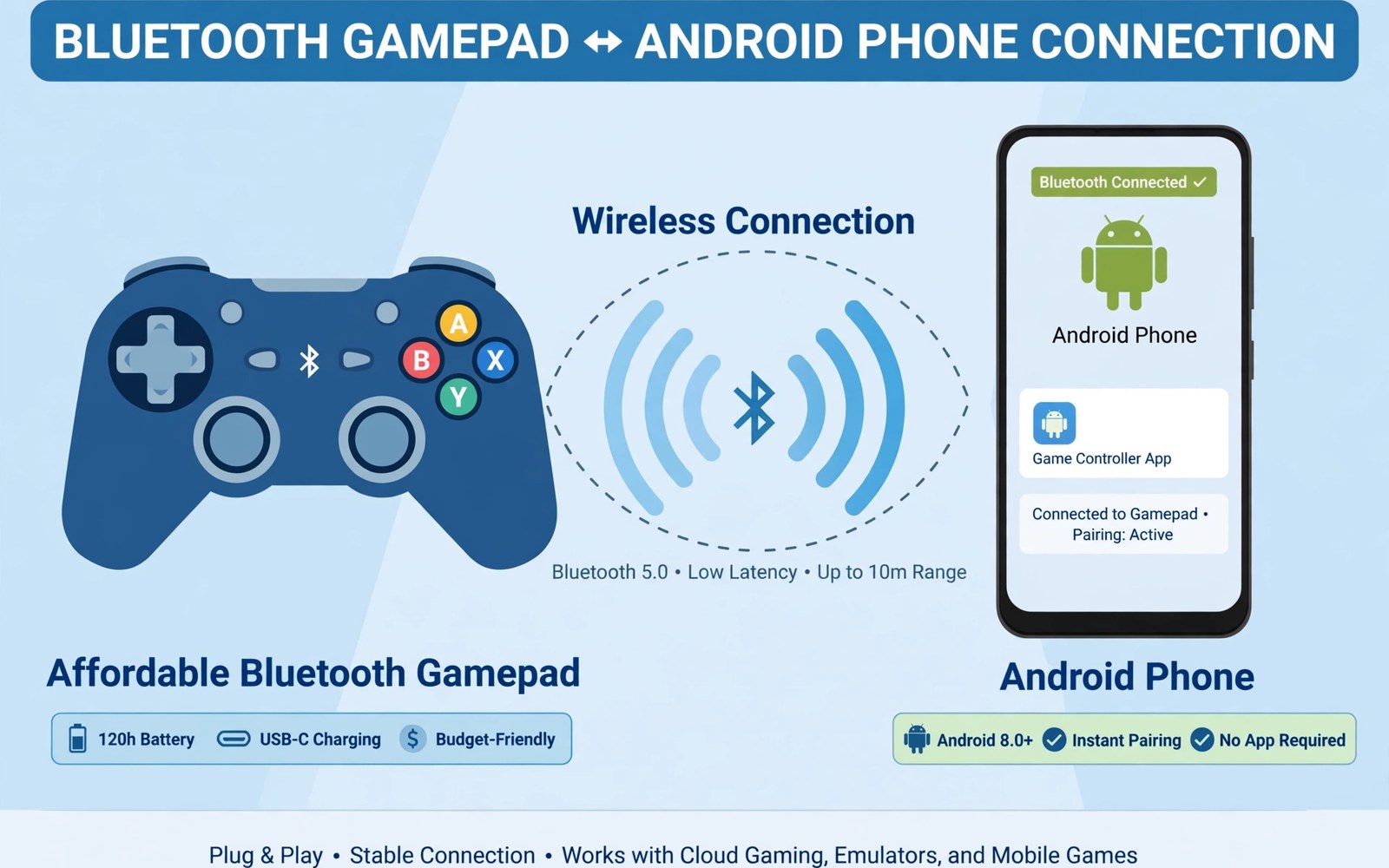
Cheap Bluetooth gamepads Android buyers face a market full of lookalike pads with very different quality. Some budget pads offer solid sticks and steady links for years. Others drift within weeks and drop connections mid match. Price alone tells you little about which group a pad belongs to.
This article helps you spot value before you buy. You will learn which specs matter and which marketing claims to ignore. Battery claims and vibration claims often exaggerate real use. Stick quality and Bluetooth stability matter far more for daily play. Focus on those two traits first and the rest becomes easier to judge.
A good budget pad should feel comfortable for at least one hour of play. It should reconnect fast after sleep. It should hold a steady link across a normal room. The sections below give you tests for each trait. Use them before the return window closes.
What matters most in a budget pad
Stick quality decides whether a budget pad stays fun after months of use. Cheap sticks develop drift when internal sensors wear or collect dust. Hall effect sticks resist drift better but cost more. If you cannot find Hall sticks at your price then read owner reports for drift complaints. A pad with few drift reports is safer than a pad with flashy lights.
Bluetooth stability matters just as much as stick quality for mobile play. A pad that drops its link during a boss fight ruins the session. Look for Bluetooth version and owner reports about dropouts. Test the pad at normal room distance on day one. Walk around the room while playing a calm game and watch for input pauses.
Battery and charging on budget pads
Budget pads often promise huge battery life that real play never reaches. Vibration and long sessions cut rated hours fast. Expect roughly half the claimed life with vibration on. Charge the pad fully before first use and note how long it lasts in your games. That personal test beats any box claim for your play style.
USB-C charging is now standard on decent budget pads. Avoid pads with old micro USB ports unless the price is extremely low. USB-C cables are easier to find and charge faster. Keep one cable in your gaming spot so charging never needs a hunt. A pad that charges easily gets charged on time.
Comfort and button feel checks
Grip shape matters more than weight specs for comfort. Small pads cramp large hands during long sessions. Large pads tire small hands fast. Hold the pad with both hands and press every button. Notice thumb reach to sticks and shoulder buttons. A pad that feels fine in a shop for two minutes may still ache after one hour so test longer at home.
Button travel also shapes the feel of a budget pad. Mushy buttons slow double taps in action games. Clicky buttons give clear feedback for jumps and shots. Neither style wins for every player. For mapping ideas on touch only titles you can read about mapping buttons to touch controls and pair a budget pad with a clean layout.
Where to save and where to spend
Save money on lights and extra modes that you will rarely use. Turbo modes and RGB lights add cost without improving aim. Spend a little more on stick quality and a stable Bluetooth chip. Those two parts decide daily enjoyment. A plain pad with good sticks beats a flashy pad with drift every time.
Buy from sellers with clear return policies for budget pads. A return window lets you test drift and dropouts at home. Keep the box until you finish a full week of testing. Test ranked games only after casual tests pass. That order protects your rank and your wallet at the same time.
Accessories that pair well with this setup
A short USB-C cable deserves a place beside any budget pad purchase. Budget pads often ship with short or fragile cables. A spare rated cable keeps charging reliable when the included cable fails. Keep the spare in the gaming spot rather than a drawer. That placement means charging never waits for a cable hunt before a planned session.
A small pouch protects a budget pad during travel far better than a loose bag. Sticks take knocks from keys and chargers in shared bags. A pouch prevents most travel damage for little money. Choose a pouch that fits the pad snugly without pressing sticks. That protection matters more for budget pads since replacement quality varies widely.
Console style pads offer a useful comparison point for budget buyers. Their sticks and triggers set a comfort benchmark for cheaper models. Read about console pads for Android to learn what premium comfort feels like. That benchmark helps you judge whether a budget pad truly satisfies your hands or merely saves money.
A weekly routine that keeps everything working
Test stick drift weekly with a calm camera test in a familiar game. Release sticks fully and watch for movement without input. Early drift detection enables returns within warranty windows. Note drift dates in a simple log for warranty claims. That log turns vague complaints into clear evidence when sellers ask for details.
Charge the pad on a fixed weekly day to avoid dead battery surprises. Budget pads often lack clear battery indicators. A routine charge day removes guesswork from battery planning. Check Bluetooth reconnection speed during the same routine. Slow reconnection may signal a failing battery or a crowded pairing list.
Compare portable grip shapes monthly if travel gaming grows in your routine. Telescopic grips combine phone and pad into one unit for travel. The options are clear in telescopic mobile controllers for players weighing travel shapes. A travel friendly shape may replace a separate budget pad for commuting sessions entirely.
How this plays out in real life
A student on a tight budget buys a first pad for weekend gaming with friends. A budget Bluetooth pad with clean drift reports survives months of casual play. The student tests drift weekly and keeps the box for returns. Friends share the pad for local multiplayer sessions on one phone. That careful budget choice delivers real fun without debt or regret for a student wallet.
A commuter plays puzzle adventures on a train with a compact budget pad. The small pad fits a jacket pocket beside the phone. Bluetooth reconnection takes seconds when the train ride begins. Battery life covers a full week of commutes on one charge. That compact kit turns dull travel into relaxing game time without carrying bulky accessories every day.
A parent buys budget pads for two children to share one family tablet. Two cheap pads enable cooperative play without fighting over touch controls. The parent checks return policies before ordering both pads. Drift tests in the first week protect the purchase fully. That family approach gives children real controls at a price that survives accidental drops and spills.
A cloud gamer tests a budget pad on home Wi-Fi before judging it harshly. Network quality shapes cloud play as much as pad quality does. A stable pad plus strong Wi-Fi gives smooth streamed sessions. The gamer keeps a wired backup for ranked nights. That balanced view prevents blaming a decent budget pad for network problems beyond its control entirely.
A retro fan uses a budget pad for emulated platformers on weekend evenings. Simple d pad controls matter more than fancy features for classic games. A plain pad with a good d pad beats a flashy pad with mushy inputs. The retro fan spends savings on more games instead. That value first mindset matches classic gaming needs perfectly without overspending on unused extras.
A practical check you can run
You can check Bluetooth link details for a budget pad with a short device check. Pair the pad and run the checks below on a computer linked to the phone. The output lists Bluetooth devices and input status.
adb shell dumpsys bluetooth_manager
adb shell dumpsys input
adb shell settings get global bluetooth_on
The commands above are adapted from public platform documentation for Android developer tools. They are included here as a teaching example for checking device behaviour and not as copied product code.
Common mistakes
A common mistake is buying the cheapest pad without reading drift reports. Drift ruins aim and movement and often appears after the return window closes. Search owner reviews for drift mentions before ordering. A slightly pricier pad with clean reports costs less than two cheap pads that drift.
Another mistake is testing a pad only in menus before judging it. Menus hide latency and stick precision problems. Play a full action stage with fast movement and aim. Notice missed inputs and sticky buttons during that stage. Real game tests reveal flaws that menus never show.
A third mistake is ignoring return policy details for budget gear. Some sellers charge restocking fees or offer only short windows. Read return terms before you pay. Keep packaging until testing ends. A good return policy turns a risky budget buy into a safe trial.
Frequently asked questions
How much should I spend on a budget gamepad?
Most solid budget pads sit in a low to mid price band that still allows decent sticks. Extremely cheap pads often cut stick quality first. Spend enough to get USB-C charging and stable Bluetooth. Read drift reports at your price point before you choose a model.
Do cheap pads work with cloud gaming on Android?
Yes many cheap pads work with cloud gaming through standard Bluetooth input. Latency depends on network quality as much as pad quality. A stable pad link plus a strong Wi-Fi signal gives smooth cloud play. Test cloud games on your home network before judging the pad.
How do I test for stick drift at home?
Open a game with a calm camera and release both sticks fully. Watch whether the camera or character moves without input. Repeat the test after long sessions when sticks warm up. Drift that appears often needs a return or a dead zone fix in game settings.
Conclusion
A cheap pad can serve you well when you judge sticks and Bluetooth stability first. Ignore flashy extras and test comfort over a full hour. Use the return window for real game tests rather than menu taps. Those steps turn a budget buy into a reliable daily pad.
Your next step is concrete and quick. Shortlist two pads with clean drift reports and clear return terms. Order one and run a full week of game tests before you keep it. If it drifts or drops its link then return it and try the second option.
Plan your first week with a budget pad around thorough testing before the return window closes. Test drift on day one with a calm camera test and note results. Play a full action stage on day two to judge latency and button feel. Test Bluetooth reconnection on day three after sleep and distance changes. Play a cloud game on day four to judge network plus pad performance together. Check battery life on day five across a full day of casual sessions. Inspect build quality on day six for loose buttons or creaking shells. Decide on day seven whether the pad deserves keeping or returning. A disciplined test week turns budget risk into confident value for every buyer.

