

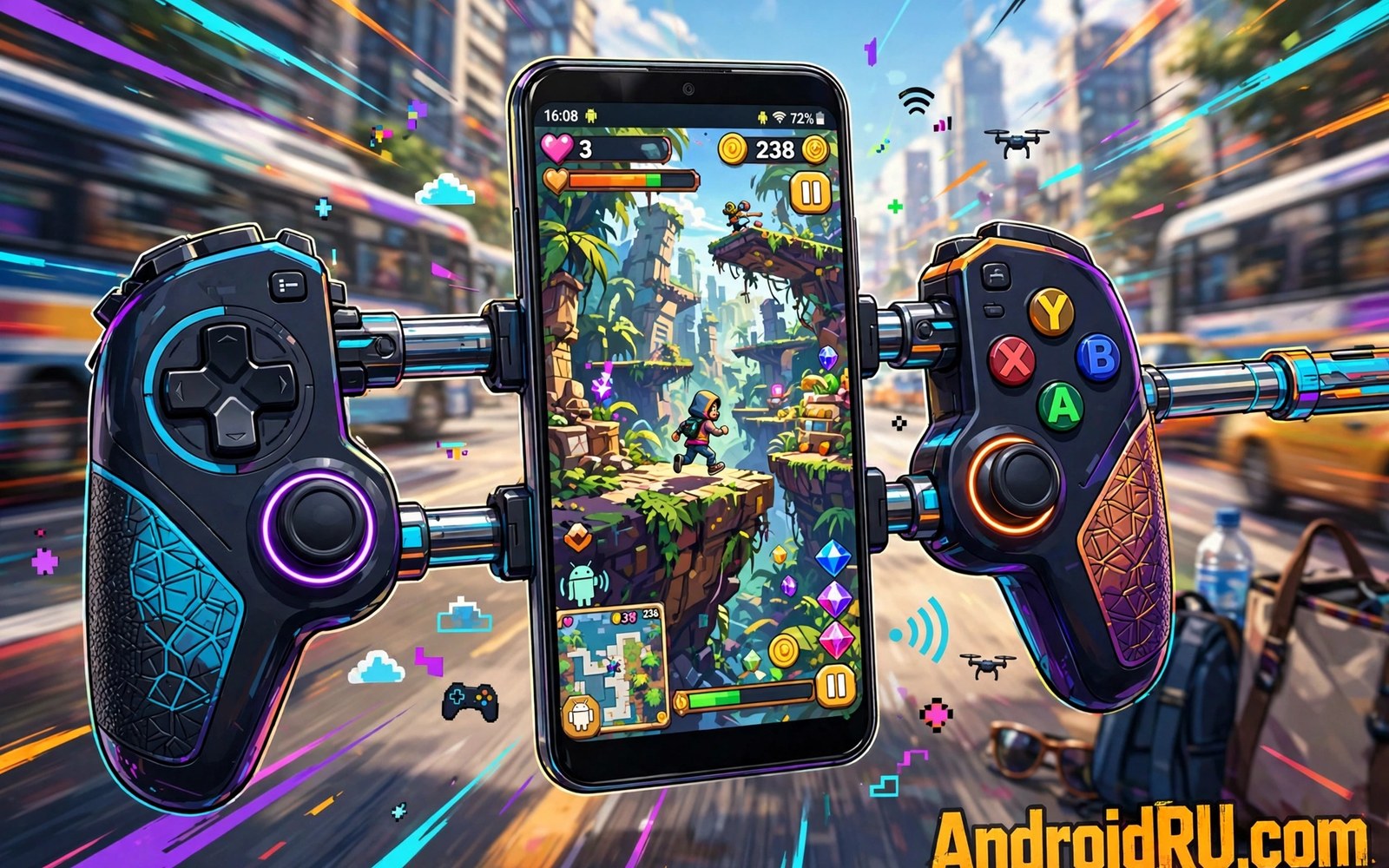
Telescopic mobile controllers Android turn a normal phone into a handheld console in seconds. The pad stretches apart and grips both sides of the phone. That design puts sticks and buttons beside the screen where your thumbs expect them. It also removes the need for a separate stand or clip during play.
Razer Kishi and Backbone and GameSir lead this market with different strengths. Some models connect over USB-C for low latency. Others use Bluetooth and fit a wider range of phone sizes. Case compatibility matters a lot since a thick case can block the connector. Measure your phone with its case on before you order any telescopic pad.
This article compares fit and controls and latency and apps for the main telescopic options. You will learn which pad suits big phones and which suits travel. You will also learn how to test fit before you commit. A good telescopic pad should feel like one device rather than a phone trapped inside a gadget.
How telescopic controllers grip your phone
A telescopic pad uses a sliding bridge that expands to match phone length. Rubber grips hold the phone edges without scratching the frame. The USB-C plug sits fixed on one side and must align with the phone port. If the plug misses by a few millimetres then the pad will not connect. Check maker fit lists for your exact phone model and case thickness before buying.
Weight balance changes how long you can play without hand fatigue. A heavy phone plus a heavy pad strains wrists during long sessions. Lighter pads suit travel and short bursts of play. Heavier pads often feel sturdier and offer better sticks. Hold the combined unit for ten minutes in a shop if you can. That short test reveals balance problems that photos never show.
Razer Kishi Backbone and GameSir compared
Razer Kishi models focus on low latency USB-C links and clicky buttons. They suit players who want a direct connection without charging a separate pad. Backbone models focus on a polished app and easy capture and social features. They suit players who record clips and jump between cloud games often. GameSir models often cost less and offer strong value with solid sticks and triggers.
App support separates these pads more than hardware specs alone. A good companion app maps buttons and updates firmware and launches games fast. A weak app can frustrate even a great pad with clumsy menus. Read recent app reviews before you buy since app quality changes with updates. Hardware lasts for years but a neglected app can spoil daily use within months.
Latency and connection types
USB-C telescopic pads send inputs over a wired link inside the device. That link usually beats Bluetooth for response time in fast games. Bluetooth telescopic pads offer wider phone fit and easier sharing between devices. The latency gap matters most in competitive shooters and rhythm games. Casual adventure games feel fine on either link type for most players.
Phone size and port position also affect the wired link. A centred USB-C port aligns easily with most telescopic designs. An off centre port can strain the connector over time. If you prefer a classic pad shape instead then compare console controllers for Android and decide whether a separate pad suits your hands better than a telescopic grip.
Travel durability and daily care
Telescopic pads travel well because they fold into a compact shape without loose parts. A hard case protects sticks from bag pressure during travel. Avoid tossing the pad loose into a backpack with keys and cables. Sticks can drift if they take repeated hard knocks. A small pouch costs little and extends pad life a lot.
Clean the grips and the USB-C plug with a dry cloth each week. Dust in the plug can cause dropouts during play. Check the sliding bridge for grit after beach trips or dusty travel. A quick wipe keeps the mechanism smooth and the connection stable. Store the pad flat rather than stretched open for long periods.
Accessories that pair well with this setup
A hard pouch protects a telescopic pad far better than a loose backpack pocket. Sticks bend under bag pressure when pads travel unprotected. A pouch sized for the folded pad prevents that damage. Choose a pouch with a soft lining that will not scratch grips. That small purchase extends pad life across many travel seasons and daily commutes alike.
A short charging cable for passthrough charging completes the telescopic kit. Many telescopic pads charge the phone while playing through a side port. A short cable avoids tangles during handheld sessions. Keep the cable in the pouch with the pad always. That habit means charging never needs a hunt through other bags or drawers at game time.
Players who love a full console shape should also know the handheld alternative. A phone plus a telescopic grip already feels like a pocket console. Read about phone handheld console setups to compare grips and games for that style. That comparison helps you decide whether one device can cover home and travel play together.
A weekly routine that keeps everything working
Inspect the sliding bridge every week for dust and grit that stiffen movement. A gritty bridge strains the mechanism and wears grips faster. Wipe the rails with a dry cloth and test smooth expansion. A smooth bridge connects reliably and feels better in hand. That weekly minute prevents a stiff mechanism from becoming a broken mechanism later.
Update companion app firmware monthly even when the pad feels fine. Firmware fixes dead zones and mapping bugs quietly. Open the app and check for updates before long gaming weekends. Test every button after each update in a calm game. That routine catches regressions early while rollback or support options still remain open.
Compare link types once a month if you play both casual and ranked games. Wired USB-C links suit ranked speed while Bluetooth suits relaxed sharing. The trade offs are clear in USB-C versus Bluetooth links for players weighing both options. Monthly review keeps your main link matched to current games rather than old habits alone.
How this plays out in real life
A student commuting by bus wants a pocket console without carrying a second device. A telescopic USB-C pad turns the phone into a handheld for the whole ride. The combined unit fits a jacket pocket when folded flat. Passthrough charging keeps the phone alive through long lecture days. That single unit setup beats juggling a separate console and phone on crowded public transport every day.
A cloud gamer at home uses a telescopic pad for couch sessions on the phone. The grip shape feels like a real handheld while cloud servers run heavy titles. A stable home Wi-Fi link keeps streamed games smooth. The pad app launches cloud titles fast without menu hunting. That couch setup rivals dedicated handhelds for casual cloud play at a fraction of the total cost.
A parent buying a first gaming accessory for a teenager should prioritise fit over brand fame. The teenager phone model and case thickness decide which telescopic pad actually connects. A cheaper GameSir model that fits beats a famous model that misses the port. Measuring first prevents a disappointing birthday gift and a return trip. That practical approach saves money and frustration for the whole family.
A traveller with a large phone needs a telescopic pad with a wide expansion range. Large phones strain narrow grips and stress connectors over time. A wide range model distributes weight evenly across both hands. A hard pouch protects the expanded unit in luggage. That travel aware choice keeps large phone gaming comfortable across flights and hotel evenings alike.
A retro gamer uses a telescopic pad for emulated classics on weekends. Real buttons restore the feel of original handheld controls for old platformers. The d pad on a good telescopic model beats touch arrows clearly. Save states plus real buttons make classic games enjoyable again. That retro setup revives childhood titles with modern phone convenience and authentic control feel.
A practical check you can run
You can confirm a USB-C pad link with a short device check. Attach the pad and run the checks below on a computer linked to the phone. The output shows USB devices and input nodes for the attached controller.
adb shell dumpsys usb
adb shell ls /dev/input/
adb shell dumpsys input
The commands above are adapted from public platform documentation for Android developer tools. They are included here as a teaching example for checking device behaviour and not as copied product code.
Common mistakes
A common mistake is ignoring case thickness when buying a telescopic pad. Many pads fit bare phones but fail with rugged cases attached. Remove the case or buy a pad with a wider fit range. Measure total thickness with the case on before ordering. That one measurement prevents most fit returns for telescopic pads.
Another mistake is choosing a pad only by brand fame rather than phone fit. A famous pad that misses your USB-C port is useless for wired play. Check the maker fit list for your exact model. Search owner reports for your phone and case combo. Real fit reports beat marketing photos every time for this product type.
A third mistake is forgetting to update pad firmware after purchase. Firmware fixes stick dead zones and button mapping bugs. Open the companion app on day one and install updates. Test every button after each update. A pad that feels off may need only a firmware fix rather than a replacement unit.
Frequently asked questions
Do telescopic controllers work with any Android phone?
Most telescopic pads fit a range of phone lengths but not every phone. USB-C models need a compatible port position and a supported length range. Bluetooth models fit more phones but add slight latency. Check the maker fit list for your exact model before you buy any telescopic pad.
Is USB-C faster than Bluetooth for telescopic pads?
USB-C links usually respond faster than Bluetooth links in fast games. The difference is small in casual games but clear in competitive shooters. Bluetooth still works well for adventure and puzzle games. Choose USB-C if you play ranked matches often and want the lowest input delay.
Can I charge my phone while using a telescopic pad?
Many USB-C telescopic pads include passthrough charging for the phone. Plug a cable into the pad and power flows to the phone during play. Check passthrough wattage since some pads charge slowly. Bluetooth pads leave the phone port free for a charger during play.
Conclusion
The right telescopic pad makes your phone feel like a real handheld console. Razer suits wired speed and Backbone suits app polish and GameSir suits value. Fit matters more than fame so measure your phone and case first. Then pick the connection type that matches your games.
Test the pad with your hardest game for at least thirty minutes before you judge it. Check stick drift and button feel and hand fatigue during that test. A pad that passes a long session will serve you well for daily play and travel alike.
Plan your first week with the telescopic pad around fit tests and real games. Test phone fit with the case on during day one setup and note any connector strain. Play a cloud game on day two and a native title on day three to compare latency. Update firmware on day four and retest every button in practice mode. Carry the pad on a commute on day five to judge travel comfort honestly. Clean grips and check the sliding bridge on day six for dust or stiffness. Decide by day seven whether the pad earns a permanent place in your daily bag. A structured first week reveals fit and comfort truths that unboxing excitement hides completely.

