

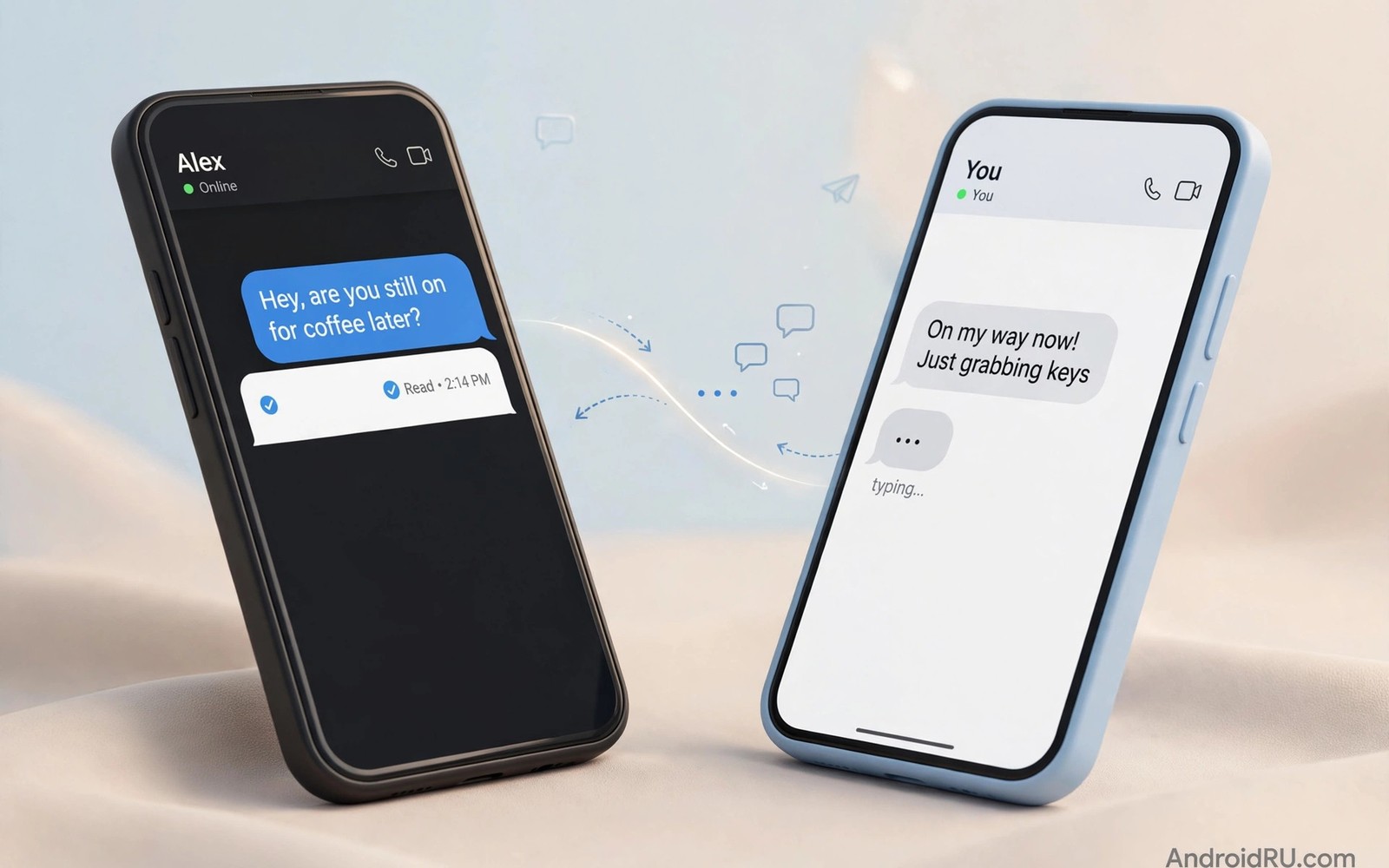
Traditional SMS sends short plain text with no read receipts. It compresses photos heavily and caps group chats awkwardly. Learning how RCS messaging enhances SMS Android shows a modern upgrade path. RCS adds typing indicators and high quality media and better groups. This guide explains what changes and what stays limited.
Start by checking whether RCS is active in Google Messages. Open settings and then RCS chats to see status. Also check using multiple social accounts without logging out if you manage several numbers. RCS status depends on carrier and device and app version. A quick status check saves confusion later.
What RCS adds over SMS
RCS adds read receipts so you know when a message was seen. It adds typing indicators so you know when someone replies. It sends photos and videos at much higher quality than MMS. It supports larger group chats with proper member management. It also supports reactions to individual messages.
RCS messages travel over data or Wi-Fi rather than the old SMS channel. That data path enables richer features. It also means RCS needs an internet connection to work. Without data the app falls back to SMS automatically. That fallback keeps basic texting working everywhere.
How RCS activation works
Google Messages activates RCS through a verification step. The app sends a silent verification to confirm your number. Carrier support affects activation speed and reliability. Some carriers support RCS directly. Others rely on Google services for RCS hosting. Activation usually completes within minutes on supported networks.
If activation stalls then check carrier settings and app updates. Restart the phone and retry activation once. Avoid toggling RCS repeatedly in one hour. Rapid toggles can trigger rate limits that delay activation further. Patience solves most activation stalls.
Group chats and media improvements
RCS group chats handle membership changes more cleanly than MMS groups. Adding or removing members does not spawn confusing duplicate threads as often. Media in RCS groups stays sharper than MMS media. Reactions help groups acknowledge messages without extra replies.
File sharing improves as well. RCS supports larger attachments than MMS in many cases. That helps for documents and longer videos. Also read compression proof photos and videos for social uploads for media quality tips. RCS still compresses media more than a dedicated file sharing app. Use cloud links for original quality files.
Cross platform limits and iPhone changes
RCS support on iPhone arrived in recent years with carrier rollout. That rollout expanded RCS reach beyond Android only circles. Feature parity still varies by carrier and region. Some features like end to end encryption depend on both ends using compatible apps. Google Messages offers encryption for one to one RCS chats in supported cases.
Group RCS encryption remains more limited than one to one encryption. Check encryption indicators in each chat before sharing sensitive content. Do not assume every RCS chat is encrypted. SMS fallback chats are never encrypted beyond carrier transport. Treat sensitive sharing with the same care as any text message.
Business messaging and spam risks
Businesses use RCS for rich messages with buttons and images. Delivery updates and appointment reminders arrive in a branded format. That richness helps legitimate businesses stand out. It also gives spammers a prettier format to abuse. Verify business senders before tapping buttons in messages.
Report spam RCS messages through the app reporting tools. Block persistent spam senders promptly. Business messages should never ask for passwords or full card numbers. Treat any such request as fraud at once. RCS richness does not make a message trustworthy by itself.
Troubleshooting RCS fallback problems
Frequent fallback to SMS usually signals a data or activation issue. Check mobile data and Wi-Fi stability first. Confirm RCS status shows connected in settings. Clear Messages app cache only as a later step. Clearing data can disrupt activation and should stay a last resort.
Contact specific fallback often means the other person lacks RCS. Their carrier or app may not support it yet. Also check how VoIP apps function on low bandwidth networks for network quality context. A weak connection can force fallback even when both sides support RCS. Test with a different contact to isolate the cause.
adb shell dumpsys package com.google.android.apps.messaging | grep -i versionName
adb shell settings get global mobile_data
These commands follow the standard Android developer reference pattern for checking messaging app versions and data settings. They only read data and they change nothing on the phone.
RCS for small businesses and teams
Small businesses can use RCS to send richer customer messages. Appointment reminders with maps and buttons reduce no shows. Delivery updates with tracking links keep customers informed. Order confirmations with images build trust. Those rich formats beat plain SMS for customer experience. Start with one message type such as appointment reminders. Measure no show rates before and after the change. That measurement proves whether RCS helps your specific business. Expand to other message types only after the first type works reliably.
Teams can use RCS group features for project coordination. Group chats with reactions reduce reply clutter. Members can acknowledge updates with a reaction instead of a full message. Media sharing at higher quality helps for site photos and documents. That quality matters for construction and field teams. Set group norms for RCS use early. Agree on reaction meanings and on media naming conventions. Norms prevent rich features from becoming rich chaos. Review group effectiveness monthly and adjust norms as the team grows.
Businesses must handle RCS spam and fraud risks proactively. Train staff to verify business message senders before tapping buttons. Never request passwords or card numbers through RCS messages. Customers who receive such requests should report them immediately. Use verified business sender profiles where available. Verified profiles display branding that customers can recognise. Unverified messages asking for sensitive data should be treated as fraud. A clear fraud policy protects customers and business reputation together. Document the policy where staff can find it easily.
RCS troubleshooting for families and older phones
Older phones may lack RCS support or run outdated Messages versions. Check for system updates and app updates first. Some older models never receive RCS support from carriers. In that case SMS fallback remains the reliable path. Do not force RCS through unofficial apps on older phones. Unofficial tools risk account security and unstable messaging. Accept SMS for older family members and use a dedicated messenger for rich features with them. That hybrid approach respects device limits without forcing risky workarounds.
Families with mixed Android and iPhone devices face feature gaps. RCS features vary by carrier and device combination. Test a group chat with all family members before relying on it. Note which features work for which members. Reactions may fail for some members while working for others. Agree on a fallback rule such as plain text for important announcements. Important messages should not depend on a feature that half the family lacks. That rule prevents missed information due to feature confusion.
Data limits affect RCS use for families on tight plans. RCS uses data while SMS uses the voice plan allocation. Families with small data plans should monitor RCS data use. Use Wi-Fi for media heavy RCS chats where possible. Set data warnings in Android settings for the billing cycle. That warning prevents surprise overage charges. For very tight plans SMS may remain cheaper for routine texting. Choose the cheaper path deliberately rather than by accident. Cost awareness is part of practical messaging choice.
Your RCS readiness checklist
Check these items to confirm RCS works well for you. First open Google Messages settings and confirm RCS status shows connected. Second confirm that your carrier and device support RCS in your region. Third update Google Messages and system software to the latest versions. Fourth send a test photo to an RCS contact and check its quality. Fifth check for typing indicators and read receipts in that test chat. Sixth test a group chat with RCS contacts for reactions and media quality. Seventh check encryption indicators in one to one chats before sharing sensitive content. Eighth note which contacts fall back to SMS and why. Ninth test RCS on both Wi-Fi and mobile data for stability. Tenth report spam business messages through app tools when they appear. Eleventh never share passwords or card numbers through any RCS message. Twelfth set a data warning if your plan charges for RCS data use. A setup that passes this checklist gives you modern messaging without surprises. Surprises usually come from assuming features that a contact lacks. Testing reveals those gaps before important messages depend on them. RCS improves everyday texting noticeably when both ends support it. It does not replace dedicated encrypted messengers for sensitive talk. Use each tool for its strengths and keep expectations realistic. That realistic approach prevents disappointment and security mistakes together.
Common mistakes
Assuming every RCS chat is encrypted is a common mistake. Check encryption indicators per chat. Toggling RCS repeatedly during activation delays the process. Wait and retry once after a restart. Sending sensitive data over SMS fallback without noticing is risky. Watch the message type indicator before sending.
Trusting business RCS messages blindly invites fraud. Verify senders before tapping buttons. Clearing Messages data as a first fix can break activation. Try cache and restart first. Expecting identical RCS features on every carrier disappoints. Feature support varies by region and carrier.
Ignoring fallback indicators causes confusion about missing features. Read receipts vanish on SMS fallback. That change is normal and not a bug.
Frequently asked questions
Is RCS free to use?
RCS uses data or Wi-Fi rather than SMS charges in most cases. Carrier billing varies by plan and region. Check your plan for data charges on RCS. Wi-Fi RCS avoids mobile data costs entirely.
Does RCS work without internet?
No RCS needs data or Wi-Fi to send rich messages. Without internet the app falls back to SMS for basic text. That fallback keeps you reachable anywhere. Rich features return when data returns.
Is RCS as private as Signal or WhatsApp?
No RCS encryption coverage is narrower than dedicated messengers. One to one RCS in Google Messages can be encrypted in supported cases. Group and cross platform cases vary. Use a dedicated encrypted messenger for sensitive conversations.
Conclusion
RCS modernises SMS with receipts and typing and better media. It still depends on carrier support and data connectivity. Encryption coverage is narrower than dedicated messengers. Business messaging adds convenience and spam risk together. Fallback to SMS keeps basic texting universal.
Your concrete next step is to open Google Messages settings today and confirm RCS status shows connected. Send a test photo to an RCS contact and check its quality. That test confirms your upgrade works in practice.

